










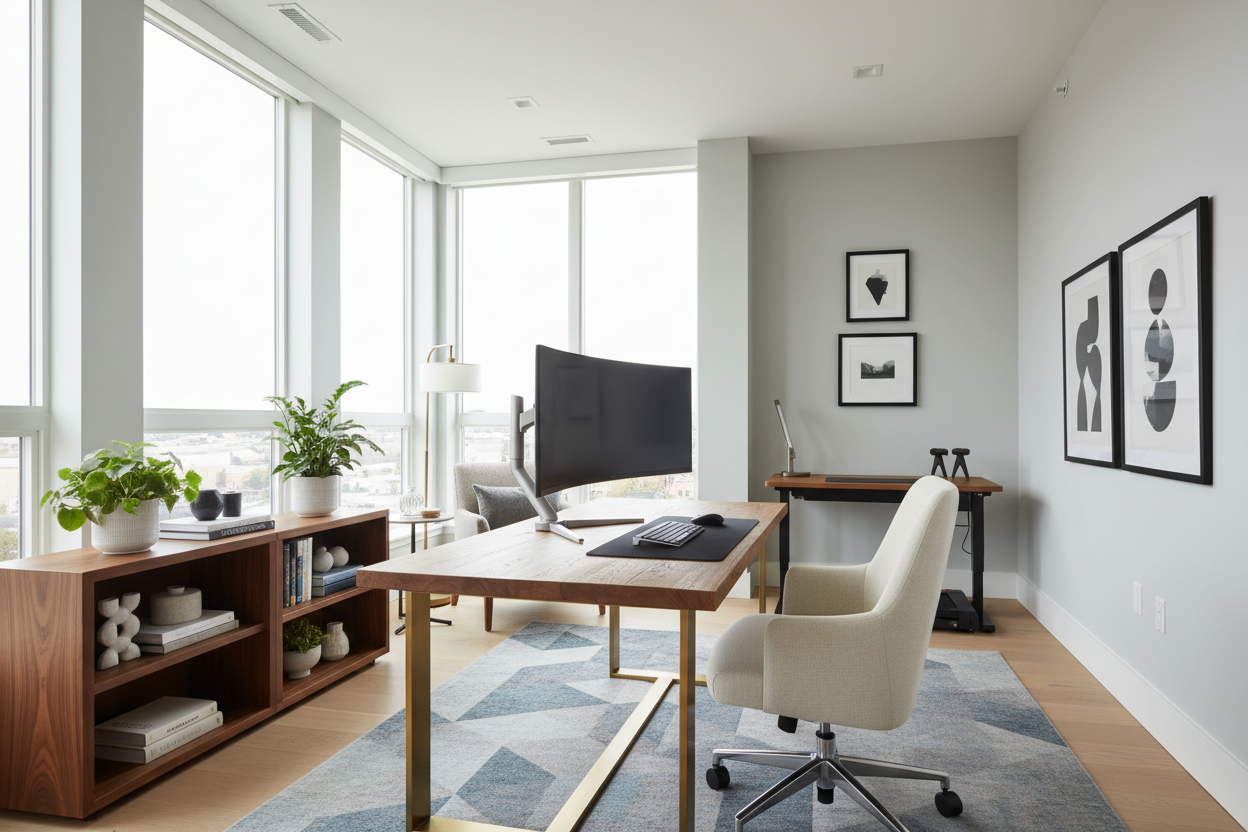
Blurring the lines between professional obligations and domestic tranquility is a design challenge many of my clients face. Without a thoughtful approach to your environment, the dining table becomes a desk and burnout looms. If you are looking for effective tips to work at home, the secret lies not just in discipline, but in spatial psychology and ergonomic curation. This guide explores how to elevate your interior to support productivity without sacrificing style.
Quick Decision Guide: The Essentials
Before purchasing new furniture or rearranging your living room, consider these foundational elements that define a successful workspace. These are the key features to look for:
- Ergonomics First: Prioritize chairs with adjustable lumbar support and seat depth over purely aesthetic accent chairs.
- Lighting Layers: Combine ambient overhead lighting with focused task lighting (4000K temperature) to reduce eye strain.
- Spatial Zoning: Use area rugs or open shelving to visually separate the "work zone" from the "living zone."
- Surface Area: Ensure your desk depth is at least 24-30 inches to accommodate monitors while maintaining focal distance.
- Acoustics: Incorporate soft textiles (curtains, rugs) to dampen echo and absorb household noise.
Defining Your Professional Zone
When offering work at home advice, I always start with layout. The most common mistake is floating a desk in the middle of a high-traffic area without grounding it. To truly understand how to prepare to work from home, you must treat your workspace as a distinct architectural volume.
Positioning for Flow and Light
Never place your screen directly facing a window (contrast glare) or with a window directly behind you (monitor glare). The ideal placement is perpendicular to the light source. This setup provides natural illumination without the visual fatigue. If you are tight on square footage, consider a console desk behind a sofa; it utilizes dead space and maintains a clear sightline.
Investing in Ergonomics: Form Meets Function
Many homeowners ask how to survive working from home physically. The answer is almost always in the chair mechanism. While a velvet bucket chair looks stunning in a portfolio, it rarely offers the synchro-tilt or armrest adjustability required for an eight-hour shift.
The Desk Dilemma
One of my top work from home office tips is to measure your elbow height. Your desk surface should allow your elbows to rest at a 90-degree angle. If you are using a standard 30-inch dining table, it is likely too high for typing, leading to shoulder tension. Incorporating a height-adjustable desk or a keyboard tray is a subtle modification that makes a massive difference in how best to work from home.
Curating the Atmosphere
To make working from home better, we must address the sensory experience. A sterile environment kills creativity, while a cluttered one kills focus. This is where work from home techniques blend with interior styling.
Visual Anchors and Biophilia
Place a piece of art or a plant within your direct line of sight, just above or to the side of your monitor. This provides a "soft focus" point for your eyes to rest on during breaks. Biophilic design—bringing greenery indoors—is not just a trend; it creates a calming texture that counteracts the rigidity of digital screens. This is one of the simplest things to do to work from home effectively.
Establishing Rituals Through Design
Your environment should signal the start and end of the workday. Effective work from home routine tips often involve lighting changes. I recommend smart bulbs that shift from cool, blue-enriched light (for concentration) during the day to warm, amber tones (for relaxation) after 5:00 PM. This visual cue helps your brain transition, providing much-needed work from home help regarding boundaries.
My Personal Take on tips to work at home
In my early years as a designer, I fell into the trap of prioritizing aesthetics over utility—a lesson I learned the hard way. I once specified a gorgeous, reclaimed teak desk for my own home office. It had a rough-hewn texture that looked incredible in photos.
However, within a week, I realized my mouse wouldn't track on the uneven surface, and the wood grain was snagging my sweater sleeves. I had to commission a custom glass top to make it functional, which ruined the matte look I was going for. My best work at home recommendation is this: smooth, matte finishes (like high-pressure laminate or linoleum) are superior to textured wood for writing surfaces. They resist fingerprints, allow for smooth mouse movement, and don't reflect overhead glare. Don't let the romance of a material overrule its day-to-day usability.
Conclusion
Transforming your space isn't just about buying furniture; it's about curating an environment that respects your workflow. By implementing these design strategies—from ergonomic investments to lighting layers—you are making the most of working from home. Elevate your space, and your productivity will follow.
Frequently Asked Questions
How can I separate work from life in a studio apartment?
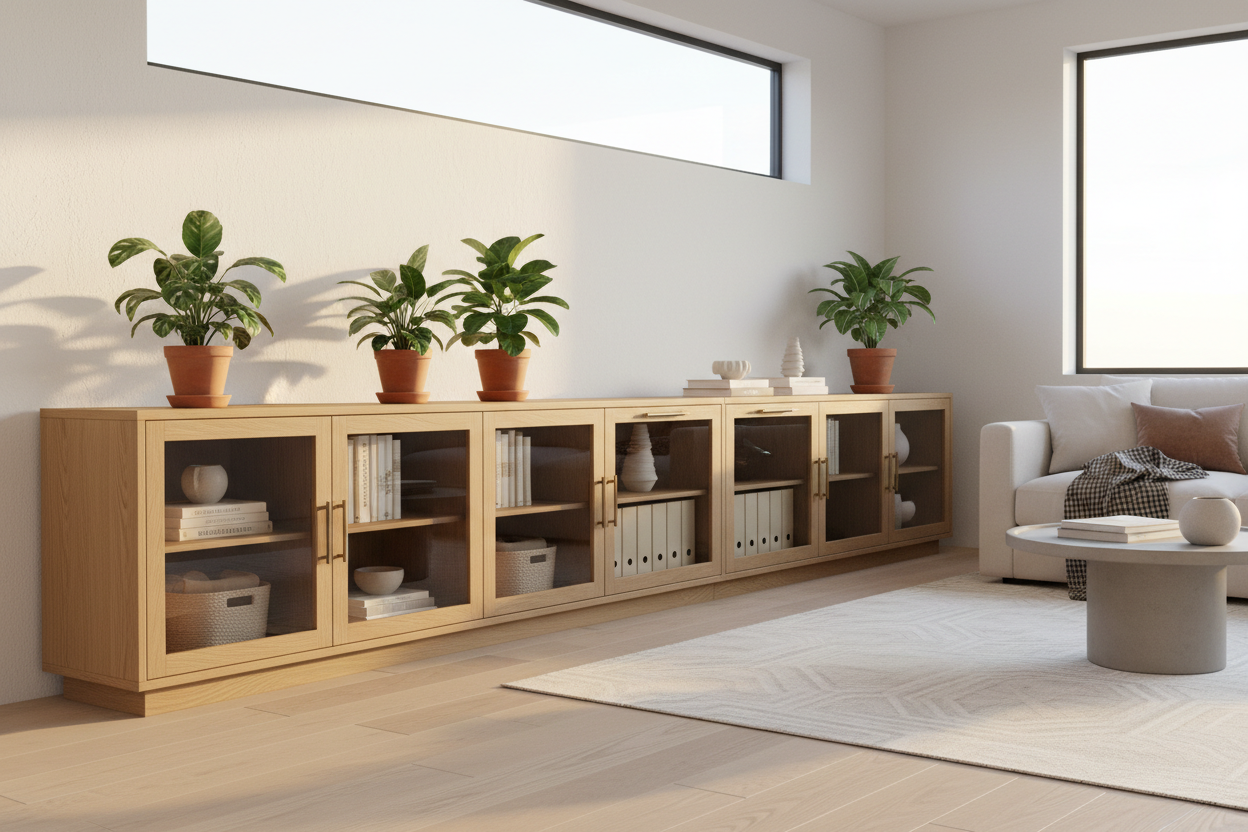
Use vertical storage or open bookcases as room dividers. Even a high-pile rug under the desk area can visually demarcate the "office" from the "bedroom." This is one of the most vital tips for work from home employees in small spaces.
Is a standing desk worth the investment?
Yes, but visual weight matters. In a home setting, look for standing desks with wood-veneer tops and hidden motors to avoid the "corporate cubicle" look. It is a key factor in leveling up your work at home game.
How do I improve video call backgrounds?
Depth is key. Avoid sitting with a blank wall right behind your head. Position yourself so there is 4-6 feet of room behind you, allowing the background (bookshelves or art) to blur slightly, creating a professional depth of field.


Leave a comment
This site is protected by hCaptcha and the hCaptcha Privacy Policy and Terms of Service apply.