










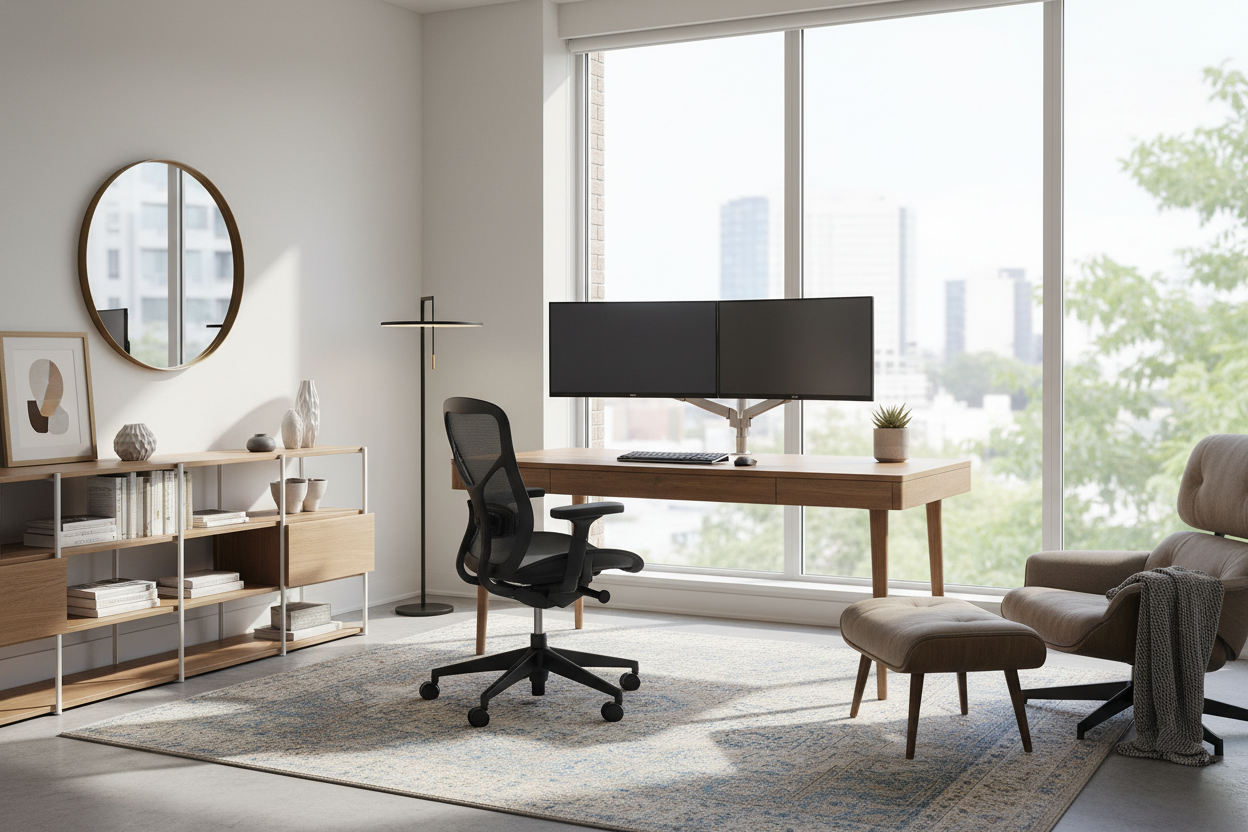
For too long, many of us treated the home workspace as an afterthought—a laptop perched on a dining table or a cramped corner in the guest room. But as remote work solidifies into a permanent lifestyle, the makeshift approach no longer suffices. Creating the best at home office requires a shift in mindset from merely functional to intentionally curated. It is about balancing ergonomic necessity with the residential aesthetic of your home.
Quick Decision Guide: The Essentials
If you are planning a renovation or a furniture refresh, prioritizing the right elements is crucial for longevity and comfort. Here is what defines a high-performance workspace:
- Ergonomics First: The chair must support the lumbar spine and allow feet to rest flat; aesthetics should never compromise posture.
- Surface Depth: A depth of at least 30 inches is required for the best computer setup for home office use to prevent eye strain.
- Lighting Layers: Combine ambient overhead light with specific task lighting to reduce screen glare.
- Materiality: Choose materials like solid wood or high-pressure laminate that can withstand daily wear while adding tactile warmth.
- Acoustics: Soft furnishings (rugs, curtains) are essential to dampen echo during calls.
The Foundation: Curating the Best WFH Desk Setup
The desk anchors the room. When selecting a desk, consider the "visual weight" of the piece. In smaller rooms, a desk with open legs or a glass top maintains a sense of airiness, whereas a solid executive desk can make a compact room feel claustrophobic.
For the best wfh desk setup, I often steer clients toward solid hardwood or high-quality veneers like walnut or white oak. These materials age beautifully and can be refinished. However, if you are a heavy writer or use multiple monitors with clamp mounts, ensure the desktop thickness is at least 1.5 inches to prevent warping or cracking under torque.
Seating: The Intersection of Style and Support
The search for the best work from home setup often dies at the chair. There is a common tension between the desire for a chair that looks like a piece of living room furniture and one that functions like a machine.
While velvet tufted chairs look stunning in a portfolio, they rarely offer the breathability or adjustability needed for an 8-hour shift. The best home office seating blends mechanism with upholstery. Look for "synchro-tilt" mechanisms hidden beneath tailored fabric. This allows the seat and back to move in a ratio that supports your body's natural recline without looking overly industrial.
Layout and Lighting: Optimizing the WFH Setup
Spatial planning is what separates a cluttered room from a sanctuary. The best work from home office setup should ideally position the desk perpendicular to a window. This maximizes natural light without casting direct glare on your monitor (which happens if the window is behind you) or silhouetting you on video calls (if the window is behind the screen).
Managing Technical Clutter
Nothing ruins the visual serenity of a room faster than a nest of cables. The best work from home setups integrate cable management into the design. Look for desks with integrated grommets or modesty panels. If you are retrofitting, magnetic cable spines that run down the desk leg are a sleek solution to keep cords invisible.
My Personal Take on Best At Home Office Design
In my years of designing residential workspaces, I have learned that the "perfect" catalog look is often impractical. For example, I once specified a gorgeous, raw reclaimed wood desk for a client. It was visually stunning, adding incredible texture to the room. However, within a week, the client called me—writing on a single sheet of paper was impossible because of the wood grain texture, and the mouse kept snagging on knots.
We had to install a custom leather desk blotter to fix it. The lesson? The best at home office set up must account for how you actually work, not just how it looks. Now, I always test the surface smoothness and check if the edge profile is too sharp for forearms to rest on comfortably. It is those tactile details—the bevel of an edge or the coldness of a metal top—that determine if you will love working there six months from now.
Conclusion
Achieving the best wfh setup is not about buying the most expensive gear; it is about selecting pieces that fit your body and your home's architecture. By investing in quality materials, prioritizing light, and solving the ergonomic puzzle, you create a space that invites focus rather than fatigue.
Frequently Asked Questions
What is the ideal desk size for dual monitors?
For the best work from home desk setup involving dual monitors, aim for a width of at least 60 inches and a depth of 30 inches. This provides enough real estate for the screens without crowding your writing space or coffee cup.
How do I make a small corner work as an office?
Verticality is key. Use wall-mounted shelving above the desk to clear surface clutter. A floating desk can also make wfh setups in small spaces feel larger by keeping the floor visible beneath the work surface.
Is a standing desk worth the investment?
Yes, but visual integration is challenging. Look for standing desks that allow you to swap the top for a custom wood surface. This gives you the health benefits of movement while maintaining the aesthetic of the best work from home setups.

Leave a comment
This site is protected by hCaptcha and the hCaptcha Privacy Policy and Terms of Service apply.