










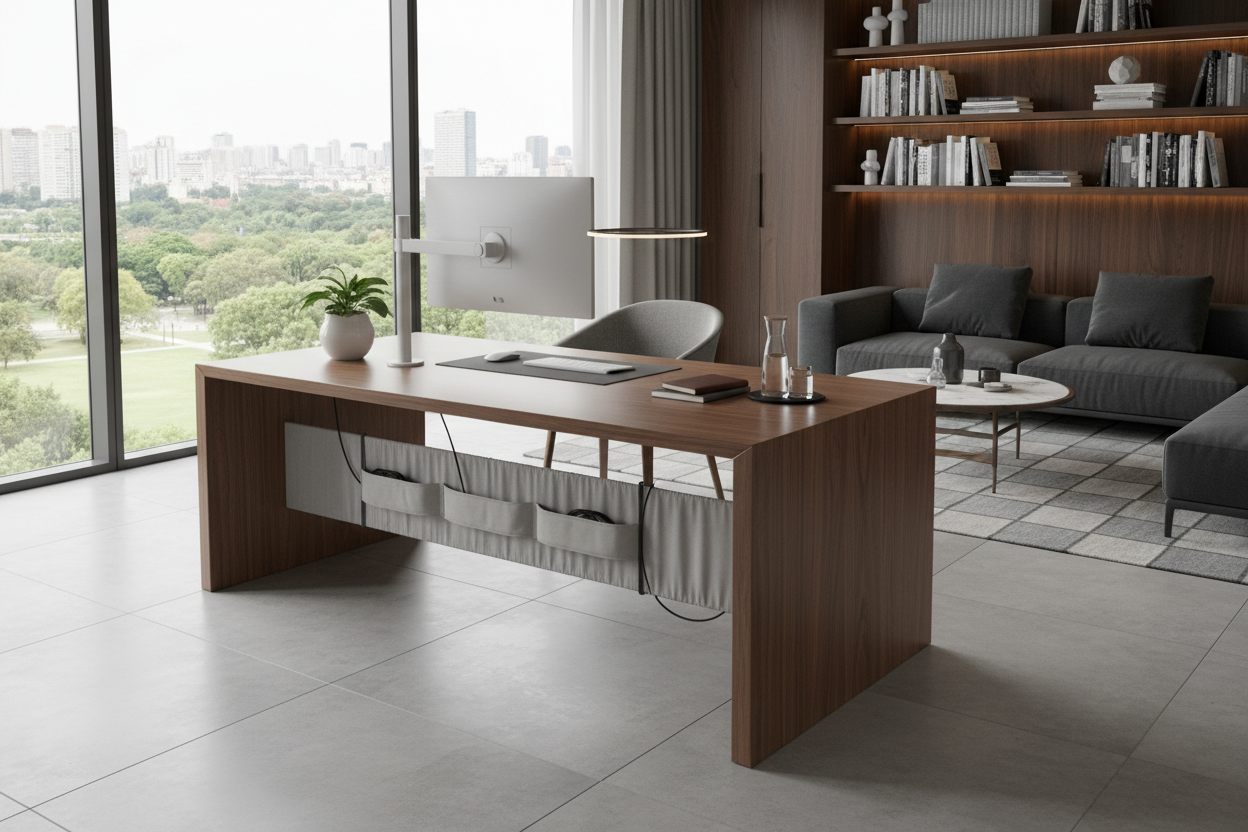
Shoving your workspace against a blank wall is the default for most North American homes, but it often leaves you staring at drywall while the center of the space feels completely empty. Floating a desk in middle of room creates a commanding, high-end aesthetic—often referred to as the executive layout. It gives you a view of the door, utilizes negative space, and makes the room feel intentional.
But there is a massive catch: the wires. A home office desk in middle of room layouts can quickly turn into a tripping hazard if you do not plan for power. In this guide, we will walk through exactly how to execute a room-centered desk, properly space your furniture, and completely camouflage that dreaded tangle of computer cords.
Quick Decision Guide
- Clearance is non-negotiable: Leave a minimum of 36 inches between the back of your desk and the wall or shelving behind it for comfortable chair movement.
- Check the back panel: Only use an office desk for middle of room layouts if it has a fully finished back or a modesty panel.
- Plan your power first: Never float a desk without a cord strategy. Floor outlets are best, but strategically placed rugs and cord covers work for renters.
- Mind the visual weight: Solid, heavy executive desks anchor large rooms, while glass or open-frame desks keep small offices feeling spacious.
Space Planning for a Room-Centered Desk
Moving your workspace away from the wall changes the entire flow of your home office. The goal is to create an outward facing desk layout where you have a clear view of the entryway—a concept known in design as the command position.
Sizing and Clearances
When placing a home office desk in center of room, proportion is everything. A standard 48-inch desk might look appropriately sized against a wall but can feel like a tiny island floating awkwardly in the middle of a 12x15 foot room. For a center of room desk, I typically recommend a width of at least 60 inches to properly anchor the space. Ensure you leave 36 to 42 inches of walkway behind the chair, and at least 30 inches of clearance for guest chairs on the opposite side.
The Elephant in the Room: Cord Management
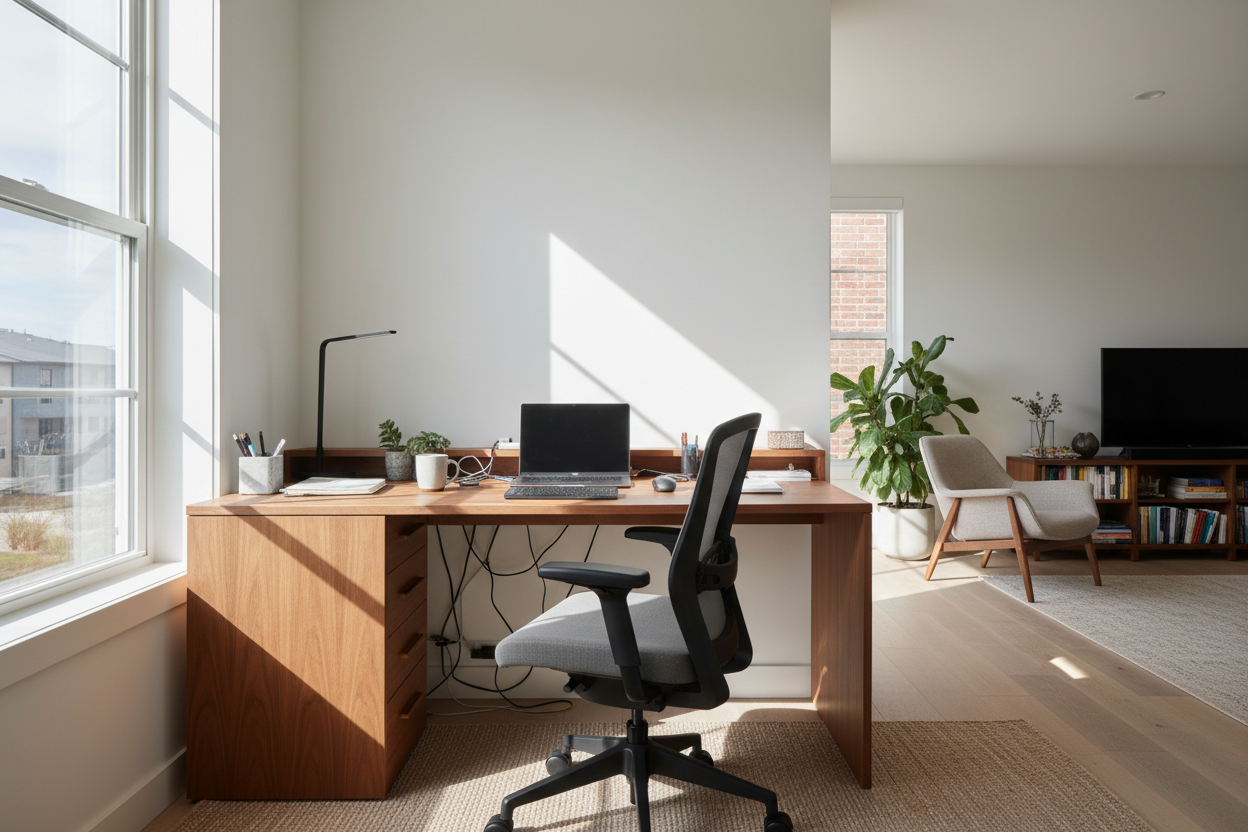
The absolute biggest hurdle my clients face with this layout is cord management for desk in middle of room. When your desk touches a wall, dropping cables down the back is easy. When it is floating, every wire is exposed.
How to Get Power to Desk in Middle of Room
If you are building new or renovating, installing a floor receptacle directly under the desk is the gold standard. But if you cannot cut into your floors, you have to get creative. The most reliable renter-friendly method to hide cords desk middle room is routing a heavy-duty extension cord under a thick area rug. You cut a tiny slit in the rug right under the desk leg, pull the cord through, and run it to the nearest wall outlet, taping it flat securely under the rug to prevent tripping.
How to Hide Cords on Desk in Center of Room
Once power reaches the desk, you need to manage the vertical drop. To hide cables desk in middle of room, attach a cable management tray to the underside of the desktop. Mount your power strip directly inside this tray. Plug your monitors, lamps, and chargers into the mounted strip, leaving only one main cord traveling down to the floor. Route that single cord down the back of a desk leg using zip ties or a magnetic cable channel.
Best Desk Styles for Floating Layouts
Not every piece of furniture is designed to be seen from 360 degrees. An office desk middle of room needs to look just as good from the front as it does from the back.
Standing Desks vs. Traditional
Putting a standing desk in middle of room introduces a unique challenge: the power cables need enough slack to accommodate the changing height. If you want a motorized home office desk middle of room, you must use a flexible cable spine—a segmented plastic tube that protects the wires and bends smoothly as the desk rises. Without it, floating desk cable management becomes a messy, tangled nightmare every time you adjust the height.
Designer's Honest Take: Lessons from My Own Projects
A few years ago, I designed a stunning mid-century modern home office with desk in middle of room for a client in Seattle. We found a gorgeous vintage walnut desk and positioned it perfectly on a vintage Persian rug. It looked incredible in photos.
But I learned a hard lesson about practicality. The client used two large monitors, a heavy-duty printer, and a desktop tower. I had underestimated the sheer volume of thick power cables required. We tried to hide wires desk middle room by running them along the brass desk legs, but the bundle was too thick and completely ruined the sleek silhouette of the furniture. We ended up having to swap the delicate vintage piece for a heavier, modern executive desk with a built-in wire management column. The takeaway? Always count your cords and measure their combined thickness before falling in love with a delicate, open-frame desk for the center of a room.
Frequently Asked Questions
Can I put a corner desk in middle of room?
Generally, no. A corner desk in middle of room usually looks incredibly awkward because the 90-degree angle is designed to hug walls. Furthermore, the back panels of most L-shaped or corner desks are unfinished raw particleboard. If you need an L-shape, look for an executive L-desk specifically finished on all sides.
How do you hide cords for desk in middle of room on hardwood floors?
If you do not want to use an area rug, your best option is a low-profile floor cord cover. Choose a heavy-duty rubber threshold that matches your floor color as closely as possible. While it will not be completely invisible, it prevents tripping and keeps the home office ideas desk in middle of room looking intentional rather than messy.
Does a desk in the middle of a home office save space?
No, floating a desk actually consumes more square footage than placing it against a wall because you need clearance on all four sides. It is a layout choice driven by aesthetics, lighting, and workflow, rather than space-saving.

Leave a comment
This site is protected by hCaptcha and the hCaptcha Privacy Policy and Terms of Service apply.