










The shift to remote employment has blurred the lines between our sanctuaries and our spreadsheets. As an interior designer, I see clients struggle daily with makeshift setups that compromise both their posture and their parlor's aesthetic. You might think you need a dedicated room, but the secret lies in intentional zoning and furniture selection. If you are figuring out how to work from the home without sacrificing your interior style, this guide connects high-end design principles with functional ergonomics.
Quick Decision Guide: Essential Home Office Elements
- Ergonomics First: Prioritize a chair with adjustable lumbar support and seat depth over purely decorative accent chairs.
- Lighting Layers: Combine ambient overhead lighting with focused task lighting to reduce eye strain.
- Surface Material: Opt for matte finishes (wood or laminate) to prevent glare from screens and lamps.
- Acoustic Control: Incorporate soft textures like rugs or upholstered panels to dampen echo during calls.
- Spatial Zoning: Position your desk to face a view or room, never a blank wall, to maintain visual depth.
Defining Your Workspace Architecture
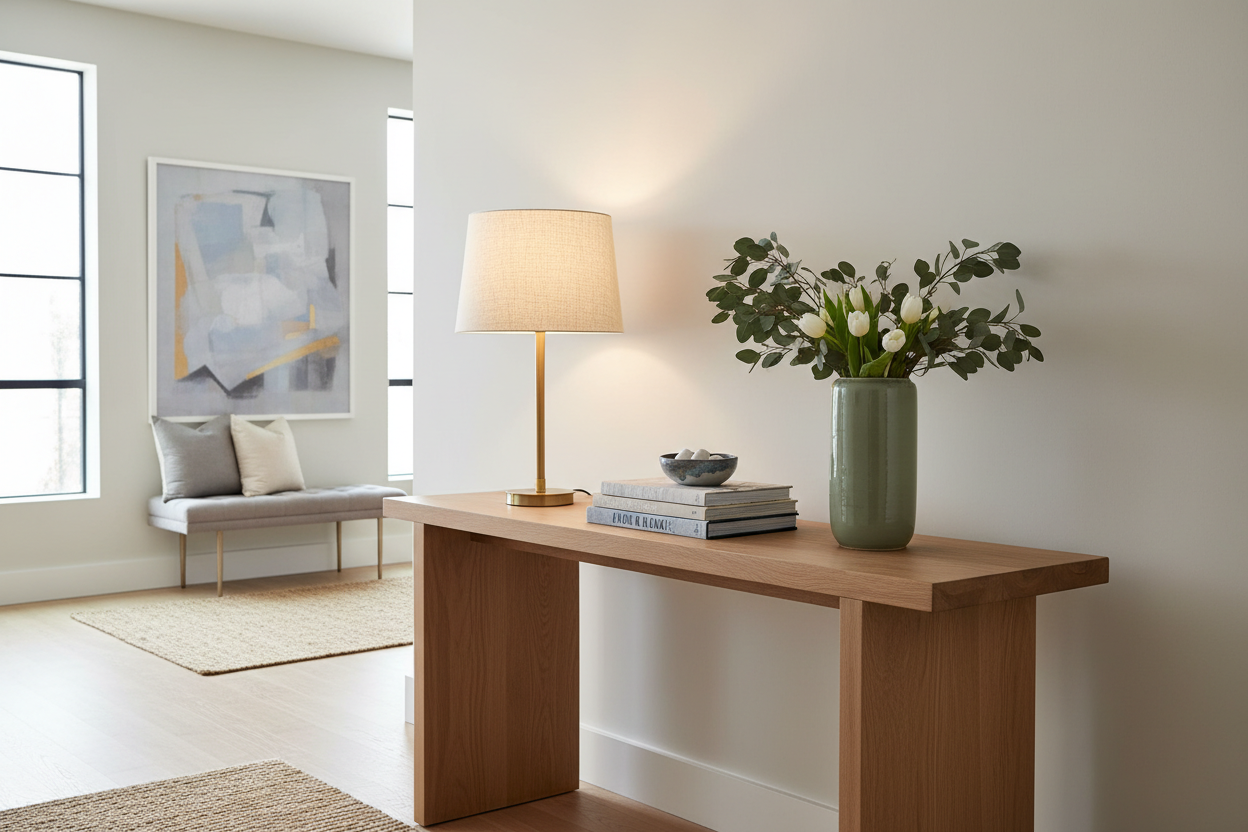
When clients tell me "I want to work from home," my first question isn't about their job title, but about their floor plan. The best ways to work from home involve carving out a dedicated zone that signals to your brain that it is time to focus. You do not need a sprawling study; a console table behind a floating sofa can serve as a sophisticated workspace.
For those in smaller urban apartments, consider a secretary desk. This classic piece allows you to literally close up shop at 5 PM, hiding your laptop and clutter behind a beautiful wood veneer, instantly returning your living room to a space of relaxation.
Furniture Selection: The Balance of Form and Function
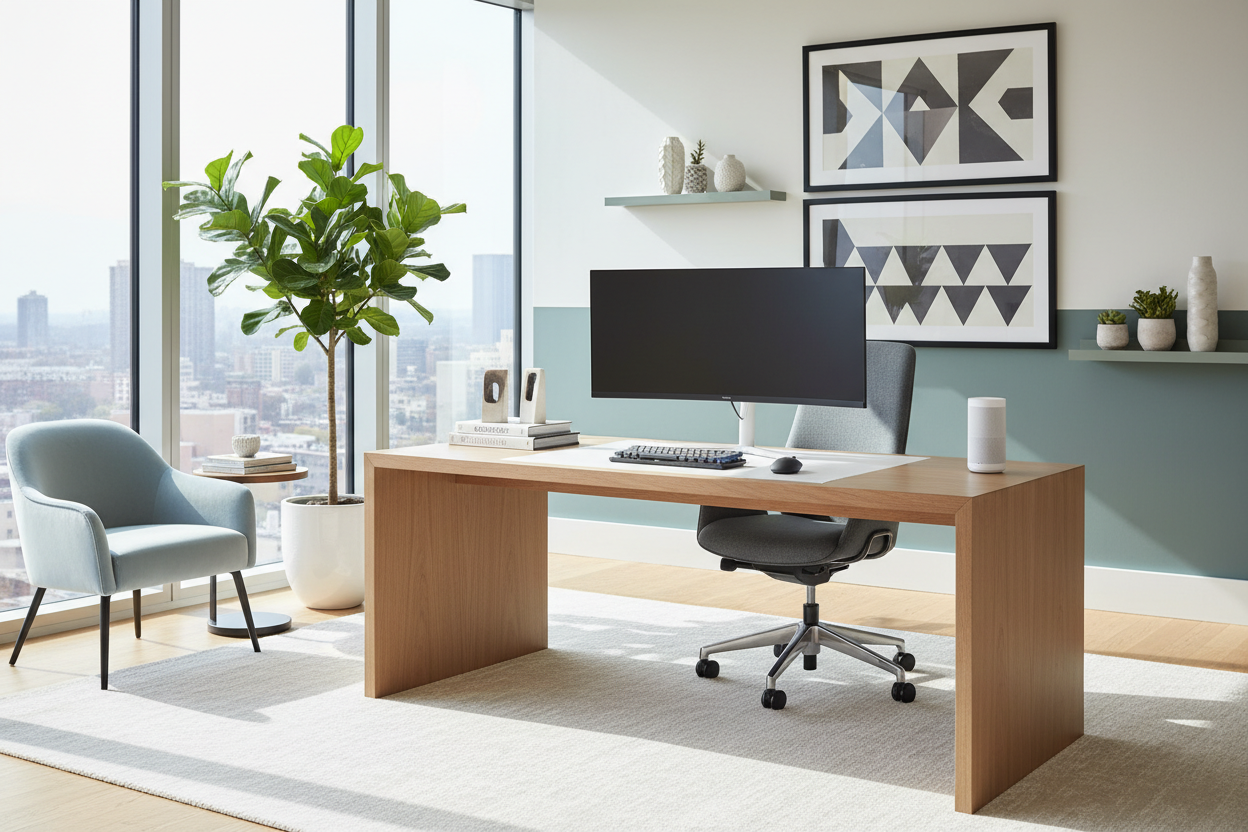
Understanding how do work from home jobs work is crucial for furniture selection. If your role involves hours of typing, surface height is non-negotiable. Standard dining tables are often 30 inches high, which is too high for ergonomic typing, leading to shoulder strain. A dedicated desk should sit between 28 and 29 inches.
The Chair Dilemma
The fastest way to work from home comfortably is to invest in your seating immediately. Avoid the temptation of a rigid timber dining chair. Look for a task chair that offers a "synchro-tilt" mechanism, allowing the backrest and seat to move in unison. If you dislike the look of technical office chairs, seek out mid-century modern designs that conceal ergonomic features within leather upholstery.
Lighting and Ambiance
Many people ask how can work at home be sustainable long-term? The answer is often lighting. Relying solely on recessed can lighting creates harsh shadows. Layer your lighting scheme. Use a warm architectural task lamp (2700K-3000K color temperature) to illuminate your documents. This not only saves your eyes but adds a sculptural element to your desk vignette.
Lessons from My Own Projects: The "Cold Material" Mistake
I once fell in love with a sleek, glass-topped industrial desk for my personal study. It looked incredible in the showroom—airy, modern, and clean. However, after one week of drafting plans, I realized a critical flaw: glass is thermally conductive. It felt freezing against my forearms, and the constant need to wipe away fingerprints became a distraction.
I eventually swapped it for a solid walnut desk with a leather inlay. The wood warms to the touch, and the leather provides a subtle drag that prevents papers from sliding. It was a tactile lesson that taught me to always prioritize the "touch experience" of furniture, not just the visual silhouette.
Conclusion
Designing a workspace is about more than just buying a desk; it is about curating an environment that respects both your professional ambition and your personal taste. By selecting the right materials and respecting ergonomic principles, you create a space where productivity feels natural.
Frequently Asked Questions
What is the best desk depth for a home setup?
Ideally, aim for a depth of at least 24 to 30 inches. This allows enough distance between your eyes and the monitor to prevent strain, while leaving room for a keyboard and notepad.
How do I hide cords in an open-concept space?
Look for desks with integrated cable management channels or modesty panels. Alternatively, use velcro ties to secure cords to the back of desk legs, keeping the visual silhouette clean.
Can I use a dining chair if I add a cushion?
For short periods, yes. However, for full-time work, a cushion does not provide the necessary lumbar support or pelvic alignment required to prevent long-term back issues.

Leave a comment
This site is protected by hCaptcha and the hCaptcha Privacy Policy and Terms of Service apply.