










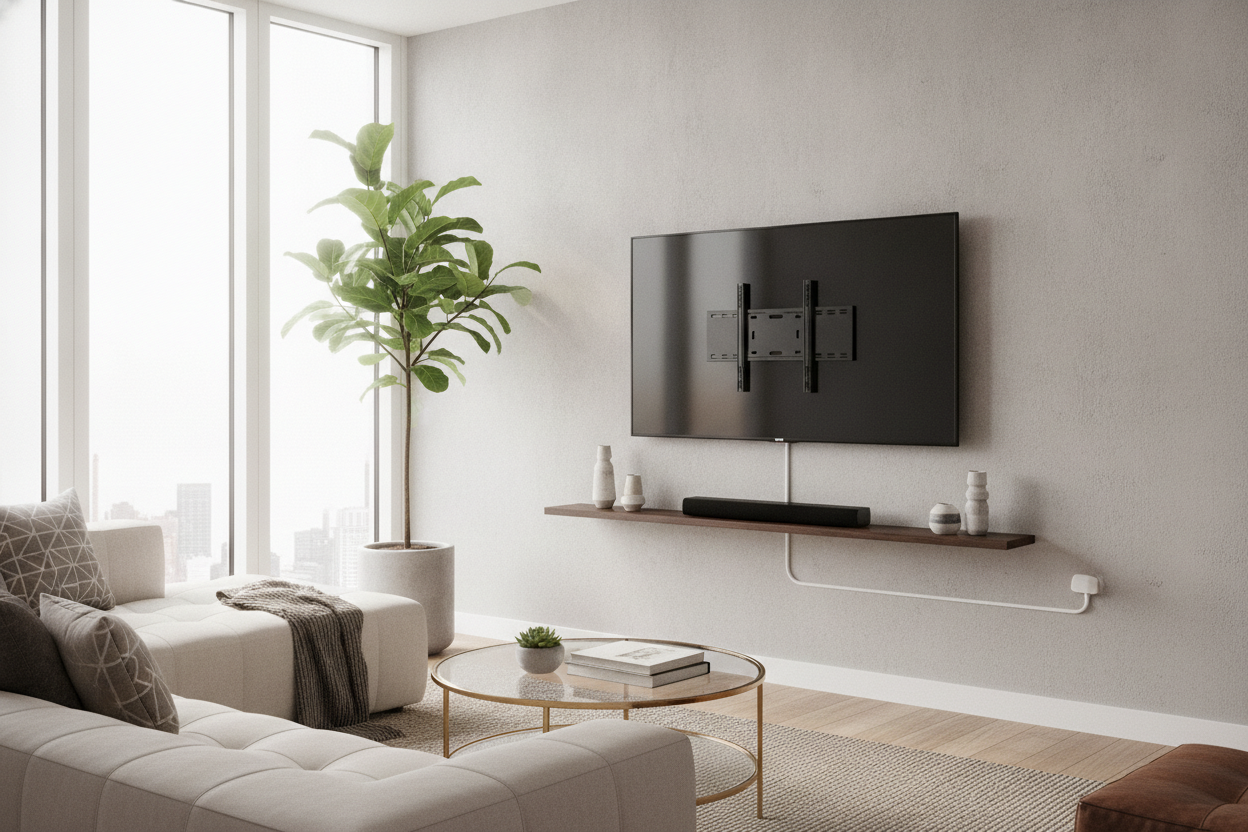
I spent three hours leveling my new 65-inch screen, sweat dripping onto my hardwood, only to realize I’d created a visual disaster. The TV was perfectly flush, but my Apple TV 4K was literally dangling by its HDMI cable like a rock climber who’d lost their footing. My router was sitting on a stack of books on the floor. I thought I was a minimalist, but I was actually just a guy with a floating screen and a cord waterfall.
That is when I swapped my basic bracket for a tv wall mount with shelf. It is the only way to get that 'floating' look without leaving your streaming boxes to rot on the carpet. If you are tired of the clutter, here is the reality of making an integrated system work.
Quick Takeaways
- Integrated shelves attach to the bracket, meaning you drill fewer holes in your drywall.
- They are perfect for lightweight gear like Rokus, Apple TVs, or small smart home hubs.
- Weight limits are real—don’t try to put a 1990s-era receiver on a floating ledge.
- Cable management is built into the spine, hiding the 'mechanical spider' look.
The Moment I Realized My Standard Mount Was a Mistake
We have all been there. You buy the slim-profile mount because you want the TV to look like a piece of art. You measure twice, drill once, and feel like a DIY god. Then, the realization hits: where does the actual technology go? Unless you have a recessed wall box or a 50-foot HDMI cable hidden in the studs, you are stuck with a black box sitting on a chair or the floor.
I tried double-sided tape first. I tried sticking my streaming box to the back of the TV. It overheated within twenty minutes and the remote signal was spotty at best. I needed a tv wall mount and shelf combo that didn't look like a cluttered mess of glass and metal. The standard mount is great for the screen, but it ignores the reality of modern tech.
Enter the Combo: How an Integrated Bracket Actually Works
Most people think a wall mounted tv bracket with shelf means drilling four more holes for a separate floating ledge. In reality, the best versions use a single spine system. The shelf actually attaches directly to the VESA bracket or the vertical rails of the mount itself. This means the shelf moves with the TV if you have a tv wall mount full motion with shelf setup.
It works by using the existing structural integrity of the wall studs you already tapped into for the TV. You aren't adding more stress to the drywall; you are just extending the utility of the steel bracket. It’s a much cleaner look than having a random shelf three inches below the TV that doesn't quite line up.
Will It Actually Hold My Heavy Gear?
Here is the honest truth: these shelves have limits. If you are trying to mount a 15-pound AV receiver from 2012, you are going to see some terrifying sag. Most tv mount and shelves are rated for about 10 to 15 pounds. That is plenty for a gaming console or a streaming box, but it is a disaster for heavy audio equipment.
If you have a massive center channel speaker or a high-end amplifier that vibrates, a floating bracket is your enemy. Vibrations can actually loosen the mounting screws over time. In those cases, I usually tell people to look into why you need a TV stand with speaker shelf instead. For small tech, the shelf is a dream; for heavy-duty audio, stick to something grounded.
How to Hide the Cords (Because That's the Whole Point)
The entire reason to buy a tv wall mount with component shelf is to kill the cord clutter. Most of these units come with a hollow center column or plastic clips along the spine. The trick is to group your power and HDMI cables together with Velcro ties—never zip ties, because you’ll eventually want to swap a cable out—and tuck them into the spine before you tighten the shelf.
When done right, you only see one single cord (the main power extension) running down to the outlet. Everything else stays tucked behind the tv mount storage ledge. It turns a chaotic mess into a clean, professional-looking setup that actually makes your living room feel bigger.
When to Ditch the Wall Mount and Stick to Furniture
Minimalism is great until you have a PS5, an Xbox, a Nintendo Switch, and a collection of 4K Blu-rays. A tv bracket shelf cannot handle a full gaming command center. If you find yourself trying to stack boxes on top of each other, you’ve outgrown the wall mount life. It looks cheap when it’s overcrowded.
If you have more than two devices, I highly recommend a TV stand with adjustable center shelf. It gives you the breathing room for airflow that electronics need. For those with rotating collections of gear, adjustable shelf storage on the floor is always going to be more versatile than a fixed metal ledge on the wall. Know your limits before you start drilling.
FAQ
Can I add a shelf to my existing TV mount?
Yes, many companies sell universal tv wall mount shelf attachment kits that hook onto your existing VESA rails. Just make sure your current wall studs can handle the extra leverage.
Is a glass or metal shelf better?
Tempered glass looks sleeker but shows dust instantly. I prefer matte metal; it’s more durable, hides fingerprints, and usually handles the heat from a gaming console better.
Do these work with curved TVs?
Absolutely. Since the tv mount with shelves attaches to the bracket and not the screen itself, the curvature of the display doesn't matter as long as the VESA pattern matches.

Leave a comment
This site is protected by hCaptcha and the hCaptcha Privacy Policy and Terms of Service apply.