










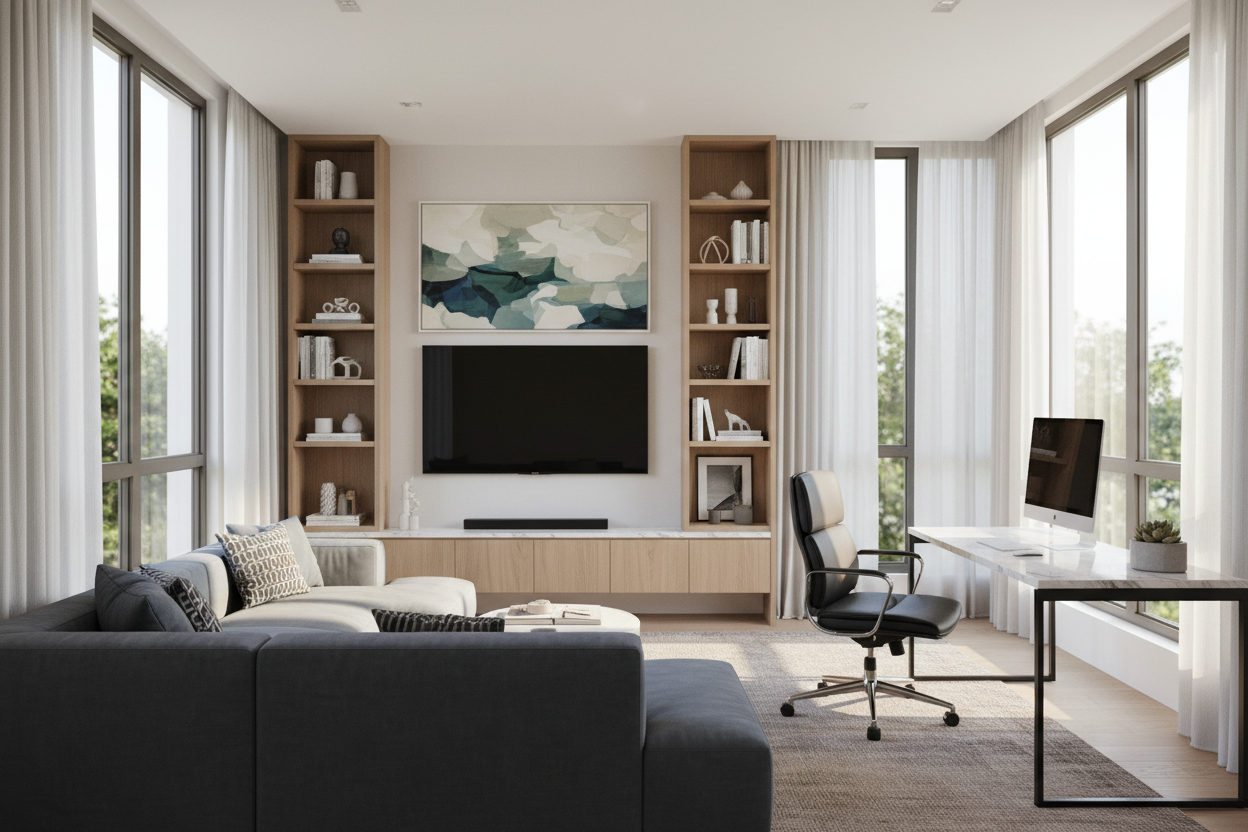
We ask a lot of our spare bedrooms these days. What starts as a dedicated workspace often slowly absorbs a peloton, a guest bed, and eventually, a screen for unwinding after hours. If you are trying to design an office with tv, you already know the primary struggle: how do you blend work and entertainment without feeling like you are typing spreadsheets in the middle of a sports bar?
Getting this balance right requires more than just slapping a flatscreen above your monitor. It is about managing sightlines, controlling visual weight, and creating distinct zones even in tight footprints. Whether you are tackling an office redo ideas project or starting from scratch, here is how to create a hybrid room that actually serves both purposes without compromising productivity.
Quick Decision Guide for Dual-Purpose Rooms
- Watch the glare: Never place your screen directly opposite a South-facing window unless you plan to invest heavily in blackout treatments.
- Separate the sightlines: Position your desk so your back or side is to the screen. If it is in your peripheral vision, productivity will drop.
- Scale matters: A 65-inch screen overwhelms a standard 10x12 room. Cap your size at 43 to 50 inches for standard spare bedrooms to maintain proper proportion.
- Embrace dark backdrops: Painting the wall behind your screen a deep, moody hue helps the black box disappear when turned off.
Layout Strategies for an Office and TV Room
The biggest mistake I see in tv room and office combo ideas is treating the room as one single zone. Even in a small footprint, you need to establish a clear boundary between 'clocked in' and 'clocked out'.
The Zoned Approach vs. The Integrated Setup
If you have the square footage, the zoned approach is ideal. Place your desk floating in the center of the room facing the door, and dedicate the back wall to your home office with tv on wall setup. This physically forces you to leave your desk chair and move to a lounge area when it is time to relax.
When dealing with a small home office and tv room, you have to get creative with integration. A popular solution is the 'L-shape' layout. Place your desk against one wall, and mount the screen on the adjacent wall. This keeps the screen out of your direct line of sight while working, but makes it easily viewable if you simply pivot your chair or move to a small seating area.
Nailing the Seating Plan
A home office with couch and tv is the holy grail of work-from-home setups, but getting the proportions right is tricky. Standard living room sofas are usually too deep and visually heavy for a secondary bedroom.
Balancing Task and Lounge Seating
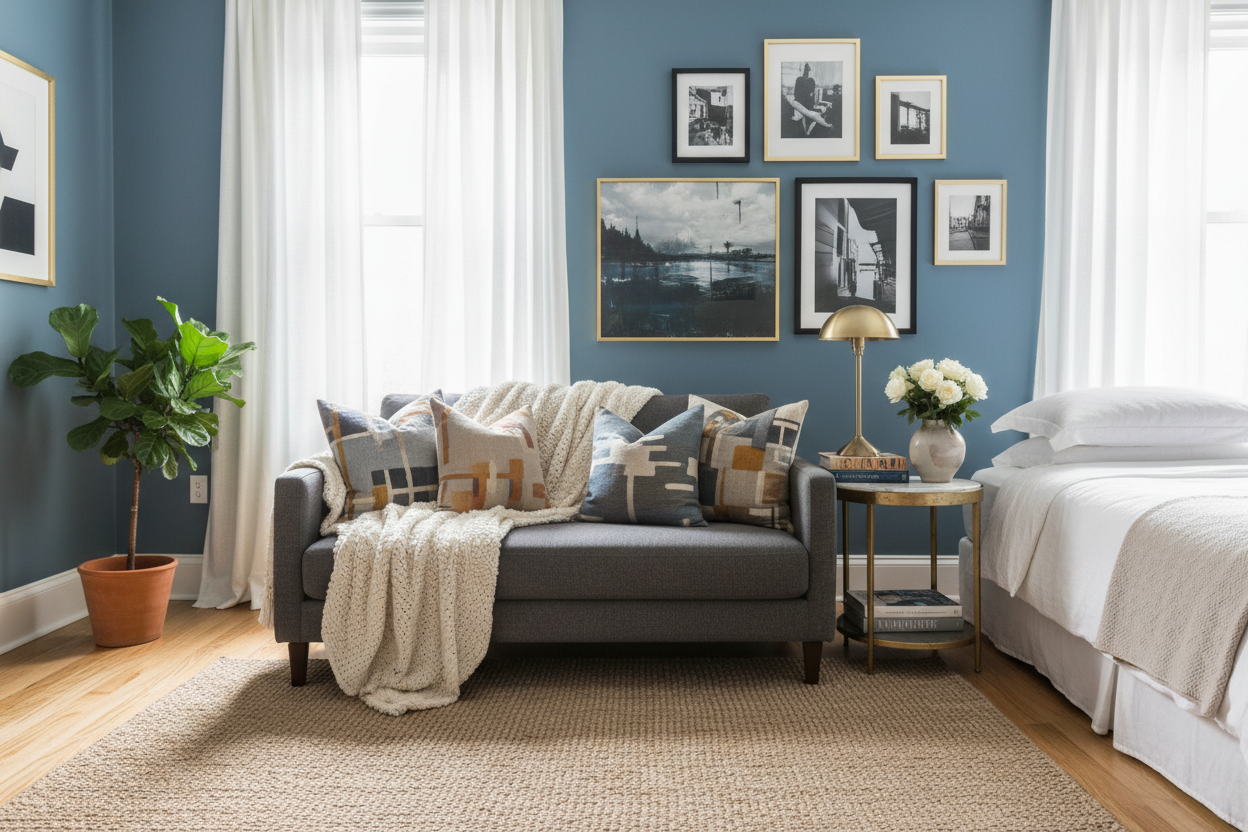
When looking at office with couch and tv layouts, swap the bulky sectional for an apartment-scale sofa or a tailored loveseat with a seat depth around 36 inches. This provides enough comfort for movie night without swallowing the floor plan. If you are working with a truly small home office with tv, skip the sofa entirely. Two comfortable, upholstered accent chairs paired with an ottoman offer great flexibility and keep the sightlines open. Plus, they are much easier to maneuver around a desk.
Making the Tech Look Intentional
Nothing ruins the aesthetic of a carefully curated workspace quite like a tangle of black cords and a massive, glossy plastic rectangle dominating the wall.
Disguising Your Office TV Setup
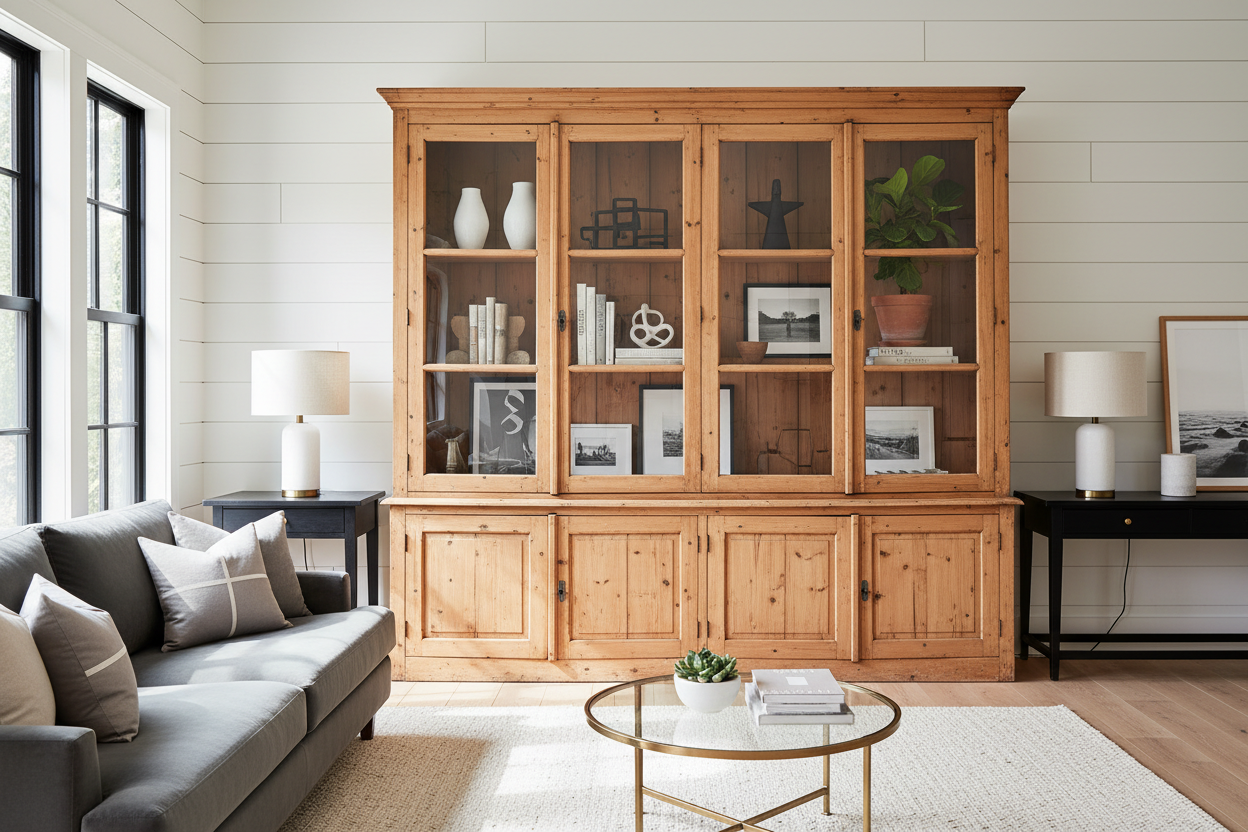
If budget allows, a frame-style television that displays art when not in use is a phenomenal choice for a home office tv room. It completely removes the basement rec-room vibe. If you are working with a standard screen, build it into a gallery wall or surround it with built-in bookshelves. By surrounding the screen with books, art, and textural objects, you reduce its visual dominance. This is one of my favorite home office ideas with tv because it adds immense character to the space while hiding the tech in plain sight.
Lessons from My Own Projects
A few years ago, I designed a small office tv room ideas project for a client in Chicago. They insisted on mounting a 65-inch screen directly above their dual-monitor desk setup, thinking it would be the ultimate command center. I advised against it, but we proceeded.
Within three weeks, they called me to change it. The sheer heat radiating from the screen made working uncomfortable, the scale of the television gave them neck strain, and the constant temptation to put the news on 'in the background' completely killed their focus. We ended up moving the screen to the opposite wall, dropping the size to 43 inches, and adding a small loveseat. I learned the hard way that just because a screen fits on a wall does not mean it belongs there. Scale and intention are everything in a home office and tv room.
Frequently Asked Questions
Where should I put the TV in my home office?
Place it on a wall that is not directly behind your monitors (to avoid distraction) and not directly opposite a bright window (to avoid glare). The ideal spot is usually on a side wall, allowing you to create a separate seating zone.
How do I design a small home office tv room?
Focus on multi-functional furniture. Use a desk that can double as a console table, opt for a loveseat or swivel accent chairs instead of a full sofa, and mount the screen flush to the wall to save valuable floor space.
Is it bad to have a TV in your workspace?
Not necessarily, but it requires discipline. The key is layout: if you have to physically turn your chair or move to a different seat to watch it comfortably, you are much less likely to use it as a distraction during working hours.

Leave a comment
This site is protected by hCaptcha and the hCaptcha Privacy Policy and Terms of Service apply.