










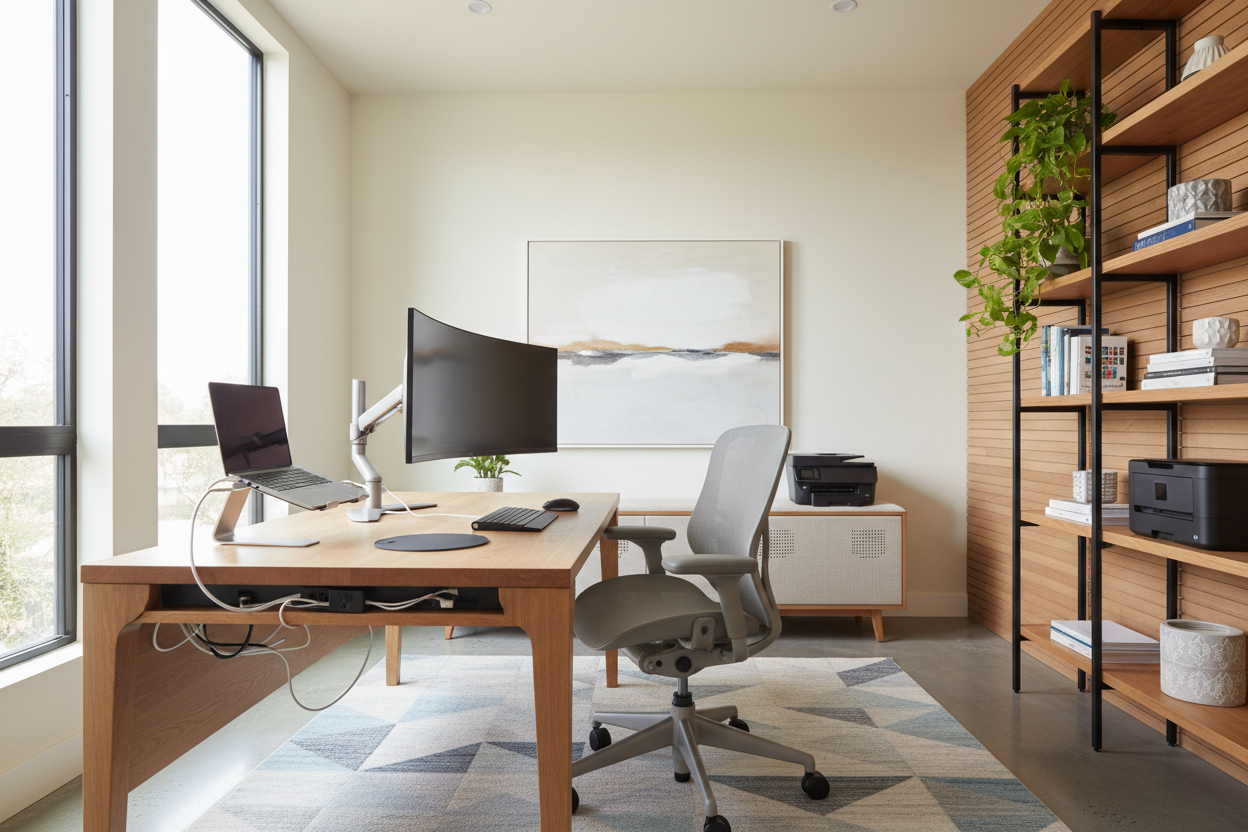
We have all encountered the same visual discord: a beautifully curated home office ruined by a tangle of black wires, clunky plastic monitors, and harsh, unflattering lighting. As designers, we often treat technology as an afterthought, but in the modern home, it is the central nervous system of the room. The challenge is no longer just selecting a desk; it is seamlessly blending remote workforce technology into a sophisticated interior scheme without sacrificing functionality.
Quick Decision Guide: Integrating Tech & Design
- Visual Weight: Choose monitors and peripherals with slim profiles and matte finishes to reduce visual clutter.
- Cable Management: Prioritize desks with integrated grommets or hidden channels; wireless tech is always superior for aesthetics.
- Material Warmth: Offset cold tech materials (plastic, aluminum) with warm textures like walnut, leather, or felt desk mats.
- Lighting Temperature: distinct from standard overheads, ensure video call lighting sits between 3000K and 4000K for a natural, flattering glow.
- Ergonomics: The best technology for working remotely is useless without a chair that supports the human form during long sessions.
The Art of Concealment: Managing Visual Noise
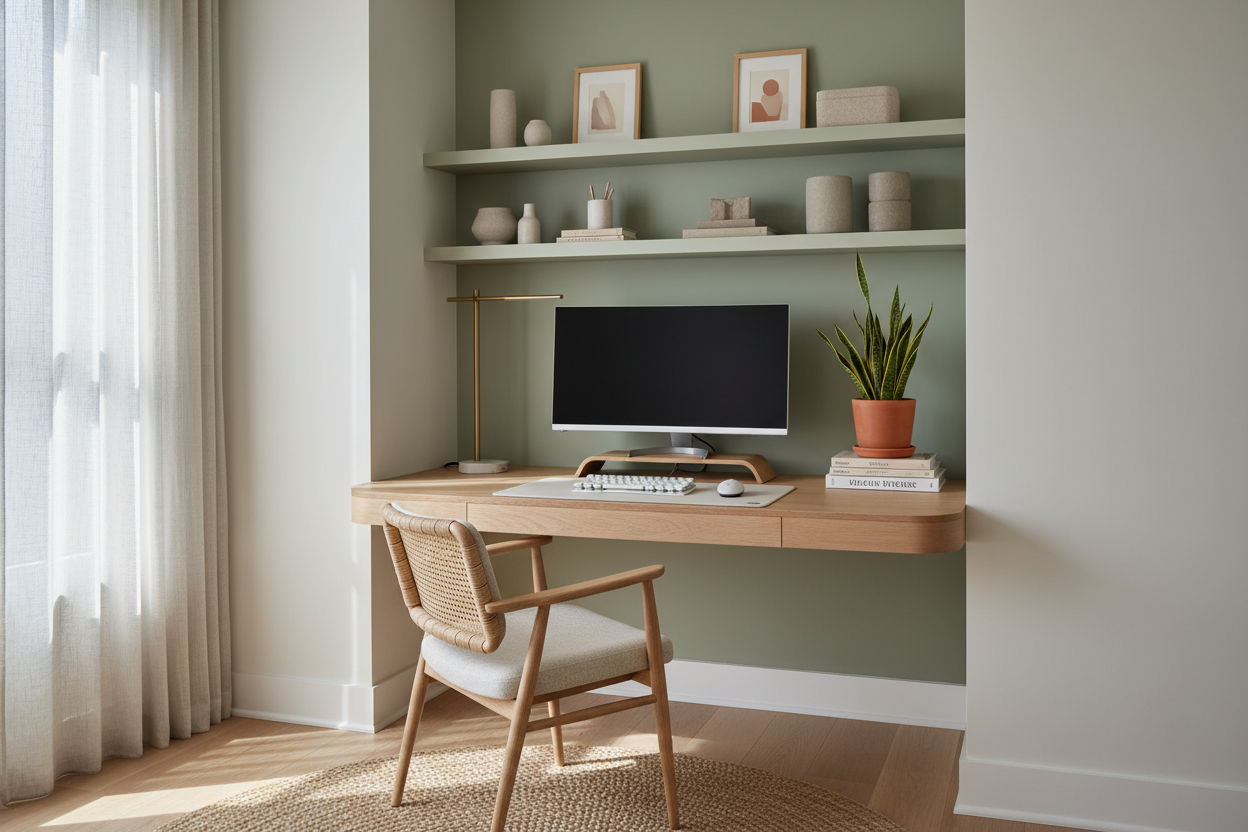
When curating technology and work from home setups, the primary goal is often invisibility. High-performance gear tends to look industrial. To counter this, look for peripherals that mimic home decor. Fabric-wrapped speakers, monitors with white or silver chassis rather than standard black, and wooden laptop risers help soften the technological edge.
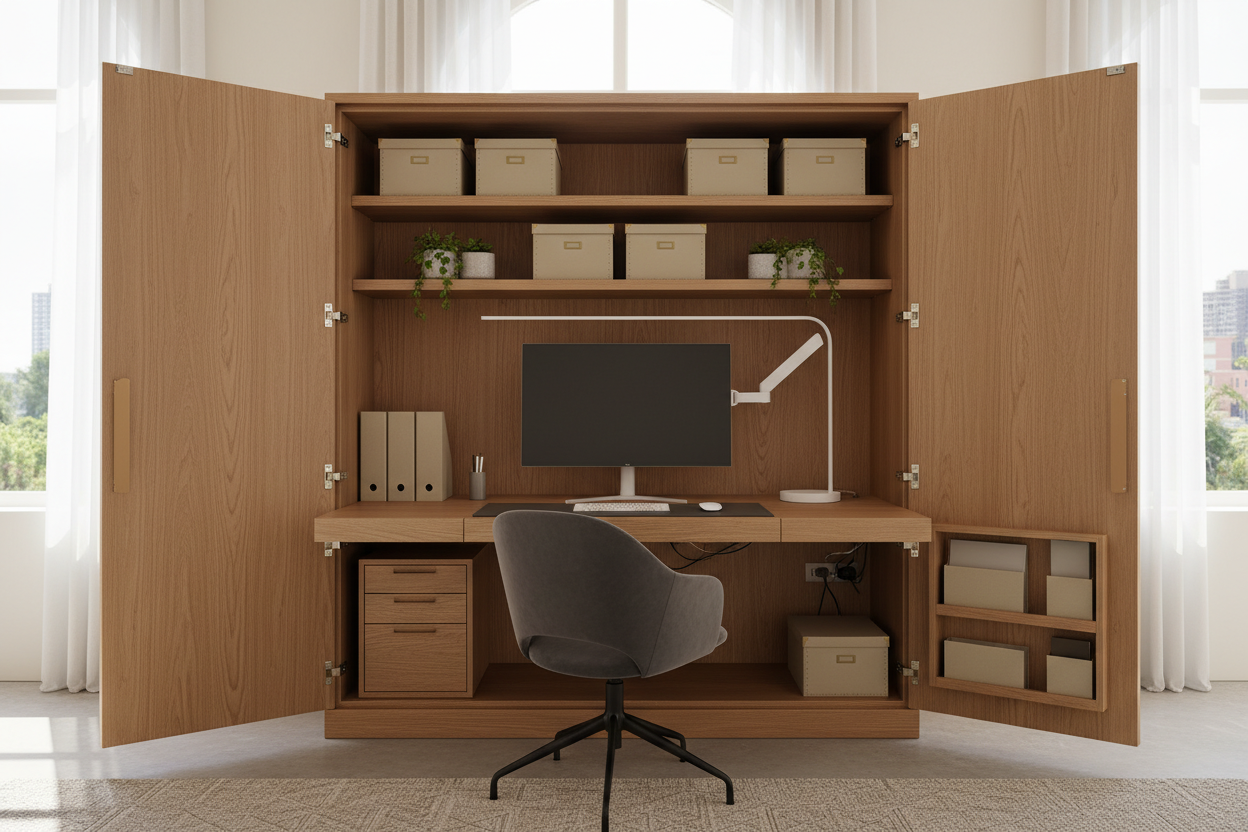
For the discerning homeowner, the best technology for working remotely isn't just about processing power; it is about the silhouette it casts in the room. If your workspace is in a shared living area, consider an all-in-one computer where the CPU is built into the monitor, eliminating the need for a bulky tower on the floor.
Ergonomics Meets Aesthetics
There is a misconception that ergonomic furniture must look like medical equipment. This is false. When selecting tech for remote work, the chair and desk are the hardware that supports the software. Look for task chairs that utilize mesh or high-grade fabric in colorways that complement your drapes or rug, rather than clashing with them.
The Standing Desk Dilemma
Motorized standing desks are essential technology for working remotely, but they often lack soul. Avoid the standard melamine tops. Instead, source a solid wood slab—oak or walnut—and attach it to a high-quality motorized frame. This hybrid approach gives you the best tech for remote work functionality with the tactile luxury of natural grain.
Lighting: The Unsung Tech Hero
In the realm of technology for remote workers, lighting is often categorized as a utility, but it is actually a design element. A common mistake is relying on a single overhead source, which casts shadows and creates a fatigued look on camera.
Layer your lighting. Use a monitor light bar to illuminate your workspace without screen glare—this is a piece of tech for working remotely that saves desk space. Pair this with a soft, diffused ring light or key light that can be tucked behind a monitor. The goal is to create an ambient glow that looks like natural daylight, enhancing both your video presence and the room's atmosphere.
My Personal Take on Remote Workforce Technology
I learned a hard lesson about three years ago while designing a study for a client in a historic brownstone. We bought the absolute highest-rated ultrawide monitor on the market—a beast of a screen. It was technically the best technology for working remotely, but once we placed it on the antique mahogany desk, it looked like a spaceship had landed in a library. It completely overpowered the room's focal point.
Whatever the specs say, always measure the footprint. I realized too late that the monitor stand was so deep it pushed the keyboard right to the edge of the desk, ruining the ergonomics. I had to scramble to find a heavy-duty monitor arm that clamped to the side, and even then, I had to use a felt shim to prevent the clamp from crushing the wood finish. Now, I always tell clients: measure the stand depth, not just the screen width. It’s a small detail that dictates the flow of the entire workspace.
Conclusion
Integrating work from home technology does not mean turning your sanctuary into a server room. By prioritizing materials, managing cables aggressively, and selecting equipment that respects the room's palette, you can build a workspace that is as high-performing as it is beautiful. Ideally, the technology should serve the design, not dominate it.
Frequently Asked Questions
How do I hide cables on a glass or open-leg desk?
This is a common issue with modern tech for remote work. Use adhesive cable clips that run along the back of the metal legs. Additionally, a "cable spine" (a flexible vertebrae-like tube) can bundle cords together as they travel from the desktop to the floor, looking intentional rather than messy.
What is the best lighting temperature for video conferencing?
Aim for 4000K to 5000K if you want to mimic daylight, but for a warmer, more residential feel that is still clear on camera, 3500K is the sweet spot. Avoid anything under 2700K (too orange) or over 6000K (too blue/clinical).
Can I use a dining chair for remote work to save space?
From a design perspective, it looks better, but for health, it is a mistake. If you lack space for a full task chair, look for "active sitting" stools or compact office chairs with mid-century styling that can tuck completely under the desk when not in use.

Leave a comment
This site is protected by hCaptcha and the hCaptcha Privacy Policy and Terms of Service apply.