










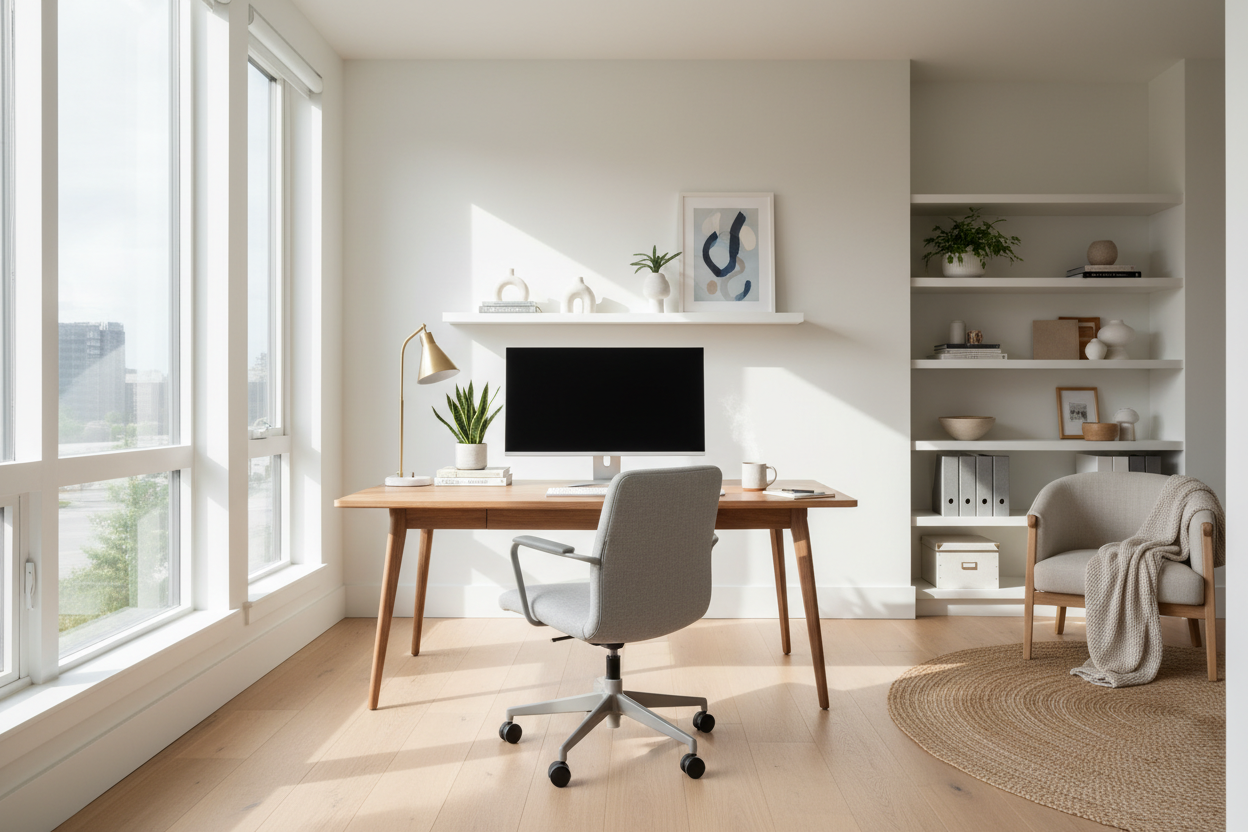
Does your environment drain your energy before the afternoon slump even hits? As a designer, I frequently walk into home offices where the occupant struggles with focus, not due to a lack of discipline, but because of poor spatial planning. The physical environment acts as the invisible hand guiding your efficiency. These design-centric work tips focus on the structural and aesthetic changes that turn a chaotic room into a powerhouse of productivity.
Key Features of a High-Performance Workspace
Before purchasing new furniture or rearranging your floor plan, prioritize these fundamental design elements to ensure your space functions as well as it looks.
- Ergonomic Integrity: Prioritize seating with adjustable lumbar support and seat depth to prevent fatigue.
- Lighting Layers: Combine ambient overhead lighting with focused task lighting (aim for 4000K color temperature).
- Acoustic Control: Use soft textiles (rugs, curtains) to dampen echo and absorb distraction.
- Traffic Flow: Ensure a clear path of travel; cramped layouts increase psychological stress.
- Surface Durability: Select desk materials that resist scratching and reduce glare.
Establishing the Command Position
One of the most effective tips for work environments involves the placement of your primary workstation. In design terms, we call this the "command position." You should never face a blank wall if you can avoid it, as this shortens your visual field and induces fatigue. Instead, position your desk so you have a view of the door or a window. This offers a sense of security and authority over the space, subconsciously lowering anxiety levels while you work.
Selecting Materials: Texture and Acoustics
When curating furniture, look beyond the silhouette. The tactile experience of your furniture plays a massive role in your daily comfort.
The Desk Surface
Avoid high-gloss finishes. While they look sleek in a showroom, they are a nightmare for workplace tips and tricks regarding optical health; the glare from overhead lights or monitors creates significant eye strain. Opt for matte finishes—walnut veneer, linoleum, or honed stone—which absorb light and provide a warm, tactile surface for your wrists.
Seating Upholstery
For the chair, consider breathability. High-end leather offers a luxury aesthetic, but a high-performance mesh or a wool-blend fabric allows for better thermal regulation during long sessions. If you choose a fabric chair, ensure it has a high rub count (durability rating) to withstand daily friction.
Lighting: The Invisible mood Setter
Lighting is often the most undervalued aspect of interior architecture. Relying solely on a single overhead fixture creates harsh shadows and flat visuals. To truly elevate your space, you need three layers:
- Ambient: General illumination (recessed cans or a central pendant).
- Task: A dedicated articulated lamp for reading documents.
- Accent: LED strips behind a monitor or shelving to soften contrast and reduce eye fatigue.
My Personal Take on Work Tips
Lessons from My Own Projects: The Glass Desk Regret
Early in my career, I designed a minimalist home office for myself centered around a stunning, architectural tempered glass desk. It looked incredible in photos—floating, airy, and modern. However, after living with it for two weeks, I realized it was a functional disaster.
The glass was perpetually cold, which actually caused cramping in my forearms during winter months. Furthermore, the acoustic reflection was terrible; every time I set down a coffee mug or a pen, it made a sharp clack that broke my concentration. I also found that optical mice struggle on glass without a pad, ruining the clean look I was going for. I swapped it out for a solid white oak desk with a bullnose edge within a month. The lesson? Work tricks aren't just about software shortcuts; they are about choosing materials that support your body, not just your eyes. Always prioritize the tactile experience over the visual snapshot.
Conclusion
Curating a workspace is about more than buying a desk; it is about engineering an environment that respects your workflow. By implementing these spatial strategies and prioritizing ergonomic materials, you create a setting where focus comes naturally. Evaluate your current setup against these standards and make the necessary adjustments to elevate your workday.
Frequently Asked Questions
What is the ideal desk depth for a dual-monitor setup?
For dual monitors, aim for a desk depth of at least 30 inches (76 cm). This allows you to maintain the proper focal distance (roughly an arm's length away) to prevent eye strain while leaving room for a keyboard and documents.
How can I dampen noise in a home office with hard floors?
Hard surfaces bounce sound, creating an echo chamber. To fix this, introduce soft absorptive materials. A high-pile area rug, heavy velvet or linen drapery, and even canvas wall art can significantly reduce reverb and make the room sound warmer.
Is a standing desk actually worth the investment?
From a design and health perspective, yes. However, the key is the mechanism. Look for a dual-motor electric frame for stability and smooth transitions. Visually, try to find one that hides the motor components to maintain a clean, sophisticated aesthetic.

Leave a comment
This site is protected by hCaptcha and the hCaptcha Privacy Policy and Terms of Service apply.