










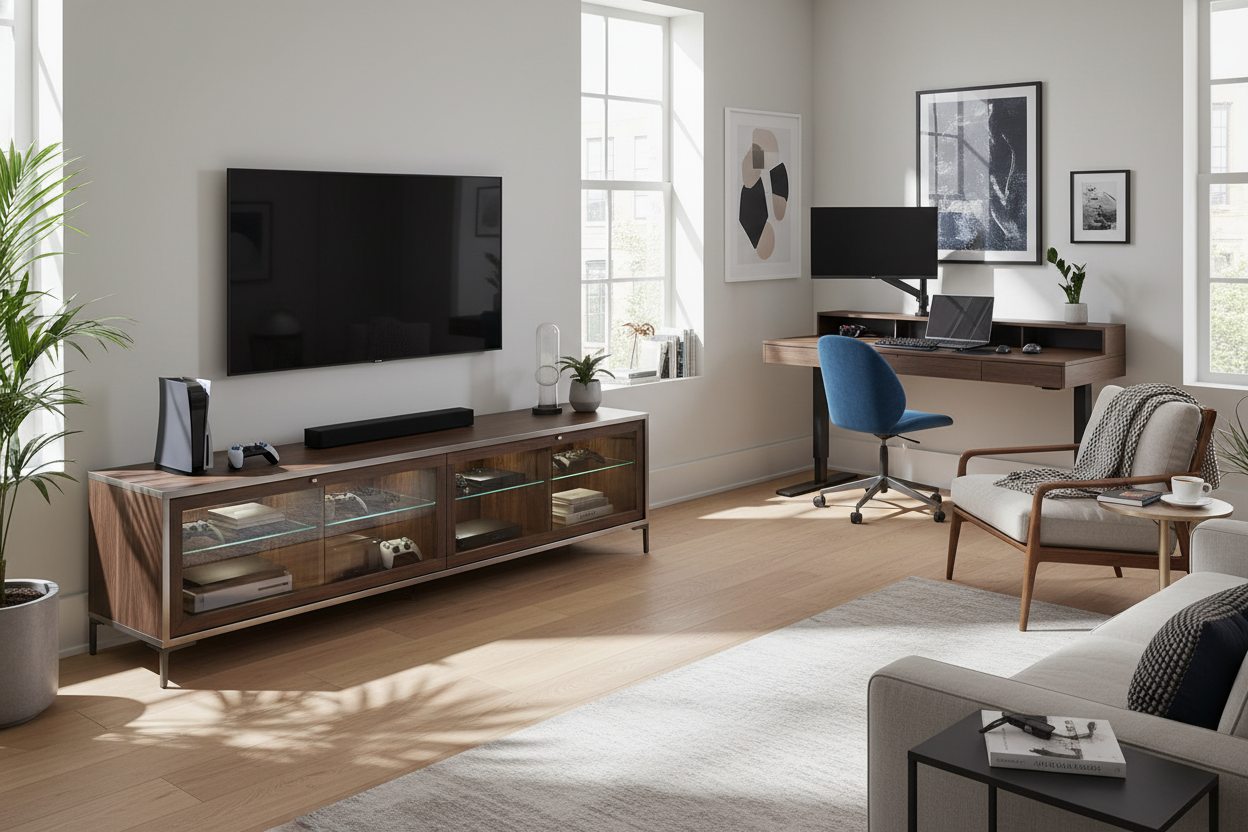
I remember the day I finally hit a breaking point with my living room. I was trying to plug in a new Nintendo Switch dock, and the entire 'entertainment center'—a wobbly $60 shelf I’d had since my first apartment—started to tilt. Behind it was a literal nest of dust bunnies and tangled HDMI cables that looked like a legitimate fire hazard. My PS5 was perched precariously on top of a cable box, and the router was duct-taped to the side because there was simply no floor space left.
Buying a dedicated tv accessory cabinet wasn't just about making the room look like an adult lived there; it was a desperate attempt to stop my electronics from sounding like a jet engine taking off. If you are currently staring at a pile of black plastic boxes and blinking lights, you aren't alone, but you are definitely doing it wrong.
- Airflow is non-negotiable: Modern consoles generate massive heat; they need breathing room or they will fail.
- Depth matters: Most standard shelves are 14-inches deep, but a PS5 needs at least 18-inches to avoid cable strain.
- Cable management: Look for pre-drilled holes so you aren't taking a hole saw to your new furniture.
- Dual-purpose storage: A good cabinet can hide your work-from-home laptop and chargers once the clock hits 5 PM.
The 'Console Jenga' Problem in My Living Room
For the longest time, I treated my media setup like a game of Jenga. I had a heavy soundbar sitting on the base of the TV, a router squeezed behind the screen, and three different gaming controllers scattered across the coffee table. It was a mess. When I finally sat down to measure my gear, I realized why: I was trying to fit 2024 technology onto a shelf designed for a 1990s DVD player. Most mass-market furniture brands haven't caught up to the sheer physical size of modern hardware.
The PS5 is nearly 16-inches tall. The Xbox Series X is a literal brick. When you try to force these into a standard cubby, you realize many common tv stand and cabinet mistakes stem from underestimating the physical footprint of our hobbies. I used to think I could just stack them, but that led to the 'disc read error' from hell because the bottom unit was basically being slow-cooked by the one on top. You need horizontal space, or at the very least, heavy-duty adjustable shelving that won't bow under the 10-pound weight of a modern console.
Why Cramming Tech in a Drawer is Destroying It
Heat is the silent killer of expensive electronics. I learned this the hard way when my router started dropping the signal every time I played a high-intensity game. The heat coming off the console was baking the router's internals. If you shove your gear into a closed wooden box with no ventilation, you are basically putting it in an oven. Wood is a great insulator, which is exactly what you don't want when your GPU is hitting 80 degrees Celsius.
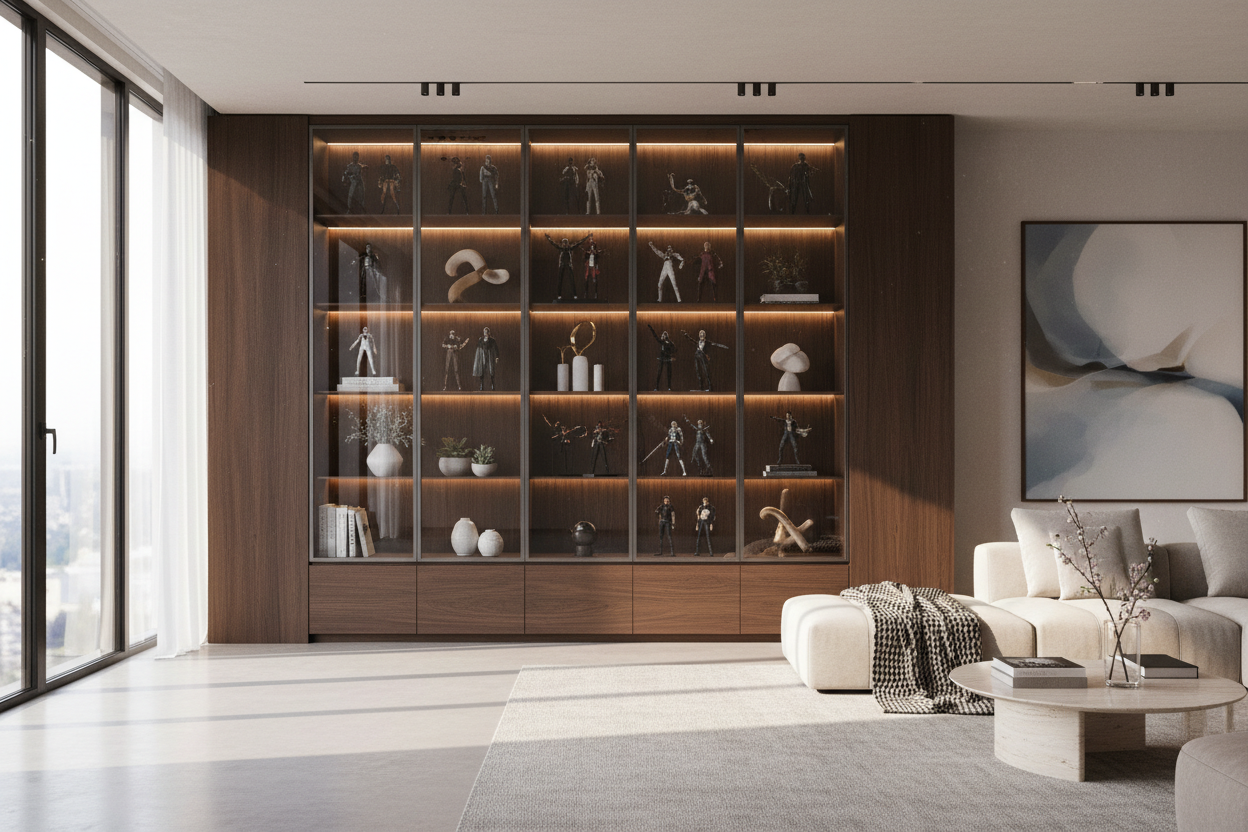
If you hate the look of wires but need your gear to stay cool, a black cabinet with glass doors is a lifesaver. Glass allows infrared signals from your remotes to pass through without you having to leave the doors wide open. More importantly, it keeps the dust out while you can easily see if a status light is blinking red. I looked for a unit with a mesh back or at least two inches of clearance between the back panel and the wall. Without that gap, the hot air just circles back into the intake fans, and you're right back where you started with a noisy, overheating system.
What I Actually Looked For in a TV Accessory Cabinet
When I finally went shopping for a replacement, I had a checklist of non-negotiables. First was depth. I needed at least 18 to 20 inches of internal clearance. If the cabinet is too shallow, your HDMI cables will press against the back panel, eventually damaging the ports on your consoles. I’ve ruined a $30 high-speed cable by kinking it too hard against a cheap fiberboard backer. Don't be like me.
I also looked for a large tv cabinet with spacious storage that featured built-in cable routing. You want those grommeted holes in every single compartment, not just one in the middle. This allows you to keep the power bricks hidden in the bottom while the consoles sit on the middle shelves. I also prioritized adjustable shelves. Tech sizes change—today it's a bulky PS5, tomorrow it might be a slim-pro version. If your shelves are glued in place, you’re stuck in the past. I chose a unit with 2.0 lb/ft³ density material because I didn't want the shelves to sag after a month of holding my vintage receiver collection.
How I Hid My Work-From-Home Gear in the Same Space
Since my living room also doubles as my office, I needed my media center to work overtime. By 6 PM, the last thing I want to see is my work laptop and a tangled mess of USB-C chargers. I started using one side of the cabinet specifically for my 'end of day' dump. I can hide the home office inside by sliding my laptop into a vertical stand right next to my gaming gear. It keeps the surface of my coffee table clear and helps my brain switch from 'work mode' to 'relax mode.'
The trick is to have a dedicated power strip inside the cabinet. I have one 12-outlet surge protector mounted to the inner side wall of the cabinet using heavy-duty Velcro. This means only one cord actually leaves the cabinet to plug into the wall. Everything else—the laptop charger, the phone docks, the console power cords—stays hidden. It’s a clean look that makes the whole room feel ten times larger because the visual 'noise' of the cables is gone.
Taming the Little Things: Controllers and Cables
Even with a massive cabinet, the small stuff can still turn into a junk drawer nightmare. I’m talking about thumbsticks, extra HDMI cables, and the four different controllers I seem to have accumulated. To fix this, I bought a few felt-lined baskets that fit perfectly into the lower drawers. This keeps the plastic-on-plastic clatter to a minimum when I’m digging for a charging cable.
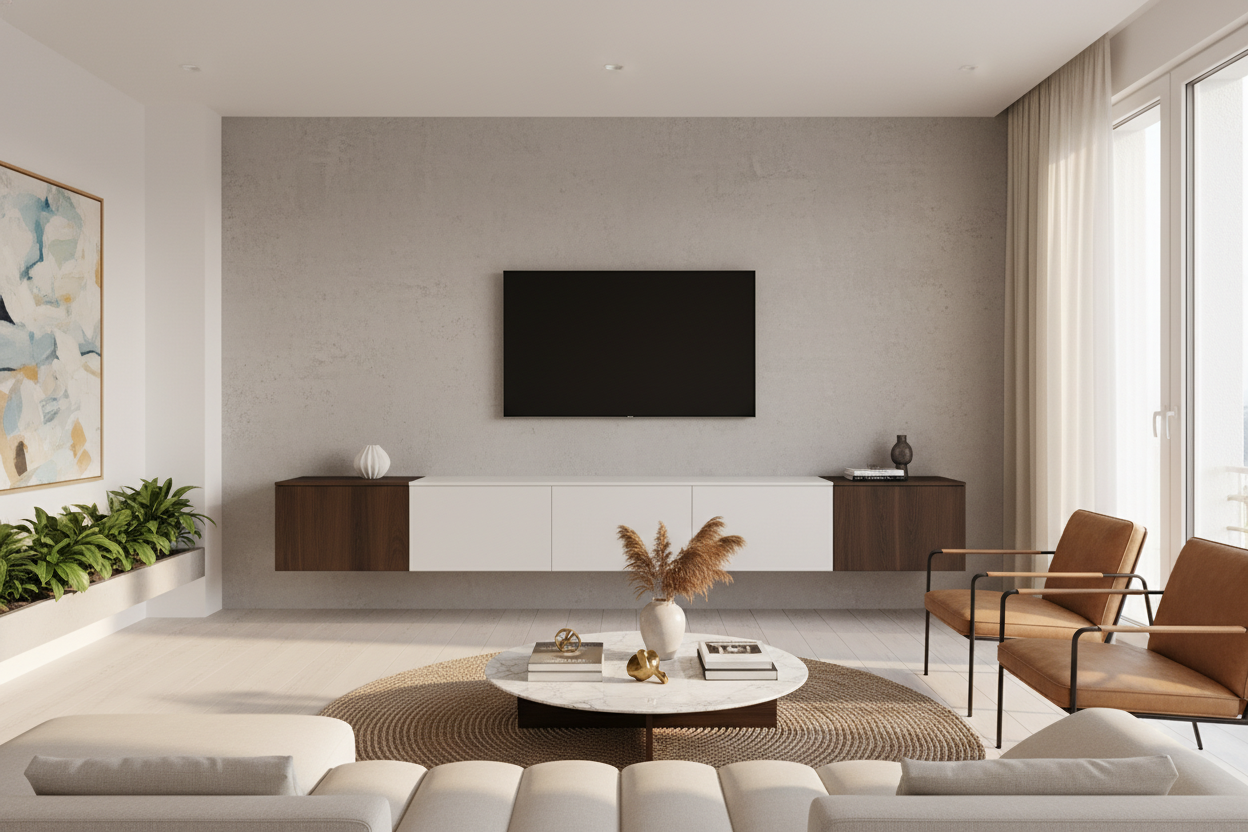
If you prefer a cleaner aesthetic, a modern tv cabinet table with storage often includes deep, opaque drawers that are perfect for this. I use the 'one-in, one-out' rule now. If a cable doesn't have a specific device it belongs to, it goes in the basket. If the basket gets full, something gets recycled. It’s the only way to stay ahead of the tech creep that inevitably happens every holiday season.
Frequently Asked Questions
Can I put my Wi-Fi router inside a wooden cabinet?
You can, but it might slightly reduce your signal range. If you have a mesh system, it’s usually fine. Just make sure the cabinet isn't made of metal, which acts like a Faraday cage and will absolutely kill your speeds.
How do I stop my PS5 from overheating in a cabinet?
Ensure there is at least 3-4 inches of space on all sides of the console. If the cabinet has a back panel, consider removing it or installing a small USB-powered cooling fan to pull the hot air out of the enclosure.
Is glass or wood better for a media cabinet?
Glass is better if you use infrared (IR) remotes, as the signal can pass through. Wood is better if you want to completely hide a messy pile of wires and don't mind opening the door occasionally or using Bluetooth-based controllers.

Leave a comment
This site is protected by hCaptcha and the hCaptcha Privacy Policy and Terms of Service apply.