







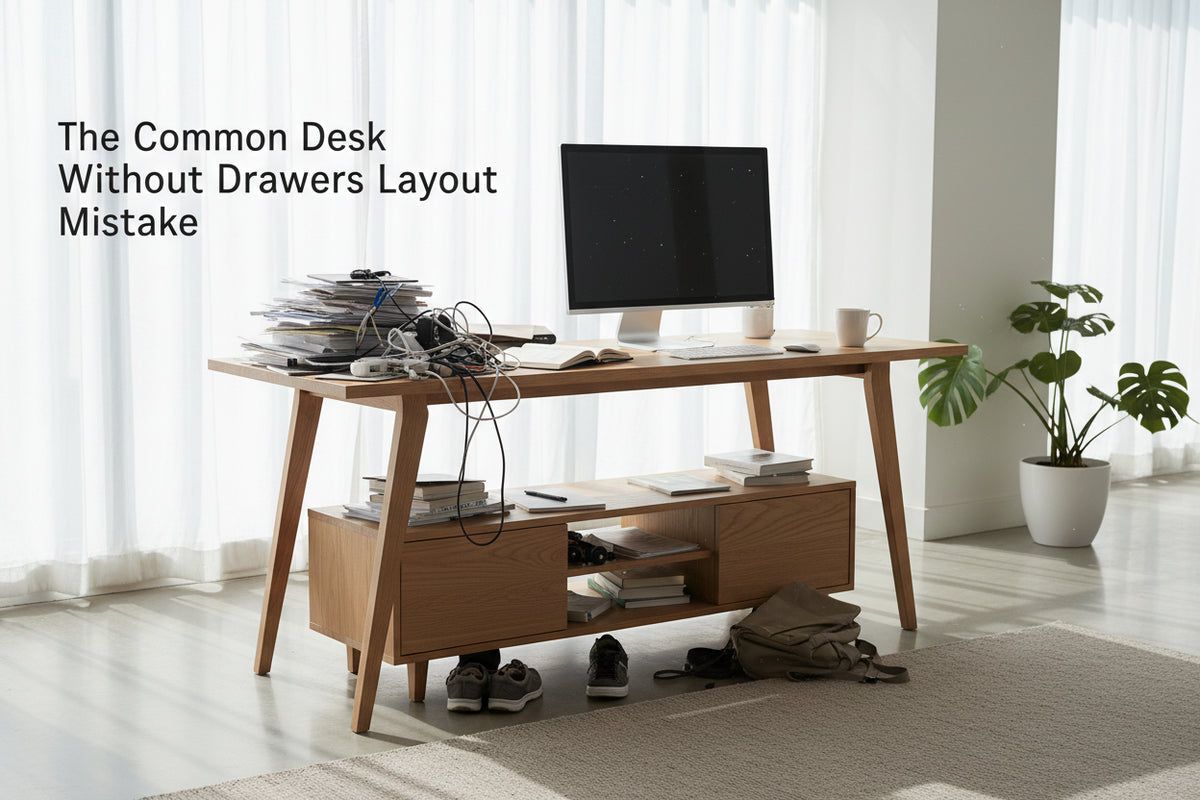
A desk without drawers gives you full-width knee room, a lighter look, often a lower weight, and an easier fit for a standing frame or a chair with arms that slides under the top. The cost is that everything you kept in drawers needs another home, so plan that storage before you buy the desk, not after the top is covered in chargers and paper.
Below: who a no drawer desk suits, the knee clearance numbers from the ADA Standards and OSHA, where the drawer contents can go, cables, desk size, and when drawers are the better buy. The three picks come from the FUFU&GAGA writing and computer desk collection, each checked against its description and spec table for drawers.
Key takeaways
- Leg room: the ADA Standards treat the space 9 to 27 inches above the floor as knee clearance, at least 30 inches wide. A center drawer sits in that zone, which is why OSHA suggests removing center drawers for thigh clearance.
- Keep it clear: OSHA says the space under a desk should stay free of files, CPUs, books and storage, so a drawer cabinet usually goes beside the desk.
- Storage first: give everything your drawers hold now a new home, then pick the desk.
- Cables: with no drawer to hide a power strip, use a cable gap, tray or clips, and never overload the strip.
Who a desk without drawers suits
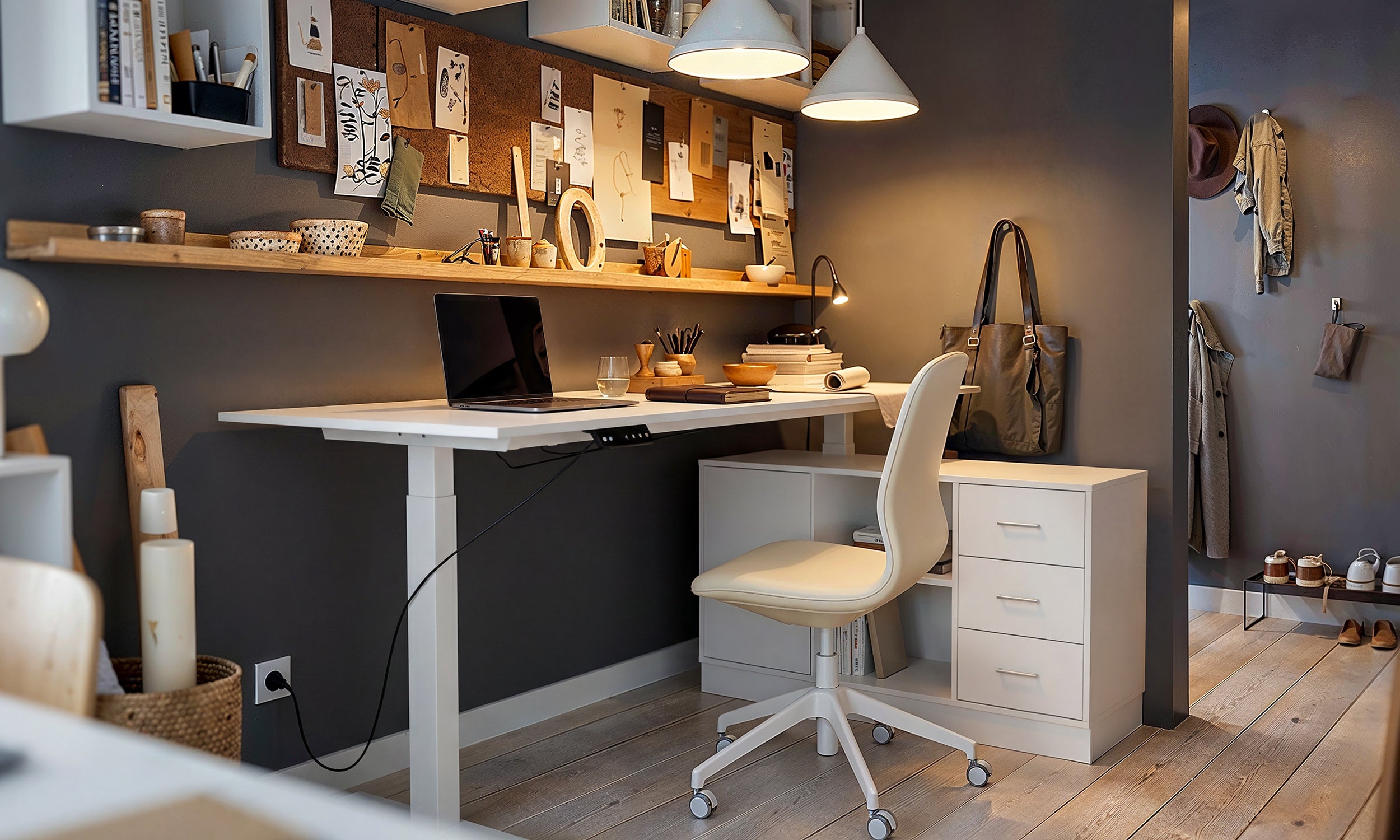
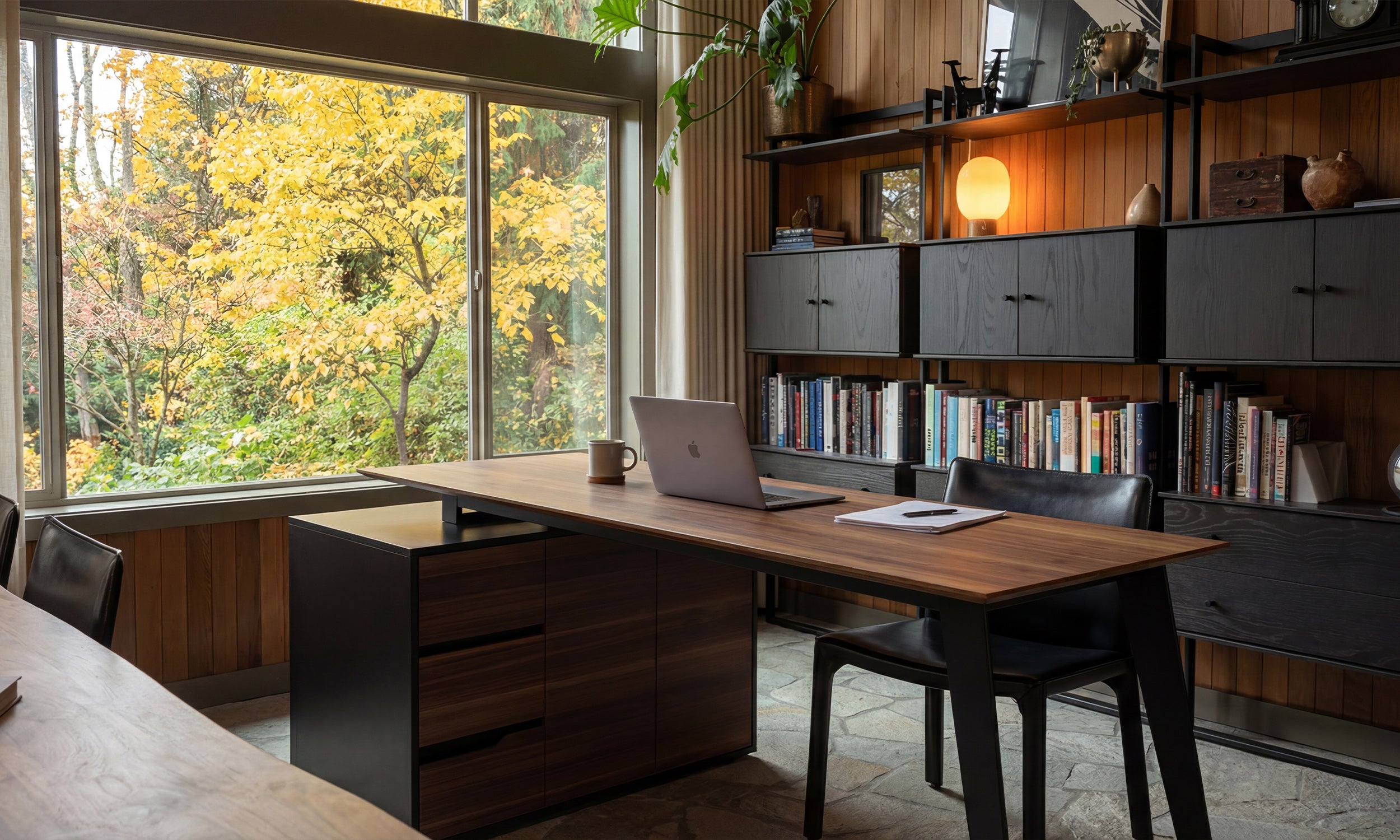
An office desk without drawers is a work surface on legs, sometimes with a keyboard tray or an open shelf. It works best when your work lives on a screen rather than in paper files.
- Laptop workers and writers. If your kit is a laptop, a notebook and a lamp, drawers mostly collect clutter.
- Gamers and anyone who wants leg room. With no drawer or pedestal underneath, you can sit centered, stretch out, and slide a chair with armrests under the top.
- Small rooms. Open space under the top lets the floor show through to the wall, so the desk reads lighter than a pedestal desk of the same width.
- Standing desks. A sit-stand frame lifts everything attached to the top. Without drawers, less weight rides on the lift and nothing underneath can collide with a cabinet or your knees as it lowers.
Weight shows up in our own range: the 63-inch walnut standing desk, with nothing under its top, weighs 101 lb, while the 63-inch standing desk with a drawer pedestal, shelf module and pegboard weighs 158 lb.
| Desk without drawers | Desk with drawers | |
|---|---|---|
| Knee and leg room | Full width under the top | Reduced by a center drawer or pedestal |
| Look | Light, floor visible underneath | Heavier, more like casework |
| Storage | None; plan it separately | Built in |
| Hiding cords | Needs a gap, tray or clips | A drawer or back panel hides some |
| Best for | Laptops, gaming, small rooms, shared tables | Daily paper, no space beside the desk |
Knee and leg room: what the standards say
The clearest public numbers for the space under a work surface come from the 2010 ADA Standards, section 306. They are written for wheelchair access, so treat them as a reference point for a home desk:
- Space between 9 and 27 inches above the floor counts as knee clearance, and it must be at least 30 inches wide.
- Where it is required, knee clearance is at least 11 inches deep at 9 inches above the floor and at least 8 inches deep at 27 inches; only the first 25 inches under the surface count.
- For accessible work surfaces, section 902.3 sets a height of 28 to 34 inches above the floor.
Now the arithmetic. Our 51.2-inch solid wood desk is 28.7 inches tall overall. If the knee zone runs up to 27 inches, that leaves 28.7 minus 27, or 1.7 inches, for the top and any rail beneath it. A center drawer box is far deeper than that, which is why OSHA's computer workstation guidance says to remove center drawers of conventional desks to create more thigh clearance if necessary. A desk without drawers starts there.
OSHA also says the space under the desk should remain free of items such as files, CPUs, books and storage. None of our listings gives the clear height under the top or the top thickness, so measure: floor to the underside of the top or apron at the front edge, and the width between the legs.
The layout mistake: buying the look without planning the storage
A common problem with a desk without drawers is not the desk. It is buying the clean silhouette first and finding out later that the pens, chargers and notebooks from the old drawers now live on the top. Within weeks the minimal desk becomes a landing pad for clutter. Avoid that with a short audit before you order:
- Empty your current drawers and sort everything into daily, weekly and rarely used.
- Get rid of what you do not need.
- Give each group a home: a desktop tray, a cabinet beside the desk, a wall shelf, a bookcase or a closet box.
- Measure the space each home needs next to the desk, then choose the desk size.
Where the things in your drawers go instead
A drawer or filing cabinet beside the desk
A separate cabinet does what desk drawers did, and it can be as deep and tall as you need. To keep the knee space clear, put it beside the desk at the end you reach with your dominant hand, so its top doubles as a surface for a printer or lamp.
If you want a rolling cabinet under a fixed desk anyway, its height including casters and handles must be less than the clear height you measured, and it should sit at one end, away from your knees. Under a standing desk, it must clear the underside at the lowest setting. The Canadian Centre for Occupational Health and Safety says to make sure cables, electrical access, storage of materials and general layout do not make adjusting the desk difficult. For paper files, our guide to a bookcase with a filing cabinet shows how to combine files and shelves in one wall.
Desktop organizers
Keep the top for things you touch every day. Matching trays or a desk mat define the work zone, and a monitor riser with a gap underneath gives a keyboard or notebook somewhere to go when not in use. One pen cup and one charging spot replace most of a pencil drawer.
Pegboard, shelves and a bookcase
The wall beside or above the desk is the biggest storage area a drawerless desk has. A pegboard holds headphones, cables and small bins at arm's reach; shelves above monitor height hold books and boxes. Fix shelves into studs or with anchors rated for the load. Our desk wall ideas cover layouts and sizes. Rarely used items such as tax files and manuals can go in a bookcase across the room; anchor tall pieces to the wall, as our guide on how to anchor a bookcase to the wall explains.
Cable management on a desk with no drawers
Without a drawer or back panel, cords show. Plan their route before the computer goes on the desk:
- Use the desk's own features. Check the listing or the underside for a cable gap, holes or built-in cable management.
- Lift the power strip off the floor. A tray or clips under the back edge hold the strip and the bundle. On a standing desk, leave enough slack for the full travel.
- Follow one leg down. Bundle cables in a sleeve and run them down the back of a rear leg, out of sight from the doorway.
- Plan the outlet. A desk floating in the room needs a planned path to power; our guide to a desk in the middle of the room covers the options. A new floor outlet is a job for a licensed electrician.
The CPSC's extension cord and power strip safety sheet says to use extension cords only when necessary and only temporarily, not to overload a cord or power strip, to replace cracked or worn cords, and to look for a certification label from an independent testing lab.
How deep and wide for one or two monitors?
OSHA says the desk should let you place the monitor directly in front of you, at least 20 inches away. Add the monitor stand's depth behind that and a keyboard in front, and a shallow writing desk runs out of room quickly. For width, add up your screens, a laptop beside them and space for a lamp. Our desk for photographers guide works through the monitor arithmetic with real spec sheets.
When a desk with drawers is the better buy
Choose built-in storage when there is no floor or wall space beside the desk, you handle paper every day, you need a locking drawer, or two people share the desk and each needs a drawer. Our standing desk with drawers buying guide covers drawer types, clearance and how drawer weight counts against lift capacity.
Buying checklist for a desk without drawers
- Storage plan: every group from your old drawers has a home that fits beside the desk.
- Height: a fixed desk within ADA's 28 to 34 inches, or a sit-stand range that reaches your standing elbow height, where CCOHS puts the standing work surface.
- Clear space: floor to underside measured, and at least 30 inches between the legs.
- Depth: the monitor at 20 inches or more from your eyes, plus its stand and your keyboard.
- Capacity: the listed rating is above the total of monitors, computer, lamp and anything clamped on.
- Cables: a listed cable gap or cable management, or a plan for a tray and clips.
- Base: legs, rails and any floor stretcher sit clear of where your feet go.
Our picks: 3 desks with no drawers
We read the description and spec table of every FUFU&GAGA writing and computer desk on sale for this guide and kept only those with no drawer anywhere: two everyday desks and one long table that works as a desk. Several desks whose titles do not mention drawers turned out to have them, so read the spec before you buy. Sizes, ranges and capacities are as listed.
63-inch Walnut Standing Desk with Electric Height Adjustment
The only sit-stand desk we found in our range with no drawer at all. The 63 x 31.5 inch top lifts from 29.6 to 44.9 inches at a listed 20 mm per second, with a four-preset memory controller, on a steel lifting frame with support columns. Cable management is built in, the desk is rated for 110 lb, and it weighs 101 lb.
Best for: one or two monitors on a sit-stand desk with open leg room.
Skip it if: your monitors, computer and anything clamped to the top come to more than 110 lb, or you want built-in storage.

51.2-inch Minimalist Solid Wood Writing Desk
A fixed-height writing desk in solid rubberwood, top and base: 51.2 inches wide, 27.6 inches deep and 28.7 inches tall, with rounded corners and ribbed, scalloped legs. It is rated for 80 lb and, at 60 lb, is the lightest of the three. No cable features are listed, and the photos show a low rail joining the leg frames near the floor.
Best for: a laptop or one monitor in a bedroom or study, where solid wood and a small footprint matter more than storage.
Skip it if: you need cable management, your gear is heavier than 80 lb, or the floor rail would sit where your feet rest.
83.8-inch Dark Brown Writing Desk with Cable Management
A long fixed desk, 83.8 inches wide, 40.1 deep and 31.1 high, in solid pine on a double pedestal panel base. A 0.79-inch gap runs down the center of the top so cords for laptops, lamps and chargers can drop through. It holds 330 lb, the highest rating here, and weighs 137 lb. The listing also shows it as a meeting and dining table.
Best for: two people working face to face, or one person who wants a very large surface with cords through the middle.
Skip it if: you want a standard desk height (at 31.1 inches it is the tallest of the three, so check it against your chair), or the room cannot spare 40.1 inches of depth plus chair space.

The three picks compared
| Desk | Top W x D | Height | Listed capacity | Cable feature | Best for |
|---|---|---|---|---|---|
| 63-inch walnut standing desk | 63 x 31.5 in | 29.6 to 44.9 in | 110 lb | Cable management | Sit-stand with open leg room |
| 51.2-inch solid wood writing desk | 51.2 x 27.6 in | 28.7 in | 80 lb | None listed | Laptop or one monitor, small room |
| 83.8-inch dark brown writing desk | 83.8 x 40.1 in | 31.1 in | 330 lb | 0.79 in center gap | Two people, heavy setups |
Pair it with: none of these desks brings storage, so add it from the start: a cabinet with drawers or doors beside the desk, a bookcase for files and books, and a shelf or pegboard for daily items. Browse our storage cabinets collection and measure the space next to the desk before you order.
FAQ
Is a desk without drawers a good idea?
Yes, if your work is mostly digital and you have space for storage nearby. You get full leg room, a lighter look and an easier fit for a standing frame or a chair with arms. It is a poor fit if you handle paper all day, need a locking drawer, or have no space beside the desk for a cabinet or shelves.
How do you organize a desk without drawers?
Sort what your old drawers held into daily, weekly and rarely used. Keep daily items in one or two trays on the desk, weekly items in a cabinet or on a shelf beside it, and the rest in a bookcase or closet. Use the wall for a pegboard or shelves so the space under the desk stays clear.
Can I put a filing cabinet under a desk without drawers?
You can if it fits, but OSHA advises keeping the space under a desk free of files and storage so your legs have room. If you do, keep the cabinet, casters included, lower than the measured clear height and park it at one end. Under a standing desk, it must clear the lowest setting.
Are desks without drawers better for gaming?
Often, because nothing under the top hits your knees or a gaming chair's armrests. If you plan a clamp-on monitor arm, check the top's thickness against the clamp range first: our listings do not give top thickness, so ask before you buy.
Ready to choose? Compare sizes and heights across the full writing and computer desk range, and plan the storage beside it at the same time.


Leave a comment
This site is protected by hCaptcha and the hCaptcha Privacy Policy and Terms of Service apply.