










Designing a dedicated space for code requires more than just a sturdy table and a Wi-Fi connection. As an interior designer, I often see clients prioritizing hardware specs while neglecting the spatial dynamics that actually sustain deep work. A **home office software developer** setup must sit at the precise intersection of high-performance ergonomics and calming aesthetics. It is about creating an environment that reduces cognitive load, allowing you to remain in a flow state for hours without physical fatigue.
Key Features to Look For
- Desk Depth: Aim for a minimum depth of 30 inches to maintain proper focal distance from multiple monitors.
- Ergonomic Envelope: Seating must support the lumbar region and offer adjustable armrests that align with the desk surface to prevent wrist strain.
- Lighting Quality: Incorporate bias lighting behind screens and high CRI (Color Rendering Index) task lighting to reduce eye strain.
- Acoustics: Use soft furnishings or acoustic panels to dampen reverb, crucial for clear stand-up calls.
- Material Durability: Select scratch-resistant surfaces like high-pressure laminate or sealed hardwoods to withstand heavy equipment.
Selecting the Right Desk Architecture
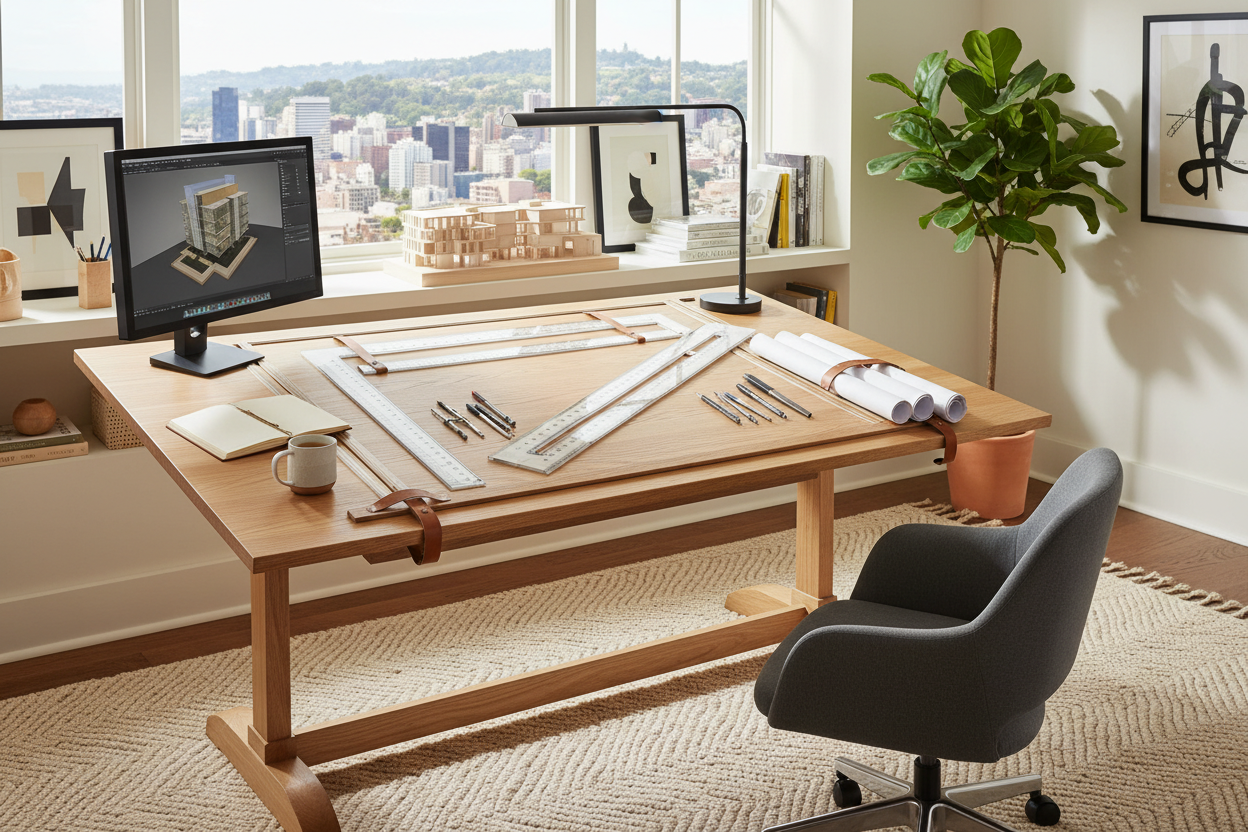
The desk is the anchor of the developer home office. Unlike standard writing desks, a developer's station bears a significant load—dual or triple monitor arms, heavy towers, and peripherals. I always advise against particle board for spans wider than 60 inches, as it will bow under the weight of a heavy rig.
Solid Wood vs. Engineered Surfaces
For a luxury aesthetic that ages well, solid walnut or oak is unbeatable. However, be mindful of the finish. A high-gloss polyurethane looks sleek but reflects monitor glare, which is disastrous for coding. Opt for a matte, oil-rubbed finish. If you prioritize durability over natural grain, Fenix NTM laminate is a designer favorite; it is soft to the touch, anti-fingerprint, and heals micro-scratches with heat.
The Ergonomic Ecosystem
A home office software engineer spends upwards of ten hours seated. The chair you choose should not just be a "gaming chair" with aggressive styling, which often lacks genuine support. Look for task chairs with a breathable mesh back to regulate body temperature. Visually, a bulky chair can dominate a small room; choosing a chair with a slim profile and a neutral colorway helps maintain a sense of space and openness.
Lighting and Visual Balance
Lighting is often the most undervalued element in a software engineer work from home setup. Overhead downlights cast harsh shadows that fatigue the eyes. Instead, layer your lighting:
- Ambient: Soft, indirect light bouncing off the ceiling or walls to soften contrasts.
- Task: A dedicated articulated lamp for reviewing physical notes or sketches.
- Bias: LED strips placed behind the monitor to equalize the brightness between the screen and the wall behind it.
Lessons from My Own Projects
I recently redesigned a workspace for a Lead DevOps Engineer, and we hit a snag that rarely makes it into generic buying guides: the "monitor wobble." We initially selected a beautiful, two-leg standing desk that looked minimal and airy. However, once we mounted two 32-inch ultrawide monitors on arms, the typing vibration was unbearable at standing height.
It taught me a crucial lesson I now pass on to every client: aesthetics cannot compromise physics. We swapped it for a four-leg commercial-grade frame. It wasn't as sleek, but it was rock solid. Another detail often overlooked is the texture of the desk edge. We had to sand down a sharp factory edge on a custom slab because, after an hour of typing, it was cutting into the client's forearms. These tactile details—where your body physically meets the furniture—define the success of the design far more than how it looks on Instagram.
Conclusion
Curating the perfect workspace is an investment in your career longevity. By focusing on deep desks, matte finishes, and layered lighting, you create a sanctuary that supports the mental rigors of development. Don't settle for a makeshift setup; build a space that respects the work you do.
Frequently Asked Questions
What is the ideal desk size for a developer?
For a dual-monitor setup, a width of 60 to 72 inches is standard. Crucially, ensure a depth of 30 inches so screens aren't too close to your eyes.
How do I manage cables in an open-back desk?
Use a vertebrae cable spine to route cords from the floor to the desk surface. Undermount a cable raceway tray to hold power bricks, keeping the visual clutter completely hidden.
Is a standing desk necessary for coding?
While not mandatory, it is highly recommended for breaking up sedentary periods. If you choose one, prioritize stability and a dual-motor system to handle the weight of heavy hardware.

Leave a comment
This site is protected by hCaptcha and the hCaptcha Privacy Policy and Terms of Service apply.