










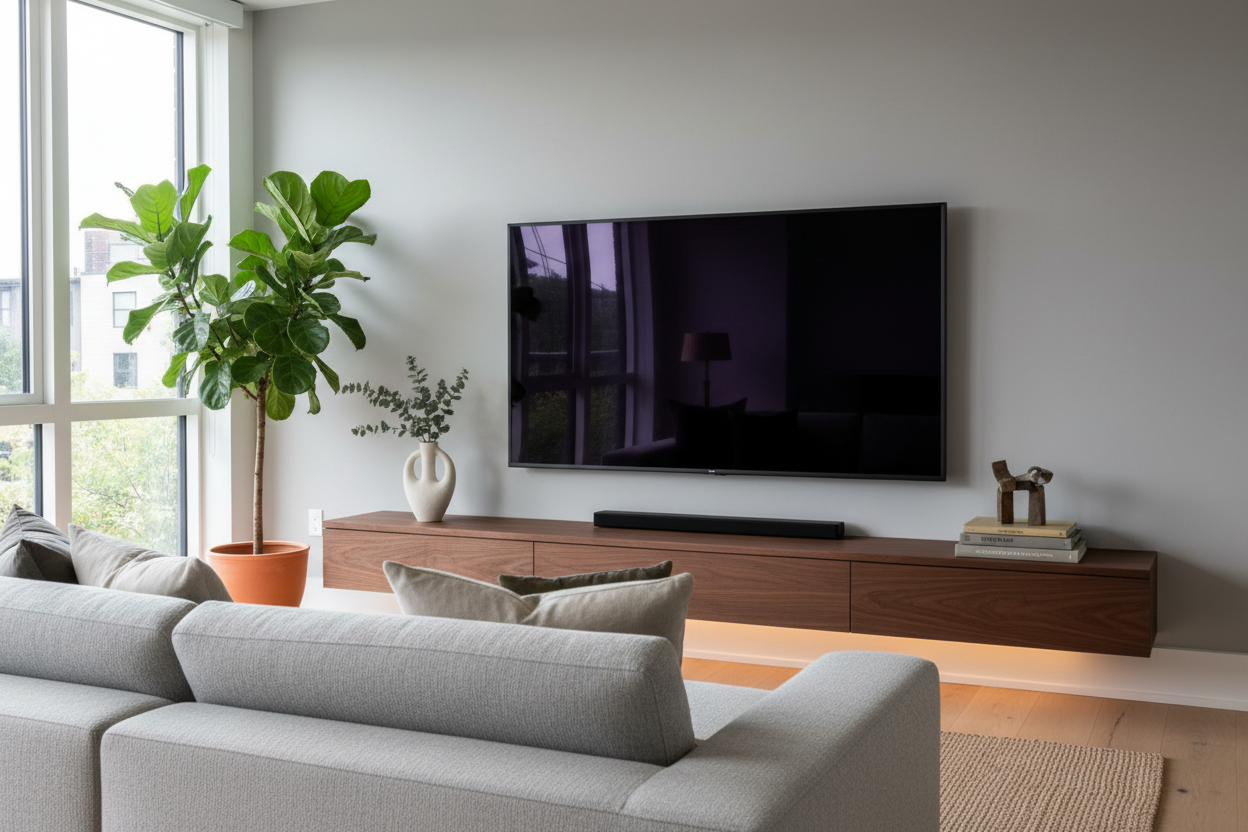
I have spent way too many Tuesday nights staring at my living room wall, wondering why my 65-inch OLED looks like a lonely monolith in a desert. I tried surrounding it with every ceramic bird and candle I owned, but it just looked like a yard sale exploded under the screen. Finding the right tv cabinet decor is a balancing act between personality and not wanting to throw a remote through a $20 vase during an action scene.
Quick Takeaways
- Stop using tiny trinkets; they create visual noise that distracts from the screen.
- Use dark textures to help the 'black box' of the TV blend into the room.
- Asymmetry looks more intentional than two matching lamps or candles.
- Keep decor low enough to avoid blocking the IR sensor or the bottom of the screen.
The 'Shrine to Tech' Trap
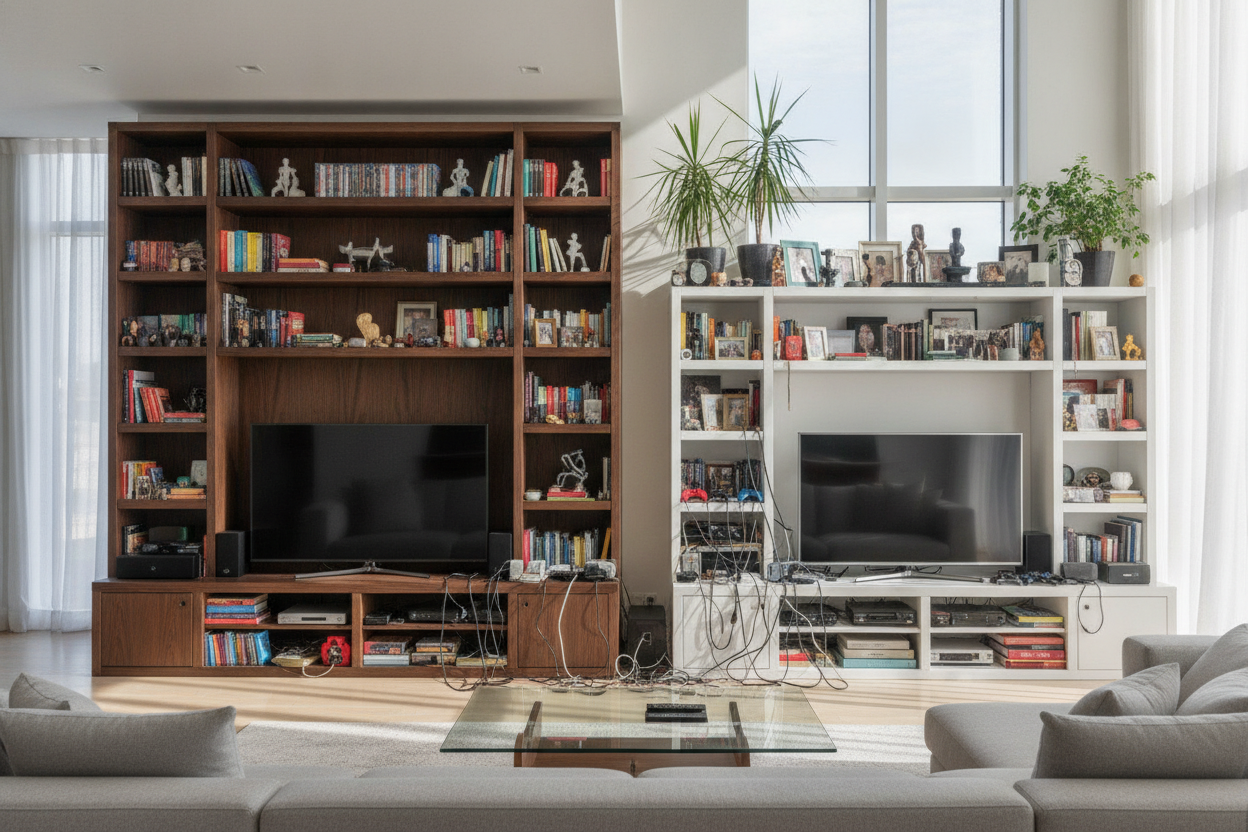
Most of us fall into one of two camps. Either we leave the media console completely bare because we are afraid of clutter, or we treat it like a trophy shelf for every small object we have ever purchased. When you leave it bare, the TV looks like a giant, cold void. When you over-stuff it, your eyes don't know whether to watch the movie or look at your collection of miniature succulents.
I have seen some truly tragic TV stand and cabinet mistakes where people actually block the bottom three inches of their screen with picture frames. You want the TV to feel anchored, not smothered. The goal is to soften the hard edges of the plastic and glass without making the area feel like a cluttered desk.
Embrace the Void: Blending the Black Box
A massive TV is essentially a giant black hole when it is off. To stop it from dominating the room, you need to use color and texture strategically. I am a huge fan of using a black cabinet with glass doors or a deep charcoal console. When the furniture matches the tone of the screen, the TV doesn't 'pop' out as much—it just feels like part of a cohesive dark unit.
If you have a light-colored stand, try adding a few dark-toned objects nearby. A matte black tray or a stack of dark-covered books can bridge the gap between the white oak of the cabinet and the black of the screen. This stops the TV from looking like it is just floating in mid-air.
The Golden Rule of TV Cabinet Decoration: Scale
This is where most people get it wrong. They put five tiny things on the console and wonder why it looks messy. In the world of tv cabinet decoration, bigger is almost always better. Instead of ten small items, try two or three large ones. A single oversized ceramic bowl or a heavy, low-profile coffee table book has way more impact than a dozen knick-knacks.
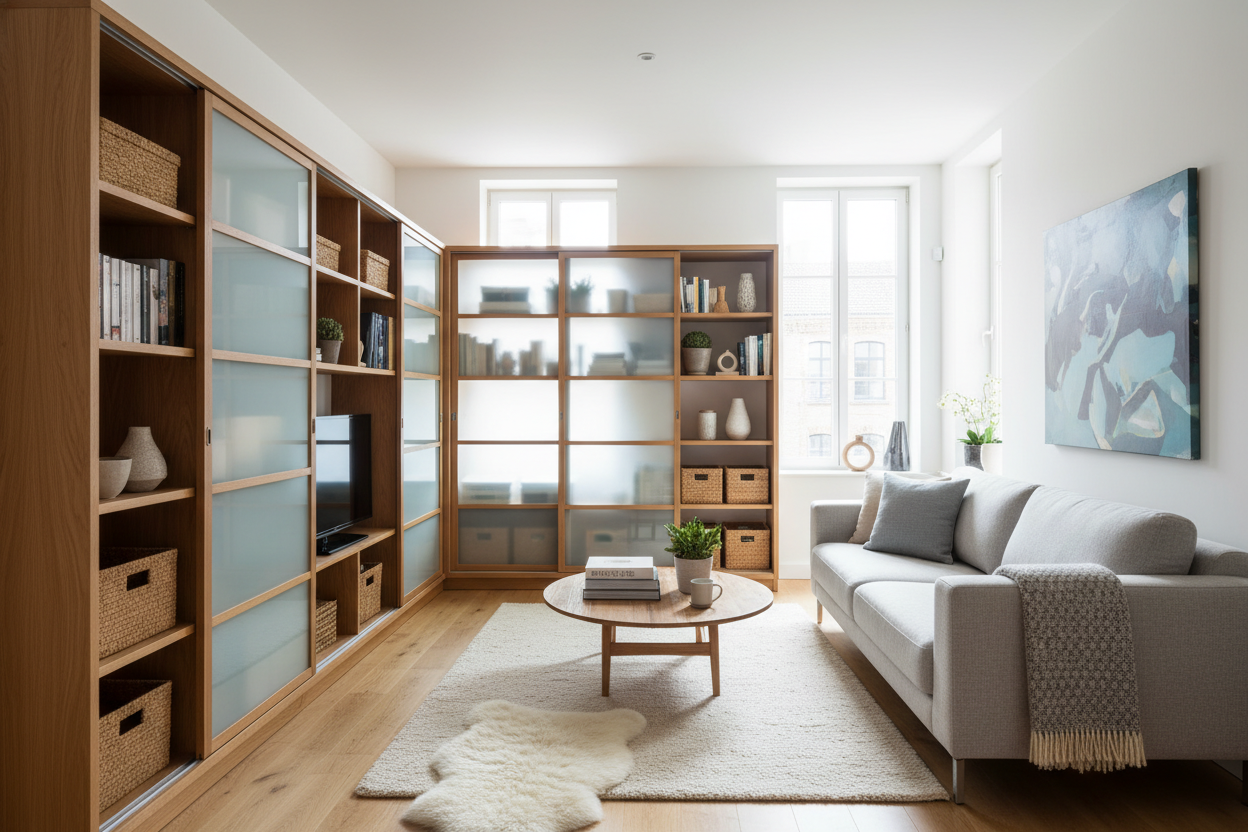
If your console is feeling too busy, it might be time to hide the 'stuff.' I usually recommend a modern TV cabinet table with storage so you can shove the remotes, controllers, and manuals out of sight. Keep the top surface reserved for pieces that actually have some visual weight. If an object is smaller than a grapefruit, it probably doesn't belong on your TV stand.
Asymmetry Is Your Best Friend
Symmetry is boring. Putting one tall candle on the left and one tall candle on the right makes your TV look like a religious altar. It is too stiff. Instead, try grouping items on one side. Maybe a tall vase with some dried branches on the left, and a low, wide stack of books on the right. This creates a visual 'weight' that feels balanced but not mirrored.
A large TV cabinet with spacious storage gives you the surface area to really play with this. You can leave one third of the stand completely empty to give the eye a place to rest, then cluster your decor on the other two-thirds. It feels much more like a curated gallery and less like a retail display.
Mind the Glare (And the Remote Sensor)
Here is the practical stuff nobody tells you until you are sitting on the couch frustrated. Avoid anything high-gloss or metallic directly under the screen. I once had a polished silver bowl on my console that reflected the light from the TV so brightly it gave me a headache every time I watched a movie. Stick to matte finishes, wood, or stone.
Also, check your remote sensor. Most TVs have their IR receiver at the very bottom. If you put a beautiful potted plant right in front of it, you will find yourself doing gymnastics with your arm just to change the volume. Test the remote with your decor in place before you commit to the layout.
My Personal Design Fail
I once bought this stunning, tall fluted glass vase. It was perfect—until I realized it blocked exactly two inches of the subtitles on every foreign film I watched. I spent three months leaning my head to the side like a confused dog before I finally moved it to the dining table. Now, I never put anything on my TV stand that is taller than the bottom bezel of the screen, unless it is off to the far side. Learn from my stubbornness: functionality beats aesthetic every time in the media room.
FAQ
Can I put plants on my TV cabinet?
Yes, but keep them low and easy to maintain. Avoid anything that needs heavy watering to protect the electronics. A low-profile snake plant or a trailing Pothos on the far edge works great.
Should I center the TV or the decor?
Center the TV on the wall or the stand first. Then, use your decor to create an asymmetrical balance. Don't feel like you have to center every object; it usually looks better when things are slightly offset.
How do I hide ugly cables?
If your cabinet doesn't have built-in management, use adhesive cable clips or a simple cable box. Nothing ruins expensive decor faster than a 'spaghetti' mess of black power cords hanging down the back.

Leave a comment
This site is protected by hCaptcha and the hCaptcha Privacy Policy and Terms of Service apply.