










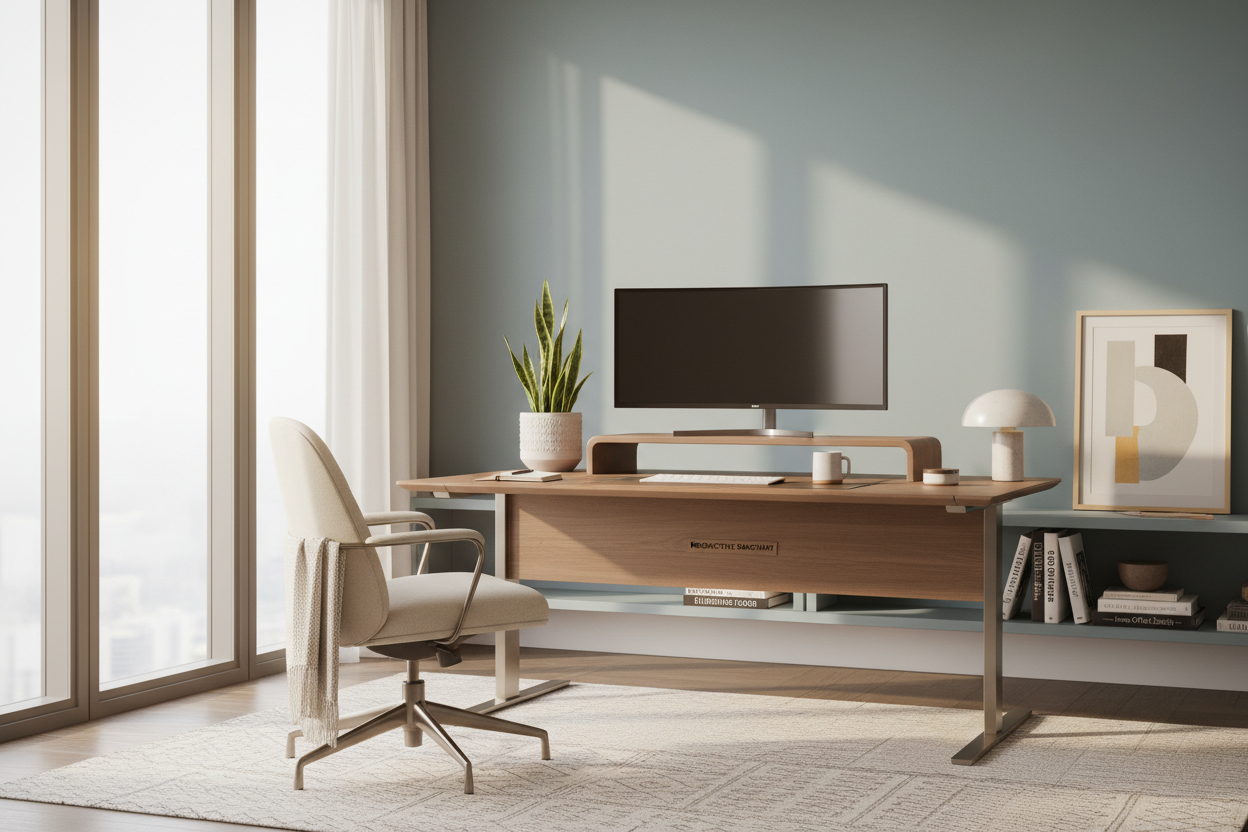
Working from the dining table might feel convenient for a morning or two, but as a permanent solution, it disrupts both your posture and your home’s aesthetic harmony. The challenge lies in creating a space that functions like a high-performance office while feeling like a curated part of your home. Below, I share my essential telecommuting tips to help you blend ergonomic necessity with sophisticated interior design.
Quick Decision Guide: The Essentials
- Ergonomics First: Prioritize chairs with adjustable lumbar support and seat depth over purely sculptural pieces.
- Lighting Layers: Combine ambient overhead lighting with focused task lighting (aim for 4000K color temperature for focus).
- Surface Depth: Ensure your desk is at least 24-30 inches deep to maintain proper monitor distance and prevent eye strain.
- Acoustics: Use soft textiles like rugs or upholstered panels to dampen echo during calls.
- Materiality: Choose matte finishes for desktops to reduce glare from screens and overhead lights.
Structuring Your Workspace for Flow
When offering teleworking tips to clients, I always start with spatial planning. The location of your workstation dictates your mental clarity. Ideally, position your desk in the "command position"—facing the door but not directly in line with it. This offers a psychological sense of security and reduces subconscious stress.
The Chair: Aesthetic vs. Function
The biggest pitfall I see is choosing a chair solely for its silhouette. While a rattan or rigid mid-century accent chair looks beautiful in a portfolio, it is disastrous for an eight-hour shift. Look for "hidden ergonomics." High-end task chairs now come in fabric options like heathered wool or breathable mesh that complement residential palettes rather than clashing with them. If you must use a dining chair, add a dedicated lumbar pillow and ensure the seat height allows your elbows to rest at a 90-degree angle.
Lighting: The Invisible Design Element
Poor lighting is the silent killer of productivity. Standard residential lighting is often too warm (2700K) and too dim for detailed work, leading to fatigue. One of my top tips for telecommuting is to layer your lighting. Start with a general ambient light, but invest heavily in an articulated task lamp. Look for fixtures with a Color Rendering Index (CRI) of 90 or higher; this ensures that colors on your desk look true to life, which is vital if your work involves any visual components.
Material Selection and Tactility
The materials you touch daily influence your mood. Solid wood offers warmth and durability, developing a patina over time that synthetic laminates cannot replicate. However, be wary of highly polished lacquers or glass tops. While sleek, they act as mirrors for your monitor, causing significant glare. I often recommend honed stone or matte wood veneers. These finishes absorb light rather than reflecting it, softening the visual noise of the room.
Visual Boundaries in Open Plans
If you don't have a dedicated room, you must create a psychological boundary. This doesn't require building walls. Use a tall, open-shelving unit to partition the space or anchor the desk area with a specific rug. This creates a "zone" that signals to your brain—and your family—that you are at work.
Lessons from My Own Projects: The "Vintage" Mistake
I learned one of my most valuable lessons about home office setups the hard way. A few years ago, I sourced a stunning, vintage teak desk for my own workspace. It had beautiful grain and perfect proportions for the room. However, I ignored the fact that vintage desks are often slightly higher (around 30 inches) than modern ergonomic standards (28-29 inches).
After two weeks, my shoulders were constantly shrugged up toward my ears while typing, causing tension headaches. I had to install an ugly, utilitarian keyboard tray underneath to fix the height issue, which completely ruined the sleek profile I loved. Now, I personally measure the exact clearance of every desk leg and apron before buying. It’s a reminder that no amount of aesthetic beauty compensates for poor biomechanics.
Conclusion
Transforming your workspace isn't just about buying a desk; it's about curating an environment that respects your body and your home's design language. By applying these design-forward telecommuting tips, you can create a space that invites focus without sacrificing style.
Frequently Asked Questions
How do I fit a workspace into a small apartment without it looking cluttered?
Focus on verticality and multi-functional furniture. Wall-mounted ladder desks or secretary desks that can close up at the end of the day are excellent choices. They hide the visual clutter of work when you are in "home mode."
What is the best background for video calls?
Avoid a blank white wall, which looks sterile, or a backlit window, which silhouettes you. A bookshelf with styled accessories or a wall with textured wallpaper provides depth and visual interest without being distracting.
Is a standing desk worth the investment for home interiors?
Absolutely, but aesthetics matter. Avoid the industrial-looking motorized legs if your home is traditional. Look for standing desks with shrouded legs or wood-wrapped bases that conceal the motor mechanism, blending better with residential furniture.

Dejar un comentario
Este sitio está protegido por hCaptcha y se aplican la Política de privacidad de hCaptcha y los Términos del servicio.