











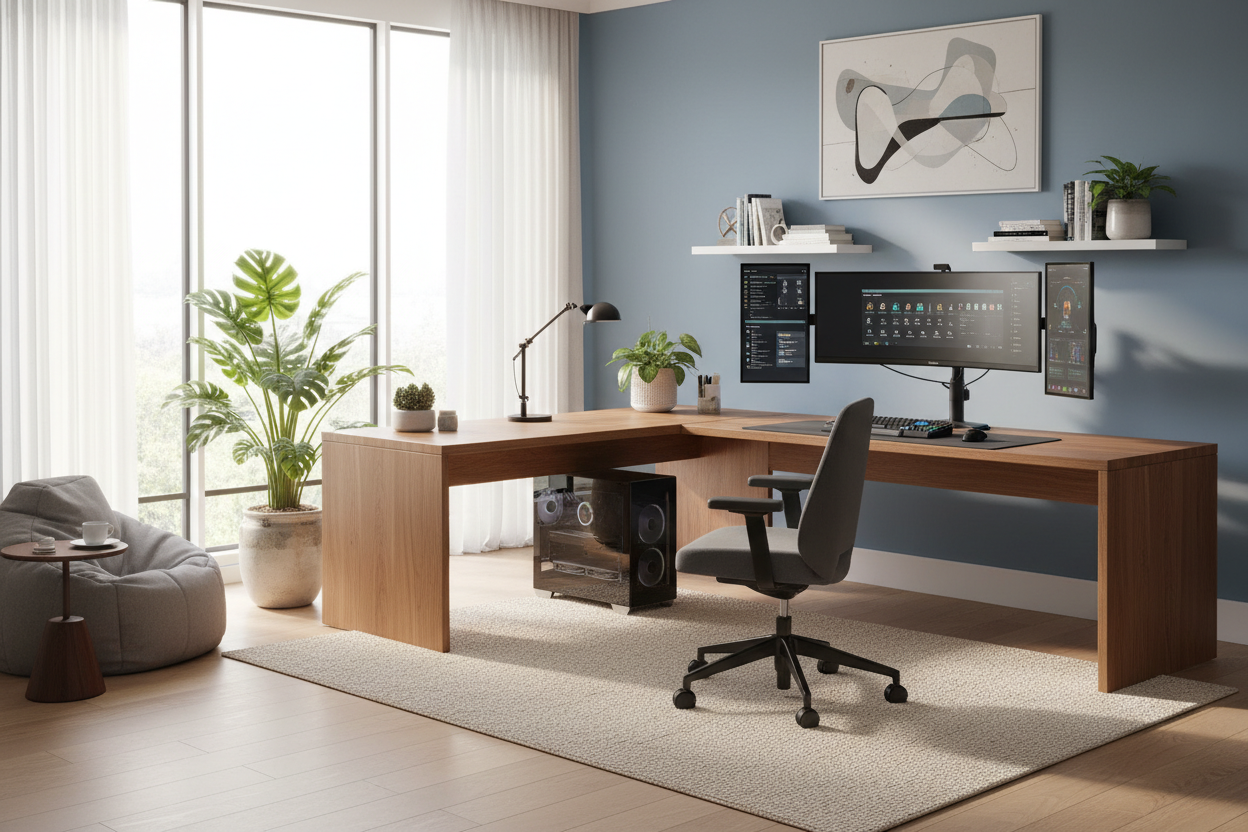
Integrating high-performance technology into a curated interior is one of the most challenging tasks in modern design. Often, homeowners feel forced to choose between a powerful rig and a sophisticated room aesthetic, fearing that a tower and monitors will disrupt the visual flow of their living space. However, when treated as a piece of functional architecture rather than just electronics, desktop pc setups can actually enhance the character of a room. This guide explores how to merge ergonomics with high-end interior styling.
Key Features of a Designer-Approved Setup
- Desk Depth: Aim for a minimum depth of 30 inches (76cm) to maintain proper focal distance and visual balance.
- Material Texture: Choose matte finishes (solid wood, matte laminate) over high-gloss to reduce glare and fingerprint visibility.
- Cable Management: Look for integrated grommets or trays; visible wires destroy the sense of luxury.
- Lighting Temperature: Use 3000K-4000K bias lighting behind monitors to reduce eye strain without creating a harsh "lab" feel.
- Acoustics: Incorporate soft furnishings (rugs, curtains) nearby to dampen fan noise.
Curating the Foundation: The Desk
The desk is the anchor of your pc desktop setup. In luxury interiors, we prioritize materials that age gracefully. While tempered glass offers a sleek, modern silhouette, I often advise clients against it for heavy daily use; it is cold to the touch and highlights every speck of dust. Instead, consider solid walnut or white oak. These materials add warmth and tactile comfort, grounding the technology in something organic.
For a complete computer setup, the structural integrity of the desk is paramount. Monitor arms and heavy towers require a tabletop that won't bow. A solid wood slab or high-density architectural plywood with a premium veneer ensures longevity and stability that cheap particle board cannot match.
Ergonomics Meets Aesthetics
A normal pc setup often relies on "racing style" gaming chairs, which can look juvenile in a refined home office. From a design perspective, function must align with form. Look for high-performance ergonomic chairs with sophisticated silhouettes—think mesh backings in charcoal or slate greys, or fabric upholstery that coordinates with your room's drapery.
Space Planning and Layout
Placement dictates the flow of the room. Never position your screen directly opposite a window without light control, as the glare will ruin the experience. Ideally, float the desk in the room facing the door (the "command position") or place it perpendicular to the window. This layout allows for a home pc set up that feels open and inviting, rather than pushed into a dark corner.
Lighting: The Invisible Design Element
Lighting is what separates a sterile workspace from a comfortable haven. Avoid relying solely on a single overhead fixture. Layer your lighting by adding a focused task lamp with a warm bulb and installing bias lighting strips behind your monitor. This reduces the contrast between the bright screen and the dark room, softening the visual impact of the technology.
My Personal Take on Desktop PC Setups
In my years of designing home offices, I've learned that the smallest details often cause the biggest headaches. I remember designing a bespoke, floating mahogany desk for a client's desktop pc setup. It looked stunning architecturally—clean lines, zero floor clutter.
However, I made a miscalculation regarding the CPU tower placement. We mounted it directly to the underside of the desk to keep it off the floor. What I didn't account for was the vibration transfer. When the PC fans ramped up during heavy rendering tasks, the entire desk surface hummed slightly. It was a tactile annoyance that ruined the luxury feel. We eventually had to move the tower to a dedicated, felt-lined floor stand. Now, I always insist on vibration-dampening pads or separate plinths for high-powered machines. It’s a practical nuance you won't see on Pinterest, but you will definitely feel it while working.
Conclusion
Creating a cohesive workspace isn't about hiding your technology; it's about selecting furniture and layouts that complement it. By focusing on quality materials, proper lighting, and sophisticated seating, you can build a workspace that serves your productivity while respecting your home's interior design.
Frequently Asked Questions
How much space do I need for a complete computer setup?
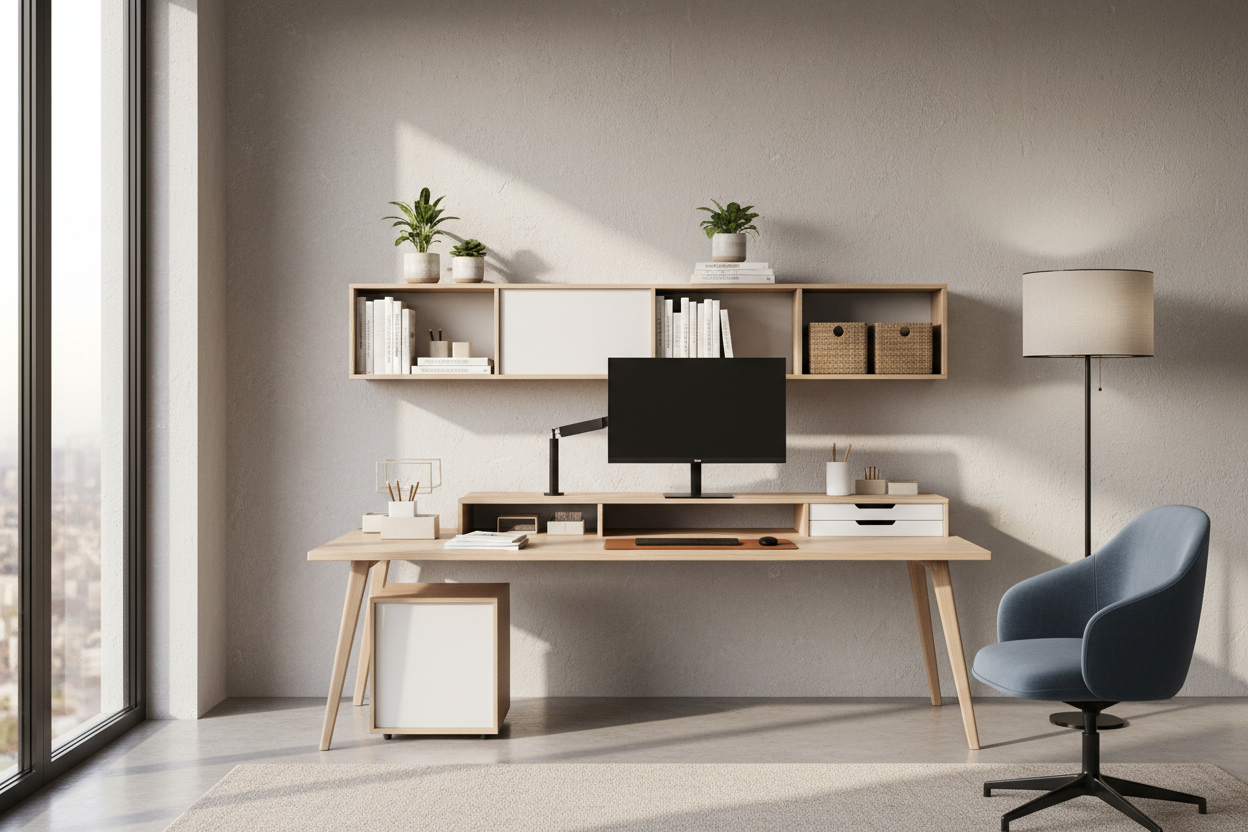
For a comfortable dual-monitor arrangement, aim for a desk width of at least 60 inches (150cm). This prevents the equipment from looking cluttered and provides space for ambient decor like plants or table lamps.
What is the best way to hide cables in a home pc set up?
Use a desk with a modesty panel or invest in a vertebrae cable spine that runs from the desk surface to the floor. Velcro ties are superior to zip ties, allowing you to easily adjust your setup without cutting wires.
Can I use a dining table for my pc desktop setup?
While aesthetically pleasing, dining tables often lack the correct ergonomic height (usually too high for typing) and cable management solutions. If you choose this route, ensure you have a height-adjustable chair and use a footrest to maintain proper posture.

Dejar un comentario
Este sitio está protegido por hCaptcha y se aplican la Política de privacidad de hCaptcha y los Términos del servicio.