










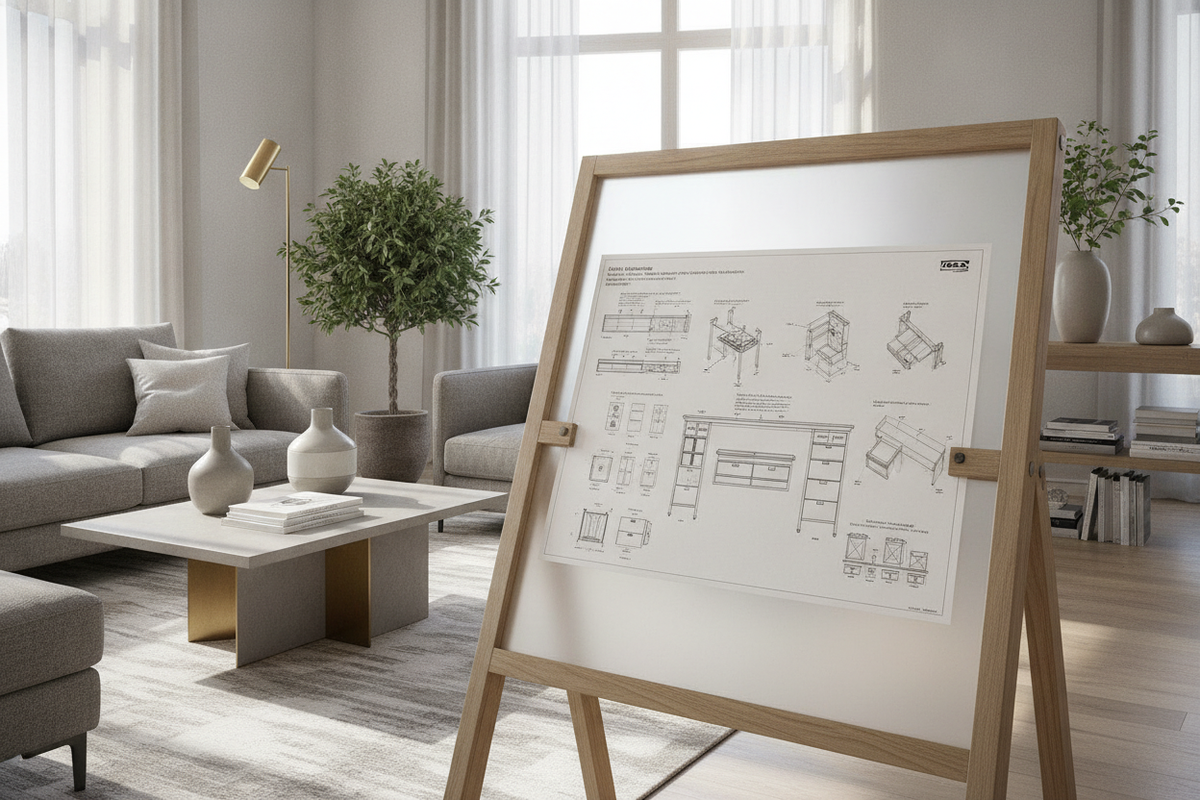
Dynamic work postures have become a central focus of residential office design. Integrating an adjustable sit-to-stand workstation into a multi-use living space requires careful attention to mechanical hardware, dimensional footprint, and surrounding furniture compatibility. When planning around modular systems such as a desk stand ikea format, choosing between bare lifting frames, integrated desktop combinations, and complementary storage units dictates how seamlessly your setup supports long working sessions.
Understanding the Sit-to-Stand Desk Stand Architecture
Modern home offices balance active movement with structural simplicity. A standalone height-adjustable desk stand serves as the load-bearing engine of the workspace, housing the lifting columns, motor synchronization components, and structural footings that allow the desktop surface to travel vertically. Evaluating these stands requires looking beyond basic aesthetic finishes to understand how base geometry and lift mechanisms interact with daily workflows.
Key structural pillars to consider include frame balance under uneven loads, motor transition smoothness, horizontal rigidity at maximum elevation, and cable pathway accommodation. By establishing these architectural priorities early, you can create a workspace that remains dependable across seated and standing routines.
Lift Mechanism Archetypes: Motorized vs. Manual Systems
Lifting mechanisms generally fall into three distinct engineering archetypes: dual-motor electric columns, single-motor mechanical sync-rod drives, and manual counterbalance or crank assemblies.
- Dual-Motor Electric Systems: Featuring an independent motor enclosed within each telescopic column, dual-motor frames provide synchronized vertical travel with smooth starts and stops. These systems handle multi-screen setups with ease, making an adjustable height standing product ideal for frequent, push-button height transitions throughout the day.
- Single-Motor Drive Rod Systems: A single motor drives one leg directly while turning a central hex rod to raise the secondary leg. While cost-effective, these assemblies require precise alignment during installation to avoid gear binding.
- Manual Crank and Counterbalance Systems: Manual options eliminate electrical cords, making them versatile choices for rooms with limited wall outlets or for secondary utility desks where height adjustments are occasional.
Workstation Footprint Categories and Spatial Clearances
Spatial planning determines both ergonomic comfort and room flow. When measuring your layout, consider not only the physical desktop dimensions but also dynamic clearance buffers.
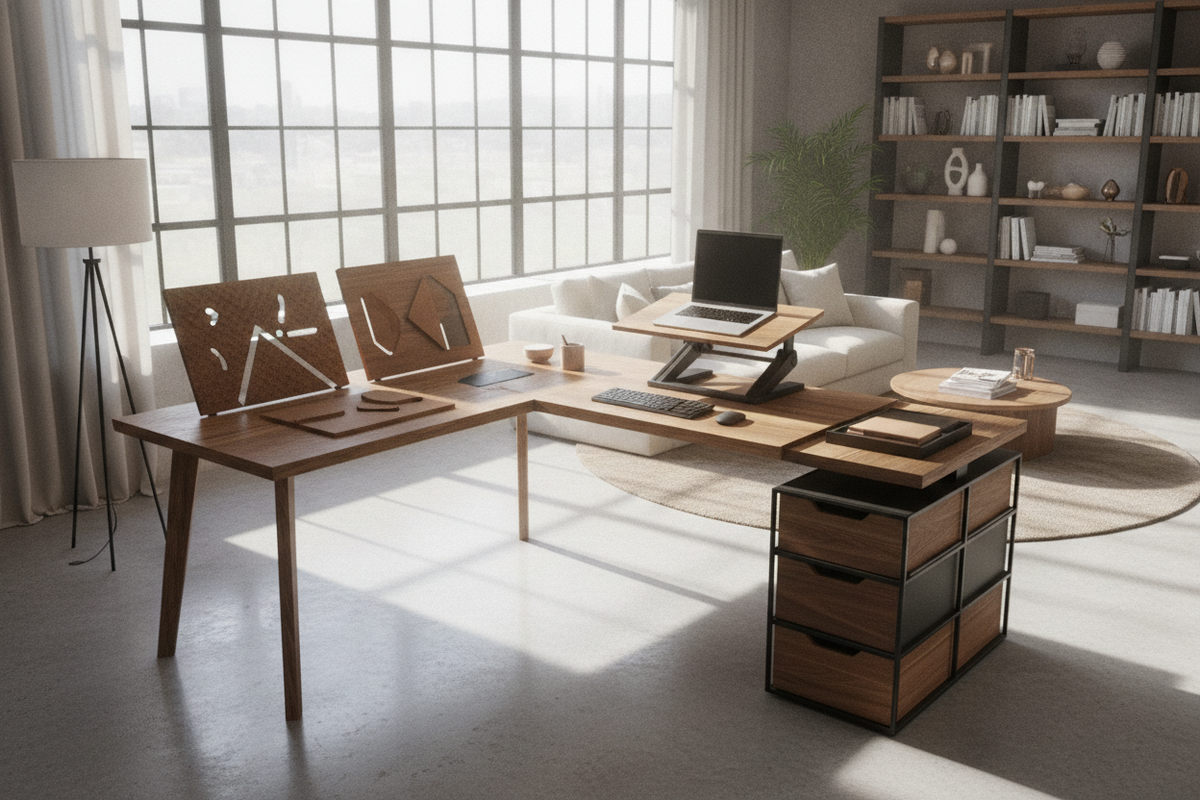
Compact footprints under four feet wide suit alcoves, urban apartments, and shared guest rooms. For tighter spatial layouts, reviewing a dedicated computer desk ikea guide can help you evaluate whether an open sit-stand frame or a concealed, armoire-style workstation better preserves your floor plan. Mid-size frames accommodate dual displays and desktop accessories comfortably, while expansive dual-zone or corner L-shaped frames support intensive creative workflows requiring distinct task zones.
Always verify vertical clearance envelopes around wall art, window sills, and floating shelves. Maintaining a slight perimeter setback prevents desktop edges from scraping adjacent walls or trimming during upward travel.
Structural Frame Engineering, Weight Distribution, and Stability
Horizontal sway and front-to-back wobble at standing heights are determined by frame architecture. Telescopic leg columns are generally offered in two-stage or three-stage configurations. Three-stage nested columns provide wider height adjustment ranges and enhanced overlap between leg segments, increasing overall stability at elevated levels.
Base footings also play a crucial role. Symmetrical T-frame legs balance the desktop evenly over the center of gravity, while offset C-frame legs position the lifting columns toward the rear of the desk, maximizing under-desk knee room and mobile drawer clearance. When matching custom work surfaces with bare structural frames across a wider computer desk collection, ensure that frame mounting brackets align securely with primary structural support lines to prevent tabletop bowing.
Storage Architecture and Workstation Integration
Because sit-to-stand desktops move independently, traditional fixed under-desk drawers require thoughtful reconfiguration. Attaching heavy storage units directly to an elevating desktop can strain lift motors and shift the center of mass unexpectedly.
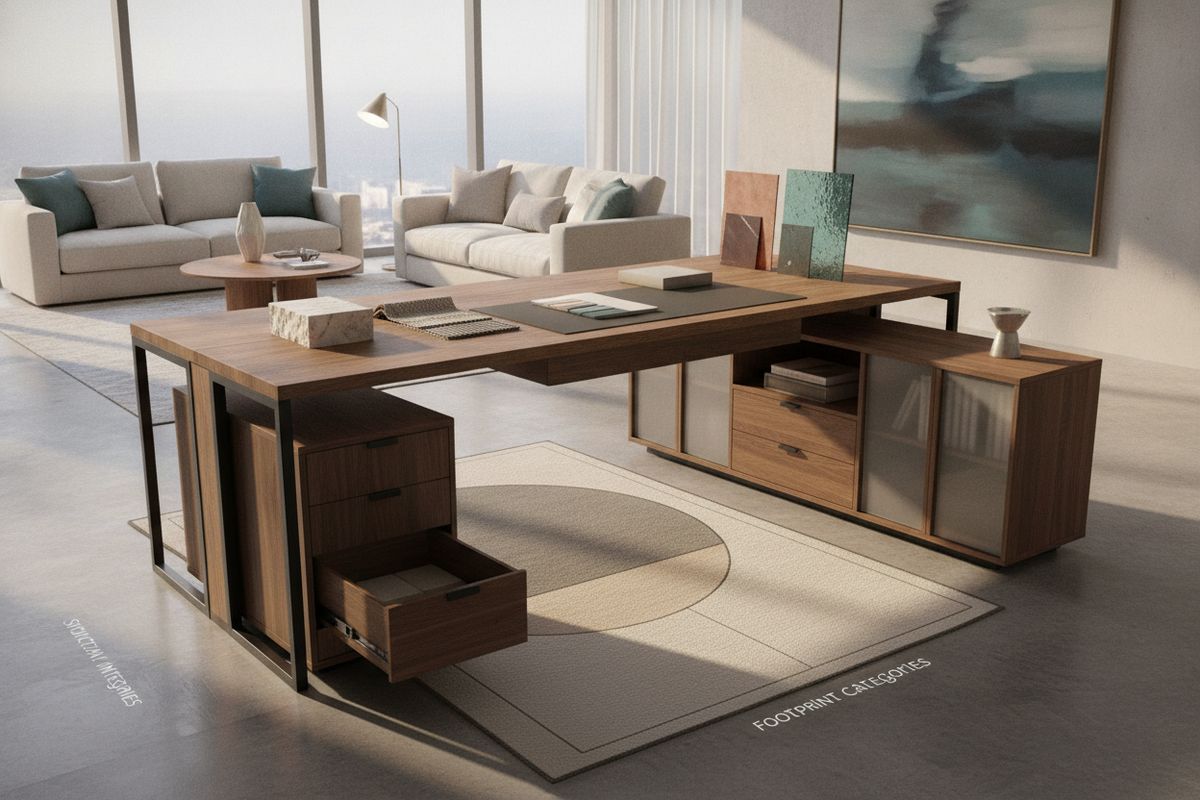
A practical organization strategy separates moving work surfaces from stationary storage. Low-profile mobile pedestals that slide clear of descending legs, or stationary credenzas positioned alongside the desk, maintain easy access to files without obstructing vertical travel. Incorporating modular pieces like a white office computer product nearby provides dedicated stationary storage while keeping the adjustable desk surface light, open, and uncluttered.
Assembly Guidelines, Leveling, and Basic Troubleshooting
Proper installation ensures smooth mechanical operation and prevents premature wear on motorized columns:
- Leveling Glides: Always adjust the threaded base glides with a spirit level before plugging in the system. An uneven floor introduces torsional stress across lifting columns.
- Torque Uniformity: Tighten frame crossbars and desktop mounting fasteners evenly to prevent structural twisting.
- Control Box Calibration: If a motorized frame experiences uneven travel or halts unexpectedly, perform a manual reset sequence—typically holding the down control until the frame reaches its lowest mechanical stop and recalibrates its baseline position.
- Cable Slack Management: Route power strips and display cords through flexible spine channels or under-desk trays, leaving sufficient slack for full vertical extension without snagging.
Decision Matrix: Matching Desk Stands to Work Habits and Room Layouts
Choosing the right desk stand configuration comes down to your daily usage patterns and spatial constraints. Dedicated daily users who adjust heights multiple times per day benefit most from dual-motor frames with memory presets. Occasional users may prioritize simpler manual mechanisms or stationary desks with modular organization. For a broader perspective on coordinating workstation layouts with whole-room decor, explore our office desk that guide to design a cohesive, functional, and ergonomic home workspace.

Dejar un comentario
Este sitio está protegido por hCaptcha y se aplican la Política de privacidad de hCaptcha y los Términos del servicio.