










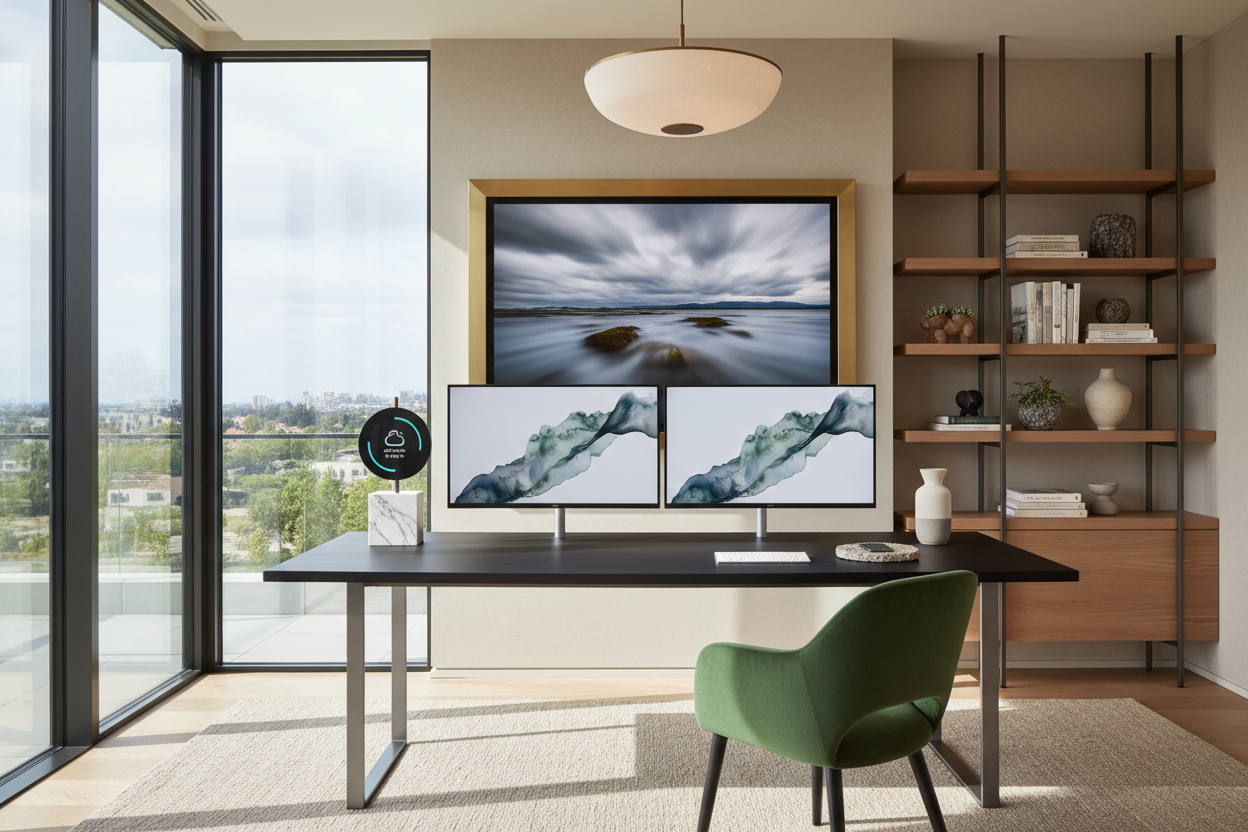
We have all been there. You spend weeks curating the perfect layout, selecting a beautiful rug, and finding a desk with just the right wood tone. Then Monday morning arrives, and you drop three monitors, a docking station, and a tangled web of black cords right in the middle of it. Suddenly, your carefully designed space feels like a server room. Integrating home and office tech into residential spaces is one of the most common struggles I see in my design practice.
You do not have to choose between a highly functional workspace and a beautiful home. In this guide, we will break down exactly how to manage the visual clutter of screens, select furniture that actually supports heavy equipment, and maintain your room's aesthetic while keeping your digital life fully operational.
Quick Decision Guide
- Mount your monitors: Use pneumatic arms clamped to the desk to instantly free up surface area and reduce the heavy visual footprint of plastic monitor stands.
- Match your metals: Treat tech accessories (keyboard frames, laptop stands, lamps) like hardware. Keep them to one or two consistent metal finishes to create a cohesive look.
- Mind the clamp: Heavy dual-monitor mounts require solid wood or high-quality plywood desktops. Hollow-core or cheap particleboard will eventually crush under the localized pressure.
- Create negative space: Avoid pushing your desk completely flush against a wall if you have multiple screens. Pulling it back even 6 inches gives the room breathing room and makes routing cables significantly easier.
Taming the Technology Home Office Footprint
When planning a room that houses heavy technology, the biggest mistake is letting the equipment dictate the layout. A massive gaming chair or a bulky L-shaped tech desk immediately shifts the energy of a room from residential to corporate.
The 36-Inch Clearance Rule
If you are setting up a workspace in a multi-use room, like a living room corner or a guest bedroom, maintain at least 36 inches of walkway behind your seating area. This ensures the tech zone feels intentional rather than crammed in. If your monitors face a window, be mindful of glare; position the desk perpendicular to the light source rather than directly opposite it.
Integrating Screens with Your Decor
Large black rectangles—whether they are monitors, TVs, or desktop towers—carry a massive amount of visual weight. If you place a dual-monitor setup against a blank white wall, it becomes a visual black hole that draws the eye immediately.
Balancing the Visual Weight
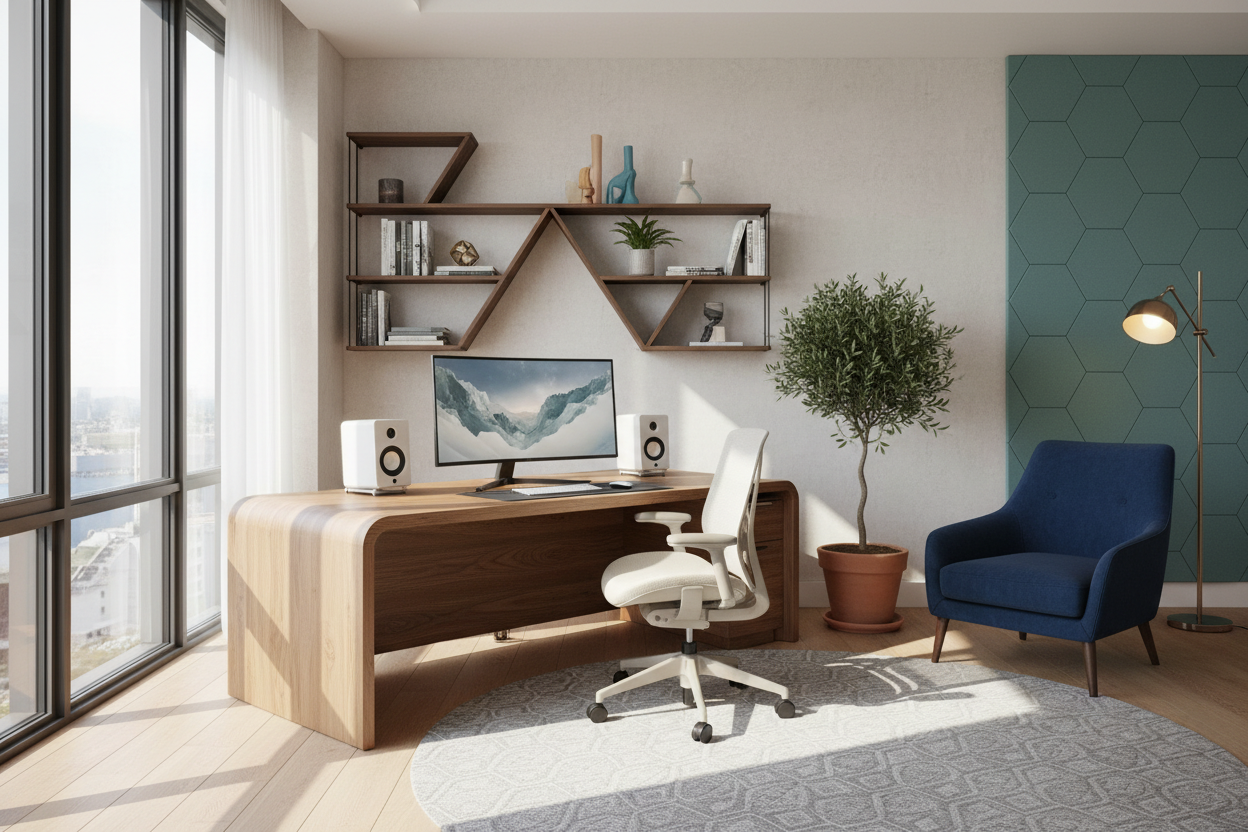
To soften the harsh lines of a tech home office, introduce organic shapes and textures nearby. A tall, leafy plant placed next to the monitor setup breaks up the rigid geometry. You can also hang an asymmetrical gallery wall around the screens to integrate them into a larger visual composition. When the monitors are off, they simply blend into the surrounding artwork rather than dominating the blank wall.
Investing in the Right Tech Furniture
Not all desks are created equal, especially when it comes to supporting modern equipment. A delicate vintage writing desk might look stunning on Pinterest, but it is rarely equipped to handle a modern workstation.
Solid Wood vs. Engineered Materials
If you plan to use clamp-on accessories—like monitor arms, microphone stands, or heavy ring lights—you need a dense desktop. Solid hardwood (like oak, walnut, or ash) or high-quality plywood will withstand the torque of a C-clamp. Hollow-core desks or low-density engineered wood will eventually buckle, warp, or crack under the pressure of heavy home and office tech.
Designer's Honest Take
Early in my career, I designed a beautiful, minimalist workspace for a client using a gorgeous mid-century modern teak veneer desk. It looked flawless on installation day. But I learned a hard lesson a month later. The client attached a heavy-duty dual-monitor arm to the back edge.
Because the desk was an older veneer over a softer core, the clamp slowly crushed the wood, leaving a permanent, jagged indentation. Worse, the desk had no built-in cable management, so the heavy power bricks dragged the cords down, pulling the monitors off-balance. I had to retrofit the desk with a steel reinforcement plate and drill custom grommets. The takeaway? Never prioritize a delicate silhouette over structural integrity when heavy technology is involved. Always check the weight capacity and core material of your furniture before attaching your gear.
Frequently Asked Questions
How do I hide messy cords in a tech home office?
Start by mounting a metal cable management tray directly under the rear edge of your desk. Route all power strips and bulky adapters into this tray, running only a single, neatly wrapped power cord down the desk leg to the wall outlet.
What size desk do I need for multiple monitors?
For two standard 27-inch monitors, you need a desk that is at least 60 inches wide and 28 inches deep. Anything shallower than 28 inches will put the screens uncomfortably close to your eyes and leave no room for a keyboard and notebook.
Can I use a dining table as a tech desk?
Yes, dining tables often make excellent desks because they offer generous depth and solid construction. However, they lack built-in cord management, so you will need to rely on adhesive cable clips routed along the underside of the table to keep wires out of sight.

Dejar un comentario
Este sitio está protegido por hCaptcha y se aplican la Política de privacidad de hCaptcha y los Términos del servicio.