










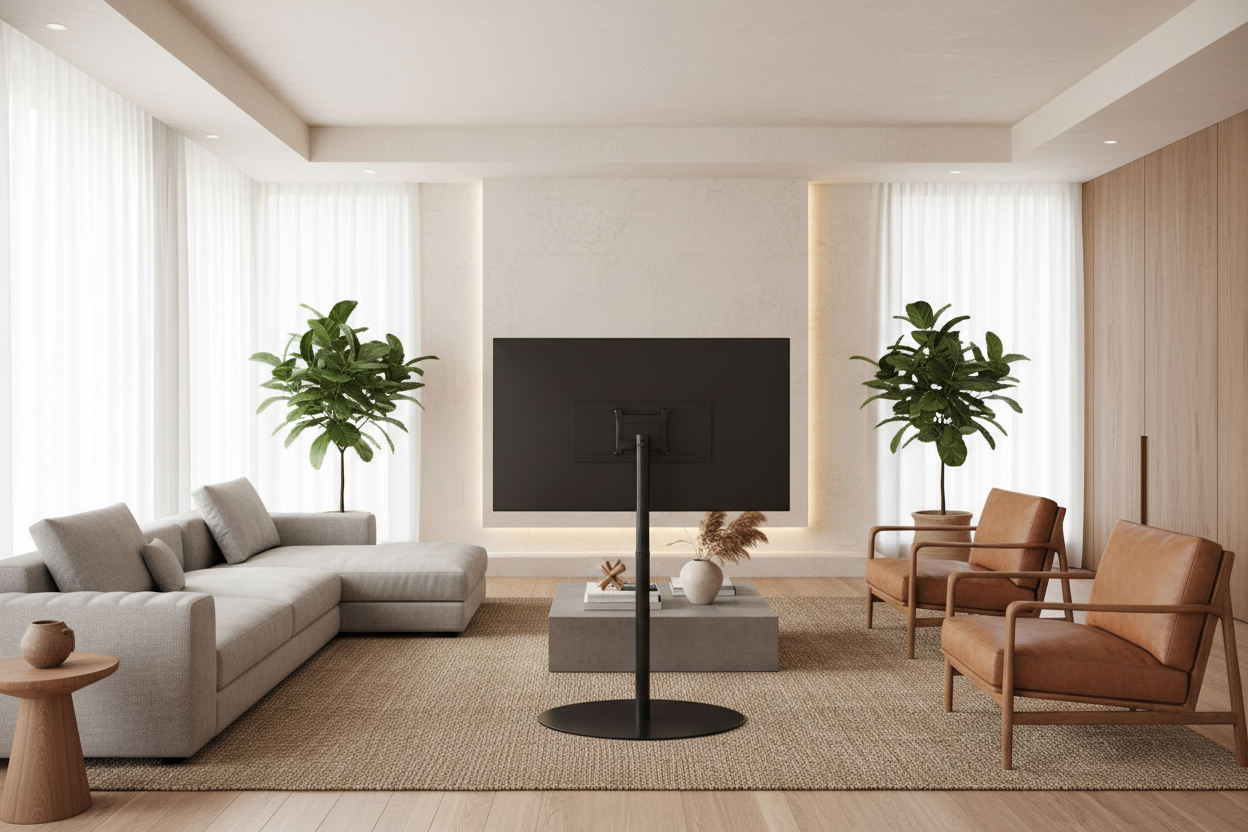
I spent months trying to figure out why my living room felt so frustrating. My 55-inch screen looked great on the media console, but the moment the sun hit the sliding glass door, it was game over. I spent way too much time hunting for a 55 inch TV stand that could somehow block the light, but the real fix wasn't a piece of furniture at all. It was a swivel stand for 55 inch tv.
- Swivel bases allow for multi-room viewing in open layouts.
- Aftermarket stands are often more stable than the 'chicken feet' legs included by manufacturers.
- Height adjustability is a hidden superpower that fixes neck strain.
- Always check VESA patterns and weight limits before buying.
The Open-Concept Curse (And My Glare Problem)
Open floor plans are a dream for hosting, but they are a nightmare for static electronics. I’d be in the middle of meal prepping at the kitchen island, wanting to catch the news or a game, but all I could see was a massive reflection of my refrigerator. My couch was the only 'approved' viewing spot, which felt incredibly limiting for a space I pay way too much rent for.
The lightbulb moment happened when I realized I didn't need to move the whole console; I just needed the screen to pivot. Swapping the factory-issued legs for a rotating base meant I could nudge the screen 30 degrees toward the kitchen. Suddenly, the entire floor plan became functional. No more squinting through window glare or missing the best parts of a show because I needed to stir a pot of pasta.
Wait, Is a Swivel Base for 55 Inch TV Actually Stable?
I’ll be honest: the idea of putting an $800 piece of glass and tech on a single pedestal made me nervous. I pictured my cat knocking the whole thing over during a midnight zoomie session. But after unboxing a heavy-duty swivel base for 55 inch tv, I realized it was actually sturdier than the 'chicken feet' legs that came in the box.
Most of these aftermarket stands use a thick slab of tempered glass or solid steel for the base. They are heavy—usually around 15 to 20 pounds on their own. Because the weight is concentrated at the bottom and the TV is bolted directly to a steel mounting plate, the center of gravity is much lower. It feels like a tank. If you’ve ever touched a modern TV and felt it wobble on its plastic legs, you’ll know exactly why this upgrade feels so much safer.
The 3 VESA Specs You Need to Check First
Before you go shopping for a swivel tv stand 55 inch mount, you have to look at the back of your TV. Look for four screw holes in a square or rectangular pattern. This is the VESA mount. You need to measure the distance between those holes in millimeters. If your TV is 400x400 and the stand only goes up to 200x200, you’re going to be driving back to the UPS store for a return.
Second, check the weight. Most 55-inch LEDs weigh between 30 and 45 pounds, but older models can be surprisingly beefy. Third, check the 'swing' radius. If your TV is sitting inside a recessed nook, a swivel stand won't do much good if the edges of the TV hit the walls before it reaches the angle you want. Measure twice, buy once.
The Unexpected Benefit: It Fixed My Viewing Height
Most factory legs sit the TV about two or three inches off the surface of your furniture. If you've ever wondered why your new TV stand feels too short, it’s because modern consoles are built for aesthetics, not necessarily your neck health. I was constantly looking 'down' at my screen, which led to that dull ache at the base of my skull after a two-hour movie.
The beauty of a pedestal-style swivel mount is the adjustable neck. I was able to bolt my screen into the highest setting, lifting it about five inches higher than the original legs allowed. It brought the center of the screen right to eye level. It sounds like a small change, but it completely transformed the viewing experience. It also left enough room underneath the TV for my soundbar without blocking the remote sensor—a win-win.
How to Hide the Cords When Your TV Rotates
The only real downside to a swiveling screen is the cable situation. If you have five different HDMI cords running to your TV, they’re going to look like a tangled mess the second you rotate the screen. My trick is to use 'braided' cable sleeves that bundle everything into one neat tube. I leave just enough slack so the tube can move freely without tugging on the ports.
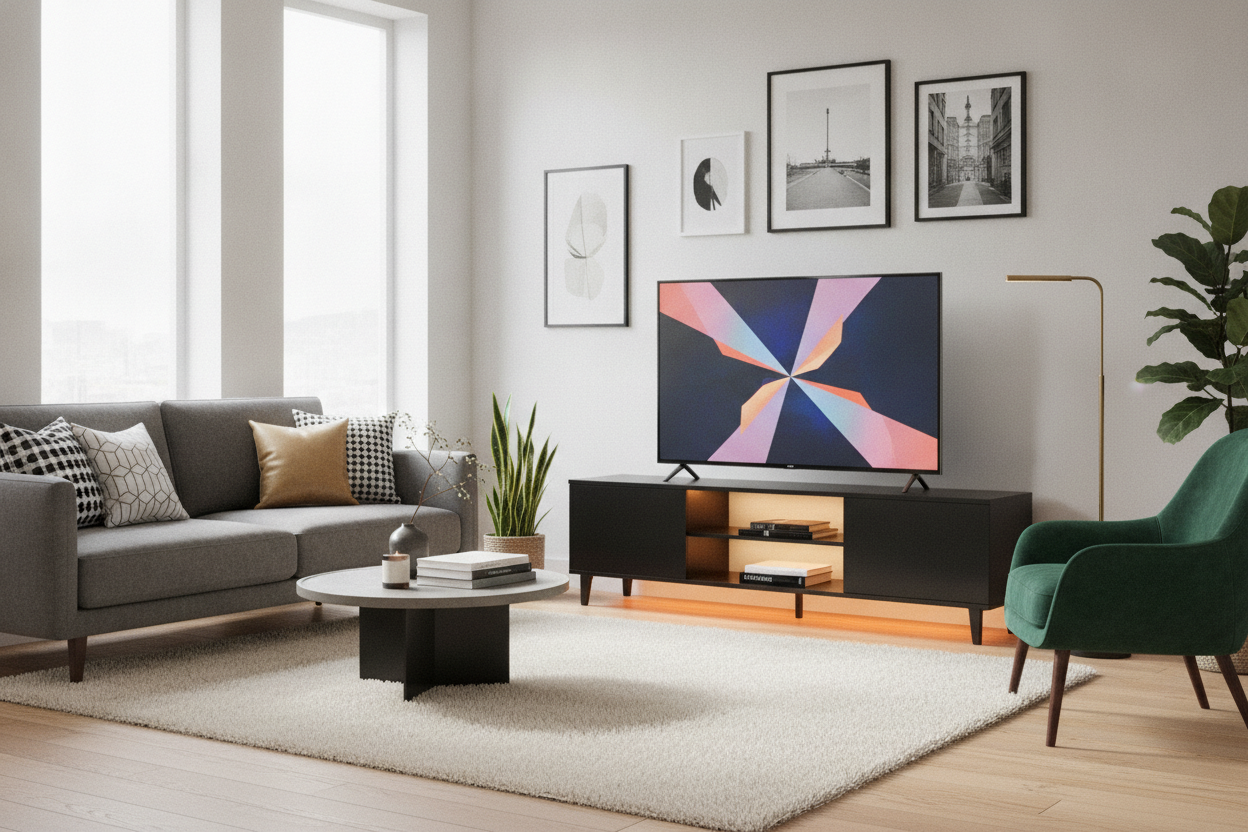
I personally paired my swivel mount with one of the standard living room TV stands that features a closed-back cabinet. I ran the cable bundle through the center pillar of the stand and directly into the cabinet. This keeps the tech clutter hidden while allowing the screen to spin toward the dining table whenever we want to watch a movie during dinner. It’s the ultimate setup for a small or open-concept apartment.
Will a swivel stand work with a curved TV?
Yes, as long as the VESA holes on the back are standard. Most swivel stands include spacers in the box specifically designed to account for the curve of the back panel so the mounting plate sits flush.
Can I install this by myself?
You can do the assembly alone, but I highly recommend having a friend help you lift the TV onto the stand. Trying to line up mounting brackets while holding a 40-pound screen is a recipe for a cracked panel.
Does the swivel wear out over time?
If you buy a model with a tension adjustment or ball-bearing system, it should last for years. Avoid the dirt-cheap plastic versions; they tend to 'sag' or become jerky after a few months of use.

Dejar un comentario
Este sitio está protegido por hCaptcha y se aplican la Política de privacidad de hCaptcha y los Términos del servicio.