










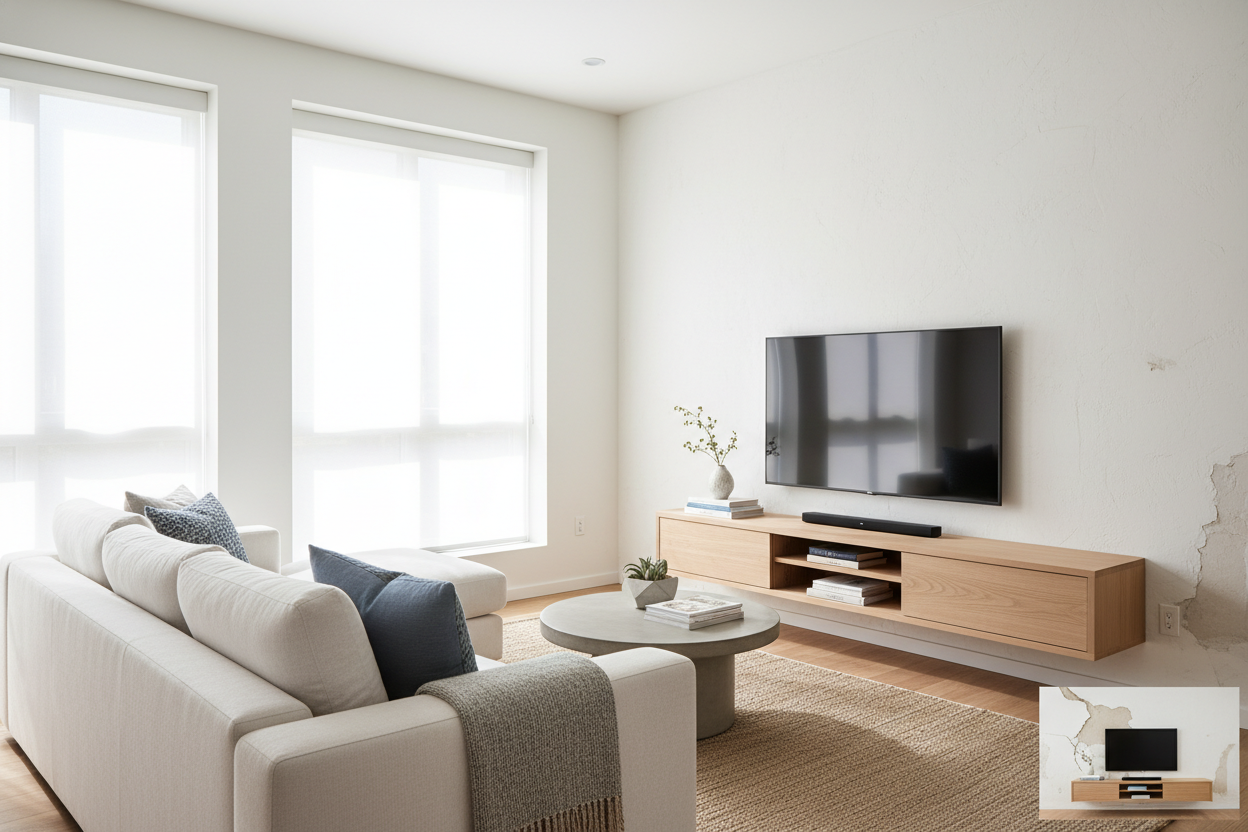
I spent three hours staring at a stud finder that was basically lying to me. My apartment was built in 1912, which means the walls are made of lath and plaster—a crumbly, unpredictable mess that eats drill bits for breakfast and spits out dust. I wanted that sleek, floating TV look I see on Pinterest, but the thought of a 65-inch screen ripping a chunk of history out of my wall kept me up at night. That is when I pivoted to the thin tv stand.
- Plaster walls are brittle; a floor-standing slim mount is safer than a wall bracket.
- A profile under 10 inches can mimic the look of a wall-mounted screen.
- Cable management is built into the spine of most minimalist stands.
- You can still get storage if you choose a model with vertical shelving.
The Plaster Wall Dilemma (And Why I Refused to Drill)
If you have ever lived in a pre-war building, you know the sound. It is a sickening 'crunch' followed by the realization that your anchor just hit a pocket of air or a piece of 100-year-old wood that has the structural integrity of a cracker. I tried mounting a shelf once and ended up with a hole the size of a grapefruit. When it came time to set up the living room, I knew a traditional wall mount was a recipe for disaster. My security deposit was on the line, and so was my expensive OLED.
The problem is that standard furniture is too deep. I did not want a massive wooden box taking up three feet of my walkway. I needed something that felt invisible. I spent weeks researching how to bridge the gap between 'dorm room floor stand' and 'high-end built-in.' I realized that a super thin tv stand—one that leans or stands on a heavy, flat steel base—was the only way to get the screen flush against the wall without actually touching the plaster. It is about physics, not luck.
I eventually found a model with a base so flat I could slide my area rug right over it. It stood there, rock solid, holding the weight of the TV while the back of the screen sat just two inches from the wall. No drilling, no dust, and no structural anxiety. It felt like a loophole in the rental agreement.
Faking the Built-In Look With a Super Thin TV Stand
The secret to making a small room look expensive is reducing the 'visual weight' of your furniture. When you browse standard tv stands, you will notice most are 18 to 22 inches deep. In a narrow living room, that is a massive footprint. By switching to a super thin tv stand, I reclaimed nearly a foot of floor space. That is the difference between having a coffee table and feeling like you are living in an obstacle course.
To pull off the 'fake' wall mount, you have to look at the base. You want a stand where the upright pillar is as close to the wall as possible. Some 'slim' models still have bulky legs that kick out, which ruins the illusion. I look for heavy-duty cold-rolled steel bases. They are thin enough to be unobtrusive but heavy enough to prevent the whole thing from tipping if a cat decides to use the TV as a scratching post.
My biggest mistake? Not measuring the baseboard height. I bought a stand that had a low crossbar, and it hit my 8-inch Victorian baseboards, preventing the stand from sitting flush. I had to swap it for a model with a higher clearance. Once I got the right fit, the TV looked like it was floating. Visitors genuinely ask me how I got permission from my landlord to mount the TV. I just point at the floor and smile.
Wait, Where Do the Cords Go?
The number one complaint about a slim tv stand is the cord situation. When you do not have a big wooden cabinet to hide your mess, everything is on display. Most people think they have to choose between a sleek profile and a tidy look, but that is a myth. High-quality slim stands usually feature a hollow center spine. I managed to route a power cable, two HDMI cords, and an optical cable through a 2-inch wide channel.
If your stand does not have a built-in channel, do not panic. I have used black velcro ties to strap the cables directly to the back of the support pillar. Since the pillar is usually hidden behind the center of the TV anyway, the cords disappear from view. I also recommend using a flat-plug power strip. It allows the stand to sit even closer to the outlet without that awkward 3-inch gap caused by a standard plug.
For the truly obsessed, you can buy fabric cable sleeves that match your wall color. I used a white mesh sleeve to bundle my wires against my white walls, and they virtually vanished. It takes an extra twenty minutes during assembly, but it is the difference between a professional-looking setup and a 'just moved in' vibe. You want people looking at the 4K picture, not the tangled mess of rubber underneath it.
Finding a Slim TV Stand With Storage That Actually Works
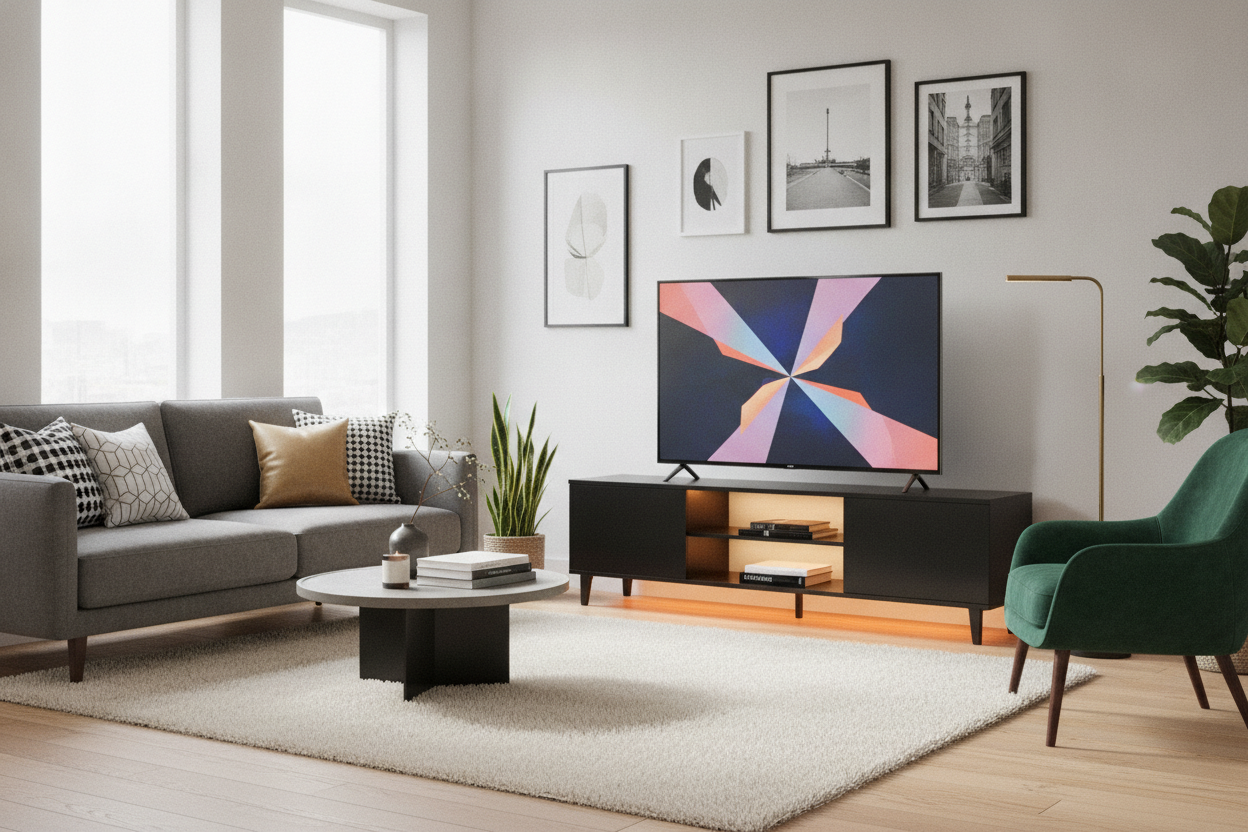
Let’s talk about the gear. I have a PS5, an Apple TV, and a soundbar. Fitting those onto a slim tv stand with storage is a puzzle. Most thin units offer one or two glass shelves that are barely deep enough for a remote. If you are a heavy gamer, you might find these platforms a bit tight. In that case, I often suggest looking at a stylish black tv stand if you can spare an extra few inches of depth for airflow.
However, I found a workaround for the ultra-slim life. I used VESA-mount brackets to hide my Apple TV and my router directly onto the back of the television itself. This cleared up the shelves entirely. For the soundbar, I found a bracket that attaches to the TV's mounting holes, so the speaker hangs just below the screen. It keeps the entire 'entertainment center' contained to a single vertical line.
If you still feel like you are missing that storage feel, consider a hybrid approach. I have seen great results pairing a minimalist stand with a low tv stand with storage placed off to the side or underneath. This gives you a place for your physical media or controllers without the bulk of a traditional 'all-in-one' unit. It keeps the room feeling open while still giving you a spot to hide the junk you don't want people to see.
My Living Room Finally Feels Finished (No Spackle Required)
There is a specific kind of peace that comes from knowing you won't have to patch and paint sixteen holes when you move out. Embracing a narrow profile didn't just save my walls; it actually made my living room feel larger. By keeping the furniture tight to the perimeter, the 'flow' of the room improved instantly. I no longer have to shimmy past the TV cabinet to get to the window.
The thin tv stand is the ultimate 'renter's cheat code.' It provides the high-end aesthetic of a custom wall installation with the flexibility of a piece of furniture you can take with you to your next place. If you are staring at a stud finder and getting a 'no-read' signal, or if you are tired of your media console hogging all the floor space, stop fighting the wall. Work with the floor instead.
Is a thin TV stand stable enough for large screens?
Yes, provided you check the weight rating. Most are made of heavy steel and have a wide, weighted base. Just make sure the VESA pattern on your TV matches the stand. I have a 65-inch on mine and it doesn't budge, even when the dog runs past.
Can I fit a gaming console on a slim stand?
It is tight. Most slim shelves are about 8-10 inches deep. A PS5 or Xbox Series X might overhang slightly. I recommend using a side-mount bracket or placing the console vertically on the base of the stand rather than a middle shelf.
How do I hide the power strip?
I usually velcro the power strip to the back of the TV itself or hide it directly behind the base of the stand. If you have a rug, you can sometimes tuck the main cord under the edge to reach the outlet invisibly.


Dejar un comentario
Este sitio está protegido por hCaptcha y se aplican la Política de privacidad de hCaptcha y los Términos del servicio.