










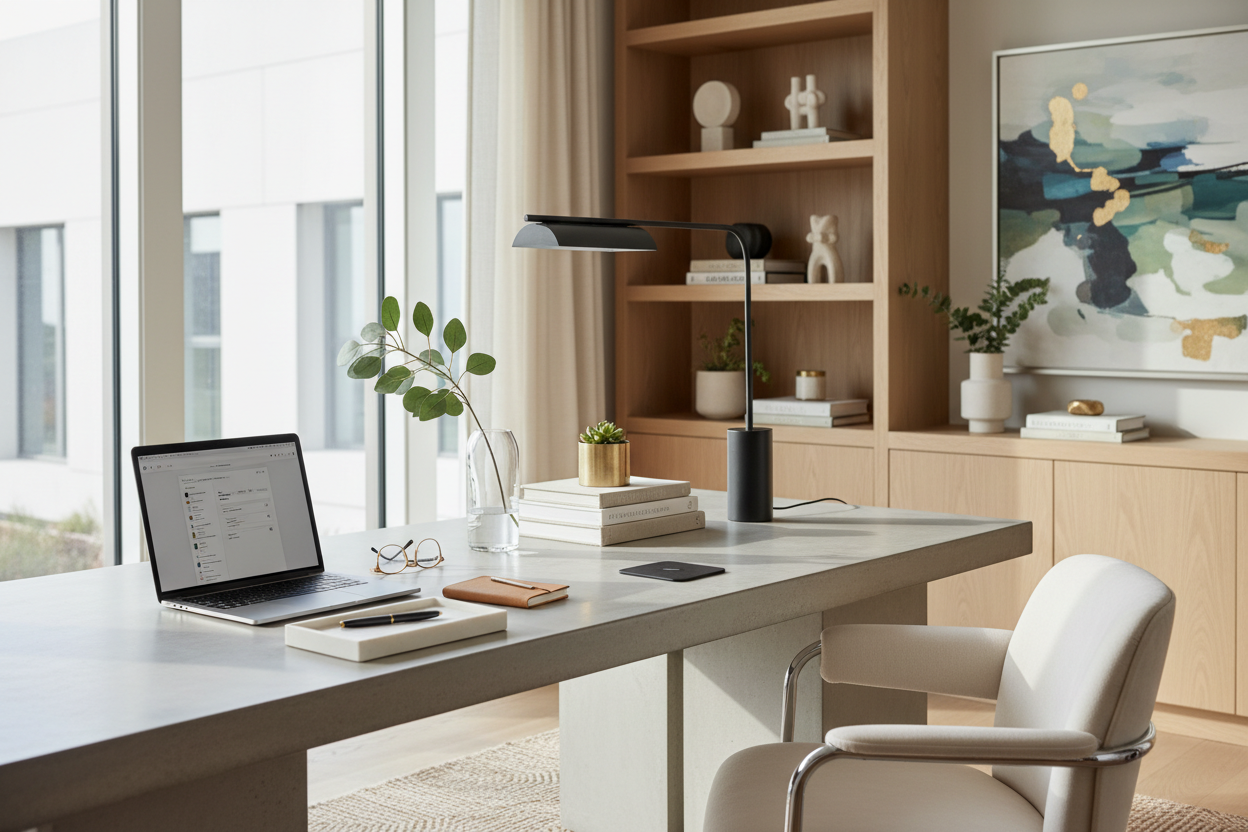
Visual noise is the silent killer of productivity. When a client walks into their home office, the immediate sensation should be one of clarity and purpose, not anxiety induced by clutter. As designers, we know that keeping a desk organized is not merely about tidiness; it is about curating a space that respects both ergonomics and aesthetics. It is the difference between a workspace that drains your energy and one that actively supports your workflow through intentional design.
Core Principles of Desk Organization
- Zoning Strategy: Divide the surface into primary (daily reach), secondary (occasional reach), and reference zones to maintain flow.
- Material Tactility: Choose organizers (leather, wood, felt) that dampen sound and add visual warmth, rather than cheap plastics.
- Cable Architecture: Prioritize desks or accessories with integrated channels to hide the visual chaos of wires.
- Vertical Utilization: Use risers and wall-mounted units to preserve precious surface area for active work.
- Lighting Layers: Ensure task lighting is positioned to eliminate shadows without creating glare on screens.
Zoning Your Surface: The Hierarchy of Reach
When organizing office table layouts for my clients, I start with the concept of 'reach zones.' Your primary zone—the semi-circle within easy arm's reach—should remain sacred. Only your input devices (keyboard, mouse) and perhaps a daily planner belong here. This negative space is crucial for visual calm.
Push secondary items like staplers, tape dispensers, or reference books to the perimeter. By strictly enforcing these zones, you prevent the 'creep' of clutter that eventually overtakes the workspace. It creates a silhouette that looks intentional rather than accidental.
Taming the Digital Chaos
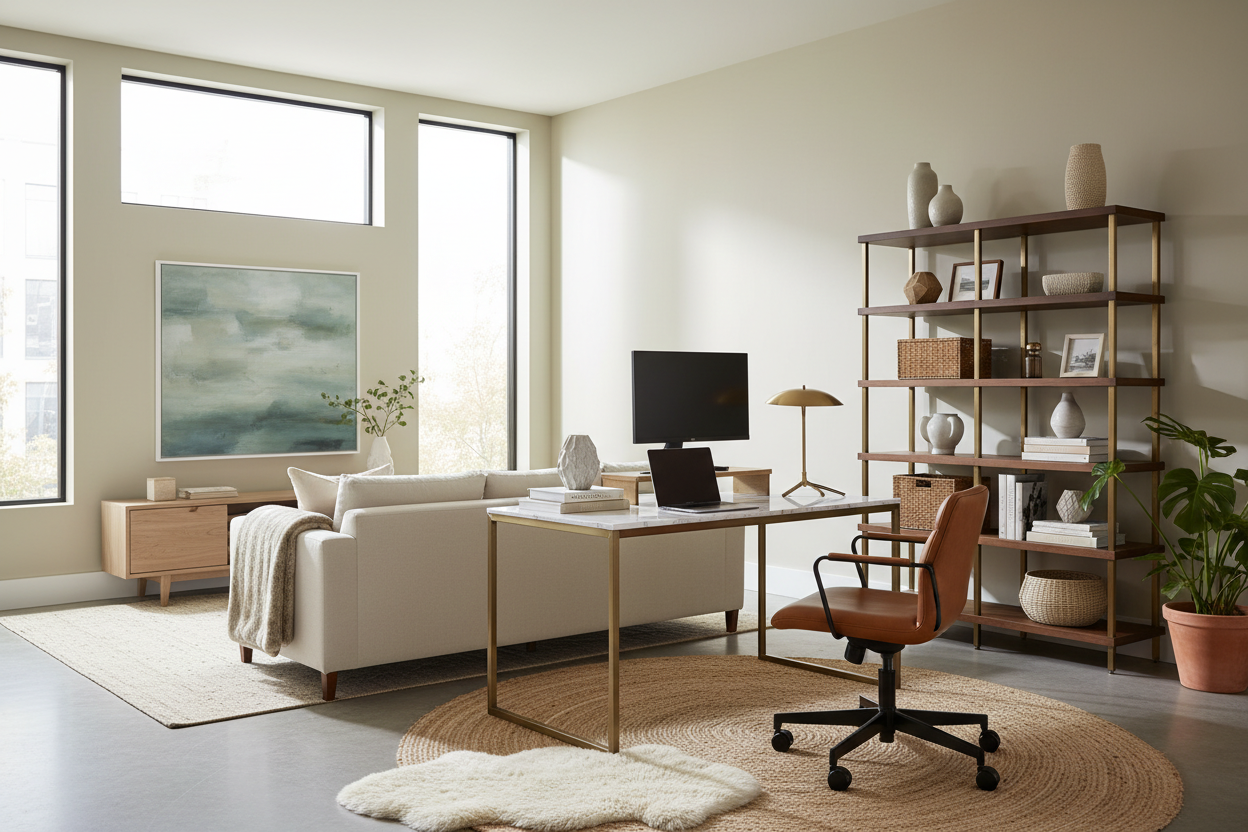
To organize computer desk setups effectively, we must address the technology. Nothing ruins a luxury aesthetic faster than a tangle of black cables. I always recommend investing in a high-quality monitor arm. Not only does this improve ergonomics by allowing proper eye-level alignment, but it also lifts the screen off the desk, reclaiming valuable square footage underneath.
For a truly organized desk setup, route cables through the monitor arm channels or use a vertebrae cable management spine. The goal is to make the technology look wireless, even when it isn't. This reduces visual friction and allows the eye to rest on the design elements of the room rather than the mechanics.
Curating Accessories: Texture and Materiality
Organizing the desk is an opportunity to introduce texture. Avoid the standard wire mesh or clear acrylic bins found in big-box stores. Instead, look for trays and cups made from saddle leather, solid walnut, or wool felt. These materials absorb the sound of putting down a pen or keys, contributing to a quieter, more acoustic-friendly environment.
The Rule of Three
When styling these accessories, employ the designer's 'rule of three.' Group items in odd numbers to create visual interest. For example, a structured leather tray, a sculptural paperweight, and a small potted succulent create a balanced vignette that feels curated, not cluttered.
My Personal Take on Desk Organization
I learned a hard lesson early in my career regarding material selection for desk accessories. I once sourced beautiful, high-gloss acrylic organizers for a client who wanted a 'modern, invisible' look. It looked stunning for the photoshoot. However, two months later, the client called me back.
The issue wasn't the look; it was the sound and the maintenance. Every time he dropped his metal pen or keys into the acrylic tray, it made a sharp, distracting clatter. Furthermore, the static charge attracted dust and fingerprints that were impossible to keep clean. I replaced them with cognac leather trays with velvet lining. The silence when placing items down was immediate luxury. Now, when I help a client organize your work desk, I always prioritize 'soft' storage. It’s a tactile detail you don’t think about until you live with it, but it changes the entire sensory experience of working.
Conclusion
A well-curated workspace is a tool for success. By respecting zoning laws, managing your technology, and selecting materials that age beautifully, you create an environment that invites focus. Don't just clean your surface; style it. Elevate the functionality, and you will find that your productivity naturally follows suit.
Frequently Asked Questions
How do I maintain an organized look in a small space?
In compact areas, verticality is your best friend. Use wall-mounted shelving or a hutch to keep the footprint clear. Ensure your desk has a shallow drawer for immediate concealment of papers to maintain a clean visual line when work is done.
What is the best way to hide cables on a glass desk?
Glass desks are unforgiving. Use adhesive cable clips that run along the metal legs or frame of the desk. Alternatively, use a cable sleeve that matches the wall color behind the desk to camouflage the cords as they travel to the outlet.
How often should I audit my desk setup?
I recommend a 'seasonal edit.' Every quarter, clear the desk completely and only put back what you have used in the last three months. This prevents the accumulation of non-essential items that disrupt your workflow.

Dejar un comentario
Este sitio está protegido por hCaptcha y se aplican la Política de privacidad de hCaptcha y los Términos del servicio.