










I remember staring at my old 72-inch media wall and realizing I hadn't opened the bottom drawers in three years. It was a graveyard for Wii controllers and instruction manuals for a toaster I threw out in 2018. When I finally dragged that particle-board beast to the curb, I replaced it with a compact tv stand with 2 doors, and my living room finally stopped feeling like a Best Buy warehouse.
Quick Takeaways
- Oversized consoles are just magnets for tech junk you don't use.
- A two-door limit forces you to curate your devices and cables.
- Open shelving prevents the piece from looking like a heavy block of wood.
- Smaller footprints make 12x14 rooms feel significantly more spacious.
The 'Media Center' Monster Eating Your Living Room
We often buy these massive 80-inch monsters because we think we need to 'fill the wall.' In reality, we're just building a luxury apartment for dust bunnies. My old unit had six drawers and four cubbies. By the time I moved, most of them were filled with tangled micro-USB cables and dead AA batteries. It made the room feel heavy and cramped, like the furniture was slowly closing in on the sofa.
When you choose a smaller tv stand with 2 doors, you reclaim your floor space. You stop treating your living room like a storage unit and start treating it like a place to actually relax. If it doesn't fit in the two cabinets, it probably doesn't belong in your line of sight while you're trying to binge-watch a show.
Why Less Storage Actually Means Less Mess
A tv stand with two doors is a hard limit. You get two cabinets—that's your 'ugly' storage budget. This forced me to finally do a tech audit. I found three different HDMI cables that didn't work and a remote for a DVD player I haven't owned in a decade. Using clever ways to hide your cords means you don't need a massive footprint to keep things tidy.
Instead of stuffing everything into a giant drawer, you learn to manage the essentials. My router, a single gaming console, and a power strip fit perfectly behind those two doors. Everything else? It either went to e-waste or into a labeled bin in the closet. The result is a visual lightness that a heavy 6-drawer dresser can't touch.
The Golden Ratio: Open vs. Closed Space
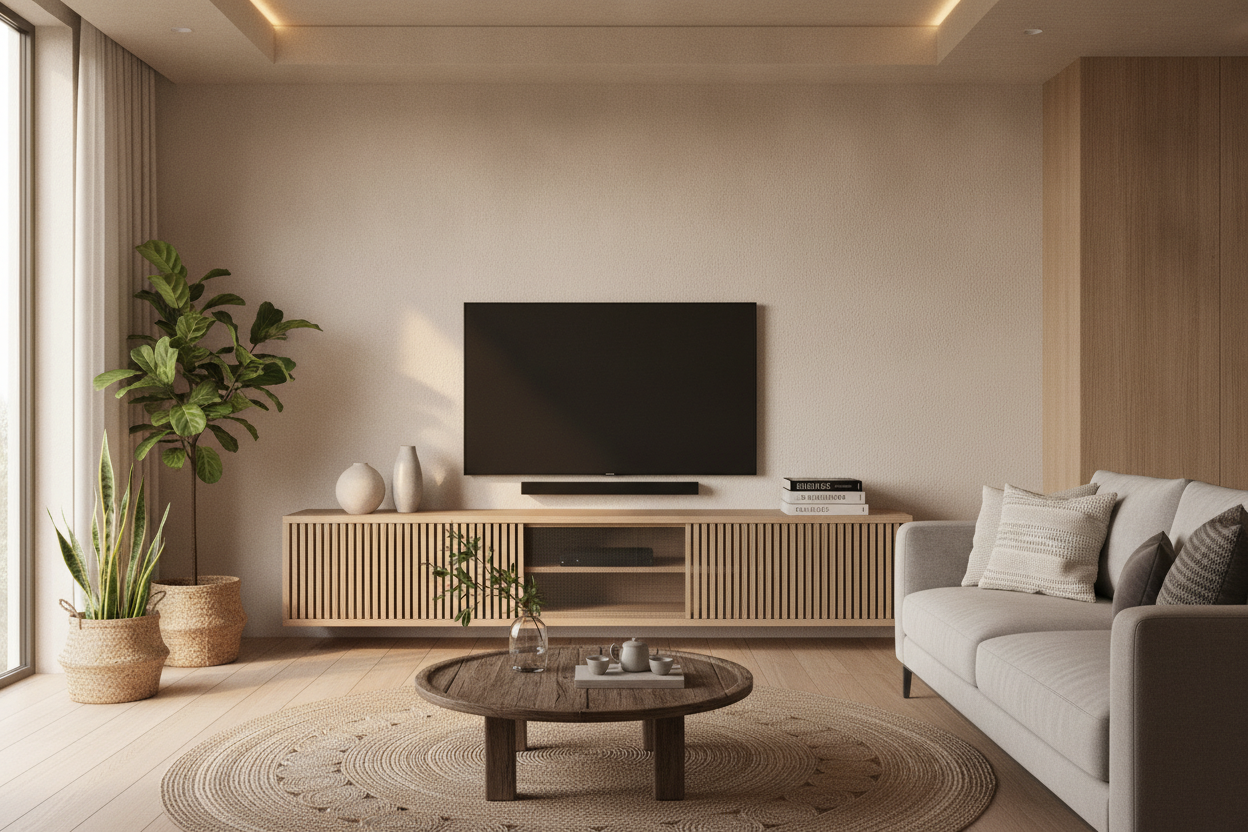
I'm a big fan of the 'sandwich' design: closed doors on the ends and open shelving in the middle. It keeps the heavy, unsightly stuff hidden while giving your eyes a place to rest. A mid-century modern TV stand is usually the sweet spot here. The slatted or solid doors hide the plastic-heavy tech, while the open shelves can hold a stack of art books or a ceramic bowl for your keys.
If you have a soundbar, that open middle shelf is its natural home. Just make sure the shelf is at least 30 inches wide to accommodate most standard bars. If you go too small, you'll end up with the soundbar hanging off the edges, which is a total design crime.
Wait, Will My Router Still Work in There?
People always worry about their Wi-Fi signal dying or their Xbox melting inside a closed cabinet. If the back panel is thin MDF, I usually just pop a 2-inch hole in it for extra airflow. If you're really worried about remote signals, look into a black cabinet with glass doors so the IR signal actually hits the box without you having to leave the door cracked open.
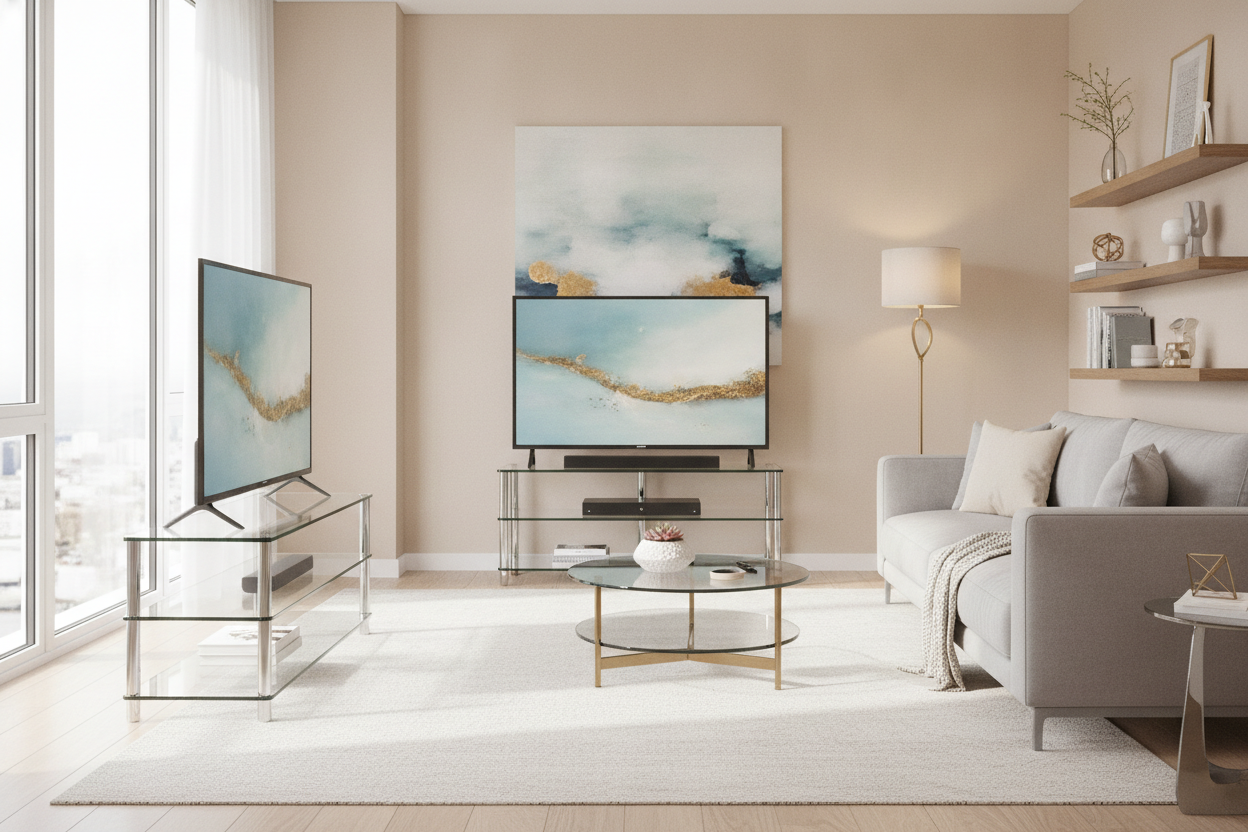
For those with a lot of hardware who still want to stay compact, a storage credenza with sliding glass doors is a solid alternative. It gives you a bit more width than a standard 40-inch unit but keeps that signal-friendly front. Just remember: ventilation is non-negotiable. If your console sounds like a jet engine, it needs more air.
Styling the Top Without Overcrowding It
Since the footprint is smaller, every object on top has a bigger impact. Don't clutter the surface with a dozen small frames. I like to keep it simple: the TV, maybe one table lamp for task lighting, and one organic shape like a vase or a piece of driftwood. If you pile it high with tchotchkes, the whole minimalist experiment fails and the room looks messy again.
Personal Experience: The Depth Trap
I once bought a 'bargain' stand that was so narrow it nearly tipped when I opened both doors at once. It was only 12 inches deep, which sounds great for a small room until you realize a PlayStation 5 is nearly 16 inches deep with the cables plugged in. I had to leave the back panel off entirely just to make it fit. Always check the depth—aim for 15-18 inches if you actually plan on closing those doors over your gear.
FAQ
How do I prevent my electronics from overheating?
If you're using a game console, I recommend leaving the cabinet door slightly ajar during long sessions. You can also use a hole-saw bit to add extra 2-inch ventilation holes in the back panel of the stand.
Is 2 doors enough for a family of four?
It is if you've moved to streaming. If you still have a massive collection of physical Blu-rays or DVDs, you'll likely need a separate bookshelf or a larger unit. For most modern setups, two doors is plenty.
Will a 65-inch TV look weird on a small stand?
Ideally, your stand should be at least 4-6 inches wider than your TV on both sides. If the TV is wider than the stand, it looks top-heavy and 'accidental.' Measure the actual width of your TV (not the screen size) before buying.

Dejar un comentario
Este sitio está protegido por hCaptcha y se aplican la Política de privacidad de hCaptcha y los Términos del servicio.