










I have spent the last three nights staring at entertainment center images until my eyes blurred, trying to figure out why my living room feels like a tech graveyard while Pinterest looks like a gallery. It is a trap we all fall into: buying the piece that looks amazing in a vacuum, only to realize it cannot actually hold a standard surge protector without the back panel bulging out.
After years of assembling flat-pack nightmares and testing high-end credenzas, I have developed a cynical eye for furniture photography. Most of what you see online is a beautiful lie designed to make you forget that you actually own a router and a tangled mess of HDMI cables. Here is the reality check you need before you hit 'add to cart.'
- The Cord Lie: If you do not see a single wire in the photo, the photographer likely drilled a hole in the set wall or Photoshopped them out.
- Depth Matters: Standard receivers and gaming consoles are deeper than most modern 'slim' consoles allow for.
- Scale Check: A 65-inch TV looks tiny on an 80-inch unit, but massive on a 60-inch unit. Measure twice, then measure again.
- Airflow is Life: Enclosed cabinets without ventilation will bake your electronics in under an hour.
The Illusion of the Cordless Living Room
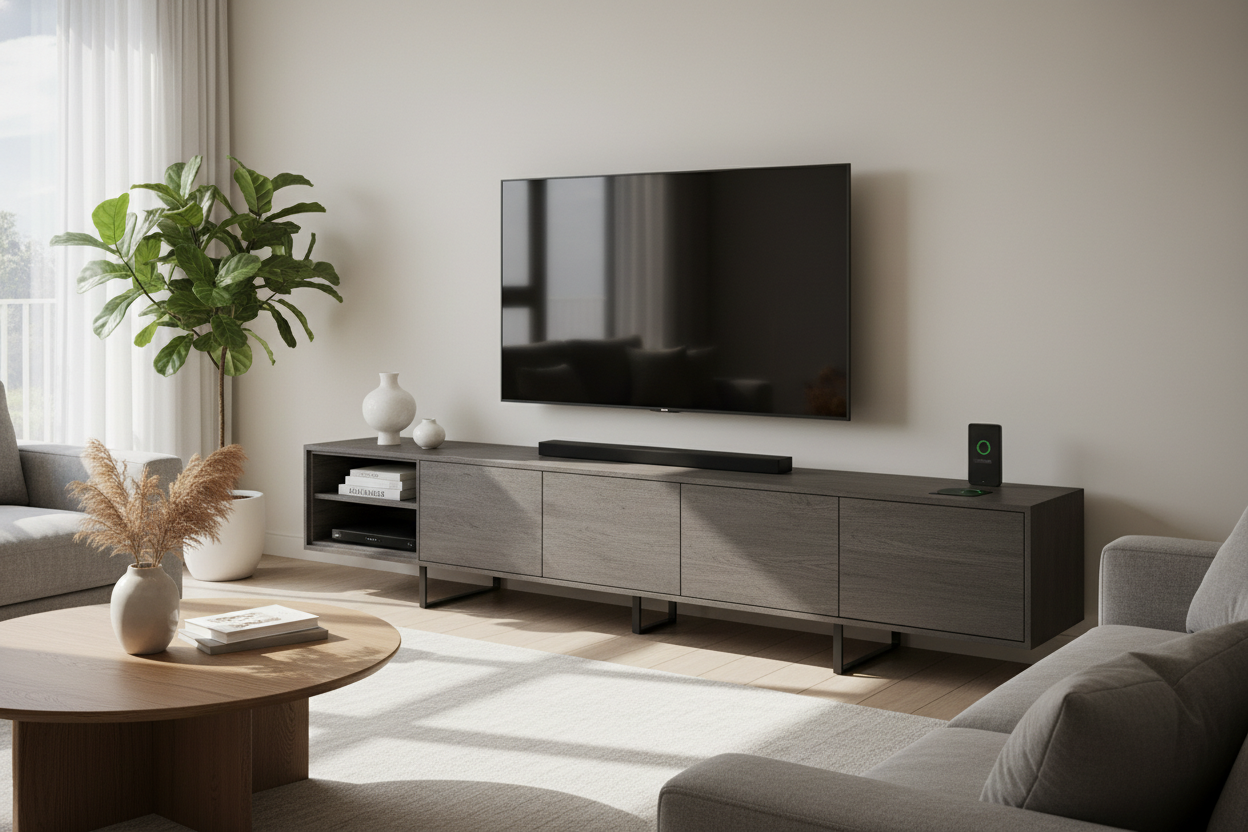
The biggest red flag in entertainment center photos is the total absence of power. You see a beautiful oak unit with a TV perched perfectly on top, but there is not a cord in sight. In the real world, you have a power strip, a soundbar cable, a coax wire, and probably a stray Nintendo Switch dock. When you are looking at these pics, look for the 'cable management' features—or lack thereof.
If the back panel is a solid sheet of flimsy MDF with no pre-drilled holes, you are going to be the one with the hole saw on a Saturday afternoon. I always look for units that have 'ghost' space—a 2-inch gap between the back panel and the wall—or integrated channels that let you drop wires directly into a hidden bay. Without that, your 'minimalist' dream will be ruined by a black snake of wires crawling down the wall.
Where Are the Game Consoles in These Entertainment Unit Images?
Have you noticed that staged entertainment unit images always feature a single, artfully placed ceramic vase where the PlayStation should be? It is because consoles are ugly, bulky, and generate enough heat to fry an egg. Most furniture designers seem to think we only use our TVs to display a single high-res photo of a mountain range.
When you are hunting for your own space, you need to prioritize pieces that offer practical, ventilated storage. If you want to keep the tech out of sight, look for a stylish black tv stand entertainment center that uses slatted doors or mesh fronts. These allow infrared signals from your remote to pass through and, more importantly, let your gear breathe. I have seen too many $500 receivers die an early death because they were suffocated in a pretty wooden box.
Why Scale is the Hardest Thing to Gauge Online
Wide-angle lenses are the enemy of the honest furniture shopper. They make a 50-inch wide console look like it could anchor a massive great room. I have seen countless entertainment center pics where the furniture is scaled specifically to make the room look larger, which leads to 'tiny furniture syndrome' once it arrives at your house.
A modern entertainment center wall unit is often the best way to solve this. It grounds the room and provides a focal point that does not feel like a lonely island in the middle of a vast wall. My rule of thumb: your entertainment center should be at least 10 to 20 inches wider than your TV. If they are the same width, the whole setup looks top-heavy and precarious. Before you buy, use blue painter's tape to outline the dimensions on your wall. It is the only way to see if that 'massive' unit is actually a dwarf.
The 'Over-Styled Shelf' Trap (And How to Avoid It)
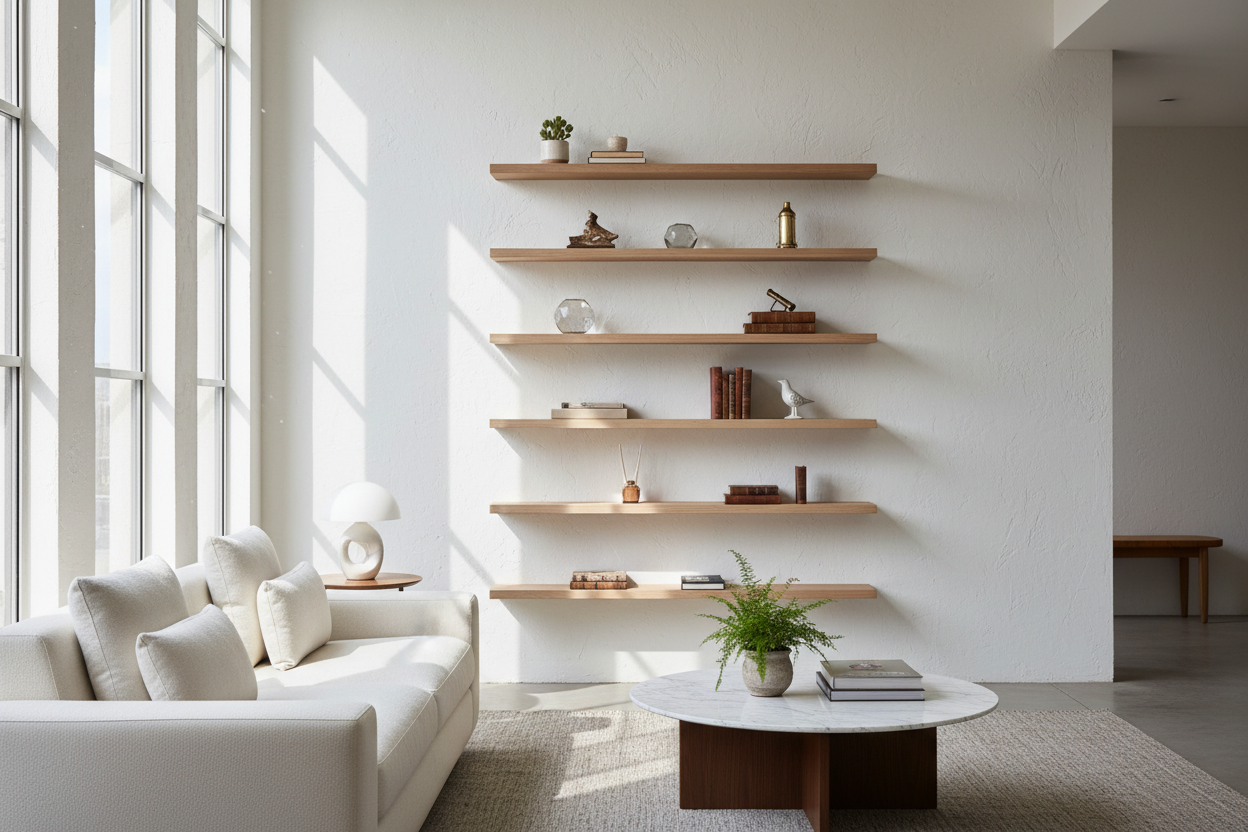
We have all seen those entertainment center pictures where every shelf is stuffed with color-coordinated books, three types of trailing ivy, and a collection of brass bells. It looks great in a magazine. It is a nightmare when you are actually trying to watch a movie. All that visual noise around the screen creates eye fatigue and distracts from the actual picture.
If you have a unit with open shelving, keep the 'active' area around the TV as clean as possible. Use the lower or outer shelves for your decor, but leave some negative space. I personally prefer closed storage for 80% of my stuff. It is much easier to shove your extra controllers and old DVDs behind a door than it is to perfectly style a shelf every time you dust.
What to Actually Look For When Browsing Inspiration
Instead of falling for the pretty styling, look at the specs. I look for a depth of at least 16 to 18 inches. Anything shallower and your cords will prevent the back legs from touching the wall. Also, check the material. If it is 1.5 lb density particle board, it will sag under the weight of a modern 75-inch TV within a year. Look for kiln-dried wood or high-grade plywood.
When you are ready to stop scrolling and start buying, look for functional entertainment center designs that were clearly built by someone who actually owns a TV. Look for adjustable shelving, heavy-duty hinges, and finishes that can handle a little heat and the occasional coffee mug ring. Real life is messy; your furniture should be able to hide that mess, not highlight it.
My Biggest Mistake: The 'Looks Only' Console
A few years ago, I bought a vintage-style sideboard to use as a media console. It was beautiful—tapered legs, gorgeous walnut veneer, very 'Mad Men.' But it had zero cable holes. I spent four hours drilling through the back, only to realize the interior shelves were not adjustable. My receiver was a half-inch too tall. I ended up having to leave the doors permanently open just to plug everything in. It looked terrible and defeated the whole purpose of buying a 'pretty' piece. Now, I never buy anything that does not have a dedicated 'tech spec' sheet.
How high should I mount my TV above the unit?
Ideally, the center of your TV should be at eye level when you are sitting down. Usually, this means the bottom of the TV is only 4 to 8 inches above the top of the entertainment center. Do not mount it near the ceiling; your neck will thank you later.
Is solid wood better than MDF for a TV stand?
Solid wood is more durable and can be refinished, but high-quality MDF or furniture-grade plywood is actually very stable and less likely to warp from the heat of your electronics. Just avoid the cheap, thin particle board found in budget 'big box' stores.
How do I hide the wires if my unit doesn't have a back?
Use cable management sleeves or 'D-line' trunking that matches your wall color. You can also use adhesive cable clips to run the wires down the back of the furniture legs so they stay out of sight from the front.

Dejar un comentario
Este sitio está protegido por hCaptcha y se aplican la Política de privacidad de hCaptcha y los Términos del servicio.