










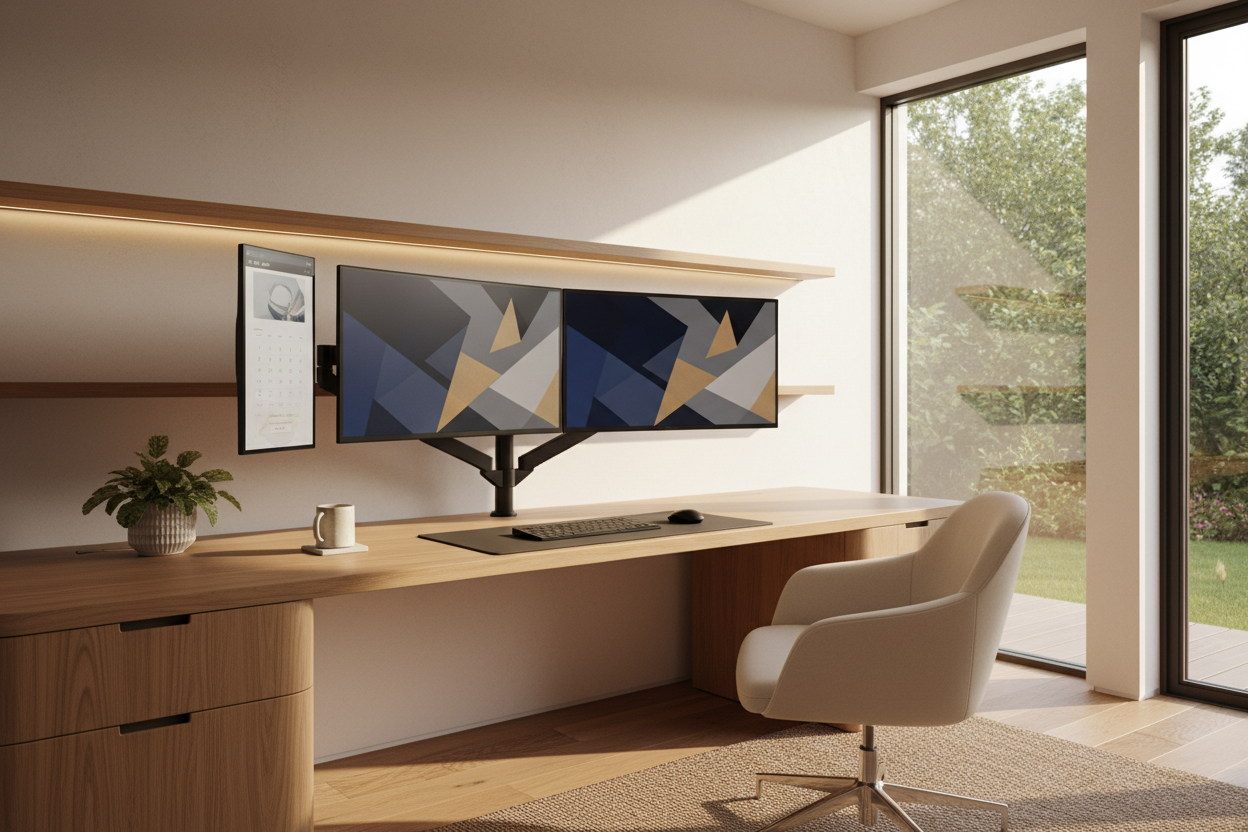
As an interior designer, the hardest part of styling a modern study isn't picking the perfect desk—it's figuring out what to do with the screens. You spend weeks curating a beautiful workspace, only to drop massive black plastic rectangles right in the middle of it. If you want an office monitor setup that actually complements your home, you have to treat the tech as a structural design element, not an afterthought. I am going to walk you through how to integrate your screens seamlessly, balancing visual weight, ergonomics, and clean lines.
Key Takeaways
- Mount your screens on a gas-spring arm to reclaim desk surface area and create negative space.
- Match the monitor chassis or arm color to your room's hardware, like brushed nickel, white, or matte black.
- Keep the top third of the screen at eye level to maintain proper posture without needing bulky risers.
- Route all cables through the monitor arm channels or a desk grommet for a zero-wire look.
Space Planning: Balancing Visual Weight
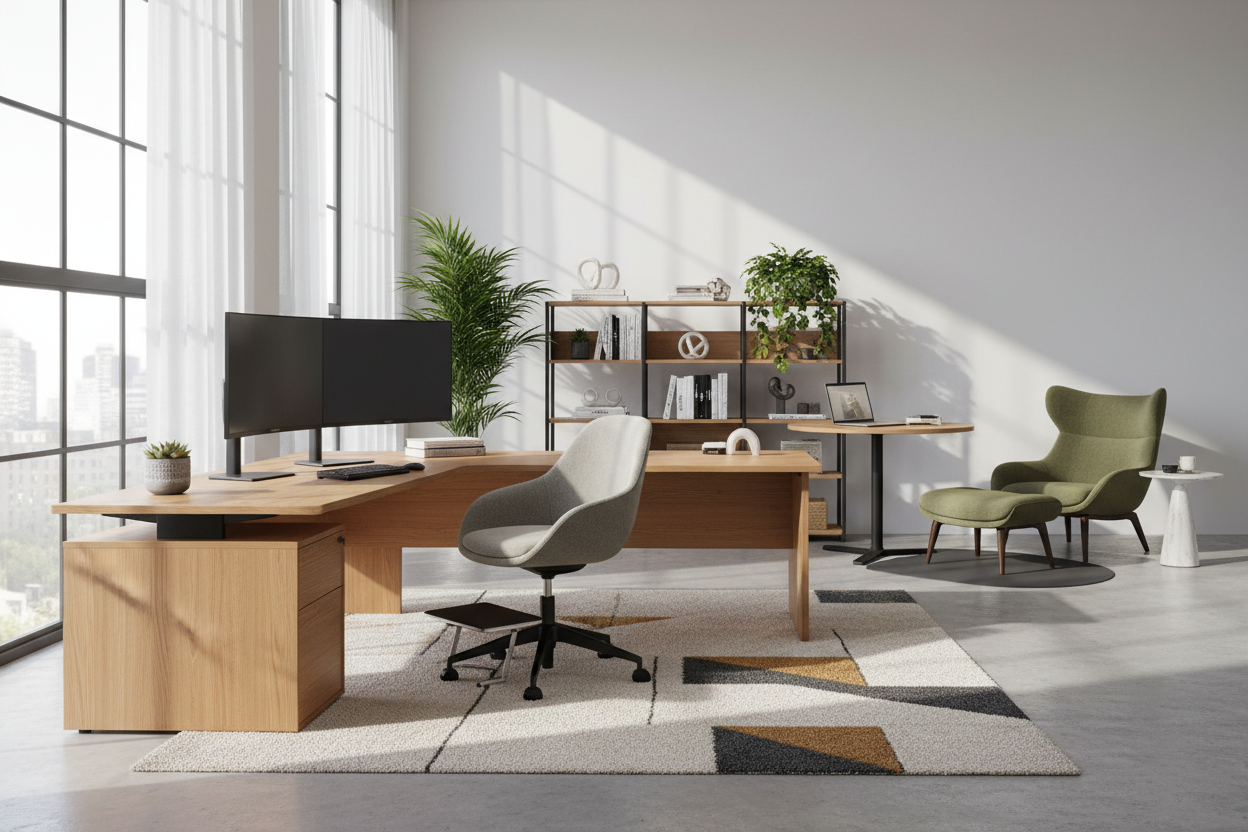
When designing the best home office monitor setup, proportion is everything. A massive 49-inch ultrawide screen sitting on a delicate mid-century writing desk looks top-heavy and absurd. The tech swallows the furniture. If you have a lighter, minimalist desk with tapered legs, stick to a single 27-inch screen or dual 24-inch screens to maintain visual balance.
The Desk Depth Rule
Scale also dictates your physical comfort. If your desk is only 20 to 24 inches deep, placing a monitor on its factory stand will push the screen uncomfortably close to your face. In shallow spaces, a wall mount or an edge-clamped monitor arm is mandatory to push the screen back and preserve your usable work surface.
Ergonomics Without the Eyesore
The best work from home monitor setup has to function flawlessly for eight hours a day. Fortunately, ergonomic design and high-end aesthetics often overlap. Bulky plastic monitor stands take up valuable real estate and collect dust. By removing the factory base and utilizing a VESA mount, you instantly clean up the silhouette of the desk.
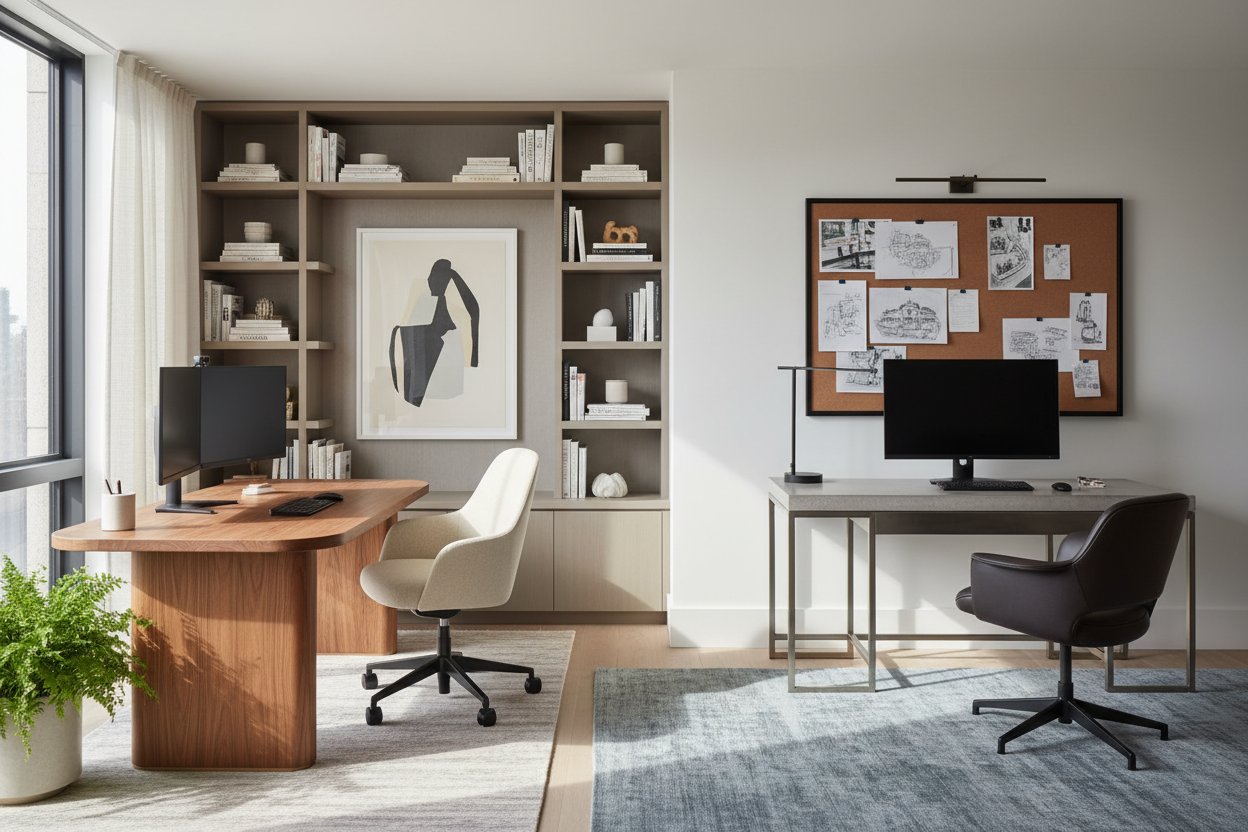
Finding the best monitor setup for work from home usually means ditching the old-school laptop-and-monitor side-by-side configuration. Stacking monitors vertically or using a single wide screen centered directly in front of your chair prevents asymmetrical neck strain while keeping the room looking intentional and organized.
Styling the Tech: Colors and Cable Management
Creating the best office monitor setup requires hiding the visual clutter. Cords are the enemy of good design. Use a hole saw to create a grommet directly beneath the monitor mount, dropping the cables straight down into a hidden under-desk tray. If you have a glass desk, route cables down the metal legs using adhesive channels painted to match the frame.
For the best wfh monitor setup, consider the back of the monitors. In open-concept living rooms where the back of the desk faces the room, exposed black plastic and warning labels are an eyesore. Look for monitors with clean, white, or silver back panels, or use a decorative desk partition to shield the hardware from view.
Designer's Honest Take
I learned a hard lesson a few years ago when outfitting a stunning matte walnut executive desk for a client. I approved a heavy-duty dual monitor clamp mount without thinking about the desk's core material. The engineered wood beneath the walnut veneer couldn't handle the concentrated pressure of two 32-inch screens. Within a month, the clamp compressed and permanently dented the back edge of the desk. Now, I never install a heavy clamp mount without a steel reinforcement plate to distribute the weight. Also, while white monitors look incredible on day one, their bezels show dust and fingerprints much faster than matte black. Be prepared to wipe them down weekly.
Frequently Asked Questions
How far should my monitor be from my face?
Your screen should be roughly an arm's length away, or about 20 to 30 inches. If your desk is too shallow to accommodate this with a standard stand, use a monitor arm to push the screen back over the rear edge of the desk.
Is one ultrawide or two smaller screens better for aesthetics?
From a purely design-focused perspective, one ultrawide monitor looks much cleaner. It requires only one power cord, one display cable, and one mount, drastically reducing visual clutter compared to a dual-screen setup.
How do I hide cables on an open-back desk?
Use a cable management spine that runs from the underside of the desk to the floor. These flexible, articulated tubes bundle cords together and look like a deliberate piece of modern hardware rather than a messy web of wires.

Dejar un comentario
Este sitio está protegido por hCaptcha y se aplican la Política de privacidad de hCaptcha y los Términos del servicio.