










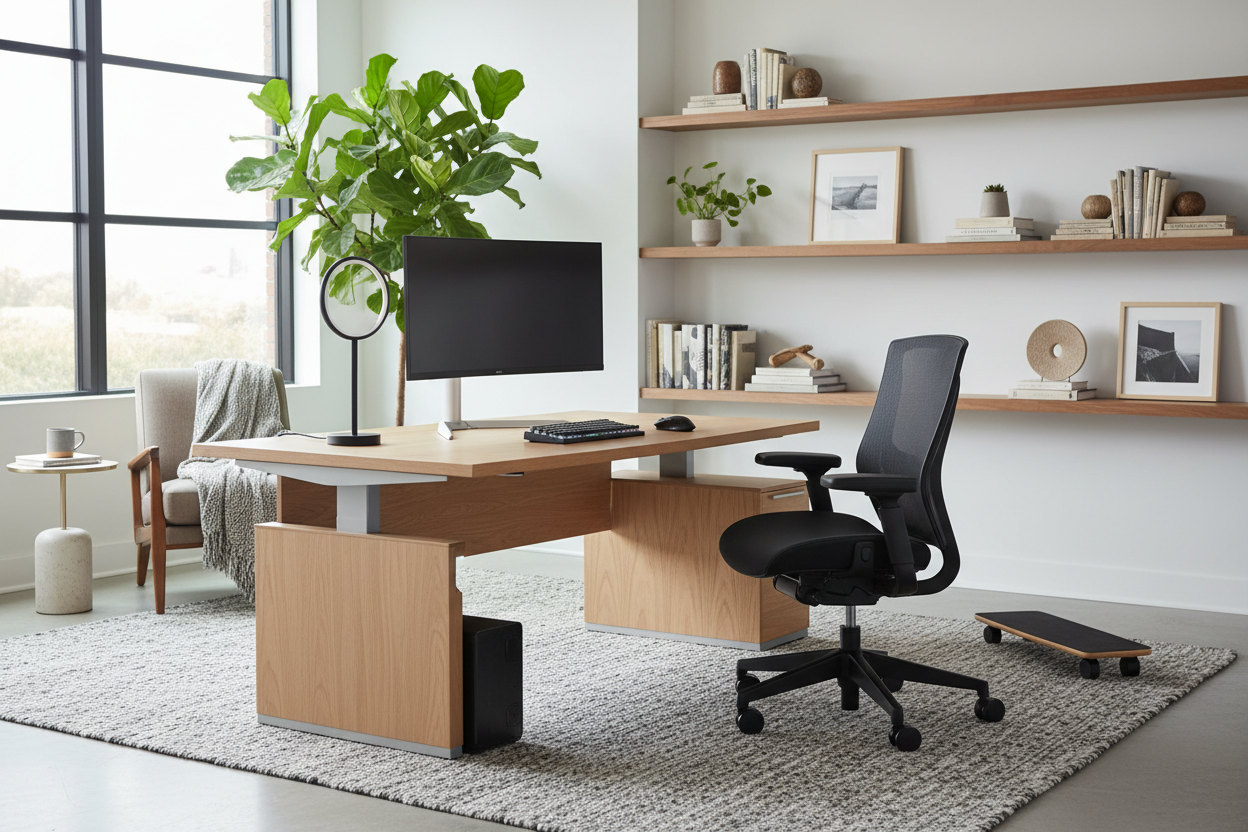
One of the most frequent complaints I hear from clients isn't about the color of their walls, but the pain in their lower back. For too long, we have treated the home office as an afterthought—a laptop perched precariously on a dining table or a makeshift corner in the bedroom. The truth is, selecting the right equipment for working from home is as much about interior design psychology as it is about productivity. It requires a delicate balance between ergonomic necessity and visual harmony. You should not have to sacrifice the aesthetic integrity of your home to achieve a functional workspace.
Key Features to Look For
- Ergonomic Adjustability: Look for seat depth, lumbar height, and armrest width adjustments to suit your biometrics.
- Material Breathability: Mesh or high-quality linens prevent heat buildup compared to cheap PU leather.
- Visual Weight: In smaller spaces, opt for slim profiles and exposed legs to keep the room feeling open.
- Cable Management: Ensure desks or risers have integrated channels to hide unsightly "work from home computer equipment" wiring.
- Lighting Temperature: Aim for 3000K-4000K lighting to reduce eye strain and look natural on video calls.
Curating Your Workspace: Form Meets Function
When clients ask, "what equipment do i need to work from home," they often expect a shopping list of electronics. However, as a designer, I start with the furniture foundation. The silhouette of your equipment dictates the flow of the room.
The Chair: The Anchor of the Room
The office chair is often the biggest offender in design clashes. Avoid the bulky, racing-style gaming chairs unless they are strictly hidden away. Instead, seek out home working equipment that utilizes performance fabrics in neutral tones—charcoal, heather grey, or muted navy. A chair with a polished aluminum base often reflects light better and looks more premium than black plastic. Functionally, if you work 8+ hours, a synchronous tilt mechanism is non-negotiable for spinal health.
The Desk and Surface Area
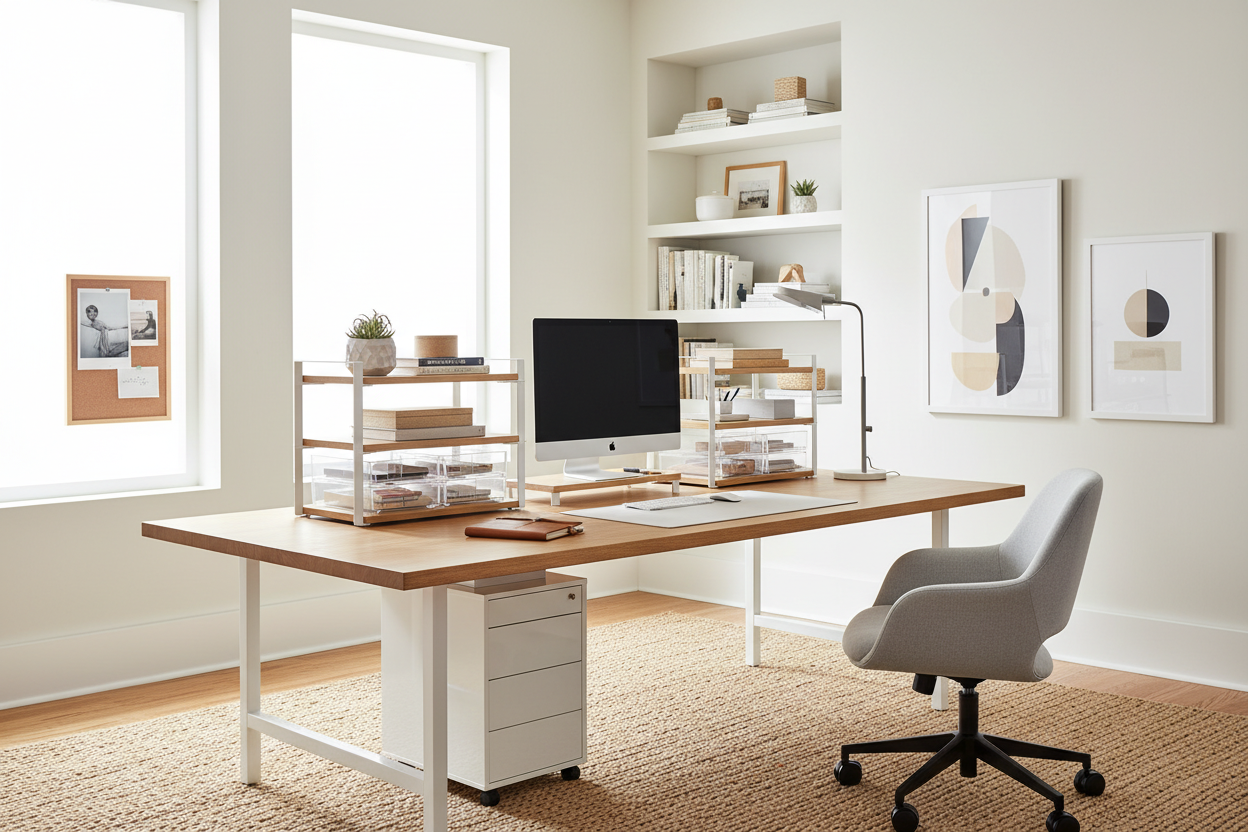
When selecting a desk, consider the finish carefully. While glass looks sleek, it is high-maintenance regarding fingerprints and often causes tracking issues for optical mice, requiring a pad that breaks the visual line. Solid wood or high-grade veneer adds warmth and texture, grounding the space. If you are tight on square footage, look for a desk with a "floating" appearance or slender metal legs to reduce visual clutter.
Technical Integration Without the Clutter
Integrating work from home computer equipment involves hiding the mechanics of the office. Nothing ruins a serene interior like a tangle of black wires.
Monitor Arms and Risers
A monitor arm is not just an ergonomic tool; it is a space saver. By lifting the screen off the desk surface, you reclaim valuable real estate for a notepad or coffee cup, creating a sense of openness. Choose arms with a matte finish that matches your other hardware to maintain a cohesive palette.
Lighting and Ambience
When determining what equipment is needed to work from home, do not rely on overhead pot lights. They cast unflattering shadows on your face during video calls. Instead, layer your lighting. Use an articulating desk lamp for task lighting and consider a soft, diffused light source behind your monitor (bias lighting) to reduce contrast strain on your eyes.
My Personal Take on WFH Equipment
I learned a hard lesson about work at home equipment early in my career while designing a study for a client in a pre-war apartment. I specified a stunning, heavy oak executive desk that looked incredible in the catalog. It had minimal clearance underneath.
When the client actually sat in it with a modern ergonomic chair, the armrests couldn't slide under the desk drawer. This forced him to sit six inches away from his keyboard, ruining his posture. I also didn't account for the fact that the thick solid wood edge was sharp against his forearms when typing. We had to swap it out at my expense. Now, I always physically measure the "clearance height" of a desk and the "minimum armrest height" of a chair before buying. It’s a small, unpolished detail that specs sheets often gloss over, but it makes or breaks the daily experience.
Conclusion
Designing a workspace is about respecting both your body and your home's architecture. By carefully selecting pieces that offer ergonomic support without dominating the room, you create an environment where focus comes naturally. Invest in quality, measure twice, and remember that your office should feel like a natural extension of your home, not a cubicle inserted into it.
Frequently Asked Questions
What equipment do you need to work from home in a small apartment?
In tight spaces, prioritize verticality and multi-functionality. A wall-mounted ladder desk or a secretary desk that closes up at the end of the day is ideal. For tech, use a laptop stand and a compact 65% keyboard rather than a full-sized setup to keep the surface uncrowded.
How do I handle a work from home equipment request with my employer?
When submitting a request, frame it around productivity and health. Instead of asking for a specific brand, request features: "an ergonomic chair with lumbar support" or "a noise-canceling headset for client calls." This allows the company to fulfill the functional need within their procurement guidelines.
Is a standing desk essential home working equipment?
While not strictly mandatory, a standing desk significantly reduces the fatigue associated with static posture. If a full sit-stand desk clashes with your decor, consider a desktop converter that can be stowed away, or a high-end standing desk with a solid wood top that mimics traditional furniture.

Dejar un comentario
Este sitio está protegido por hCaptcha y se aplican la Política de privacidad de hCaptcha y los Términos del servicio.