










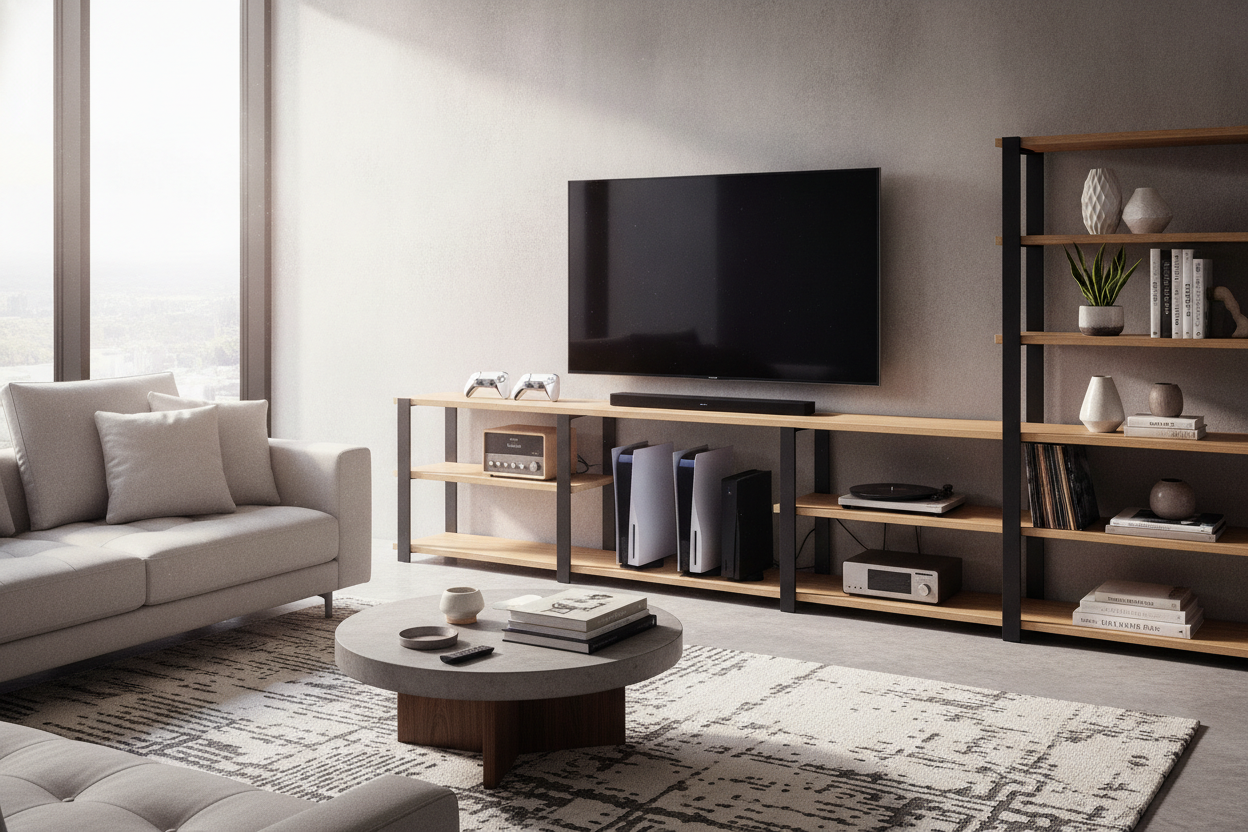
I spent three years staring at a tangle of HDMI cables and a dusty PlayStation 4 shoved into a dark cabinet. Every time I wanted to switch from Netflix to a game, I had to leave the cabinet door open so the console wouldn't melt. It looked like a college dorm room, even though I was paying adult rent.
The fix wasn't a $2,000 custom built-in. It was a simple, strategic shelf for tv stand expansion. By moving the tech out of the shadows and onto curated shelves, I actually made my living room feel bigger and my hardware stop sounding like a jet engine taking off.
Quick Takeaways
- Open shelving prevents hardware overheating and extends the life of your consoles.
- A vertical shelving unit tv stand saves floor space in narrow apartments.
- Matching wood grain is less important than matching the 'visual weight' of your furniture.
- Cable management is the difference between a 'tech hub' and a 'tech mess.'
The 'Black Hole' Console Problem
We have all been there. You buy a basic, boxy media unit because it was cheap and fit the wall. Then you realize that stuffing a router, a Nintendo Switch, and a cable box into a 14-inch deep cubby creates a thermal nightmare. My old setup was a graveyard for lost controllers and dust bunnies the size of tumbleweeds.
I originally worried about why an open shelf tv stand for small space is a terrible idea because I didn't want my living room to look like a server room. But the reality is that closed cabinets often just hide a mess rather than organizing it. When you use a dedicated shelf tv stand approach, you force yourself to actually manage the clutter.
Why I Didn't Just Buy a Massive New Media Center
My first instinct was to browse for a massive 80-inch wall unit. But living in a rental means I have to think about the next move. A massive shelving unit tv stand is a pain to disassemble and rarely fits the next apartment's layout. I needed something modular.
I spent hours looking at a mid century modern tv stand with slatted doors open shelves and cable management that I absolutely loved. It had that perfect 1960s walnut finish and tapered legs. But my current floor plan is so narrow that adding another deep piece of furniture would have blocked the walkway to the kitchen. I had to get creative with the tv stand and shelf setup I already had.
Choosing the Right Shelf for TV Stand Expansion
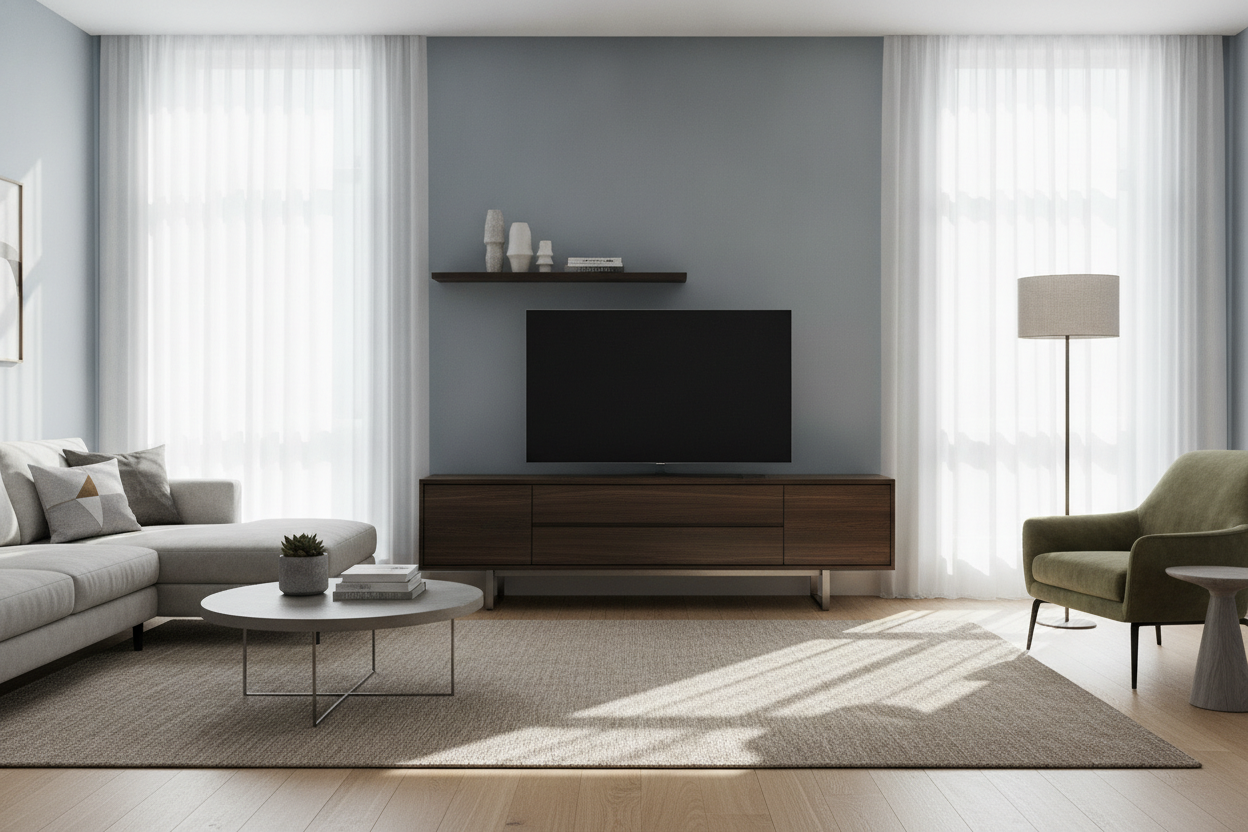
I decided to go vertical. Instead of a wider base, I added two floating shelves above the TV and a slim riser on the console itself. This created a 'zoned' look. The bottom tv stand shelves handled the heavy stuff like the receiver, while the top shelves held the lighter, prettier items.
When you are mixing pieces, don't obsess over matching the oak stain perfectly. If you can't match it, contrast it. I paired a black metal frame with my existing wood unit to make the addition look intentional. I highly recommend looking for adjustable shelf storage so you aren't stuck if you eventually upgrade to a taller console or a beefier speaker.
The Soundbar Situation (And Why It Dictates Everything)
If you have a soundbar, it is the boss of your layout. You can't just shove it behind a plant. I learned the hard way that placing a soundbar on a lower tv cabinet shelf muffled the upward-firing speakers, killing the Atmos effect I paid way too much for.
You need to plan your tv stand and shelves around the height of that bar. This is why you need a tv stand with speaker shelf or at least a riser that clears the bottom of your TV screen. I ended up mounting a small 36-inch shelf specifically for the bar, which cleared up the entire top surface of my console for actual decor.
How to Style TV Stand Shelves Without Looking Like a Best Buy
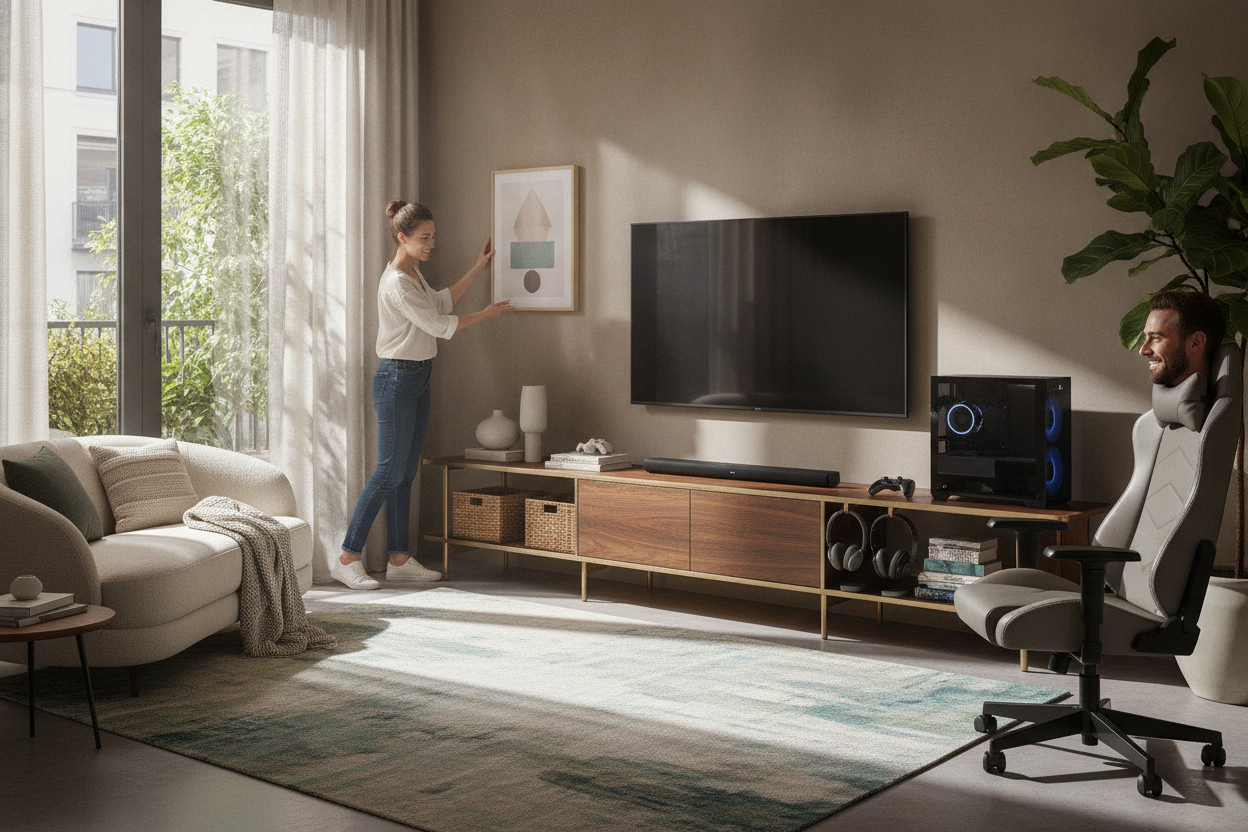
The secret to making tv stands with shelves look like a home and not a retail display is the 60/40 rule. 60% tech and books, 40% 'breathing room' and greenery. I used small woven baskets to hide the extra controllers and charging cables that usually end up in a heap.
If you aren't into the DIY life, look for something like a 70 9 tv stand with adjustable center shelf black metal handles and dual side cabinets. It gives you that balance of open staging and hidden storage right out of the box. For my setup, I used black Velcro ties to strap all the power cords to the back of the shelf legs. If you can't see the wires, the open shelf look goes from 'unfinished' to 'high-end' instantly.
Personal Experience: The 'Oops' Moment
I once tried to save $20 by using cheap plastic wall anchors for a floating shelf holding my original Xbox. About three weeks in, I heard a terrifying 'crunch' at 2 AM. The shelf had tilted 15 degrees because the anchors couldn't handle the 8-pound weight of the console plus the vibration of the disc drive. Always buy the heavy-duty toggle bolts. Your hardware is worth more than a $5 pack of hardware.
FAQ
Do open shelves get too dusty?
Yes, more than closed cabinets. But since your electronics stay cooler, the fans don't kick on as hard, which actually prevents dust from being sucked into the internal components. A quick swipe with a microfiber cloth once a week is the trade-off for better performance.
How do I hide cables on an open shelf?
Use cable raceways that match your wall color, or better yet, run the wires behind the shelf supports. I use adhesive clips on the back of the furniture legs to keep cords in a straight line so they disappear from a front-facing angle.
Will my TV fit on a shelf?
I don't recommend putting the TV itself on a floating shelf unless you are drilling into studs with professional-grade brackets. Keep the TV on the main console or wall-mount it, and use the shelves for the peripherals.

Dejar un comentario
Este sitio está protegido por hCaptcha y se aplican la Política de privacidad de hCaptcha y los Términos del servicio.