










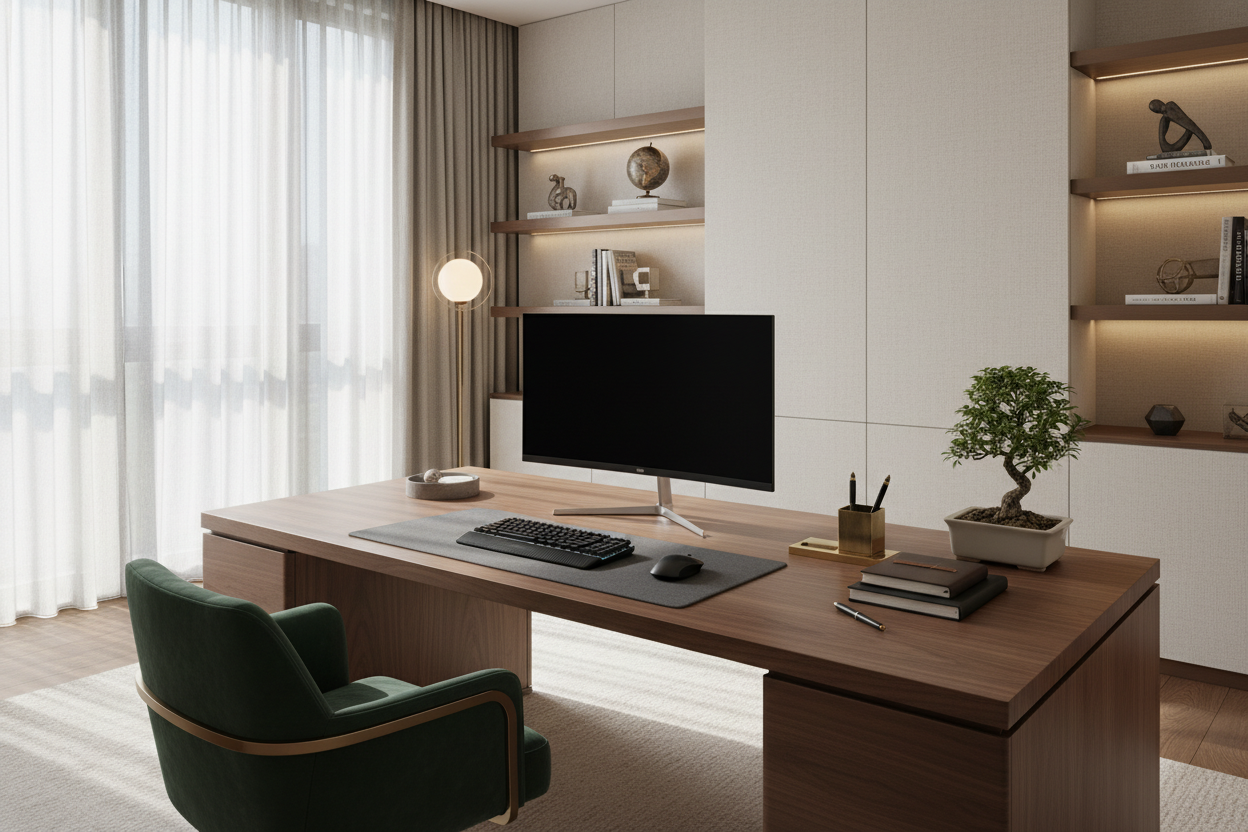
Walking into a home office should feel like entering a sanctuary of focus, not a chaotic storage unit. As a designer, I see clients struggle daily with the friction between needing tools at hand and wanting a clean, serene environment. The secret isn't just throwing away papers; it is curating an organized computer desk that balances high-performance utility with a sophisticated silhouette. This article will guide you through elevating your workspace from a cluttered catch-all to a refined design statement.
Key Features to Look For
- Integrated Cable Management: Look for grommets or hidden channels to maintain visual silence.
- Material Durability: Solid hardwoods (walnut, oak) age better than veneers, which can peel at the edges.
- Drawer Configuration: Ensure at least one deep drawer for bulky items to keep the surface clear.
- Ergonomic Clearance: Verify legroom height (typically 29-30 inches) to accommodate office chairs with armrests.
- Surface Area: A minimum depth of 24 inches is crucial for proper monitor focal distance.
The Foundation: Materiality and Texture
The journey to a clean desk begins with the desk itself. In luxury interiors, we prioritize tactile experiences. A glass desk might look sleek, but it is high-maintenance regarding fingerprints and lacks warmth. I often steer clients toward matte-finished solid woods or high-quality laminates with a soft-touch texture. These materials ground the room and hide dust better than high-gloss finishes. When selecting your surface, consider how the material interacts with light; a matte finish absorbs glare, reducing eye strain during long work sessions.
Zoning and Layout Strategy
Effective workplace desk organization is less about buying bins and more about zoning. We use a concept called "active reach." Your keyboard, mouse, and daily beverage belong in the primary zone. Secondary items—like your notebook or reference materials—should sit in the periphery but not encroach on the negative space required for your arms to rest comfortably.
The Visual Triangle
Create a visual triangle to anchor the desk. This might consist of your monitor as the apex, with a sculptural lamp on one side and a curated stack of books or a plant on the other. This asymmetry creates tension and interest without feeling cluttered.
Managing Visual Weight with Storage
A common mistake is placing heavy, dark organizers on a light, airy desk. This disrupts the visual weight. If you have a white oak desk, opt for acrylic or light leather organizers. For darker woods like mahogany, brass or matte black wire accessories blend seamlessly. The goal is for the storage solutions to disappear into the design rather than shouting for attention.
My Personal Take on Organized Computer Desks
I learned a hard lesson early in my career while designing a study for a client in Chicago. We selected a stunning, minimalist floating desk that looked like a piece of art. It was perfectly organized on installation day. However, I failed to account for the "digital clutter" reality. The desk lacked a modesty panel or a deep apron to hide the surge protector.
Within a week, the client called to say the "spaghetti" of wires underneath ruined the entire luxury aesthetic. I had to retrofit a custom leather cable hammock underneath to hide the mess. Since then, I never buy or recommend a desk without physically checking the underside for cable routing. If I can see the wires, the design has failed, no matter how organized the surface looks.
Conclusion
An organized desk is an investment in your mental clarity. By selecting the right materials, respecting negative space, and managing the visual weight of your accessories, you transform a utility object into a focal point of your home. Clear the surface, and you clear your mind for the work that matters.
Frequently Asked Questions
How do I maintain a wood desk surface with daily use?
Use a high-quality leather or felt desk pad. This protects the wood from the heat of laptops, scratches from peripherals, and ink transfer, while adding a layer of texture to the design.
What is the best way to hide cables on a desk with open legs?
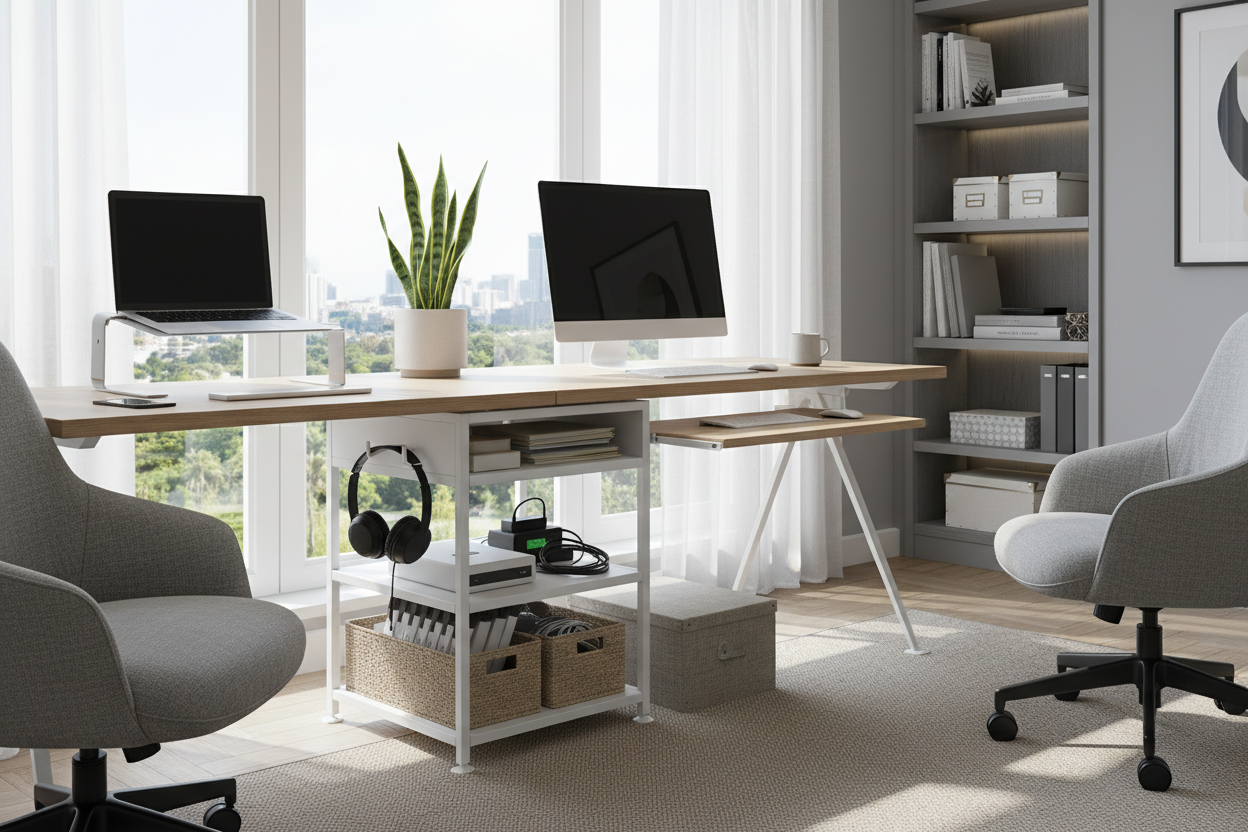
Use cable sleeves that match the color of the desk legs or the wall behind it. Alternatively, mount a cable tray to the underside of the desktop to keep power strips off the floor.
How much space do I really need for a dual-monitor setup?
For dual monitors, aim for a desk width of at least 60 inches. This prevents the screens from overhanging the edges, which creates a subconscious feeling of instability and visual clutter.

Dejar un comentario
Este sitio está protegido por hCaptcha y se aplican la Política de privacidad de hCaptcha y los Términos del servicio.