










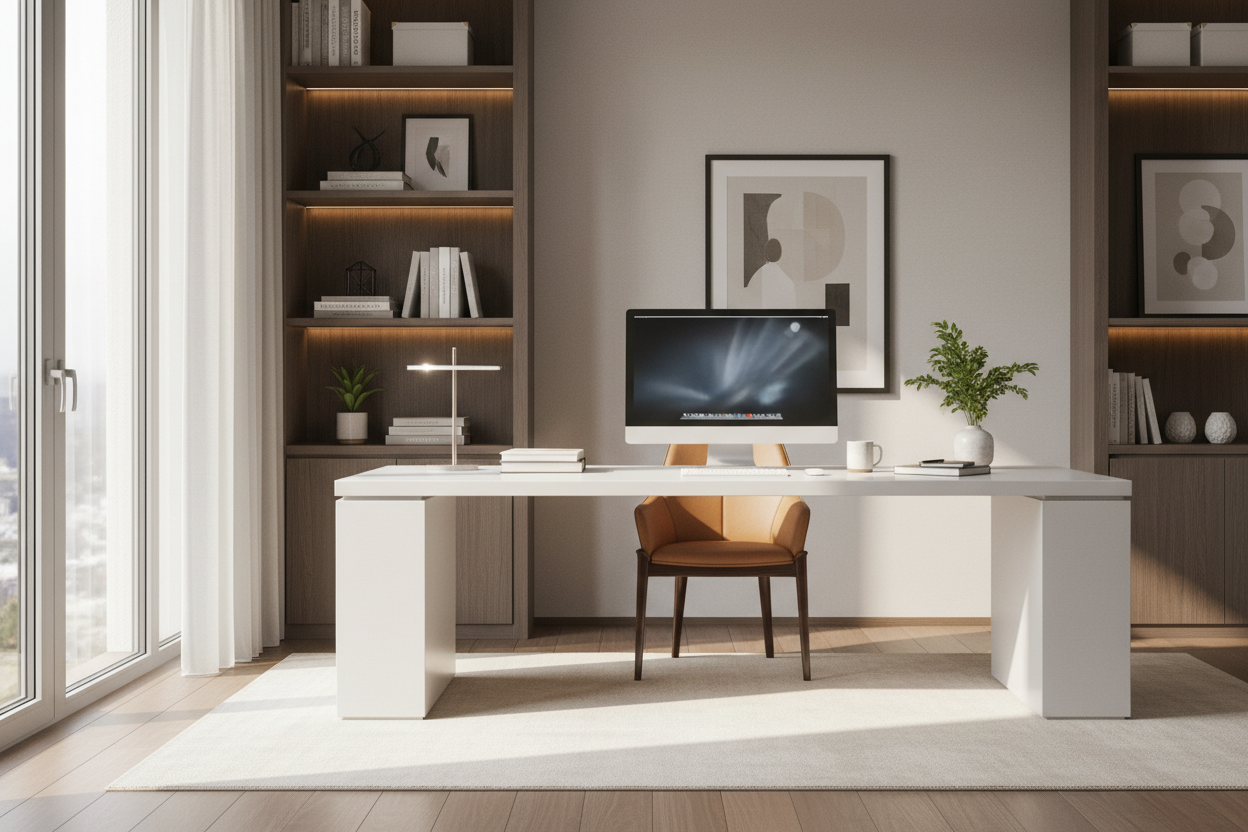
There is a distinct difference between simply placing a desk in a corner and truly setting home office interiors that function as a sanctuary for productivity. As designers, we often see homeowners prioritize the aesthetic of the desk over the functionality of the room's flow, resulting in spaces that look beautiful on Instagram but feel claustrophobic or distracting in reality. Whether you are carving out a niche in a studio apartment or dedicating an entire room to your career, the goal is to create a balance between ergonomic utility and high-end design.
Key Features to Look For
If you are looking for the best way to set up home office environments that last, prioritize these core elements before purchasing furniture:
- The Command Position: Orient your desk to face the door but not directly in line with it; this reduces subconscious anxiety.
- Material Durability: Opt for high-pressure laminates or sealed hardwoods if you drink coffee at your desk; unsealed veneers stain instantly.
- Lighting Layers: Ensure you have a mix of ambient (overhead) and task lighting (desk lamp) to prevent eye strain.
- Ergonomic Triangle: The relationship between your chair height, monitor level, and keyboard placement must support a neutral spine posture.
Space Planning and Layout Strategy
When clients ask me how to set up a home office, I immediately look at the floor plan. The most significant error is pushing the desk flush against a wall. While this saves space, it creates a visual "dead end." Instead, try floating the desk in the room or positioning it perpendicular to a window. This allows your eyes to rest on a distant view, reducing fatigue.
If you are trying to set up a home office in a smaller footprint, utilize verticality. Tall, open shelving units draw the eye upward, making the room feel more spacious while offering necessary storage for files and decor. The silhouette of your furniture matters here; choose legs that are thin and raised off the floor to maintain visual flow.
Choosing the Right Materials
The tactile experience of your workspace influences your mood. When advising clients on how to setup your home office, I recommend balancing hard and soft textures. If you choose a sleek, glass-top desk for a modern look, pair it with a velvet or bouclé upholstered chair to soften the acoustic reverberation and add warmth.
For the desk surface, consider light reflection. A high-gloss lacquer finish might look stunning in a showroom, but under the glare of a monitor or direct sunlight, it can cause significant visual distraction. Matte or satin finishes are far superior for long work sessions.
Lighting: The Invisible Design Element
Many guides on home office setup tips neglect lighting temperature. Avoid cool, clinical daylight bulbs (5000K+) unless you are doing color-critical work. For a residential feel that remains professional, aim for 3000K to 3500K. This spectrum is crisp enough for focus but warm enough to blend with the rest of your home's interior design.
My Personal Take on Setting Home Office Spaces
I learned a hard lesson about setting home office layouts early in my career during a project for a tech consultant. We positioned a stunning, solid oak desk directly facing a south-facing window to capitalize on the skyline view. It looked architectural and impressive.
However, I failed to account for the solar heat gain and the contrast ratio. Within a week, the client called me saying he couldn't see his screens due to the silhouette effect created by the bright window behind the monitors, and the afternoon sun made the leather chair uncomfortably hot. We had to install expensive motorized solar shades and reorient the entire room layout. Now, whenever I help someone set up my home office, I physically sit in the proposed chair spot at 3:00 PM to check the sun angles. It’s an unpolished detail, but it saves thousands in retrofitting later.
Conclusion
Curating a workspace is about more than buying a chair; it is about engineering an environment that respects your workflow. By focusing on light, material integrity, and spatial flow, you can elevate your daily routine from mundane to inspired. Take the time to plan, and your office will return the favor with years of productivity.
Frequently Asked Questions
What is the ideal desk depth for a home office?
For a standard setup with a laptop and monitor, a depth of 24 to 30 inches is ideal. This provides enough distance for your eyes to focus comfortably on the screen without cramping your keyboard space.
How do I hide cables in a floating desk layout?
If your desk is not against a wall, use a floor outlet if possible. If not, run cables down a single desk leg using a color-matched cable sleeve, and anchor them under an area rug to reach the nearest wall outlet safely.
Is a standing desk worth the investment for design continuity?
Yes, but choose carefully. Many standing desks look industrial. Look for models with enclosed motors and wood-veneer tops that mimic traditional furniture, ensuring the mechanism doesn't disrupt the room's aesthetic.

Dejar un comentario
Este sitio está protegido por hCaptcha y se aplican la Política de privacidad de hCaptcha y los Términos del servicio.