










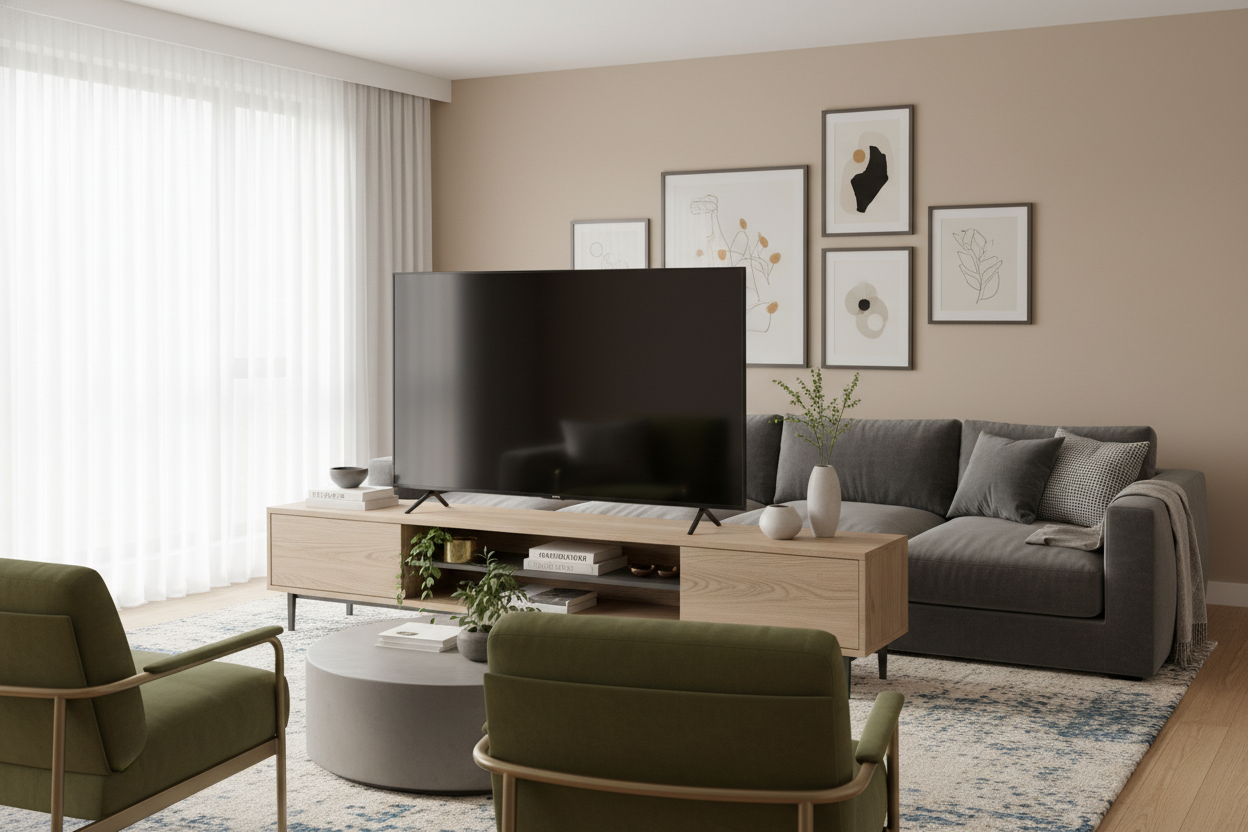
I once spent three weeks measuring my living room only to realize my 52-inch screen looked like a giant black monolith on top of a tiny pedestal. It is an awkward size—not quite a jumbo theater screen, but too big for a standard dresser or a flimsy dorm-style unit. Finding the right stand for 52 inch tv setups requires more than just checking a weight limit; it is about visual weight and the math of margins.
- Width Rule: Your stand should be at least 10-12 inches wider than the TV itself.
- Height Rule: The center of the screen should be at eye level when you are seated.
- Storage: Aim for closed storage to hide the inevitable nest of HDMI cables.
- Depth: Ensure the stand is deep enough for the TV feet, which often splay wider than expected.
The 'Overhang' Problem with a Standard 52 Inch TV Stand
Most people think a 52 inch wide tv stand is the logical choice for a 52-inch screen. It isn't. Remember that TV sizes are measured diagonally, while furniture is measured horizontally. A 52-inch TV is typically about 46 inches wide. If you match them 1:1, the screen edges sit right at the edge of the wood, making the whole thing look precarious and cramped. It creates a top-heavy look that makes your ceiling feel lower than it actually is.
When you browse standard TV stands, you have to ignore the 'fits up to' stickers and look at the actual width. A 52 tv stand that is exactly the width of the screen leaves zero room for speakers, a lamp, or even a coaster. It looks like you ran out of budget or space, even if you didn't. You want the furniture to 'anchor' the tech, not just hold it up.
The Magic Ratio for Your 52 Media Console
The 'Golden Ratio' of media consoles is roughly 1.25x the width of the TV. For a 52-inch screen, you want a 52 inch media console that actually measures around 60 to 70 inches. A 70 W symmetric L shaped TV stand is my personal favorite for this size. It provides about 12 inches of 'breathing room' on either side of the screen.
That extra space is where the design happens. It is where you put a sculptural plant or a stack of books so the TV doesn't just look like a piece of tech floating in a vacuum. A 52 inch entertainment center with this kind of width creates a sense of intentionality. It says 'I designed this room,' rather than 'I bought the first thing that fit the box.'
Repurposing Dining Furniture as a 52 TV Console
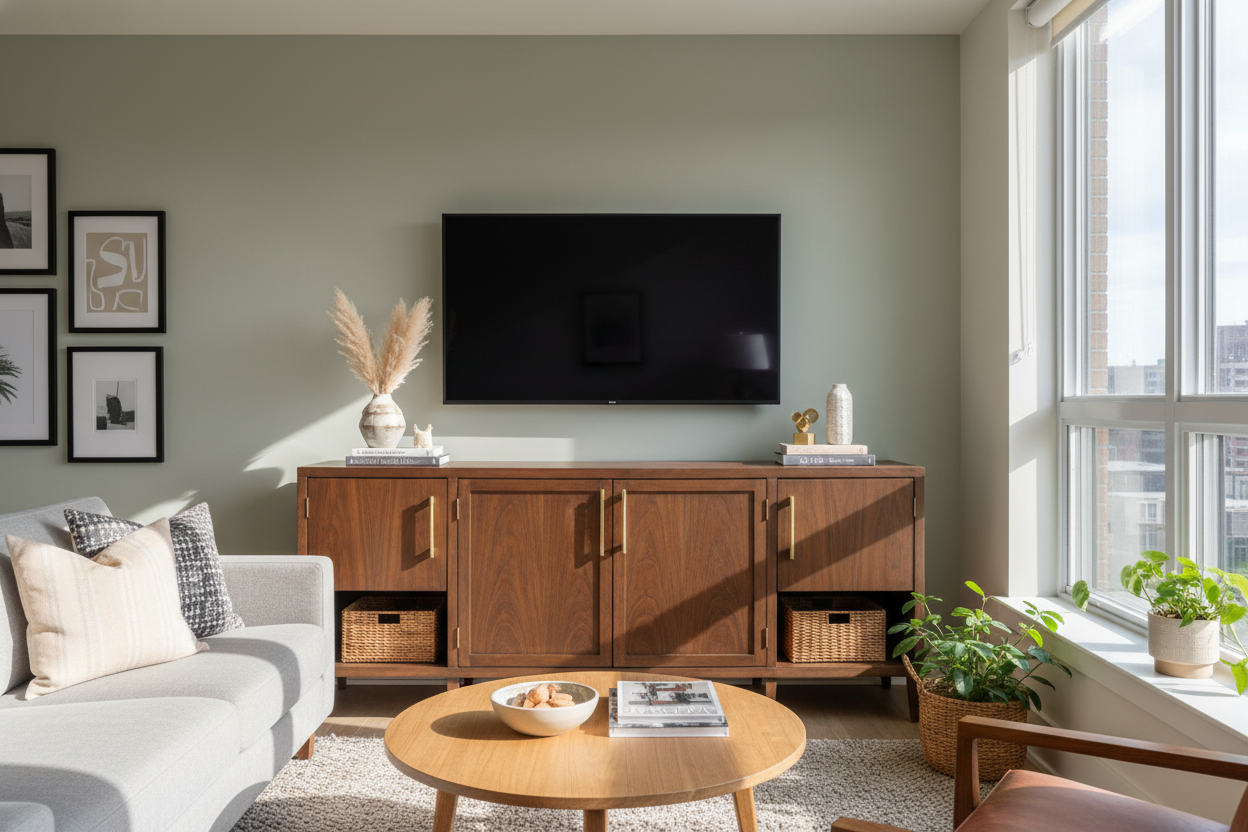
I have stopped looking exclusively at 'media units' because they are often built too low to the ground. A traditional 52 inch tv entertainment center often sits around 18-22 inches high, which is fine if you have a low-slung modern sofa, but it feels off in a room with traditional furniture. Instead, look at credenzas or vintage sideboards. They are usually 30-34 inches high, which is perfect for comfortable viewing from a standard-height couch.
Dining pieces also tend to have better craftsmanship—think solid wood instead of the particle board found in cheap 52 media console options. I dive deeper into why this works in my breakdown of Media Console vs. Credenza: What Does TV Stand For Anymore?. Just make sure to check the depth; some dining sideboards are quite shallow, so measure your TV's base before you commit.
Floating vs. Grounded: Which 52-Inch TV Console Works Best?
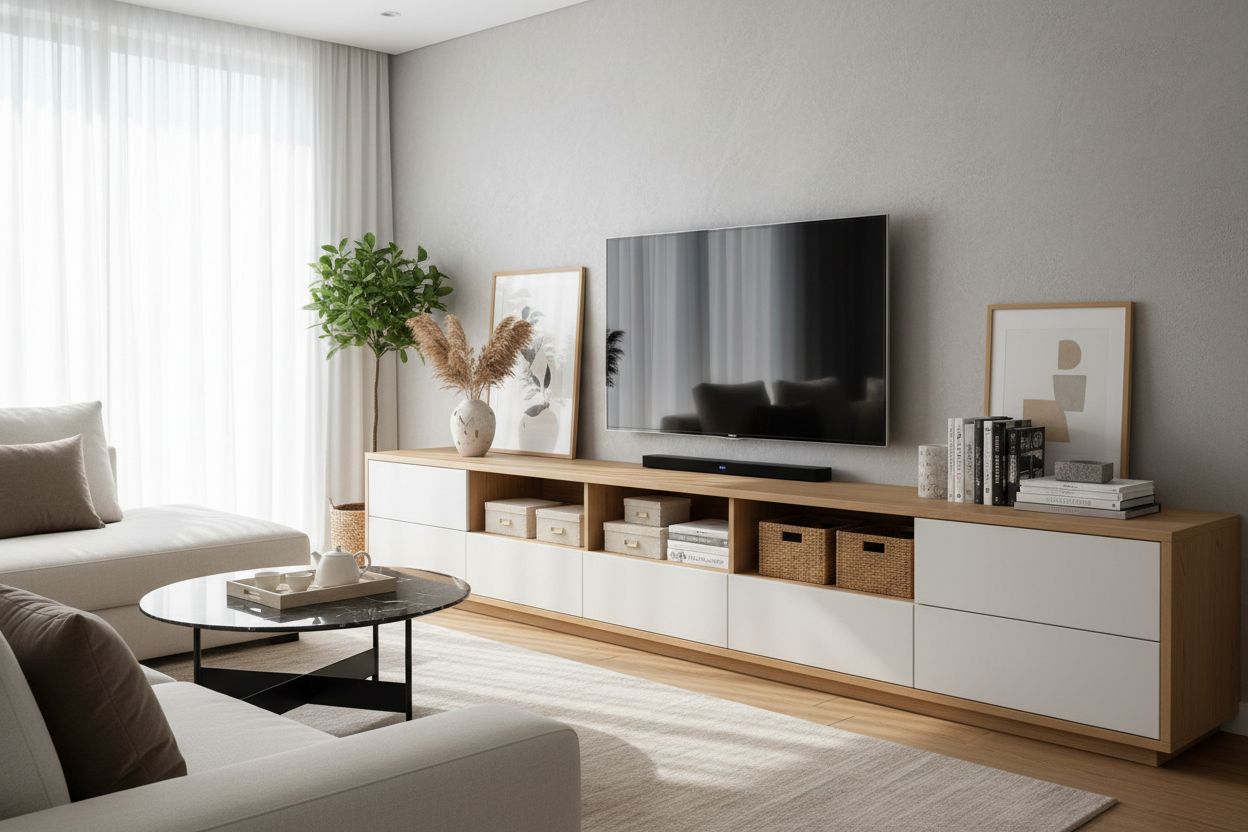
If you are in a 600-square-foot apartment, a bulky 52 inch tv entertainment center can swallow the room. This is where a floating TV stand wall mounted media console saves the day. By showing the floor underneath the unit, you trick the eye into thinking the room is larger. It is a spatial-planning hack that works every time.
However, grounded units have their own benefits. A solid 52-inch tv console that goes all the way to the floor can hide a massive amount of clutter—gaming consoles, routers, and that tangle of power strips. If you choose a floor-standing unit, look for one with legs rather than a solid plinth base to keep the visual weight light.
How to Style the Margins of Your 52 Inch Wide TV Stand
Once you have your 52 inch wide tv stand, don't just center the TV and call it a day. Use the margins to soften the 'black box' effect of the screen. I like to use asymmetrical styling: a medium-sized table lamp on one side to provide warm ambient light, and a leaning framed print or a ceramic vase on the other.
If you have open shelving in your 52 tv console, use uniform baskets to hide the ugly stuff. Seeing a neon-lit router or a tangled HDMI cable is the fastest way to make an expensive setup look messy. The goal is to make the 52-inch media console look like a piece of furniture that happens to hold a TV, rather than a piece of tech equipment.
My Personal Lesson in Sizing
I once bought a 52-inch stand for a 52-inch TV thinking I was being efficient with my small living room space. The result was a disaster. The TV feet were literally half an inch from the edge of the wood. Every time my cat jumped near it, I had a heart attack. Beyond the safety issue, it looked like a lollipop—a giant head on a tiny stick. I eventually swapped it for a 72-inch vintage sideboard, and the entire room felt instantly more expensive and balanced. Don't skimp on the width.
FAQ
How wide is a 52-inch TV actually?
A 52-inch TV is measured diagonally. The actual horizontal width is usually around 45 to 46 inches, depending on the bezel thickness.
What is the best height for a 52 inch tv stand?
For most standard sofas, you want a stand that is between 24 and 30 inches high. If your stand is too low, you will end up with neck strain from looking down.
Can I put a 52-inch TV on a 48-inch stand?
Technically yes, if the feet fit, but it will look terrible. The TV will overhang the sides, which is a major design faux pas and a tipping hazard.

Dejar un comentario
Este sitio está protegido por hCaptcha y se aplican la Política de privacidad de hCaptcha y los Términos del servicio.