










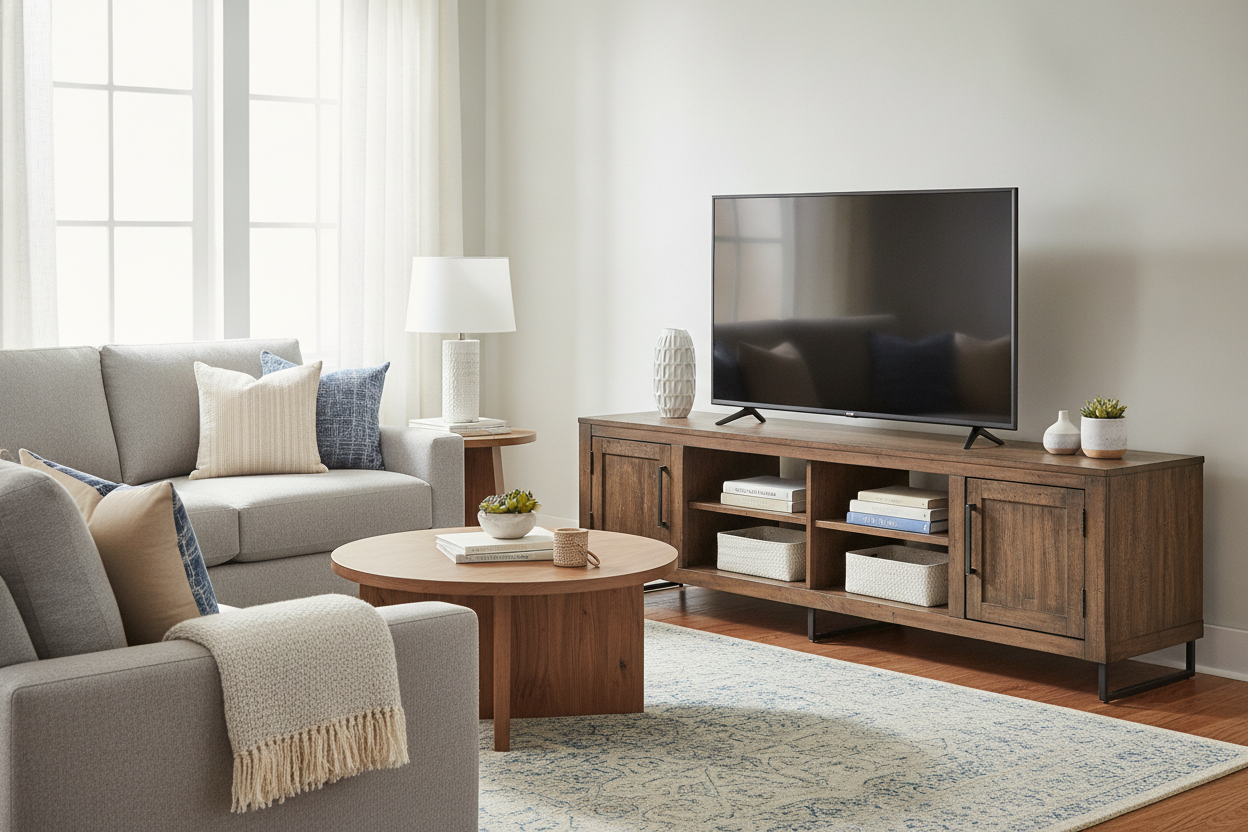
I have spent way too many Sunday afternoons staring at the clearance aisle, wondering if an eighty-dollar console will actually hold a 60-inch screen or if I am just inviting a slow-motion disaster into my living room. We have all been there. You buy the screen, you are tapped out on the budget, and you just want something that looks decent and doesn't buckle under the weight of a Netflix marathon.
Finding a tv stand for 60 inch tv walmart carries is a bit of a minefield. I have assembled enough flat-pack furniture to know that what looks like solid oak in a grainy thumbnail is often just glorified cardboard held together by hope and a few cam locks. If you do not know what to look for, you will end up with a 'frown' in the middle of your media center within three months.
Quick Takeaways
- Never buy a stand that is exactly the width of your TV; aim for at least 5-10 inches of buffer.
- The 'Press-Test' is your best friend when checking floor models for density.
- If it doesn't have a center support leg, walk away immediately.
- Check the weight rating for the top shelf, not just the overall unit capacity.
The Awkward 60-Inch Screen Dilemma
The 60-inch TV is the awkward middle child of the electronics world. It is significantly heavier than a 50-inch but does not always get the heavy-duty hardware reserved for the 75-inch behemoths. Most people make the mistake of buying a stand that is also exactly 60 inches wide. Because TV screens are measured diagonally, a 60-inch TV is actually about 52 inches wide. If you put that on a 54-inch stand, it looks visually top-heavy and cramped.
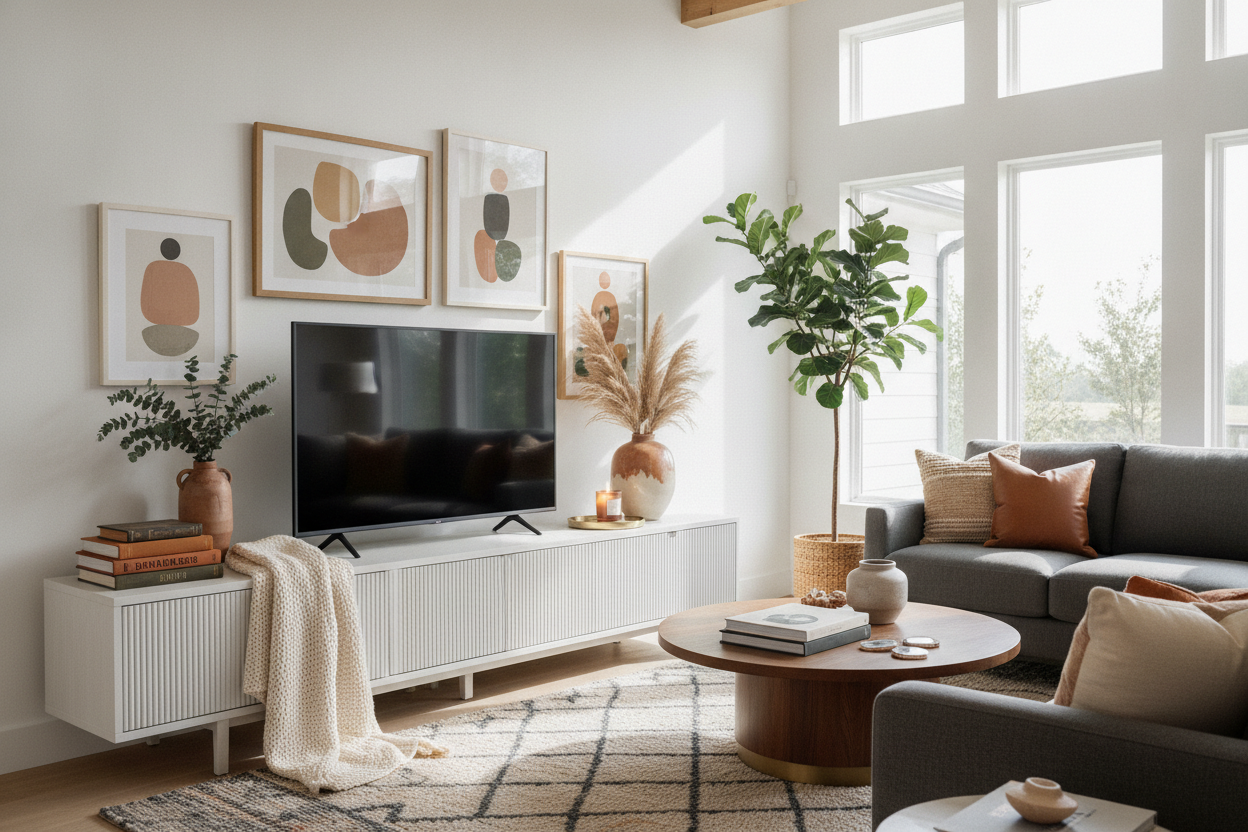
I always tell my friends to over-spec. You want a unit that provides enough breathing room on the sides so your living room doesn't feel like a Best Buy warehouse. Beyond the aesthetics, a wider base usually means better weight distribution. If you find the right proportions, you can actually make a budget walmart 60-inch tv stand look genuinely high-end with just a little bit of intentional styling and the right lighting.
When the TV is nearly as wide as the stand, the weight sits right on the edges of the vertical supports. This sounds good in theory, but any slight shift or uneven floor puts massive torque on the joints. Give yourself at least six inches of clearance on either side of the screen. Your eyes—and your floor—will thank you.
The 'Press-Test': Spotting Flimsy Boards in the Aisle
Walmart's furniture floor models are often beat up, which is actually a blessing for us. It lets you see how the materials age. Before you grab that heavy box, go to the display and perform the 'Press-Test.' Place your palm in the center of the top shelf and give it a firm, steady push. If you see even a millimeter of flex, that board is low-density particle board. It will sag under a 60-inch TV's weight within weeks.
I look for 'MDF' (Medium Density Fiberboard) at a minimum, but what you really want is honeycomb-core construction or thick-walled laminate for a walmart 60-inch tv stand. You can tell the difference by tapping the board. A hollow, high-pitched 'tink' means it is flimsy. A dull, heavy 'thud' means it has the density to handle your tech. If the edges are already peeling on the floor model, that is a preview of your living room in six months. High-pressure laminates are your best bet for resisting the scratches that inevitably happen during setup.
Why Center Support Legs Are Non-Negotiable
This is the hill I will die on. If you are looking at a walmart 60 tv stand and it only has four legs—one at each corner—do not buy it. A 60-inch TV is heavy enough that gravity will eventually win the battle against a five-foot span of particle board. You need a fifth leg (or even a sixth) positioned directly under the center of the unit to transfer that weight to the floor.
Most cheap consoles skip this because it costs an extra dollar in manufacturing. But that extra leg is the difference between a piece of furniture that lasts five years and one that ends up on the curb. If you want something built to handle the load, look for a modern TV stand with cabinets that incorporates a hidden center support. These units are engineered to distribute the weight through the vertical partitions of the cabinets rather than just the top plank.
I once bought a gorgeous mid-century style stand that lacked center support. I thought it looked 'cleaner.' Within two months, my Xbox was sliding toward the middle of the shelf because the whole thing had bowed so badly. I ended up having to screw a 2x4 into the bottom just to save my TV. Learn from my stubbornness: check for the center leg.
Hiding the Mess: The Back Panel Secret
Nothing kills the vibe of a new living room setup faster than a 1/8-inch thick piece of folded cardboard tacked onto the back of a console. You know the one—it has those perforated circles you have to punch out for wires. They always rip, and they look terrible from the side. When you shop, look for units with 'finished' backs or at least solid back panels with pre-drilled, reinforced cable management holes.
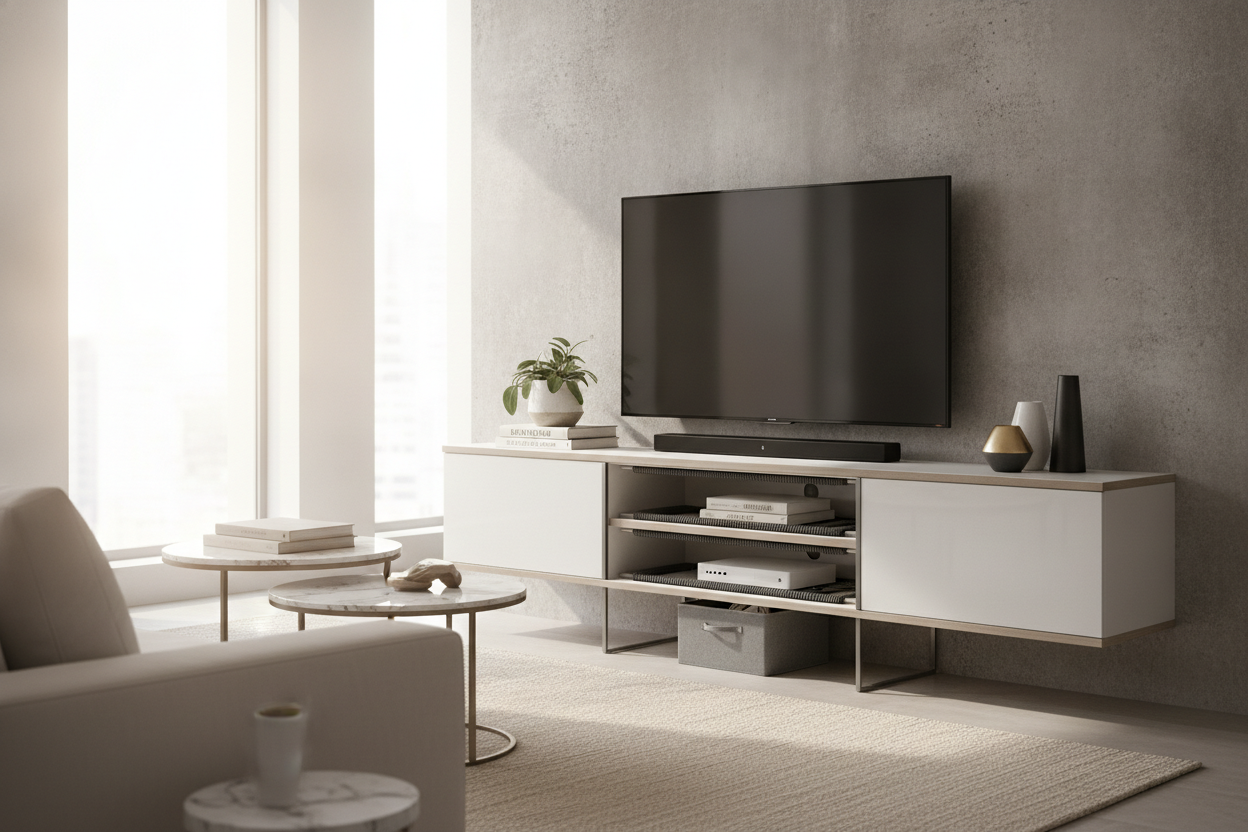
A solid back panel actually provides lateral stability. It prevents the unit from 'racking' (leaning to one side). If you are tired of the flimsy stuff, you should browse dedicated TV stands that prioritize cable routing. A good stand will have channels to tuck away your HDMI cables and power bricks so they aren't visible through the gaps in the shelves. It is a small detail that makes a twenty-dollar difference in price but a thousand-dollar difference in how the room feels.
Frequently Asked Questions
Can I put a 60-inch TV on a 50-inch stand?
Technically, yes, if the weight limit allows it and the TV's feet fit. But it is a terrible idea. It creates a massive tipping hazard, and it looks like your TV is wearing a shirt three sizes too small. Just don't do it.
What is the best material for a budget TV stand?
Look for 'engineered wood' with a high-pressure laminate finish. It is more moisture-resistant than basic particle board and handles the weight of a larger screen without immediate warping.
How do I stop my TV stand from wobbling?
First, check if your floor is level. Most stands have adjustable 'feet' on the bottom. If yours doesn't, a few felt pads or even a shim can fix the wobble. If the wobble is in the joints, you need to tighten the cam locks or add some wood glue to the dowels during assembly.

Dejar un comentario
Este sitio está protegido por hCaptcha y se aplican la Política de privacidad de hCaptcha y los Términos del servicio.