










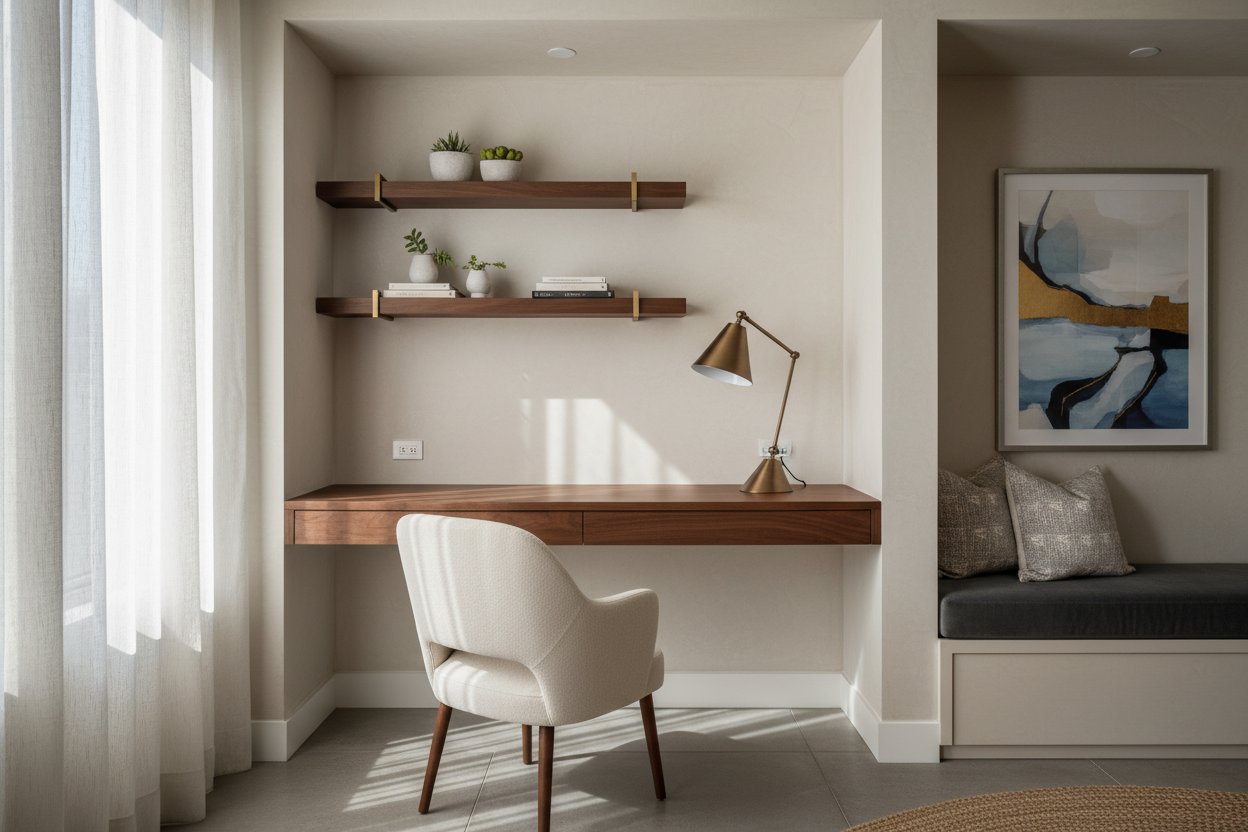
We have all stared at that awkward architectural pause in our homes—the space under the stairs, the oversized landing, or that strange recessed wall in the living room—and wondered what to do with it. In the era of hybrid work, leaving square footage underutilized is a luxury few can afford. The solution lies in intelligent office nook designs that bridge the gap between high-end joinery and pure functionality.
Key Features to Consider Before Building
- Depth Requirements: Ensure a minimum depth of 20-24 inches for laptop use, or 28-30 inches if you require a monitor arm.
- Lighting Layering: Combine recessed overhead cans (ambient) with under-shelf LED strips (task) to prevent eye strain.
- Cable Management: Plan for grommets and integrated chases before installation; visible wires ruin the aesthetic of small spaces.
- Material Durability: Prioritize hardwoods or high-pressure laminates for the work surface to resist heat from electronics and writing indentations.
Mastering Space Planning & Layout
The success of a nook is defined by how well it integrates into the surrounding architecture. Unlike a dedicated room where you can close the door, a nook is often part of a thoroughfare. The goal is to create a "destination" rather than a visual obstruction.
If you are reclaiming a closet, remove the header (the wall section above the door frame) to open the vertical line up to the ceiling. This makes the nook feel intentional, like custom millwork, rather than a desk shoved into a cupboard. For hallway applications, consider a cantilevered design. By removing legs and anchoring the surface to the wall, you expose more floor area, which tricks the eye into thinking the space is larger than it is.
Selecting the Right Office Nook Desk
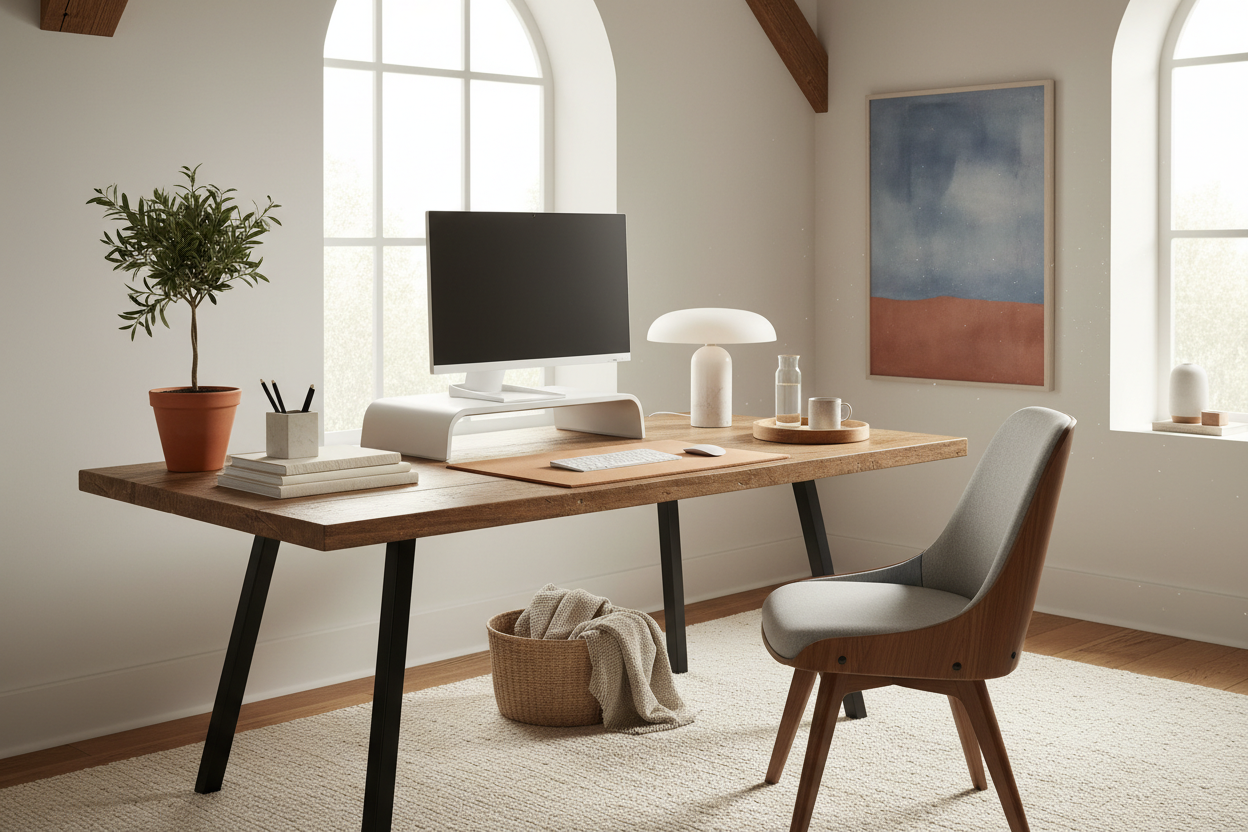
The centerpiece of this design is, naturally, the office nook desk. In these tight quarters, standard retail furniture rarely fits perfectly. This is where I almost always advise clients to look into semi-custom or built-in options.
Materiality and Texture
Because a nook is often visible from living areas, the material palette must harmonize with your existing decor. A solid walnut slab adds warmth and acts as a focal point in a white-walled room. However, be wary of softwoods like pine for the desktop; they dent easily under the pressure of a ballpoint pen. If you are on a budget, a high-quality engineered quartz remnant can look stunning and offers incredible durability, though it feels colder to the touch.
Ergonomics in Miniature
Just because the space is small does not mean you sacrifice posture. The biggest failure point in nook design is the chair clearance. Ensure you have at least 36 to 42 inches of clearance behind the desk edge to slide a chair out comfortably. If the space is tighter, opt for a backless stool that tucks completely under the desktop when not in use, maintaining a clean visual silhouette.
Lighting: The Invisible Design Element
Shadows are the enemy of productivity. In a recessed nook, the overhead room lighting is usually behind you, casting your own shadow onto your work. You must introduce localized light. I prefer specifying routed channels under overhead floating shelves to house LED tape lights. Aim for a color temperature of 3000K to 3500K—this provides crisp, neutral light that aids focus without feeling sterile or clinical.
Lessons from My Own Projects
I learned a hard lesson about structural integrity regarding floating desks early in my career. I designed a stunning, minimal office nook desk for a client in a loft apartment. It was a floating white oak slab, secured with standard heavy-duty brackets into the studs.
It looked beautiful until the client typed furiously or erased something vigorously. The monitor would wobble distractingly because the wall studs had a slight flex, and the desk lacked a "stiffener." I had to go back and install a discreet steel angle iron along the back edge to rigidize the surface. Now, whenever I design a floating nook, I insist on opening the drywall to install proper blocking or using a steel carrier frame. It’s a messy, unpolished detail during construction, but it ensures that solid, built-to-last feel when you finally sit down to work.
Conclusion
Transforming an alcove into a workspace is one of the highest-value updates you can make to a home interior. It requires precision—every inch counts when you don't have a whole room—but the result is a bespoke pocket of productivity that enhances your home's flow rather than cluttering it.
Frequently Asked Questions
What is the minimum width for a functional office nook?
While you can physically fit a laptop on a 24-inch wide surface, I recommend a minimum of 30 to 36 inches. This allows space for a mouse, a coffee cup, and adequate elbow room without feeling claustrophobic.
How do I hide the printer in an office nook design?
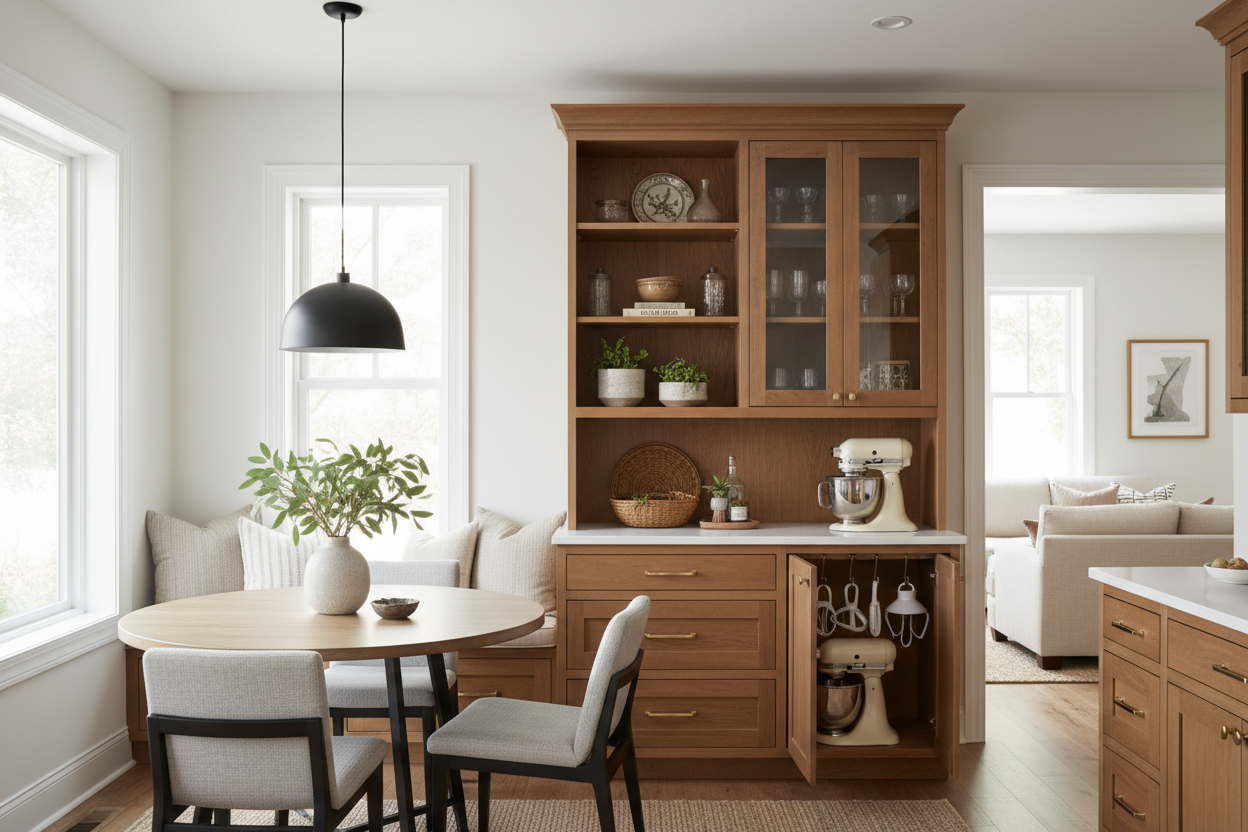
Printers are visually heavy. I suggest a deep drawer in the lower cabinetry or a pull-out shelf hidden behind a cabinet door. If you are using a floating desk with no lower storage, consider relocating a wireless printer to a closet or a different room entirely.
Can I use a dining chair for my nook?
For short bursts of work, yes. However, dining chairs rarely have the correct seat height-to-desk ratio (typically 18 inches to 30 inches) for long-term typing. If the nook is in a living area, look for "resimercial" chairs—upholstered task chairs that hide their ergonomic mechanisms.

Dejar un comentario
Este sitio está protegido por hCaptcha y se aplican la Política de privacidad de hCaptcha y los Términos del servicio.