










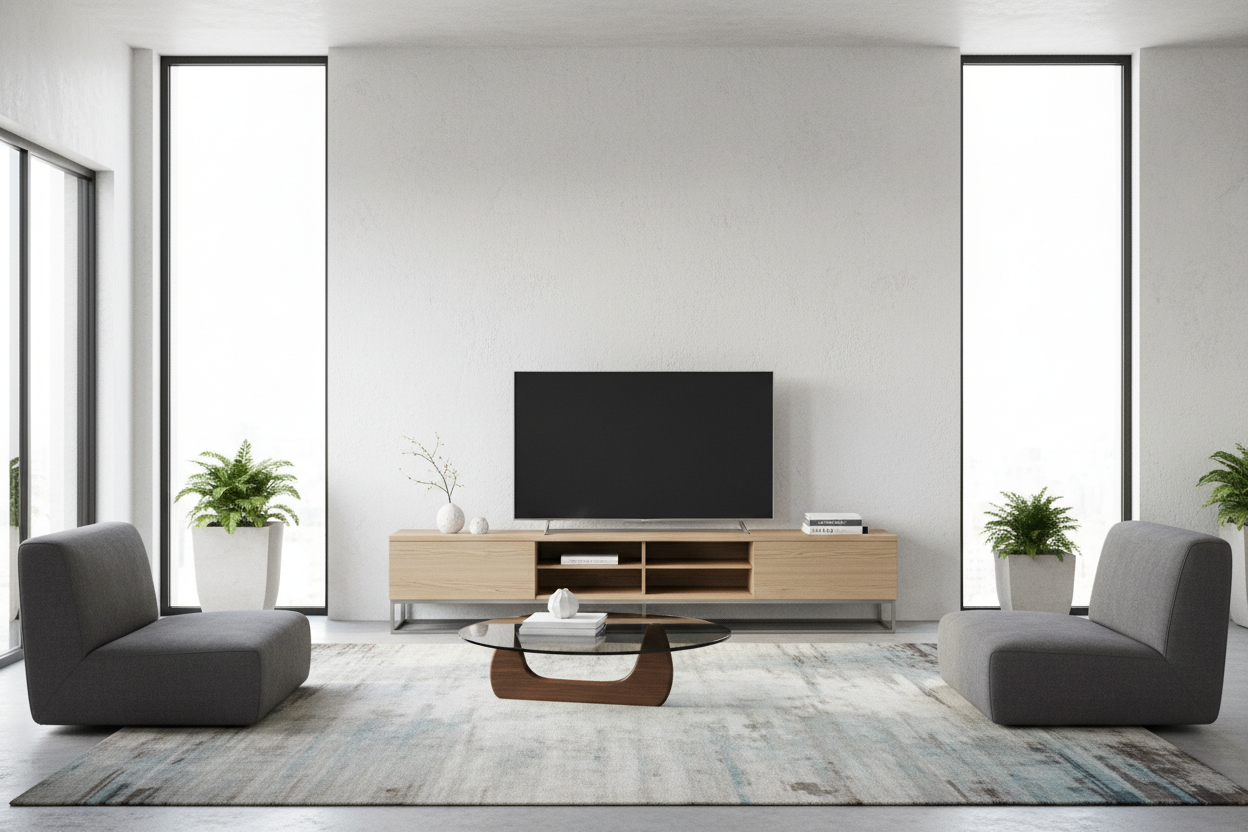
I spent three years doing a weird, sideways crab-walk past my TV just to get to my own kitchen. My old media console was a 20-inch-deep beast that looked great in the showroom but felt like a literal barricade in my actual apartment. Every time I carried groceries or a heavy laundry basket through that 'traffic lane,' my shin found that sharp corner with surgical precision. I finally hit a breaking point when I realized my living room didn't feel like a place to relax—it felt like an obstacle course.
The fix wasn't a smaller sofa or a different rug. It was swapping that bulky monster for a narrow television stand. Most people don't realize that the depth of your furniture dictates the 'flow' of a room more than the width ever will. By shaving just six inches off the depth of my media setup, I effectively widened my primary walkway by 20%. It felt like my living room finally took a deep breath. If you are tired of bruising your legs and feeling claustrophobic, it is time to look at the math of your floor plan.
- Walkway Clearance: Aim for at least 30 to 36 inches of walking space between your TV stand and the next piece of furniture.
- The 14-Inch Rule: Modern flat screens are thin; you rarely need more than 14 inches of depth for stability and basic tech storage.
- Visual Weight: Shallow units with legs (rather than solid bases) make a small room feel significantly larger because you can see more of the floor.
- Cord Management: Narrow doesn't have to mean messy—look for units with built-in channels or back panels to hide the 'spaghetti' of wires.
The 'Traffic Lane' Problem in Small Living Rooms
In most open-concept apartments or older homes, the living room isn't just a place to watch Netflix; it’s the main highway connecting the front door to the rest of the house. When you drop a standard-depth media console into that mix, you’re essentially putting a permanent roadblock in your own home. I’ve seen beautiful rooms ruined by a console that sticks out just two inches too far, forcing guests to shuffle past each other like they're on a crowded subway platform.
We often focus on the length of a piece of furniture, making sure it fits the wall, but we ignore the depth. That 'depth creep' is what kills the flow. A bulky unit doesn't just take up physical space; it takes up visual space. It makes the room feel heavy and cluttered. When your media center is too deep, your coffee table has to shift closer to the sofa, your rug starts to look too small, and suddenly the whole layout feels 'off' but you can't quite put your finger on why. The culprit is almost always that 18-inch-deep rectangle of MDF sitting against your longest wall.
What Actually Counts as a 'Narrow' Console?
Let's talk numbers because furniture labels are notoriously vague. If you go shopping for standard Tv Stands, you are going to see a lot of units that are 18, 20, or even 22 inches deep. Why? Because back in 2005, we were all still trying to figure out where to put those massive, 50-pound CRT televisions or the first-generation plasma screens that were four inches thick. Those days are over. My current OLED screen is thinner than my smartphone, yet the furniture industry is still trying to sell us 'deep' consoles designed for tech that belongs in a museum.
A true narrow television stand should be between 10 and 15 inches deep. In my experience, the 14 inch deep tv stand is the absolute sweet spot. It is deep enough to be stable and hold a gaming console or a soundbar, but shallow enough to stay out of your way. Anything under 12 inches starts to get tricky with the 'feet' of some larger TV models, so always measure the distance between your TV's front and back legs before you commit. If you are wall-mounting your screen, you can go even skinnier—down to a 10-inch 'ledge' style console that purely exists to hold a remote and a candle.
How to Hide Ugly Tech in a Skinny TV Console
The number one pushback I hear about downsizing to a thin entertainment center is: 'Where do I put the stuff?' We’ve been conditioned to think we need deep cabinets to hide our routers, Playstations, and cable boxes. But here is the reality: your PS5 is only about 10.2 inches deep when standing vertically, and most routers are even smaller. You don't need a 20-inch cabinet to hide a 10-inch device.
To keep a shallow depth entertainment center from looking like a cluttered mess, you have to get intentional. I’m a big fan of using units with sliding doors or mesh fronts. Mesh is great because it allows your remote signals to pass through and keeps your electronics from overheating in a tight space. If you want something that feels a bit more high-end, a modern high gloss entertainment center can do wonders. The reflective surface bounces light around the room, which makes the narrow profile feel intentional and 'designed' rather than just a space-saving compromise. Use adhesive cable clips on the back of the unit to keep every wire tucked tight against the frame. If the wire is invisible from the side, the unit looks ten times cleaner.
Two Genius Hacks If You Can't Find the Right Depth
Sometimes, even a 14-inch stand feels like it's taking up too much floor real estate. If you’re living in a true 'postage stamp' apartment, you have to get creative. My favorite zero-footprint solution is a floating wall mounted media console. By lifting the unit off the floor entirely, you trick your brain into seeing more square footage. You can even tuck a couple of small ottomans underneath it for extra seating when guests come over. It’s the ultimate floor-space hack because it removes the 'visual anchor' that usually makes a room feel cramped.
Another trick I’ve used in several client homes is looking outside the 'media' category altogether. Using a Dining Buffet Cabinet for TV Stand Duty is a pro move because dining furniture is often designed to be shallower than living room furniture to accommodate chairs and walking paths. Many sideboards and entry consoles come in at that perfect 12-to-15-inch depth. Just be sure to use a hole saw bit to cut a small opening in the back panel for your cords. It takes five minutes and opens up thousands of style options that aren't marketed as 'TV stands.'
The Final Verdict: Is Losing Storage Worth the Floor Space?
I’ll be honest: you are going to lose some drawer space. You won't be able to store your entire board game collection or three years' worth of back-issue magazines in a narrow console. But ask yourself: when was the last time you actually used that stuff? We tend to fill deep furniture with junk just because the space is there. Trading that 'junk storage' for the ability to walk through your living room without bruising a hip is a trade I would make every single day.
The psychological relief of an open walkway is real. When your furniture isn't constantly encroaching on your personal space, the whole vibe of your home shifts from 'cramped' to 'curated.' An un-bruised shin and a clear path to the kitchen are worth way more than a few extra cubic feet of storage for things you don't even use.
FAQ
Will a 65-inch TV fit on a narrow stand?
Yes, but you need to check the 'footprint' of your TV's legs. Many large TVs have wide-set legs that might be deeper than 14 inches. If your TV legs are too deep, you can either wall-mount the TV or buy a universal VESA 'pedestal' stand that has a smaller, centered base.
Are narrow TV stands unstable?
Because they have a higher center of gravity and a smaller base, they can be more prone to tipping if bumped. I always recommend using a simple furniture anchor kit to secure the stand to the wall, especially if you have kids, pets, or live in an earthquake-prone area.
How do I manage heat in a shallow cabinet?
Electronics need air. If you are stashing a gaming console in a narrow cabinet, make sure there is at least two inches of clearance on all sides, or choose a unit with an open back or slatted doors to ensure your gear doesn't fry itself.

Dejar un comentario
Este sitio está protegido por hCaptcha y se aplican la Política de privacidad de hCaptcha y los Términos del servicio.