










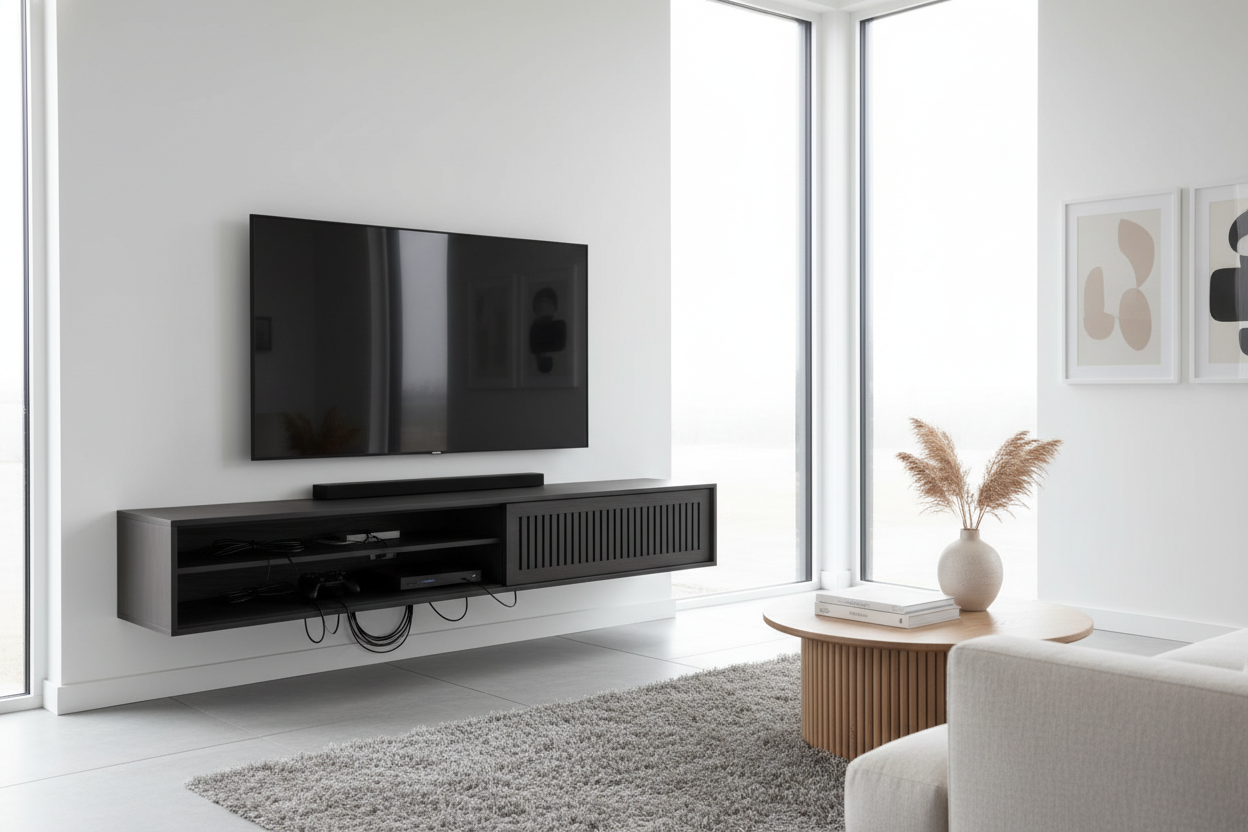
I spent three hours last Saturday morning on my hands and knees, wrestling with a 'cord nest' that looked like a biomechanical octopus was taking over my living room. I had been doom-scrolling through entertainment centers pics for a week, wondering why my setup looked like a Best Buy clearance aisle while everyone else’s looked like a minimalist sanctuary. It was a classic case of expectation vs. reality.
- Staged photos often use 'dummy' TVs with no power cords.
- Backless units look great in photos but show every wire in real life.
- Look for units with at least 15-inch depth for modern gaming consoles.
- Dark interior backing is the best way to hide black cable shadows.
The Pinterest Illusion: Where Did the Cords Go?
Let’s be real: those glossy entertainment centers pictures you see on Pinterest are a flat-out lie. I’ve been on enough professional interior shoots to know the tricks. Half the time, the TV isn't even plugged in. It’s a prop held up by a bracket on a temporary studio wall. If it is a real TV, the photographer has likely shoved the cords through a hole drilled directly into the drywall—a luxury you might not have if you’re renting an apartment or have a brick feature wall.
Photoshop is the other silent partner. It is incredibly easy for a retoucher to 'heal' away a dangling HDMI cable in thirty seconds. When you are browsing photos of entertainment centers, you aren't looking at a living room; you’re looking at a curated set designed to sell you a vibe, not a functional tech hub. Real life involves power strips, router lights that blink at 2 AM, and that one chunky adapter that refuses to sit flush.
3 Red Flags in Pictures of Entertainment Center Setups
The first red flag is the 'Floating Shelf with No Visible Outlet' trap. If you see a pictures of entertainment center where the TV is mounted three feet above a low-profile console with nothing but empty air in between, they’ve hidden the wires inside the wall. Unless you’re ready to hire an electrician and a drywall guy, your setup will have a black plastic tail hanging down the middle.
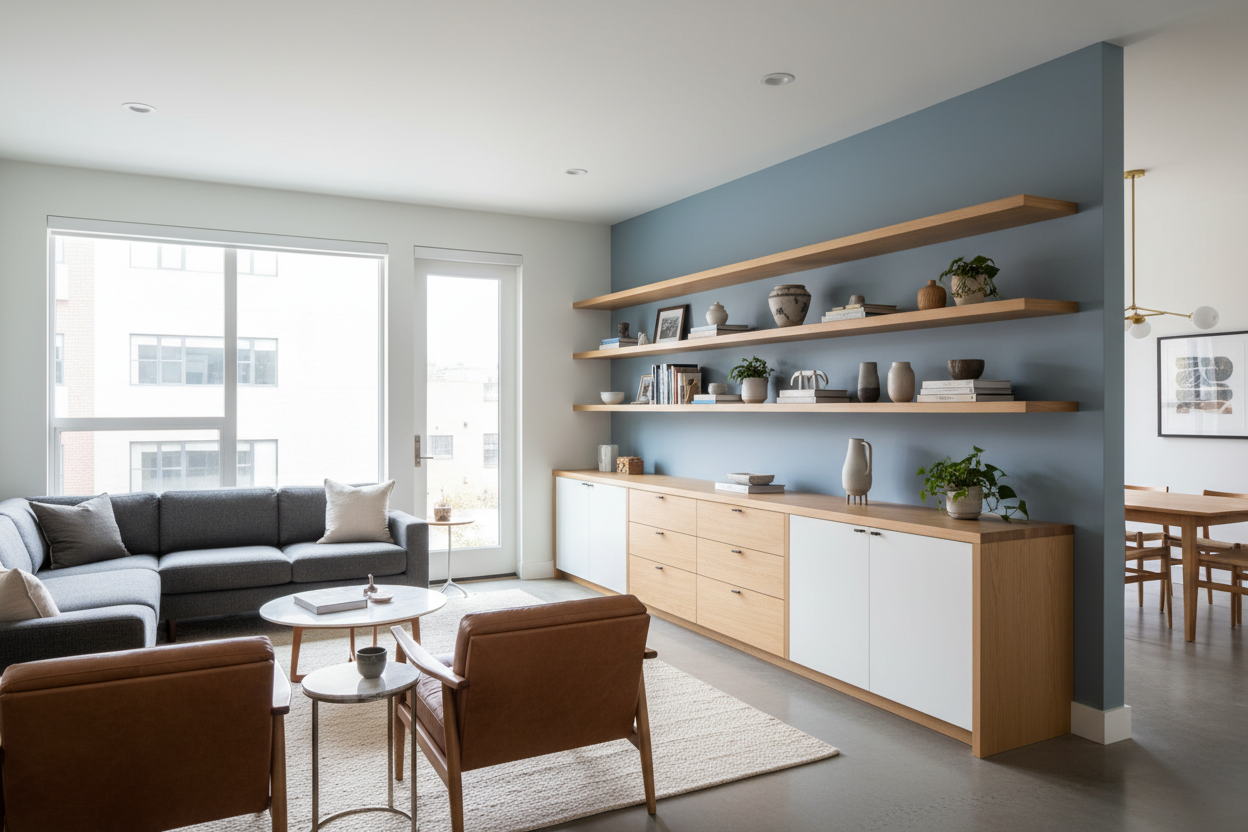
Second, watch out for the backless unit placed against a contrasting wall. A white shelving unit against a navy wall looks stunning in a picture of entertainment center, but the second you plug in a lamp or a soundbar, those black cords will pop against the paint like a sore thumb. People often try to hide this by styling shelves around your TV with an excessive amount of trailing ivy or oversized vases. If the decor looks like it’s strategically guarding a corner, it’s probably hiding a tangled mess of surge protectors.
How to Actually Evaluate Entertainment Centers Pictures
When you stop looking at the pretty vases and start looking at the furniture's bones, you'll make a better purchase. Check for cord cutouts in every cubby, not just the middle one. I once bought a gorgeous mid-century unit that only had one hole in the center. I had to choose between my Xbox and my cable box, or leave the cabinet door permanently ajar like a broken tooth. It was a disaster.
Check the depth, too. A lot of modern units are getting slimmer to save space, but a PS5 or a high-end receiver needs breathing room. If the entertainment centers pics show a closed cabinet, assume the electronics inside are suffocating unless there’s a ventilated back panel. I always recommend checking a designers buying guide for wall units before committing to a piece that might be too shallow for your actual gear. If you want something that works with your tech rather than against it, shop for a practical entertainment center that prioritizes wire management over just 'the look.'
Getting the Magazine Look Without the Fake Walls
You don't need to drill into your studs to get a clean aesthetic. The best trick I’ve learned is using a unit with a dark interior. A black TV stand entertainment center is a godsend because black cables literally disappear into the shadows of the unit. It’s a low-effort way to make the clutter invisible without actually having to organize every single inch of wire.
For the wires that must be exposed, buy a pack of 12-inch velcro ties. Never use plastic zip ties—they’re a nightmare when you need to swap out a component. Group your cables together and run them down the 'leg' of the furniture furthest from the main sightline. It won't be as perfect as the entertainment centers pictures you see online, but it’ll be close enough that you won't feel a spike of cortisol every time you sit down to watch a movie.
How deep should my entertainment center be?
Aim for at least 16 to 18 inches. Most modern consoles and receivers are around 12-14 inches deep, and you need that extra 4 inches for the cables to bend without snapping the ports.
Can I hide wires on a backless TV stand?
Yes, but it's harder. Use cable raceways that match your wall color, or mount a power strip to the underside of the top shelf so only one main cord has to travel down to the floor outlet.
Why does my TV look messy even with hidden wires?
It's usually 'visual noise' from too many small objects. Clear the top of the console. Leave only the TV and maybe one or two substantial items. If you have ten small figurines, it will always look cluttered regardless of the wires.

Dejar un comentario
Este sitio está protegido por hCaptcha y se aplican la Política de privacidad de hCaptcha y los Términos del servicio.