










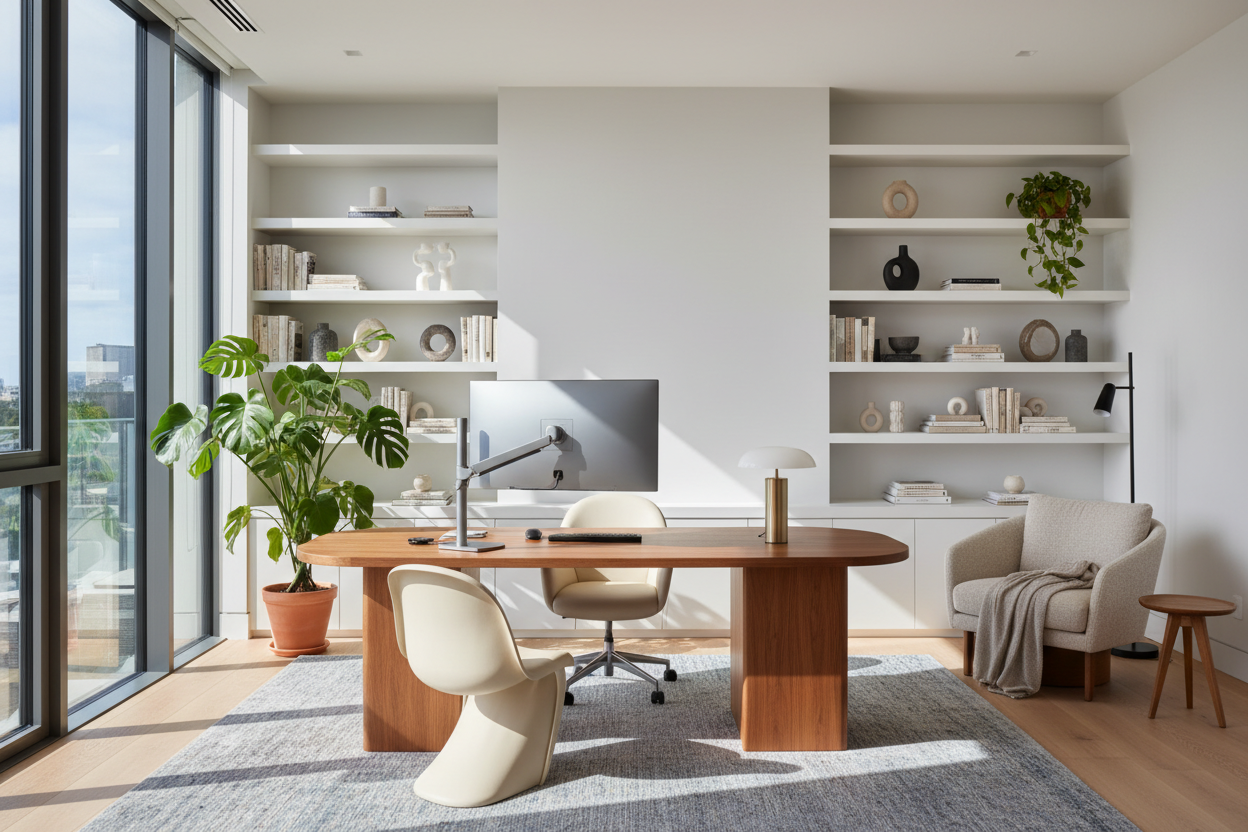
For years, the corporate office was the default standard for productivity, yet it often lacked the nuance of personal comfort. The modern design dilemma isn't just about finding space for a desk; it is about cultivating an environment that outperforms the corporate cubicle. The compelling argument for why to work from home lies entirely in your ability to curate a space that supports your specific physical needs and aesthetic sensibilities.
Key Design Elements for a High-Performance Home Office
- Ergonomics & Posture: Prioritize chairs with synchro-tilt mechanisms and adjustable lumbar support over purely decorative accent chairs.
- Lighting Layers: Combine ambient overhead lighting with focused task lighting (3000K-4000K color temperature) to reduce eye strain.
- Spatial Flow: distinct separation between 'work zones' and 'living zones' to maintain psychological boundaries.
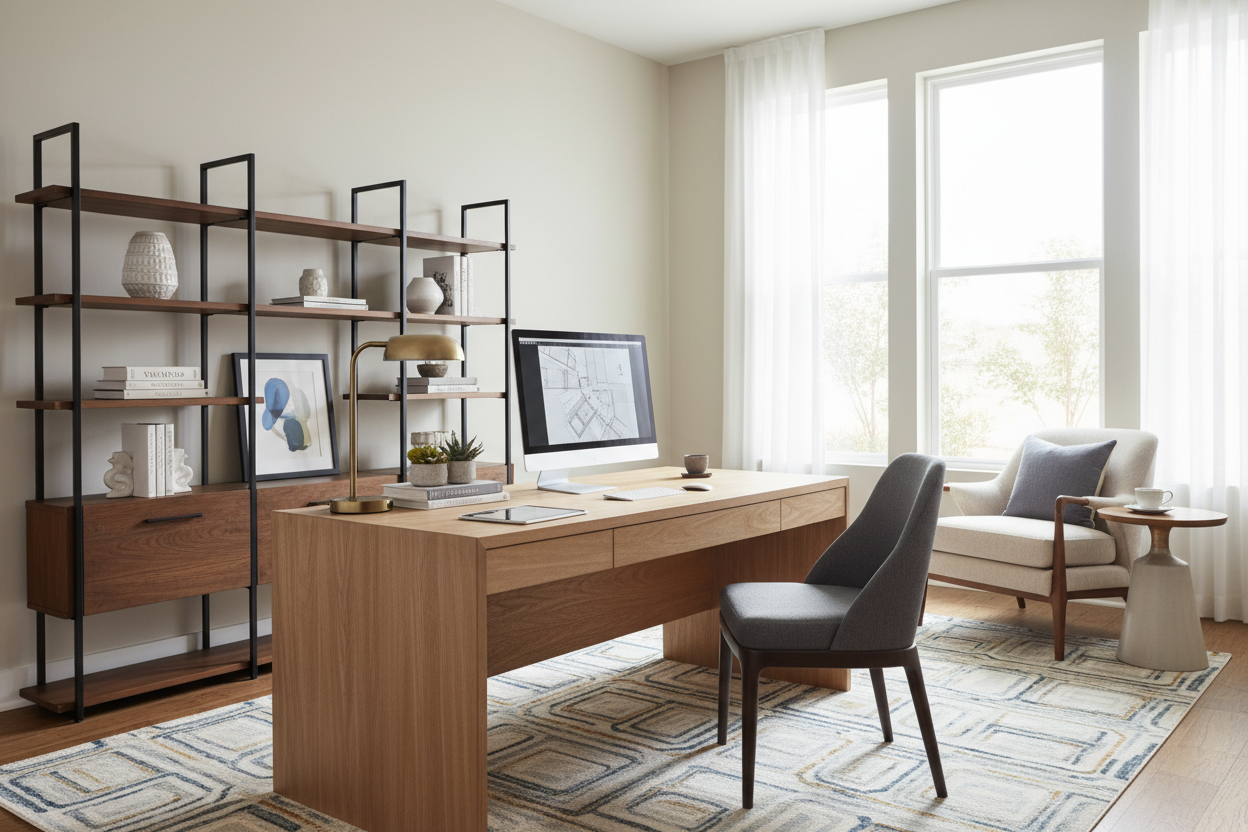
- Materiality: Choose natural materials like walnut or oak for desks to introduce warmth and reduce the visual sterility of tech equipment.
- Acoustics: Integrate soft furnishings (rugs, drapery) to dampen echo and improve audio quality during calls.
The Luxury of Custom Ergonomics
In a commercial setting, furniture is purchased in bulk to fit the average body type. When designing a home workspace, we have the luxury of specification. The core reason why working from home can be superior for your long-term health is the ability to select pieces tailored to your anthropometrics.
Selecting the Right Chair
Do not be seduced by the silhouette alone. While a mid-century modern bucket chair looks stunning in a portfolio, it rarely offers the support required for an eight-hour day. Look for seating that offers seat depth adjustment and breathable textiles. High-performance mesh allows for airflow, whereas low-grade bonded leather can trap heat and degrade quickly under daily friction.
Spatial Planning and Visual Flow
The placement of your furniture dictates the energy of the room. A common error I see in residential layouts is pushing the desk directly against a wall. This is known as the "dunce corner" effect. It limits your visual field and can induce feelings of confinement.
Instead, position your desk in the "command position"—facing the door, ideally with a solid wall behind you. This not only improves the video call background but creates a sense of security and authority. If space is tight, float the desk perpendicular to a window. This allows you to benefit from natural light without the direct glare washing out your monitors.
Materiality and Atmosphere
Commercial offices often rely on high-pressure laminates and cool grays. Your home office should engage the senses differently. When selecting a desk, consider the tactile experience. Solid wood or high-quality wood veneers offer a texture that feels grounded and substantial.
Furthermore, consider the color temperature of your environment. While blue-light-heavy spaces keep you alert, they can be harsh. Introducing warmer tones through walnut finishes, brass hardware, or linen drapery softens the harshness of screens, making the space inviting rather than purely utilitarian.
My Personal Take on why to work from home
I often tell clients that the devil is in the unglamorous details. A few years ago, I designed a stunning workspace for myself featuring a glass-top desk that looked incredible in photos. It was a mistake. I quickly realized that glass surfaces are perpetually cold to the touch, which became distracting during long drafting sessions in the winter. Worse, the optical mouse didn't track correctly without a pad, ruining the clean look I was going for.
Additionally, I learned the hard way about "monitor arm wobble." I initially bought a sleek, lightweight writing desk, but once I clamped a dual-monitor arm to the back, the lack of structural weight meant the screens shook every time I typed vigorously. Now, I always advise clients to check the weight capacity and tabletop thickness—you need at least 1.5 inches of solid material to safely clamp heavy tech gear without warping the surface or causing vibrations.
Conclusion
Ultimately, the decision to work remotely allows you to reclaim control over your sensory environment. By investing in high-quality materials, proper lighting, and an ergonomic layout, you transform a simple room into a productivity powerhouse. Your home office shouldn't just be a place you have to work; it should be a space where you love to work.
Frequently Asked Questions
What is the ideal desk depth for a home office?
For a standard setup with a laptop and monitor, a depth of 24 inches is the minimum. However, if you use multiple monitors or require space for physical paperwork, I recommend a depth of 30 inches to ensure you can maintain a proper focal distance from your screens.
How can I improve acoustics without installing foam panels?
You don't need studio foam to fix an echo. Use design-forward elements like heavy velvet curtains, a thick wool rug with a felt pad underneath, or an upholstered armchair in the corner. Bookshelves filled with books also act as excellent sound diffusers.
Is a standing desk worth the investment?
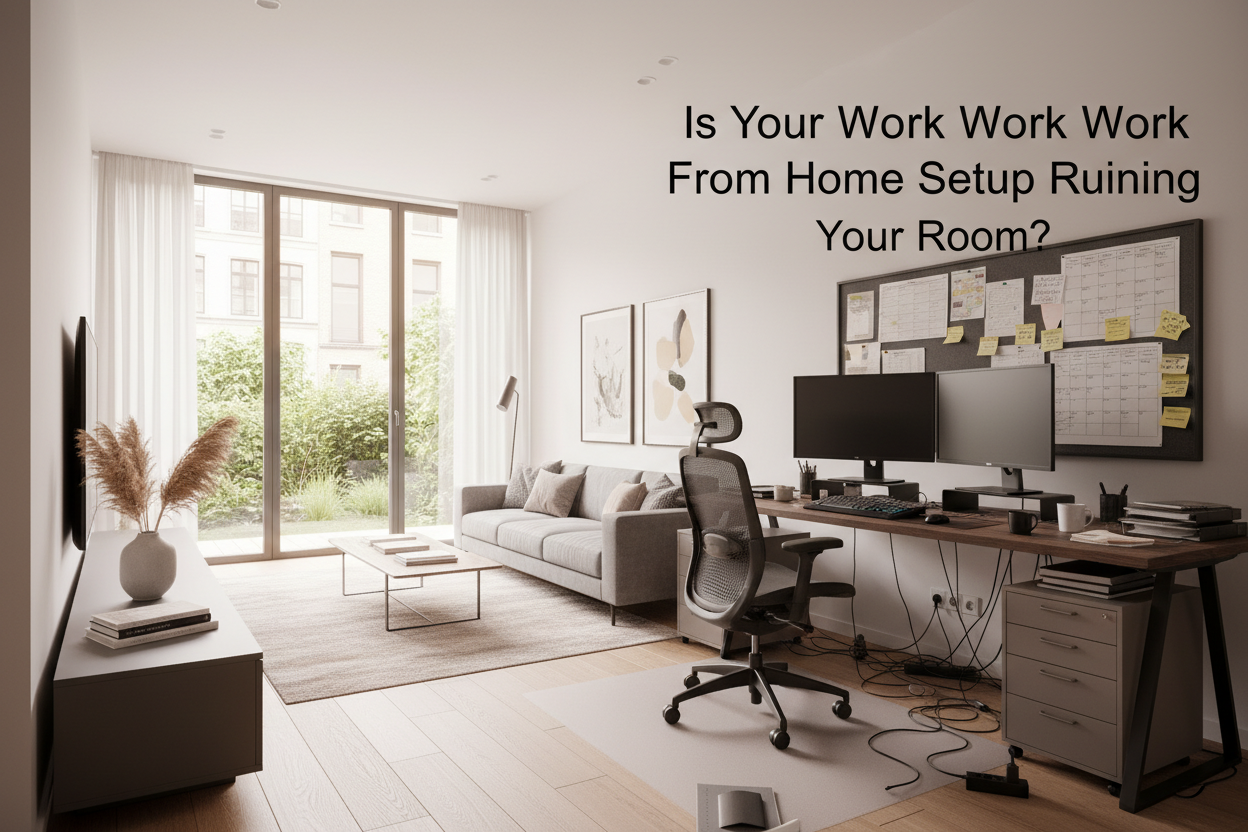
From a design and health perspective, yes. However, ensure you choose a model with a quiet motor and a mechanism that hides cords effectively. A standing desk that creates a chaotic nest of wires undermines the visual calm necessary for focus.

Dejar un comentario
Este sitio está protegido por hCaptcha y se aplican la Política de privacidad de hCaptcha y los Términos del servicio.