










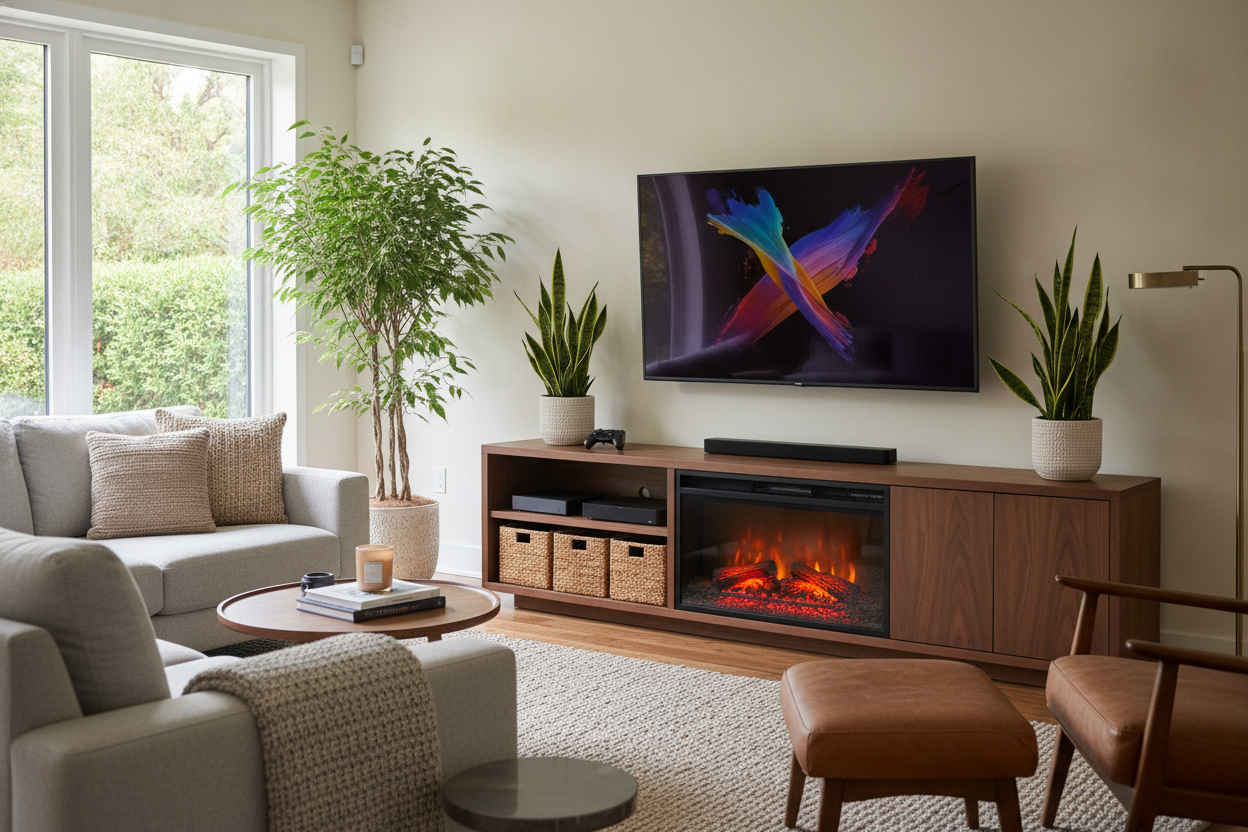
I remember unboxing my first high-end OLED. It was so thin I was afraid to breathe on it too hard. Then I saw those Pinterest photos of a cozy fireplace in TV consoles and my immediate thought wasn't 'cozy'—it was 'expensive plastic puddle.' I spent three hours measuring heat dissipation specs because I was convinced the combo would fry the motherboard of my new screen.
We have all seen the horror stories of melted bezels or warped plastic, but after testing these units in my own drafty living room, I realized the fear is mostly a misunderstanding of how heat moves. You can absolutely have the glow and the 4K resolution in one spot without a fire department visit.
- Front-venting fans are the secret to keeping your TV cool.
- Always maintain a minimum 6-8 inch gap between the heater vent and the TV bezel.
- Avoid DIY retrofitting unless the cabinet has specific heat-shielding.
- Dedicated circuits prevent the dreaded 'screen flicker' when the heater kicks on.
I Was Terrified of Frying My New Flatscreen
There is a specific kind of anxiety that comes with placing a 4,600 BTU heat source directly underneath a piece of technology that hates heat. Most smart TVs are rated to operate safely up to about 100-104 degrees Fahrenheit. Anything higher and you are looking at shortened component life or a voided warranty.
I spent a week hovering around my console with an infrared thermometer like a mad scientist. What I found was surprising: the back of the TV stayed cooler than it did when I had it mounted above a traditional wood-burning mantle. The difference is all in the engineering of the console itself.
The Physics of a Fireplace in TV Consoles (Why It Works)
A traditional fireplace is a vertical heat chimney. Heat rises, hits the mantle, and curls right around it into your TV. An electric fireplace for smart TV setups works more like a hair dryer. It uses a ceramic heating element and a silent fan to push warm air horizontally out into the room.
Because the air is forced forward rather than drifting upward, the area directly above the unit stays remarkably neutral. However, this only applies to units designed for this purpose. If you try to convert an existing media cabinet that wasn't built for airflow, you are trapping that heat inside the wood box, which is a recipe for a very expensive smell of burning electronics.
3 Non-Negotiable Rules for a Fireplace for Smart TV Setups
If you want this setup to last longer than a single winter, you can't just shove a heater into a shelf and call it a day. I've learned the hard way that purpose-built media centers are worth the extra $100 because they include integrated heat shields and pre-drilled ventilation paths that keep the 'hot' parts away from the 'smart' parts.
Give Your Cords Room to Breathe
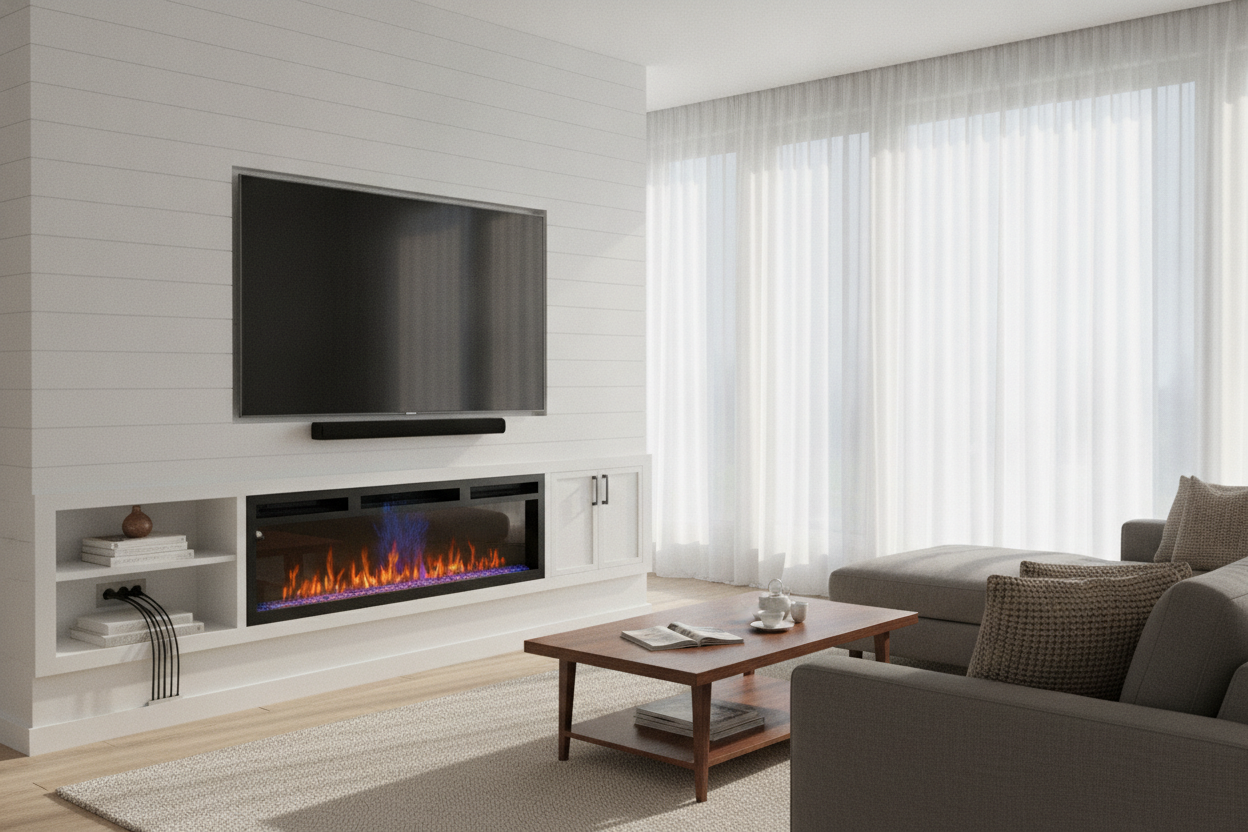
Cables are the most vulnerable part of this equation. Most people bundle their HDMI and power cords into a tight 'cable snake' behind the console. If that bundle rests against the metal housing of the heater, the insulation will eventually get brittle and crack. I always use adhesive clips to route my wires along the far edges of the cabinet, keeping them at least four inches away from the heater insert.
Mind the Clearance Gap
Even with front-venting heat, there is a 'halo' of warmth around the vent. I recommend a minimum of 6 inches between the top of the fireplace unit and the bottom of your TV. If you are mounting the TV on the wall above the console, you have more wiggle room. If it's sitting on its legs on top of the unit, make sure the console has a thick top shelf—at least 1 inch of solid material—to act as a thermal break.
A Fireplace Smart TV Combo Doesn't Have to Look Techy
The biggest crime of these units isn't usually the heat—it's the aesthetics. Too many of them look like a plastic space heater glued into a particle-board box. To avoid the 'electronics showroom' vibe, I look for units with texture. A white console with open shelving breaks up the visual weight and makes the fireplace feel like an architectural feature rather than a gadget.
I personally styled mine with some heavy ceramic vases and a few leather-bound books on the side shelves. The mix of natural materials like clay and leather helps ground the flickering LED 'flames' and makes the whole setup feel like a real hearth. Pro tip: look for units where the flame brightness is adjustable so it doesn't distract from the movie you're actually trying to watch.
My Final Verdict on the Glowing Hearth Hack
After a full winter of running my fireplace smart tv setup for 6 hours a night, my TV is still running perfectly. The peace of mind comes from doing the legwork early—checking the venting and finding the exact right size for your room's square footage so the heater isn't overworking itself.
FAQ
Will the heater interfere with my Wi-Fi signal?
No. The heating elements are resistive or ceramic and don't put out the kind of electromagnetic interference that would drop your Netflix stream. Just keep your router on a different shelf than the heater itself to prevent the router's internal chip from overheating.
Can I leave the fireplace on overnight?
I wouldn't. Most of these units have a 4-to-8 hour timer for a reason. While they are safe, they are still high-draw appliances. Set the sleep timer so it shuts off after you've inevitably fallen asleep on the couch.
Does it smell like burning plastic the first time you turn it on?
Yes, usually for about 20 minutes. It's just the factory coatings burning off the heating coils. Open a window, run it on high for half an hour, and the smell will disappear forever. If it persists, you might have a wire touching the housing.

Dejar un comentario
Este sitio está protegido por hCaptcha y se aplican la Política de privacidad de hCaptcha y los Términos del servicio.