










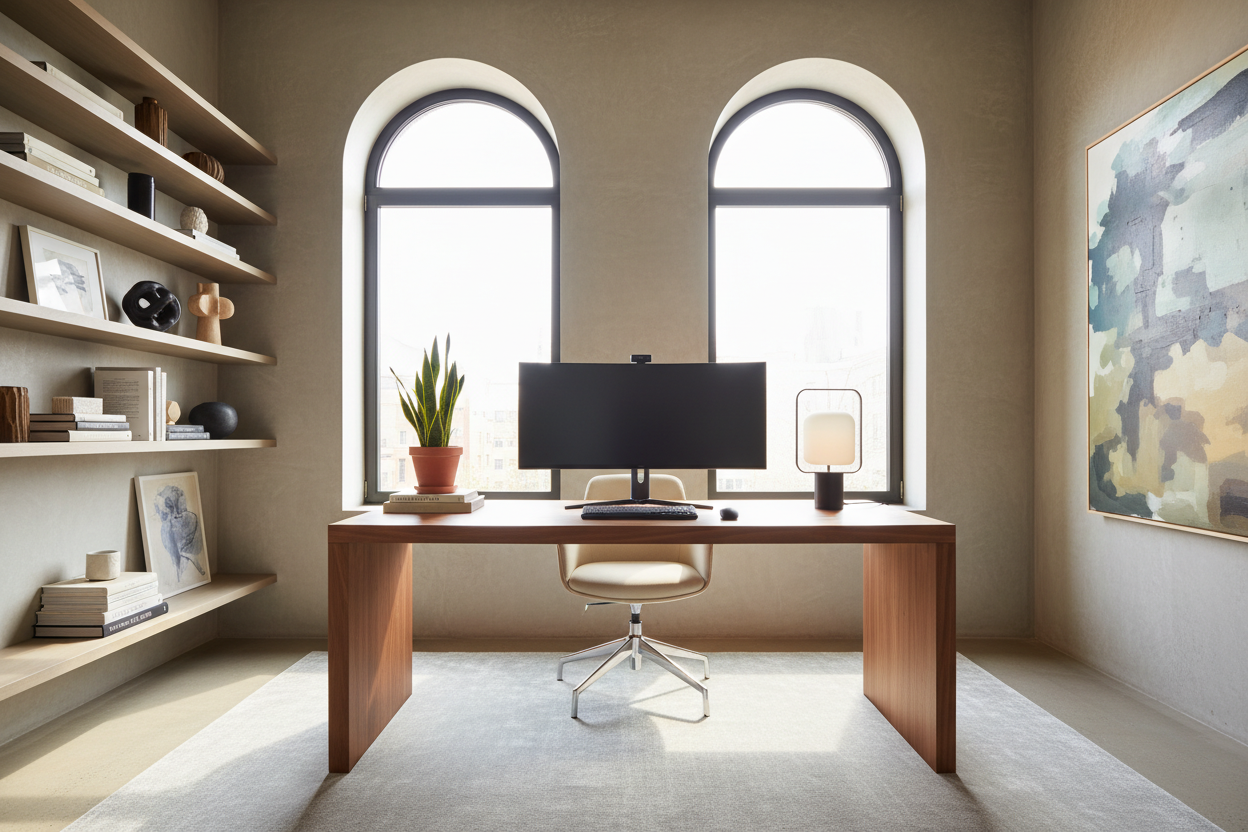
The boundary between professional obligation and personal sanctuary has never been thinner. As an interior designer, the most frequent dilemma I encounter isn't about finding a desk that fits; it is about creating a space that functions like a corporate headquarters but feels like a home. Many homeowners struggle to integrate technology without disrupting their existing aesthetic, leading to cluttered, uninspiring corners that kill productivity. This guide explores professional **work from home setup ideas** to help you curate a space that balances ergonomic integrity with visual sophistication.
Key Features to Look For
- Ergonomic Flow: Ensure a minimum of 36-48 inches of clearance behind your chair for movement.
- Lighting Temperature: Aim for 3000K-4000K lighting; too warm induces sleep, too cool feels sterile.
- Visual Weight: In small rooms, opt for legs with open silhouettes rather than blocky storage units to maintain airiness.
- Material Tactility: Choose surfaces like solid wood or matte laminate over glass to reduce glare and physical coldness.
Mastering the Layout: Beyond the Corner Desk
Creating a successful simple office set up begins with orientation. The instinct is often to push the desk against a wall to save space, but this is known as the "punishment position" in design psychology. If your square footage allows, float the desk in the room or position it perpendicular to a window. This command position allows you to see the door, reducing subconscious anxiety and improving focus.
Zoning and Acoustics
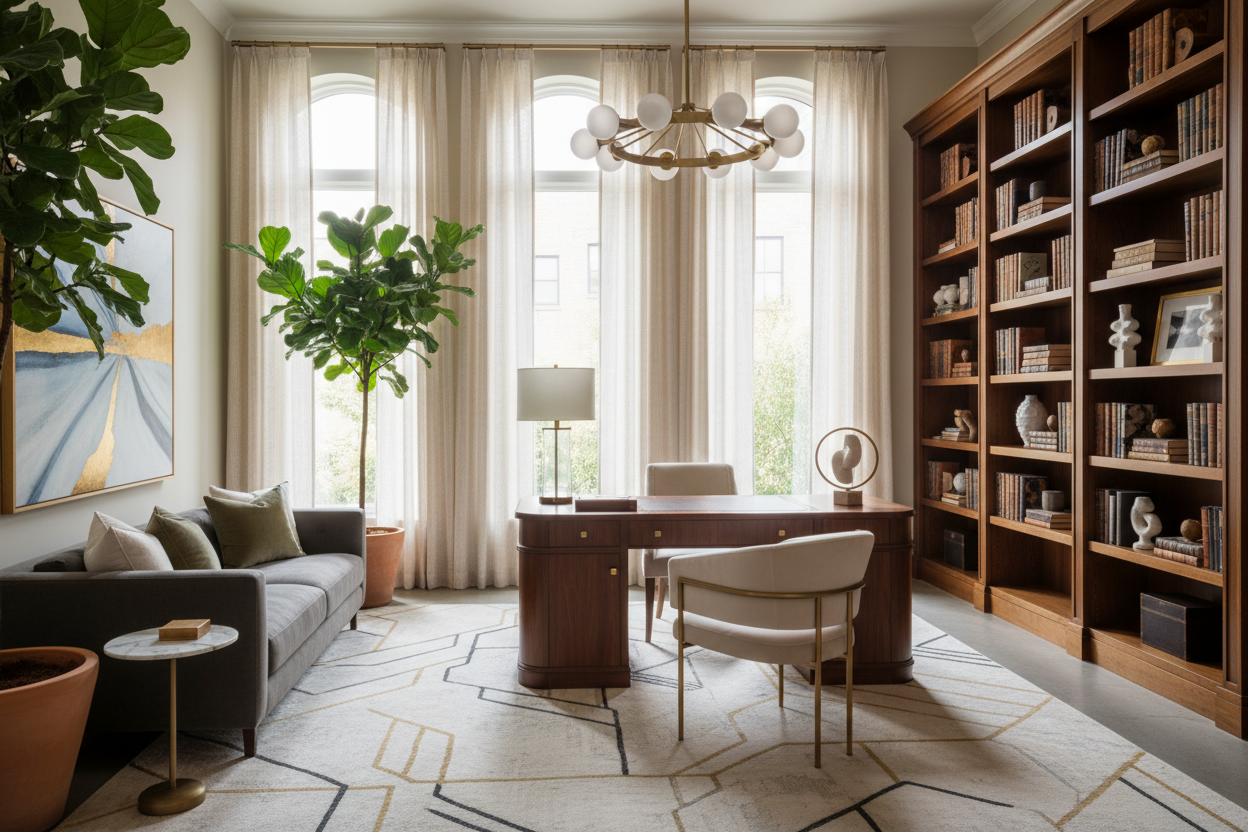
For those integrating work from home office setup ideas into a living room or bedroom, visual zoning is crucial. Use an area rug to anchor the workspace, physically separating it from the relaxation zones. If acoustics are an issue, incorporate soft furnishings—upholstered chairs, heavy drapes, or even acoustic wall felt disguised as art—to dampen the echo often found in modern, hard-surface homes.
The Anchor Piece: Selecting the Right Desk
When browsing wfh desk setup ideas, prioritize depth over width. A common mistake is purchasing a console table (usually 12-16 inches deep) to serve as a desk. For a laptop and a monitor, you need a minimum depth of 24 inches to maintain proper focal distance and prevent eye strain.
Material Matters
The surface you touch all day matters. Solid wood offers longevity and can be refinished, developing a patina over time. However, high-quality veneers are often more stable in fluctuating humidity. Avoid glass tops if you use an optical mouse or dislike the feeling of a cold surface on your forearms; they also tend to amplify the sound of typing, adding unnecessary auditory clutter.
Styling for Serenity and Function
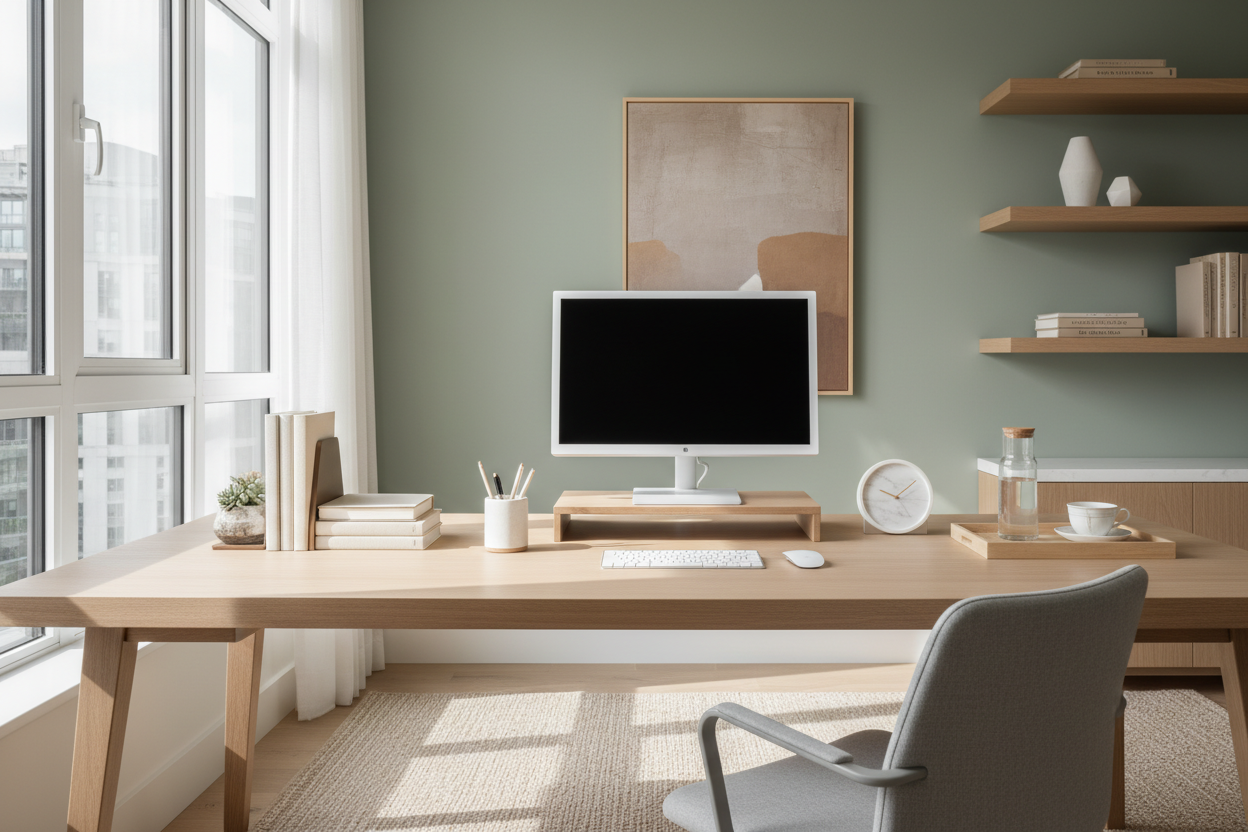
A cute work from home setup doesn't mean cluttering the surface with trinkets. It means selecting functional decor. Use cable management boxes that mimic the texture of stone or wood to hide power strips. Introduce biophilic elements; a snake plant or pothos not only softens the hard lines of monitors but also improves air quality.
Lighting should be layered. You need ambient light (overhead), task light (a directional desk lamp), and accent light (led strips behind a monitor) to reduce contrast ratios and save your eyes during late-night sessions.
My Personal Take on Work From Home Setup Ideas
I learned a hard lesson about wfh setup ideas during a project for a client in a downtown loft—and frankly, I made the mistake in my own home first. I fell in love with a Parsons-style desk with a high-gloss lacquer finish. It looked stunning in photos.
However, within a week of actual use, it drove me crazy. The high-gloss finish acted like a mirror, reflecting the overhead recessed lighting directly into my eyes, causing massive headaches by 2:00 PM. Furthermore, every time I rested my wrist on the edge, it left a smudge. I spent more time wiping the desk than working at it. Now, I always advise clients to test a finish under direct light before buying. A matte or satin finish isn't just an aesthetic choice; it’s an optical necessity for a workspace.
Conclusion
Refining your workspace is an investment in your mental clarity. By selecting furniture that offers the right scale, texture, and ergonomic support, you move beyond a temporary fix to a permanent lifestyle upgrade. Start with the desk placement, layer your lighting, and choose materials that age gracefully.
Frequently Asked Questions
How do I create a workspace in a small bedroom?
For tight quarters, look for wall-mounted floating desks or secretary desks that close up to hide the clutter. Utilizing vertical space with shelving above the monitor draws the eye up, making the footprint feel larger while maximizing storage.
What is the best chair for a stylish yet ergonomic setup?
Avoid the "racing style" gaming chairs if you want a sophisticated look. Look for mid-century modern inspired task chairs that conceal ergonomic mechanisms under high-quality fabric or leather. Brands like Herman Miller and Steelcase offer "lifestyle" lines that blend better with residential decor.
How can I hide cables in a desk with open legs?
This is a common challenge with airy designs. Use clear zip ties to run cables down the back of a leg, or invest in a "cable spine" that articulates and hides cords. Additionally, mounting a power strip to the underside of the desk surface keeps the floor clear of brick adapters.

Leave a comment
This site is protected by hCaptcha and the hCaptcha Privacy Policy and Terms of Service apply.