










We have all been there: trying to finalize a presentation from the dining room table, battling poor lighting and a chair that was never meant for an eight-hour shift. As an interior designer, I see this constantly. The transition from a makeshift corner to a dedicated, professional workspace is not just about buying furniture; it is about spatial planning and psychological separation. A well-curated computer home setup does more than hold your monitor—it anchors your day, defines your workflow, and elevates the aesthetic of your home.
Key Features to Look For
- Desk Material & Core: Prioritize solid wood or high-density MDF over hollow-core honeycomb structures to support heavy monitor arms without crushing.
- Ergonomic Triangle: Ensure the relationship between your eyes, elbows, and knees creates 90-degree angles for long-term comfort.
- Lighting Layers: Combine ambient overhead lighting with task lighting (approx. 4000K temperature) to reduce eye strain.
- Cable Management: Look for integrated grommets or under-mount trays to maintain visual minimalism.
Curating the Foundation: Desk Selection
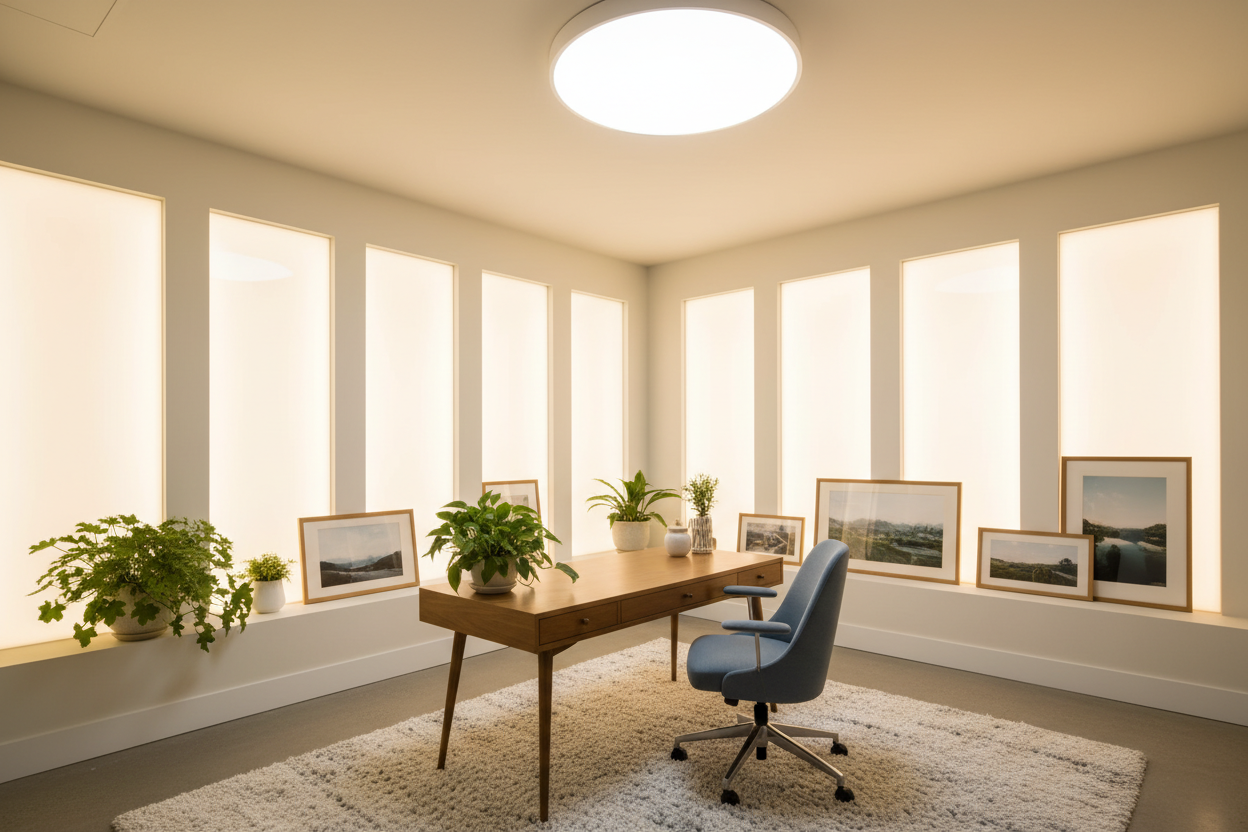
The desk is the anchor of your work at home office. When advising clients, I steer them away from trendy, wobbly trestle tables toward pieces with substantial weight. If you are looking for the best set up for home office longevity, examine the finish. A high-pressure laminate or sealed solid wood offers tactile warmth and durability against coffee rings, whereas cheap veneers will peel within a year.
For a truly best at home desk setup, depth is critical. I recommend a minimum depth of 30 inches. This allows you to position your monitor at arm's length, preventing the dreaded digital eye strain, while leaving ample room for a keyboard, mouse, and sketchpad.
Ergonomics: The Intersection of Comfort and Style
Many home setups fail because they prioritize a chair that looks good in a catalog but feels terrible after two hours. The best work office setup requires a chair with adjustable lumbar support and seat depth. However, this doesn't mean you must settle for a bulky, corporate-looking mesh chair. Many high-end manufacturers now upholster ergonomic frames in boucle, leather, or performance velvet, blending soft residential textures with commercial-grade support.
Lighting and Spatial Flow
Lighting is the unsung hero of office computer setups. Relying solely on a ceiling fixture casts shadows directly over your work area. To achieve the best remote office setup, layer your lighting. Use a dedicated task lamp with an articulated arm to direct light onto your documents, not your screen. Position your desk perpendicular to windows to manage natural light; facing a window causes contrast issues, while having a window behind you creates glare on the monitor.
Optimizing for Small Footprints
Not everyone has a spare room. For work setups in multi-purpose spaces, consider a "cloffice" (closet-office) or a floating console. A wall-mounted unit frees up floor space, maintaining the visual flow of the room while providing a functional desk set up at home.
My Personal Take on Computer Home Setup
In my years of designing home office computer setups, I have learned that specifications on a website rarely tell the full story. I once specified a stunning, high-gloss lacquer desk for a client who wanted a sleek, modern look. It was visually breathtaking.
However, within two weeks, I received a frantic call. The high-gloss finish acted like a mirror, reflecting the monitor's light right into the client's eyes, causing massive headaches. Furthermore, the optical mouse wouldn't track on the glossy surface without a pad, which ruined the clean aesthetic they paid for. We had to swap it for a matte walnut finish. That experience taught me that in a work at home office setup, matte or satin finishes are not just a style choice—they are a functional necessity for optical tracking and glare reduction.
Conclusion
Creating the best work office setup is a balance of form and function. By investing in the right materials and respecting ergonomic principles, you create a space that invites productivity rather than fatigue. When you finally sit down and say, "this is my home office setup," it should feel like a tailored suit—perfectly fitted to your workflow.
Frequently Asked Questions
What is the ideal desk height for a computer setup?
Standard desk height is 29 to 30 inches. However, for a work at home desk setup, an adjustable standing desk is superior, allowing you to dial in the exact height so your elbows rest at a 90-degree angle, regardless of your torso length.
How do I hide cables in a floating desk setup?
For clean home setups, use in-wall cable routing kits (brush plates) to run wires behind the drywall. If you cannot cut into the wall, use paintable raceways that blend into the baseboards and vertical wall space.
Is a curved monitor better for home offices?
From a design perspective, curved monitors can dominate a room. However, for office computer setups involving heavy multitasking, they reduce neck strain by keeping the focal distance consistent. Balance the tech-heavy look by surrounding it with organic textures like plants or wood shelving.


Leave a comment
This site is protected by hCaptcha and the hCaptcha Privacy Policy and Terms of Service apply.