










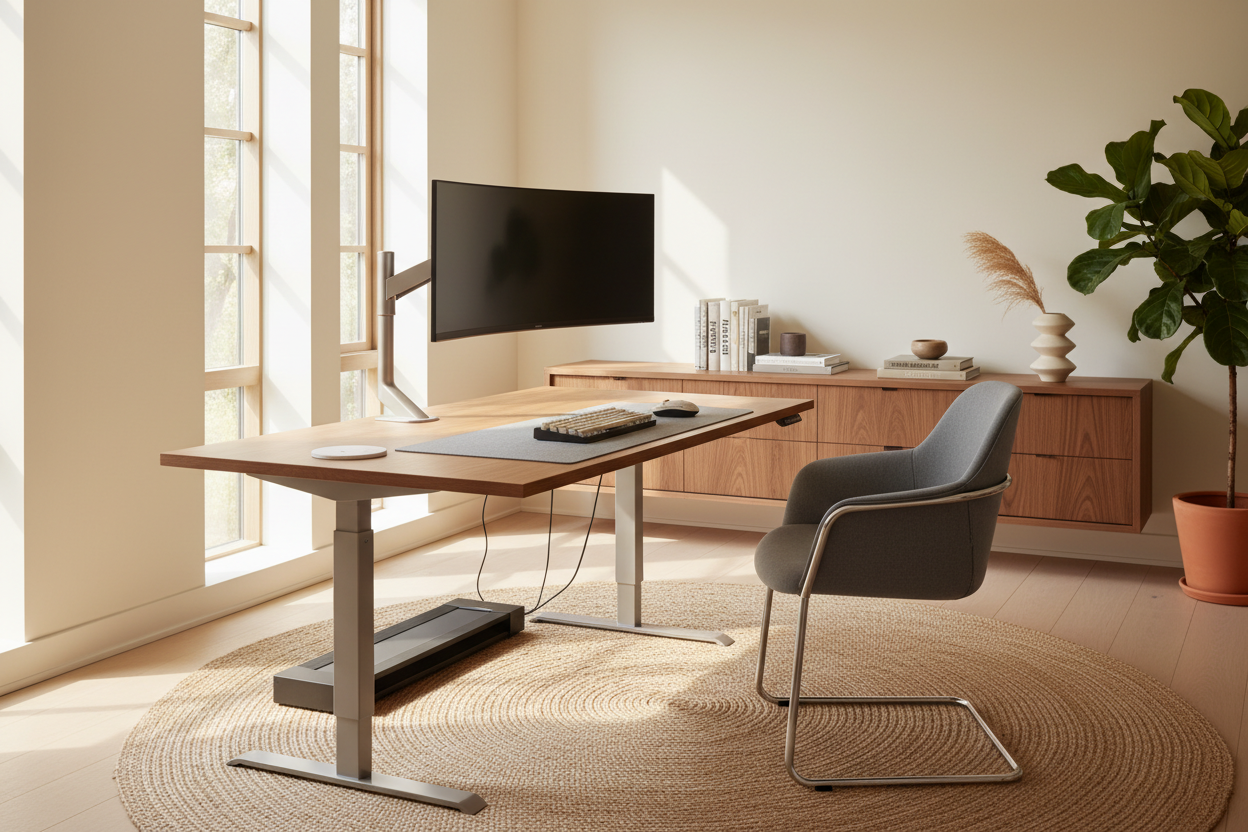
We have all seen it happen. You spend months carefully curating the perfect home office or living room nook, agonizing over paint swatches and rug textures. Then Monday rolls around, and the space is completely dominated by a sea of black plastic monitors, tangled cords, and a bulky corporate chair. Integrating equipment for work into a residential space is one of the most common design challenges I face today.
You do not have to choose between a beautifully styled room and a functional, ergonomic setup. The secret lies in understanding visual weight, material selection, and clever space planning. In this guide, I will walk you through how to source and style your remote working equipment so your workspace feels like a natural, high-end extension of your home.
Quick Decision Guide
- Ditch the factory stand: Mount monitors on sleek, metallic monitor arms to free up desk space and reduce visual clutter.
- Prioritize upholstery: Look for ergonomic chairs from commercial brands that allow you to customize the fabric to match your room's color palette.
- Manage the visual noise: Cable management trays are non-negotiable. Hiding the wires of your work from home gear instantly cleans up the room's silhouette.
- Layer your lighting: Rely on ambient room lighting and a sculptural task lamp to soften the harsh, blue glow of screens.
Balancing Ergonomics with Interior Design
Finding the best work from home equipment often feels like a tug-of-war between your spine and your eyes. Many beautifully designed mid-century modern chairs offer zero lumbar support, while traditional ergonomic chairs look like spaceship command seats.
The Truth About "Design" Chairs
Never sacrifice your physical health for aesthetics. When building your work from home equipment checklist, the chair should be your primary investment. Instead of buying a cheap, trendy velvet chair that will flatten in a month, look to commercial office furniture brands. Many of these companies offer their top-tier ergonomic models with residential-friendly finishes, like polished aluminum bases, warm wood accents, and textured boucle or linen-blend fabrics.
Taming the Tech
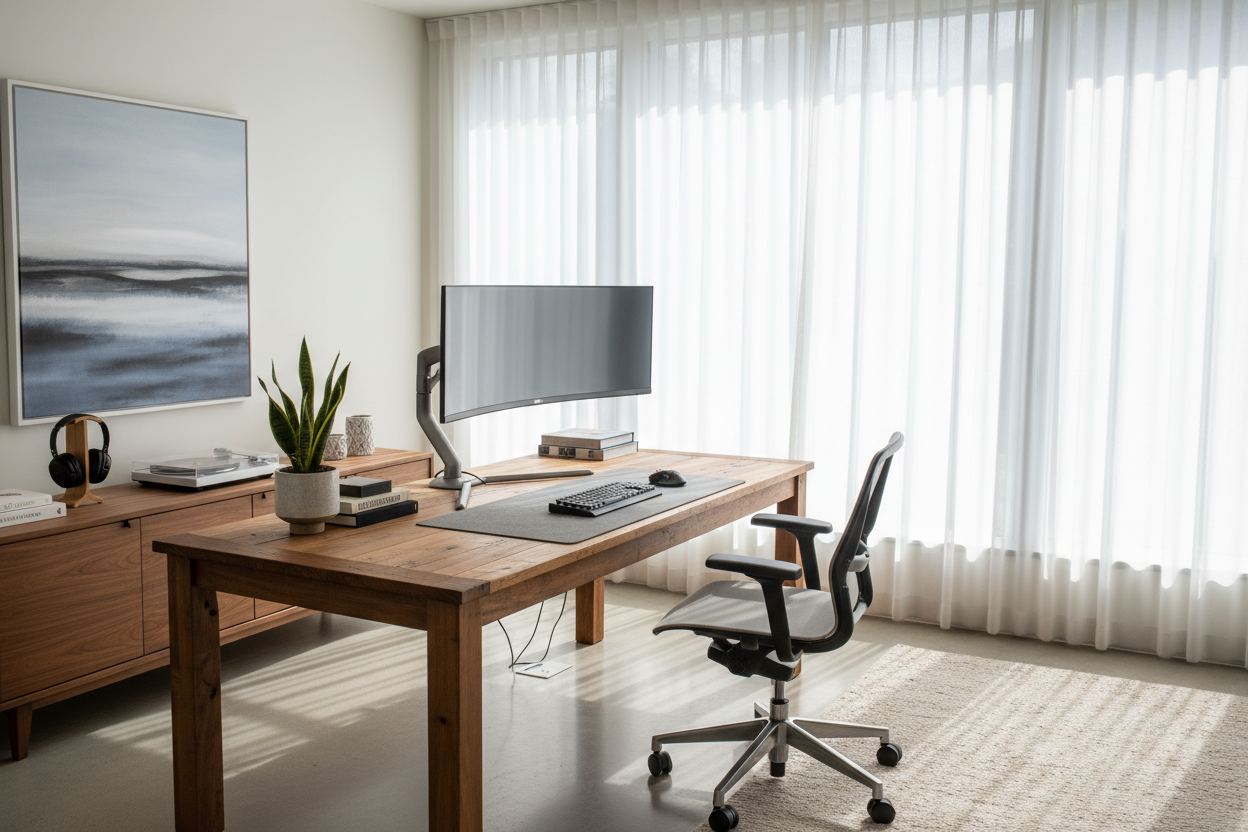
The equipment needed to work from home is inherently utilitarian. Laptops, keyboards, and secondary screens carry a lot of visual weight because they are typically dark, heavy, and angular. To counteract this, introduce organic shapes and warm textures. Place a genuine leather or wool felt desk pad under your keyboard. Use woven baskets or fluted wood boxes to store remote work supplies like chargers, hard drives, and notepads when not in use.
Space Planning for Remote Work Equipment
How your wfh equipment fits into your room dictates how the entire space flows. A common mistake is buying a desk that is too shallow. If you use dual monitors, a standard 20-inch deep console table will leave the screens looming uncomfortably close to your face.
Clearances and Proportions
For a proper setup, aim for a desk depth of at least 24 to 30 inches. This allows enough negative space between you and the monitors, and provides room for your keyboard and mouse without feeling cramped. Additionally, always leave at least 36 inches of clearance behind your desk so you can push your chair back comfortably without scraping the walls or hitting other furniture.
Designer's Honest Take
I learned the hard way that a vintage dining chair is a terrible substitute for proper remote work equipment. Early in my career, I insisted on using a stunning cane-back Marcel Breuer chair at my desk. After a month of severe back pain, I caved and bought a highly-rated ergonomic chair. The problem? It was wrapped in stark black mesh and completely clashed with my transitional-style study.
I ended up selling it and sourcing an ergonomic model through a commercial dealer, specifying a textured ivory fabric and a brushed brass frame. It cost about 30 percent more than the standard black version, and the lighter fabric does require occasional spot cleaning, but it finally married daily comfort with my home's aesthetic. If your employer is providing equipment for remote workers via a stipend, I highly recommend pooling those funds toward one customized, high-quality chair rather than spreading it across multiple cheaper accessories.
Frequently Asked Questions
What are the absolute work from home must-haves?
Beyond a reliable computer, your core setup should include a highly adjustable ergonomic chair, a desk with adequate depth (24+ inches), a monitor arm to lift screens off the desk surface, and dedicated task lighting to reduce eye strain.
How do I hide the cables from my remote work equipment?
Use under-desk cable management trays to hold power strips and bulky adapters. Route the remaining cords down the back of the desk legs using zip ties or adhesive cable clips. For floating desks, a decorative cable sleeve can bundle wires together so they look intentional rather than messy.
Is it worth buying premium work from home equipment?
Yes, specifically for items that impact your physical health. Spending money on a high-quality chair and proper lighting pays dividends in productivity and comfort. You can save money on supporting items like desk accessories, storage, and decor.


Leave a comment
This site is protected by hCaptcha and the hCaptcha Privacy Policy and Terms of Service apply.