










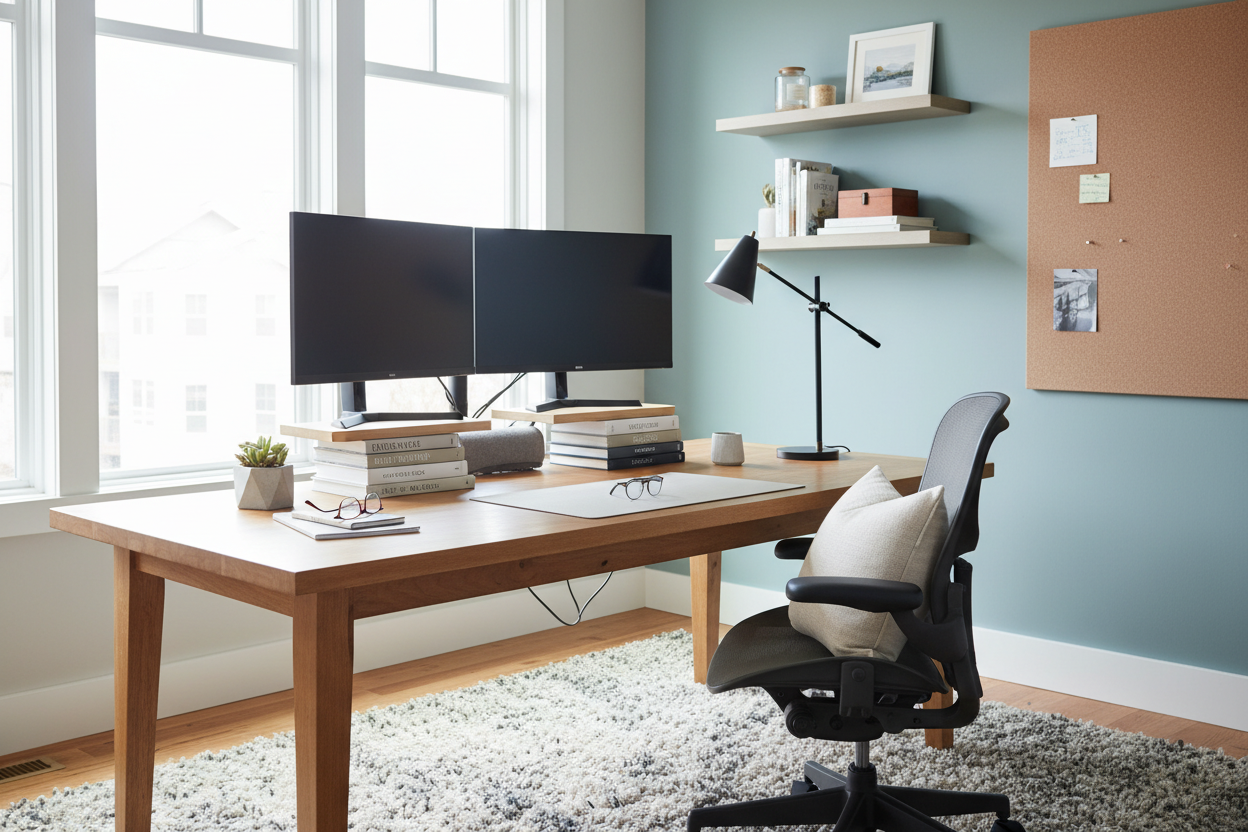
We've all been there: you sit down with your morning coffee, ready to tackle the day, only to be met with a chaotic tangle of charging cables, random mail, and a monitor that sits just a bit too low. If you are wondering how to improve your desk, you are not alone. The home office has become the command center of the modern North American home, yet it is often the most neglected when it comes to intentional design. In this guide, I will walk you through practical, design-forward strategies to optimize your workspace for both aesthetics and actual daily use.
Quick Decision Guide
- Position your monitor so the top third is at eye level to prevent neck strain and improve posture.
- Implement hidden cable management using under-desk trays and velcro ties to instantly reduce visual clutter.
- Introduce an articulated task lamp to reduce eye fatigue while freeing up valuable surface area.
- Group smaller desktop items onto a single tray to create a purposeful vignette rather than a scattered mess.
Ergonomics and Space Planning
Finding the Right Proportions
The standard North American desk height is typically 29 to 30 inches, which is actually too high for many people to type comfortably without raising their chair. If your feet dangle, add a footrest. To truly fix your posture, invest in a monitor arm. Getting the screen off the desk surface not only brings it to the correct ergonomic height, but it also frees up negative space underneath, making the entire setup feel lighter and less cramped.
The "Reach Zone" Strategy
When figuring out how to make desk more productive, I always teach clients the concept of reach zones. Your primary zone—the area you can reach with your elbows at your sides—should only hold your keyboard, mouse, and a notepad. Your secondary zone, which requires extending your arms, is for items you use occasionally throughout the day, like a reference book or your coffee mug. Anything else belongs in a drawer or on a nearby shelf.
Controlling Visual Clutter
Cable Management is Non-Negotiable
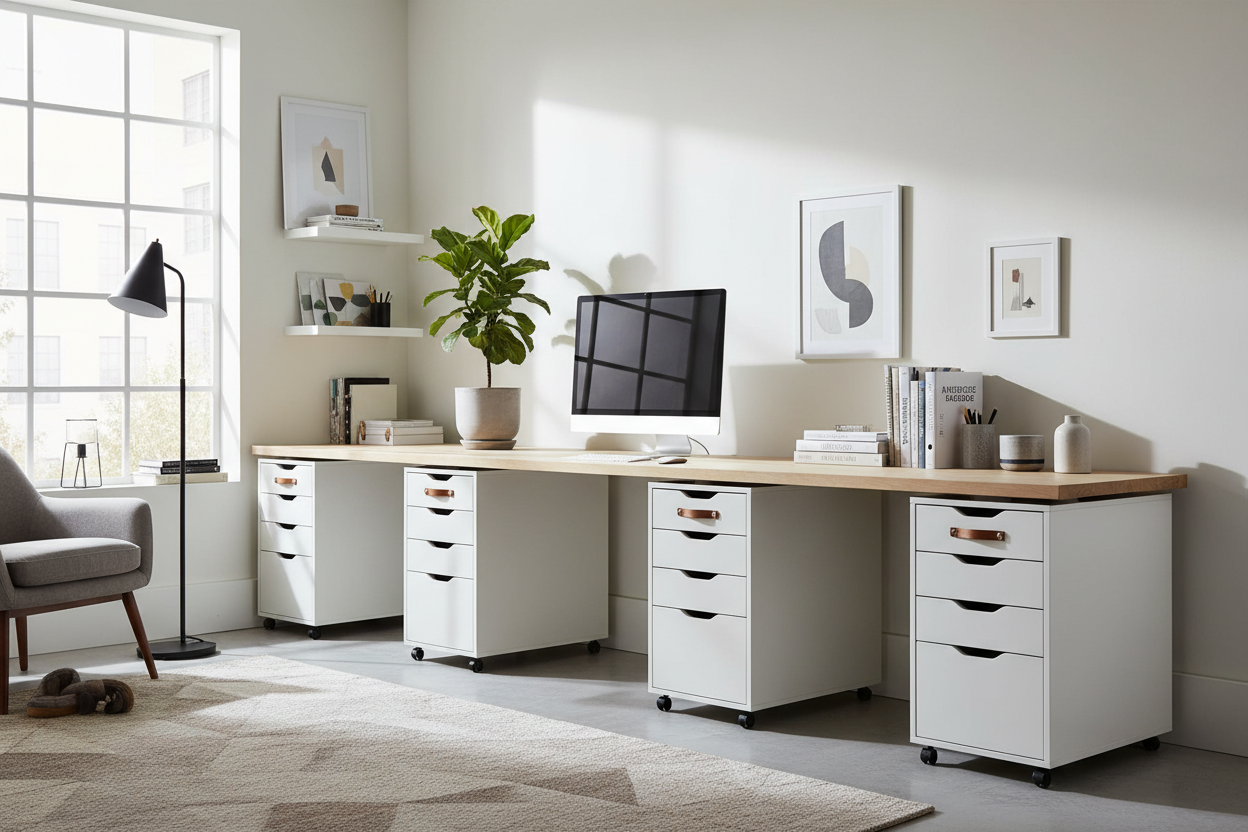
Nothing ruins the look of a high-end workspace faster than a nest of black cords dangling off the back edge. You do not need to buy a new desk to fix this. Mount a simple wire management tray to the underside of your desktop. Route all your peripheral cables into a single braided sleeve, and use adhesive clips to guide charging wires down the back of the desk legs. The visual relief is immediate.
Intentional Storage Solutions
A bare desk is not always practical, but a cluttered one is stressful. Use a textured tray—perhaps in leather or matte ceramic—to corral your pens, lip balm, and sticky notes. By grouping these small items onto a defined boundary, you trick the eye into seeing one cohesive object rather than a dozen messy ones.
Styling Your Workspace
Layering Textures
A desk often feels sterile because it is dominated by hard, cold materials: plastic monitors, metal laptops, and flat wood or laminate surfaces. To soften the silhouette, introduce warmth through texture. A wool felt or full-grain leather desk pad anchors your keyboard while adding tactile comfort. Bring in a small, low-maintenance plant like a pothos or snake plant to add organic shape and break up the rigid lines of your technology.
Designer's Honest Take
In my own home office a few years ago, I fell for a gorgeous, minimalist glass desk with brass sawhorses. It looked stunning in the showroom. But I quickly realized that glass shows every single fingerprint, speck of dust, and coffee ring. Worse, there was nowhere to hide the cords for my laptop and external drive—they just dangled visibly right through the top.
I ended up having to route the cables down the back leg using clear tape, which looked terrible up close. I eventually added an oversized leather desk mat to cover the center of the glass and hide the wires, but I learned a hard lesson: always prioritize wire management and surface durability over a purely sculptural silhouette when it comes to a daily work surface.
Frequently Asked Questions
What is the fastest way to make my desk look better?
Clear the surface completely, wipe it down, and only put back the absolute essentials. Add a desk mat to anchor your primary work zone and immediately corral any loose cables.
How much lighting do I actually need?
You need layered lighting. Relying solely on a bright overhead room light washes out the space and creates harsh shadows. Add a dedicated, adjustable task lamp on the desk to illuminate your paperwork and reduce eye strain during focus work.
Does desk placement in the room matter?
Absolutely. Whenever possible, position your desk perpendicular to a window. Facing the window directly creates harsh glare, and having your back to it causes frustrating reflections on your monitor screen.


Leave a comment
This site is protected by hCaptcha and the hCaptcha Privacy Policy and Terms of Service apply.