










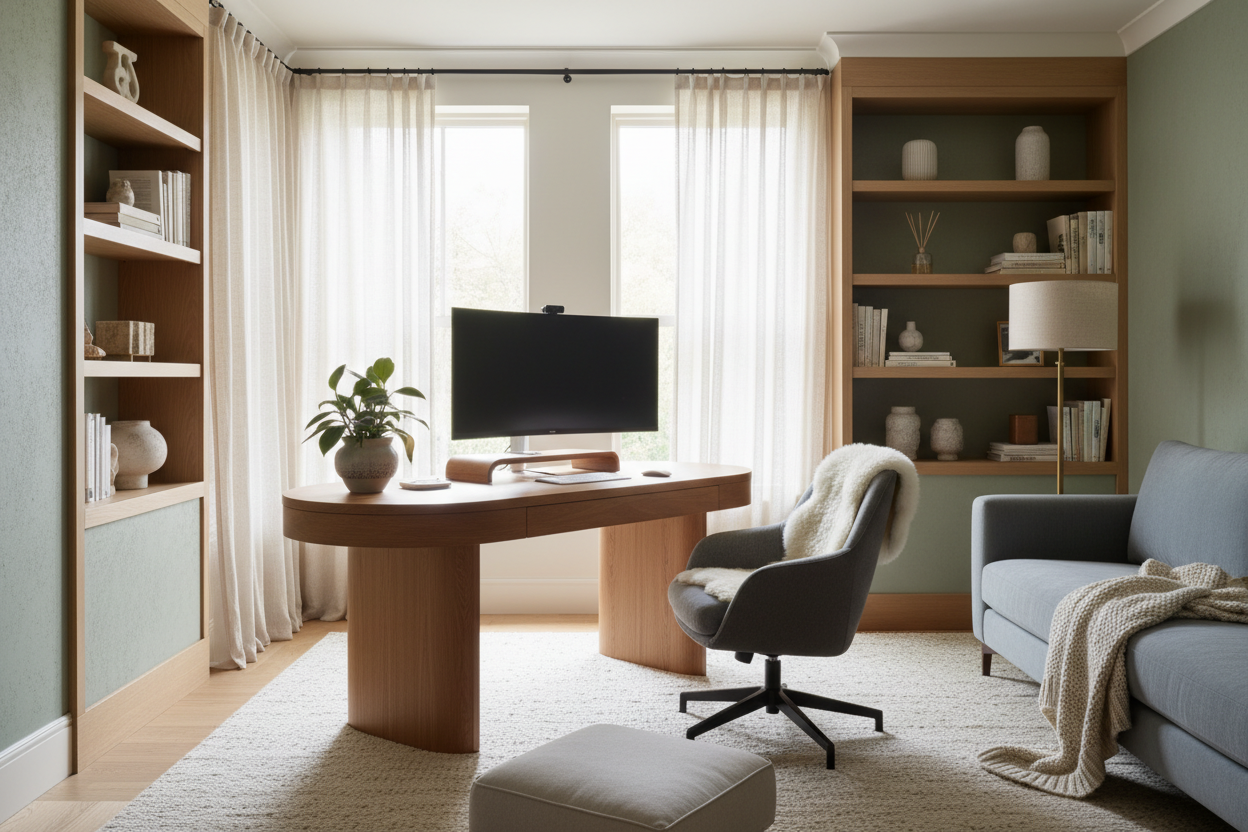
We've all been there. You set up a stunning workspace with a sleek, minimalist desk and a sculptural mid-century chair. It looks like it belongs in an architectural magazine. But by 2:00 PM on a Tuesday, your lower back is screaming, and your eyes are burning from screen glare. Figuring out how to make your home office more comfortable is often a painful process of trial and error.
Today, we are going to fix that. I'll walk you through the physical and visual adjustments that actually make a difference, so you can work an eight-hour day without feeling physically wrecked by the end of it.
Quick Decision Guide
- Prioritize the chair over the desk: Invest the bulk of your budget in an ergonomic chair with adjustable lumbar support, seat depth, and armrests.
- Check your screen height: The top third of your monitor should be at eye level to prevent chronic neck strain.
- Control the light: Layer ambient, task, and natural lighting to reduce eye fatigue and screen glare.
- Anchor the room: Use an area rug to absorb sound and add physical warmth underfoot, which instantly softens the room's visual weight.
Ergonomics: The Foundation of a Usable Workspace
You cannot make home office more comfortable with throw pillows and candles if the fundamental geometry of your setup is wrong. The physical relationship between your chair, desk, and monitor dictates how your body feels during a long shift.
The 90-Degree Rule
Your body should form open, 90-degree angles at your elbows, hips, and knees. If your feet dangle, add a footrest. If your wrists are angled upward to type, your chair is too low or your desk is too high. Standard North American desks are built at 29 to 30 inches high, which is actually too tall for anyone under 5'10" using a standard chair. An adjustable-height desk or an under-desk keyboard tray can bridge this gap.
Visual Weight and Screen Placement
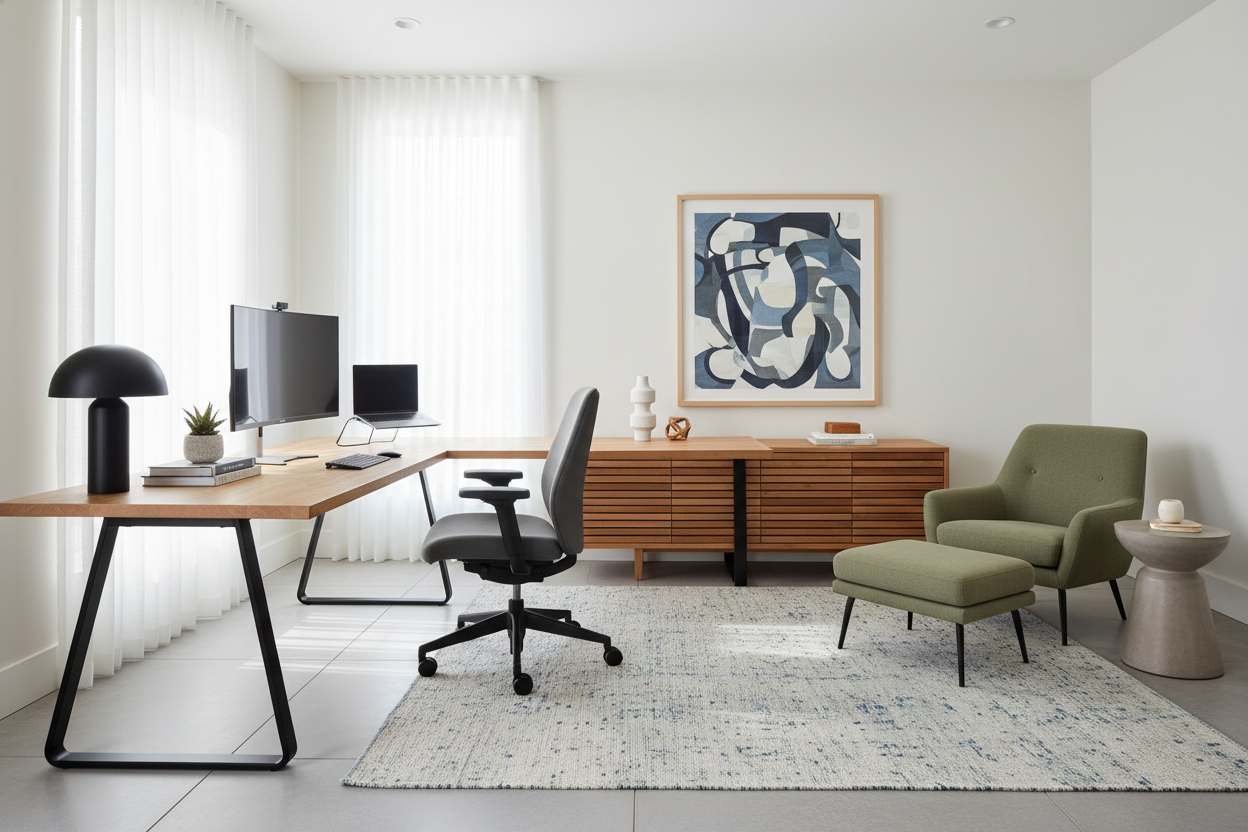
A massive, heavy monitor sitting too close to your face creates visual tension and eye strain. Push your monitor back at least an arm's length away. If you have a deep desk, consider a monitor arm. It frees up negative space on your work surface, making the area feel less cluttered and giving you room to spread out documents or rest your arms.
Layering Light and Texture
Comfort isn't just physical; it's psychological. A room that feels sterile will always feel uncomfortable, no matter how supportive the seating is.
Ditch the Overhead Glare
Relying solely on a single ceiling fixture casts harsh shadows and causes eye fatigue. Instead, bounce light off the walls. Use a dedicated task lamp on your desk for focused work, and add a floor lamp in the corner to create a warm, ambient glow. If your desk faces a window, use sheer linen curtains to diffuse the harsh afternoon sunlight while maintaining a connection to the outdoors.
Softening the Edges
Home offices are notoriously full of hard, cold materials—glass, metal, and flat wood. Introduce textiles to absorb sound and add tactile comfort. A wool or low-pile vintage rug under your desk anchors the space and keeps your feet warm. A textured throw over the back of a guest chair or a fabric pinboard can dramatically soften the acoustics of a small, echo-prone room.
Designer's Honest Take
Early in my career, I designed my own home office around a breathtaking, vintage velvet bucket chair. It had the perfect silhouette and tied the whole room together. I completely ignored the fact that it had zero lumbar support.
By week two, I was taking ibuprofen daily. I learned the hard way that an aesthetic chair is completely useless if you actually have to work in it. I eventually caved and bought a highly adjustable, decidedly un-sexy ergonomic mesh chair. To compensate for the corporate look, I paired it with a rich, solid walnut desk and styled the surrounding space with heavy, organic ceramics and soft drapes. The lesson? Never compromise on the structural comfort of your main seating. Hide the ugly ergonomic features with beautiful surrounding design, but do not sacrifice your spine for a photo.
Frequently Asked Questions
How do I make a small home office feel less cramped?
Utilize vertical space and choose furniture with a lighter silhouette. Instead of a bulky executive desk, opt for a writing desk with slim metal or tapered wood legs. Keep the center of the room open to maximize negative space.
What is the best lighting for a home office?
A mix of natural light and layered artificial light is best. Position your desk perpendicular to the window to avoid direct glare on your screen, and use a combination of a warm ambient floor lamp and an adjustable, cool-toned desk lamp for reading.
How can I make my home office more comfortable on a budget?
Start with the free adjustments: correct your monitor height using sturdy books, and adjust your chair to achieve 90-degree joint angles. If you can only buy one thing, spend it on a high-quality seat cushion or a standalone lumbar support pillow for your current chair.


Leave a comment
This site is protected by hCaptcha and the hCaptcha Privacy Policy and Terms of Service apply.