










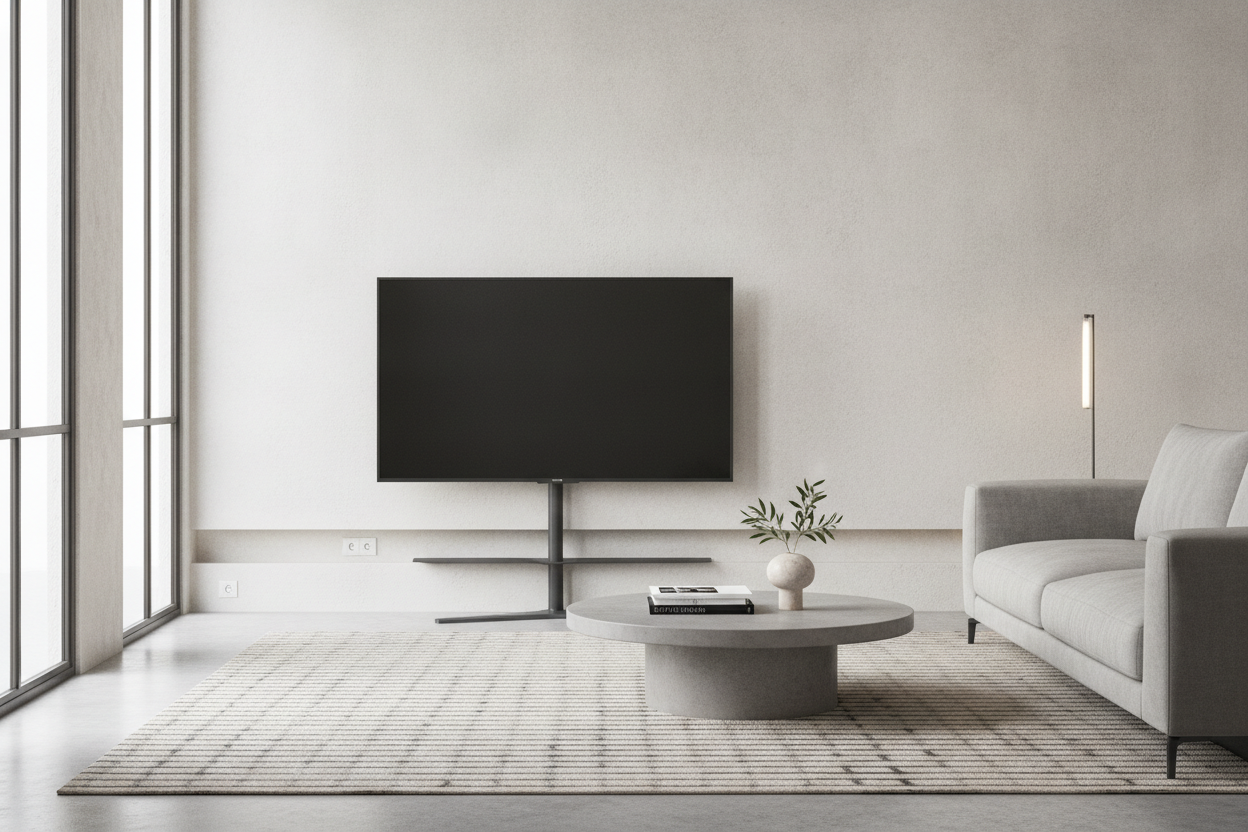
I once lived in a Brooklyn apartment so narrow I could practically touch both walls if I did a lazy jumping jack. When I finally upgraded to a massive screen, I realized my old media console was basically a 20-inch deep roadblock. I spent three weeks shimmying past it sideways like a crab before I finally found a slim tv stand for 65 inch tv that didn't eat my entire floor plan.
- Depth matters more than width for walkway clearance.
- Aim for a 12-14 inch depth to reclaim your living room flow.
- Wall anchors are non-negotiable for narrow bases and big screens.
- Vertical cable management solves the 'no drawer' problem.
The 'Bowling Alley' Living Room Dilemma
If your living room feels more like a hallway than a lounge, you know the struggle. You want the cinematic experience of a big screen, but most furniture is designed for suburban houses with infinite square footage. Every time I tried to walk to the kitchen, my knee would find the sharp corner of my chunky media unit. It was a classic case of too much furniture in too little space.
When you have a 65-inch screen, the 'standard' advice is to get a stand that is at least 60 inches wide. That’s fine. What they don't tell you is that those stands are usually 18 to 22 inches deep. In a 10-foot wide room, losing two feet to a cabinet and another three feet to a sofa leaves you with a walkway that feels like a tightrope. I was tired of living in a furniture obstacle course.
Why We Obsess Over Width but Ignore Depth
When shopping for furniture, we all pull out the tape measure to see if the piece will fit along the wall. We obsess over the width because we don't want the TV to overhang the edges. But we rarely think about how far that piece sticks out into the room. Browsing a standard collection of TV stands usually results in finding overly deep, bulky cabinets that are built for 1990s living rooms.
The math is simple: a standard console is about 18 inches deep. A slim profile version is usually 11 to 14 inches. That 5-to-7-inch difference sounds small on paper, but it is the difference between a comfortable walkway and a bruised shin. By switching to a lower profile, you open up the 'circulation' of the room. It makes the space feel lighter and less cluttered, even if the screen itself is massive.
The Slim TV Stand 65 Inch Stability Test
I know what you are thinking because I thought it too: is a slim tv stand 65 inch setup actually safe? A 65-inch TV weighs anywhere from 45 to 75 pounds. Putting that on a narrow 12-inch base feels like a recipe for a disaster, especially if you have a dog or a toddler. The key is the center of gravity and the build material.
I’ve tested budget versions that felt like they were made of balsa wood, and I wouldn't trust them. You want something with a heavy base or a metal frame. More importantly, you must use the anti-tip hardware. If you are worried about whether a narrow unit is sturdy enough for a 65 inch display, look for models that include wall-mounting brackets for the console itself. It turns the stand into a semi-permanent fixture that won't budge.
Does a Slim Profile Mean Zero Storage?
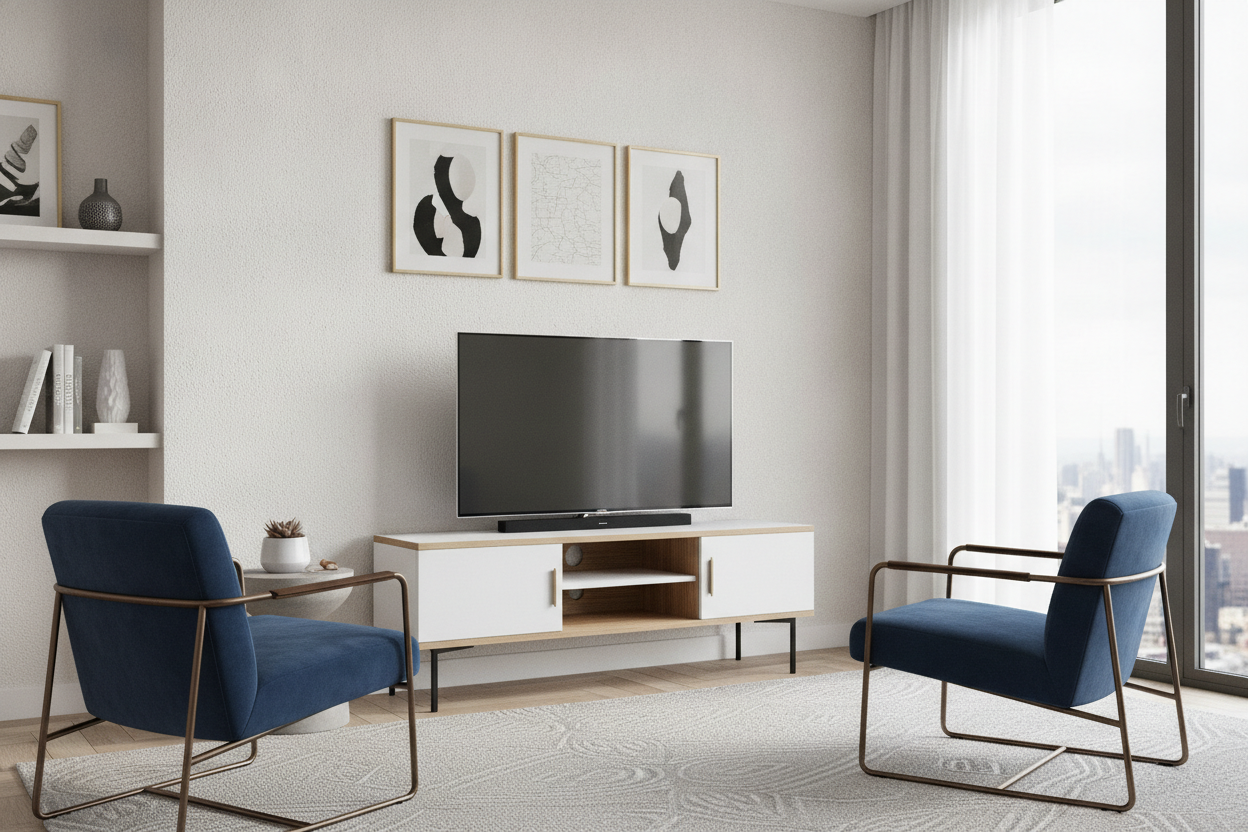
The biggest trade-off with a slim console is the loss of deep drawer space. You aren't going to fit a 1994 VCR in these. But let’s be real: most of our 'stuff' is digital now. You need space for a soundbar, a PS5, and maybe a router. I’ve found that vertical storage and open shelving work better for narrow units. You can tuck the cables behind the legs or use magnetic cord channels to keep things clean.
If you really lack the wall space for even a slim stand, an electric console with a hidden TV mechanism might be the ultimate minimalist upgrade. It allows the screen to disappear entirely when you aren't using it. For most of us, though, a simple 13-inch deep shelf with a few well-placed cable ties does the trick without the high-tech price tag.
Scaling Down: The Slim TV Stand for 55 Inch TV
If you haven't committed to the 65-inch giant yet, a slim tv stand for 55 inch tv is even easier to style. Because the screen is lighter and shorter, you can often get away with using a sleek hallway console table as a media unit. I’ve used a 10-inch deep console for a 55-inch screen in a bedroom before, and it looked incredibly high-end. It’s all about matching the scale of the base to the weight of the tech.
Other Awkward Layout Fixes I Actually Trust
Sometimes a flat wall just isn't an option. If your room is full of windows or radiators, a slim stand might still feel like it's in the way. In those cases, I usually suggest shifting the layout entirely. If a slim stand doesn't work for the flat wall, shifting to a rustic corner TV stand might be the next best space-saving move. It utilizes that dead space in the corner that usually just collects dust.
My personal mistake? I once bought a 'slim' stand made of cheap hollow MDF. Within six months, the top shelf started to bow under the weight of my screen. Don't do that. Spend the extra $50 for a solid wood top or a reinforced steel frame. Your floor plan—and your TV—will thank you.
FAQ
Is a 12-inch deep stand enough for a 65-inch TV?
Yes, provided the TV’s own feet or base fit within that 12-inch depth. Many modern 65-inch TVs have feet that spread about 11-13 inches, so check your TV specs before buying the stand.
Do slim TV stands tip over easily?
They can if they aren't anchored. Because they have a narrow footprint, they are less stable than deep cabinets. Always use the included wall-anchor kit to secure the stand to a stud.
Can I put a soundbar on a slim TV stand?
Most soundbars are 3 to 5 inches deep, so they fit perfectly on a slim console. Just make sure the stand is wide enough so the soundbar doesn't hang off the sides, which looks messy.


Leave a comment
This site is protected by hCaptcha and the hCaptcha Privacy Policy and Terms of Service apply.