










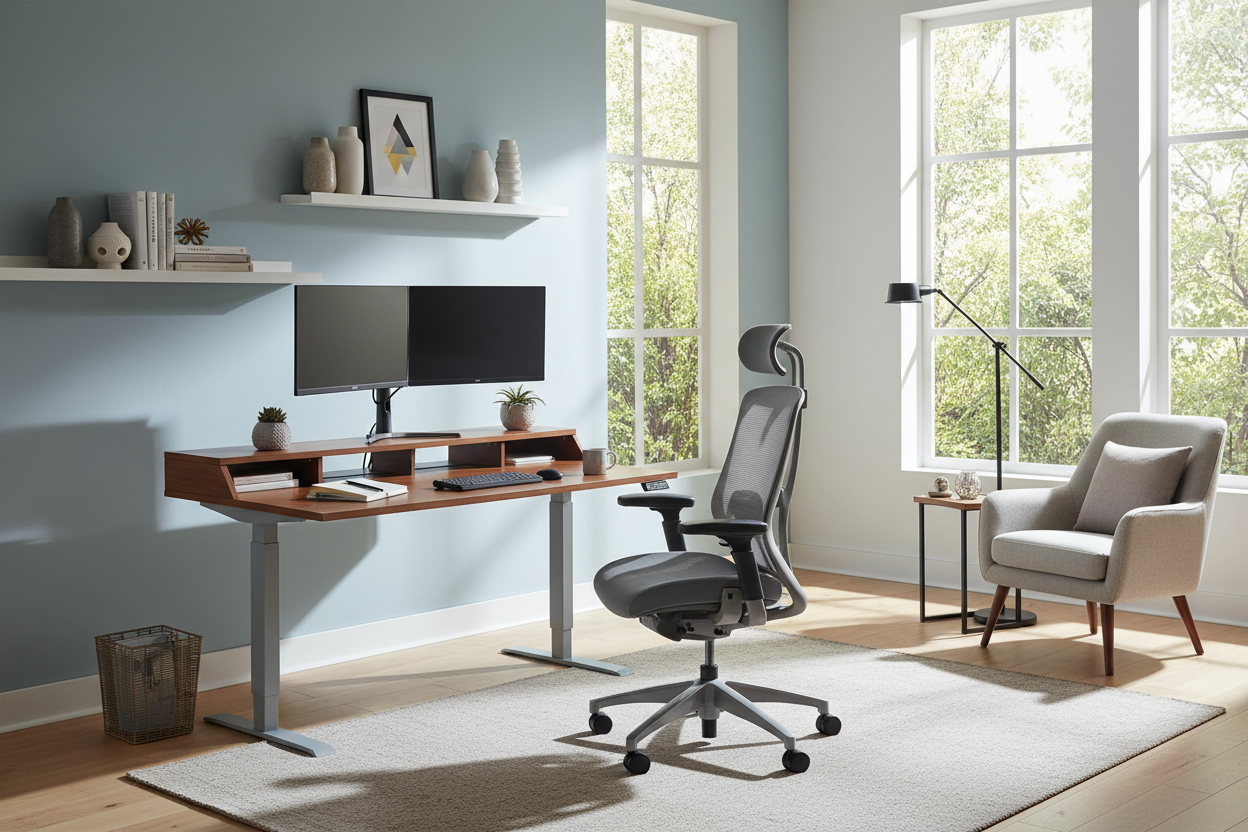
We often blame procrastination or lack of discipline when productivity dips, but as an interior designer, I see a different culprit: the environment. Trying to send professional emails from a kitchen island with poor lumbar support is a recipe for burnout, not success. If you want to know how to work remotely from home effectively, you must stop treating your workspace as an afterthought and start treating it as a functional design project. It is about curating a space that signals to your brain that it is time to focus, distinguishing the 'office' from the 'living room' through deliberate layout and furniture choices.
Quick Decision Guide: Elements of a Functional Workspace
- Ergonomic Integrity: Prioritize chairs with adjustable lumbar support and seat depth over purely aesthetic accent chairs.
- Lighting Layers: Combine ambient overhead lighting with focused task lighting (aim for 3000K-4000K color temperature) to reduce eye strain.
- Surface Area: Ensure your desk depth is at least 24-30 inches to maintain proper monitor viewing distance.
- Acoustic Control: Incorporate soft furnishings like rugs or upholstered panels to dampen echo and background noise.
- Visual Zoning: Position furniture to create a physical boundary between work zones and relaxation zones.
Zoning and Spatial Planning
One of the most critical tips for working remotely effectively is establishing a dedicated zone. In interior design, we refer to this as 'visual weight' and placement. If you do not have a separate room, you need to create a 'room within a room.'
Avoid facing a wall if possible; this is known as the 'cubicle effect' and can feel stifling. Instead, try the 'command position'—orienting your desk to face the room or a window. This not only improves your visual field but allows natural light to regulate your circadian rhythm, keeping energy levels consistent throughout the day.
Choosing the Right Materials: Function Meets Aesthetic
The tactile experience of your furniture impacts your workflow more than you might realize. When selecting a desk, consider the material quality carefully.
Solid Wood vs. Veneer vs. Laminate
For a piece of furniture you interact with daily, solid wood (like walnut or oak) offers durability and a warmth that cold laminates cannot match. However, high-quality wood veneers are a stable, cost-effective alternative that resists warping. Avoid cheap, hollow-core laminates; they often lack the density to support monitor arms without wobbling, creating a subtle but constant distraction.
Textiles and Seating
Your chair is your primary tool. While velvet or boucle fabrics look stunning in a showroom, they can trap heat during long sessions. Look for high-performance meshes or breathable natural leathers. These materials offer better temperature regulation and durability against friction over time.
Visual Balance and Organization
Clutter is visual noise. Implementing remote work tips and tricks involves more than just software; it requires physical organization. Choose storage units that complement your desk's silhouette. If your desk has open legs (creating a feeling of airiness), balance it with a solid, closed-storage credenza to hide paperwork. This maintains a clean aesthetic which is essential for mental clarity.
My Personal Take on how to work remotely from home effectively
I learned a hard lesson about aesthetics versus function early in my career. I once designed my own home office around a stunning, vintage mid-century modern teak desk. It was beautiful, but it was only 28 inches high with a thick apron drawer.
Every time I crossed my legs, my knees hit the wood. I ignored it for the sake of 'style' for three months until my posture suffered significantly. I also realized that on a darker wood finish, the dust and fingerprint marks from my tech devices were visible constantly, forcing me to clean it daily just to feel organized. Now, I always advise clients to test the 'knee clearance' and consider a matte or satin finish that is more forgiving of daily use. Real productivity requires furniture that fits your body, not just your mood board.
Conclusion
Curating a space to work from home is an investment in your professional longevity. By selecting the right materials, prioritizing ergonomic layouts, and managing your lighting, you create an environment that fosters focus rather than fatigue. Don't settle for a makeshift setup; design a space that works as hard as you do.
Frequently Asked Questions
What is the ideal desk depth for a home office?
For a standard laptop setup, 24 inches is the minimum. However, if you use external monitors, aim for 30 inches deep. This ensures the screen is at an arm's length away, preventing digital eye strain and allowing space for a keyboard and documents.
How can I improve lighting for video calls?
Avoid strong backlighting (like a window behind you), which creates a silhouette. Place a soft, diffused light source in front of you, slightly above eye level. A desk lamp with an adjustable head and a warm-neutral bulb (around 3500K) provides the most flattering and professional look.
Is a standing desk worth the investment for remote work?
From an ergonomic standpoint, yes. The ability to alternate between sitting and standing reduces the load on your lumbar spine. Look for dual-motor options for smoother transitions and stability, especially if you have heavy equipment on the surface.

Leave a comment
This site is protected by hCaptcha and the hCaptcha Privacy Policy and Terms of Service apply.