










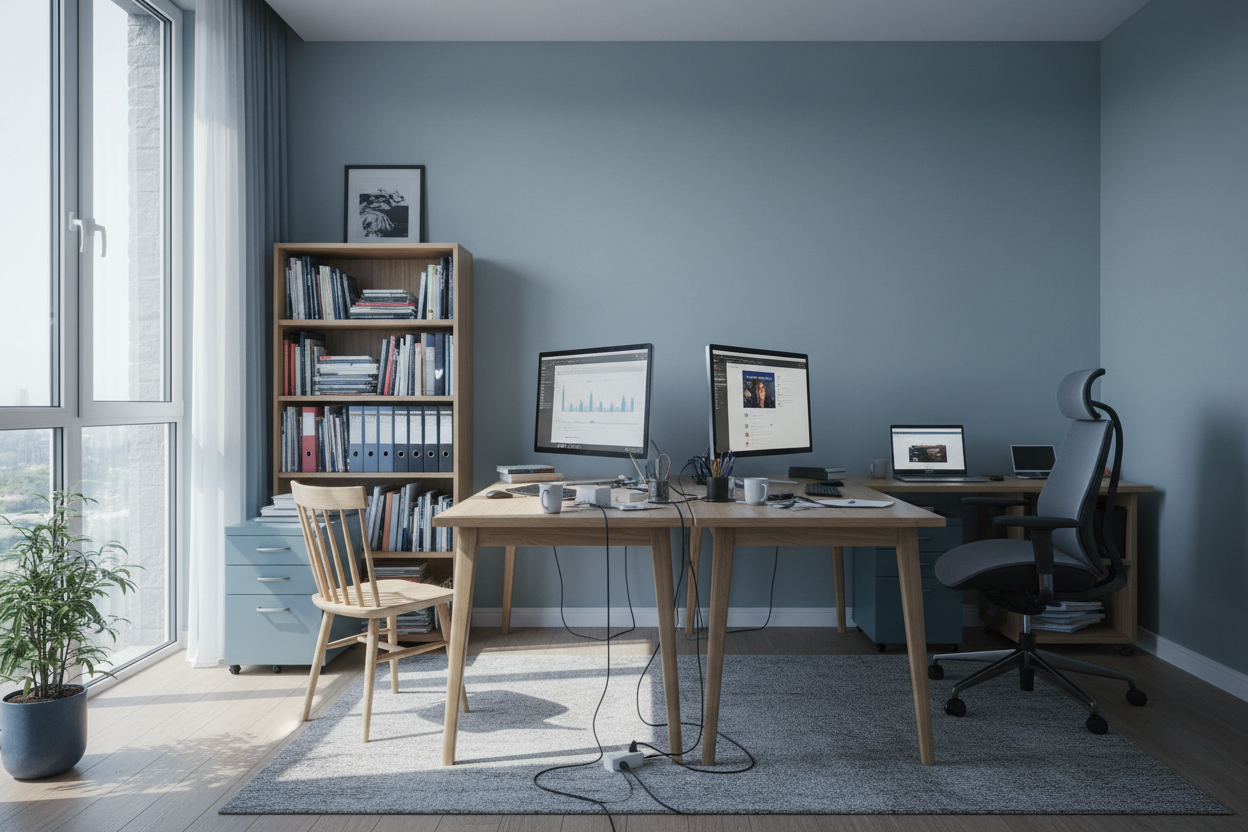
We have all attempted to turn the dining table into a corporate headquarters or a study hall, only to find that by 3 PM, our backs ache and our focus has evaporated. The transition to a remote lifestyle requires more than just a laptop and a Wi-Fi connection; it demands a spatial environment curated for cognitive endurance. Whether you are setting up a professional office or a study corner for upskilling, the way you design this space dictates your success. In this guide, I will walk you through the structural and aesthetic decisions required to successfully learn and work from home without compromising the elegance of your interior.
Key Design Elements for Productivity
- Ergonomic Integrity: Prioritize chairs with lumbar support and seat-depth adjustment over purely decorative accent chairs.
- Lighting Layers: Combine ambient overhead light with focused, adjustable task lighting (ideally 4000K) to reduce eye strain.
- Material Tactility: Choose desk surfaces like solid wood or leather-inlay for warmth; avoid glass if you type for long hours.
- Acoustic Dampening: Utilize rugs, curtains, or upholstered panels to minimize echo and background noise.
- Visual Zoning: distinct separation between 'active' work zones and 'passive' living areas.
Mastering Spatial Planning and Layout
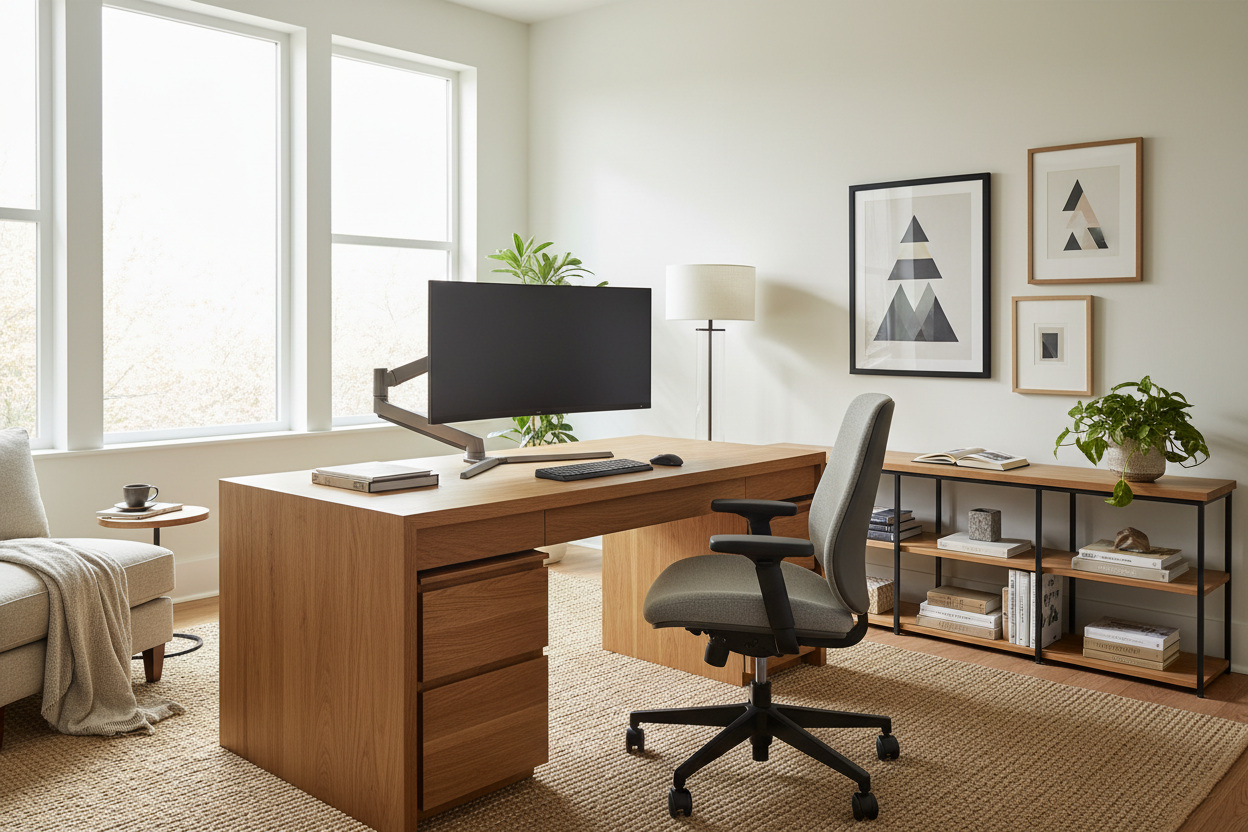
The most significant error I see in residential projects is placing a desk directly facing a wall without visual relief. To truly learn how to work from home effectively, you must consider the command position. Position your desk so you have a view of the room or a window, rather than staring at blank drywall. This reduces feelings of confinement and allows for 'micro-breaks' where your eyes can adjust to a longer depth of field.
Defining Boundaries in Open Plans
If you lack a dedicated room, use furniture to create a 'room within a room.' A high-backed console table placed behind your desk chair can act as a psychological barrier, separating your workspace from the rest of the living area. Rugs are also exceptional tools here; a high-pile wool rug under the desk area physically demarcates the zone where focus is required.
Material Selection: Durability Meets Aesthetics
When you learn to work from home, the tactile experience of your furniture plays a subconscious role in your comfort. I often advise clients against high-gloss lacquer finishes for high-traffic desktops. While striking in a showroom, they are notorious for showing micro-scratches and fingerprints instantly.
Instead, look for matte-finished walnut or white oak. These natural materials age gracefully and provide a warmer surface for your forearms. For seating, breathable textiles like linen blends or high-grade mesh are superior to velvet or cheap faux leather, which can trap heat during long sessions.
Lighting: The Unsung Hero of Focus
Proper illumination is not just about visibility; it is about energy management. To learn work from home routines that stick, you need to replicate the circadian rhythm. Avoid harsh, cool-white bulbs overhead. Layer your lighting scheme with a directional task lamp that casts light *below* eye level to prevent glare on your monitor. This creates a focused pool of light that signals to your brain that it is time to concentrate.
Lessons from My Own Projects
I want to share a specific mistake I made early in my career when designing my own home studio. I fell in love with a stunning, vintage mid-century modern teak desk. It had a floating silhouette that looked incredible in photos. However, I ignored the drawer depth.
After two weeks of use, my desktop was chaotic because the shallow drawers couldn't fit my reference books or even a standard stapler upright. I realized too late that 'visual lightness' often comes at the cost of functional storage. I ended up having to bring in a separate, bulky filing cabinet that ruined the clean lines I was aiming for. Now, I always test the internal height of drawers with my clients' actual equipment before specifying a piece. It is a small detail, but it determines whether your space remains a sanctuary or becomes a source of stress.
Conclusion
Creating a space where you can effectively learn and work from home is an investment in your mental clarity. By prioritizing ergonomic silhouettes, appropriate materials, and layered lighting, you elevate not just the look of your home, but the quality of your output. Do not settle for makeshift setups; design a space that respects your ambition.
Frequently Asked Questions
How do I fit a workspace into a small bedroom?
Look for verticality. Wall-mounted ladder desks or shelving units with a drop-down secretary desk offer a minimal footprint. Ensure the chair can fully tuck under the surface when not in use to maintain traffic flow.
What is the best desk depth for a dual-monitor setup?
I recommend a minimum depth of 30 inches (approx. 76cm). This allows enough distance between your eyes and the screens to prevent strain, while leaving room for a keyboard and notepad.
Is a standing desk worth the aesthetic compromise?
Absolutely, but you don't have to compromise. Many high-end manufacturers now offer motorized standing desks with solid wood tops and concealed mechanics that look just as sophisticated as traditional fixed desks.

Leave a comment
This site is protected by hCaptcha and the hCaptcha Privacy Policy and Terms of Service apply.