










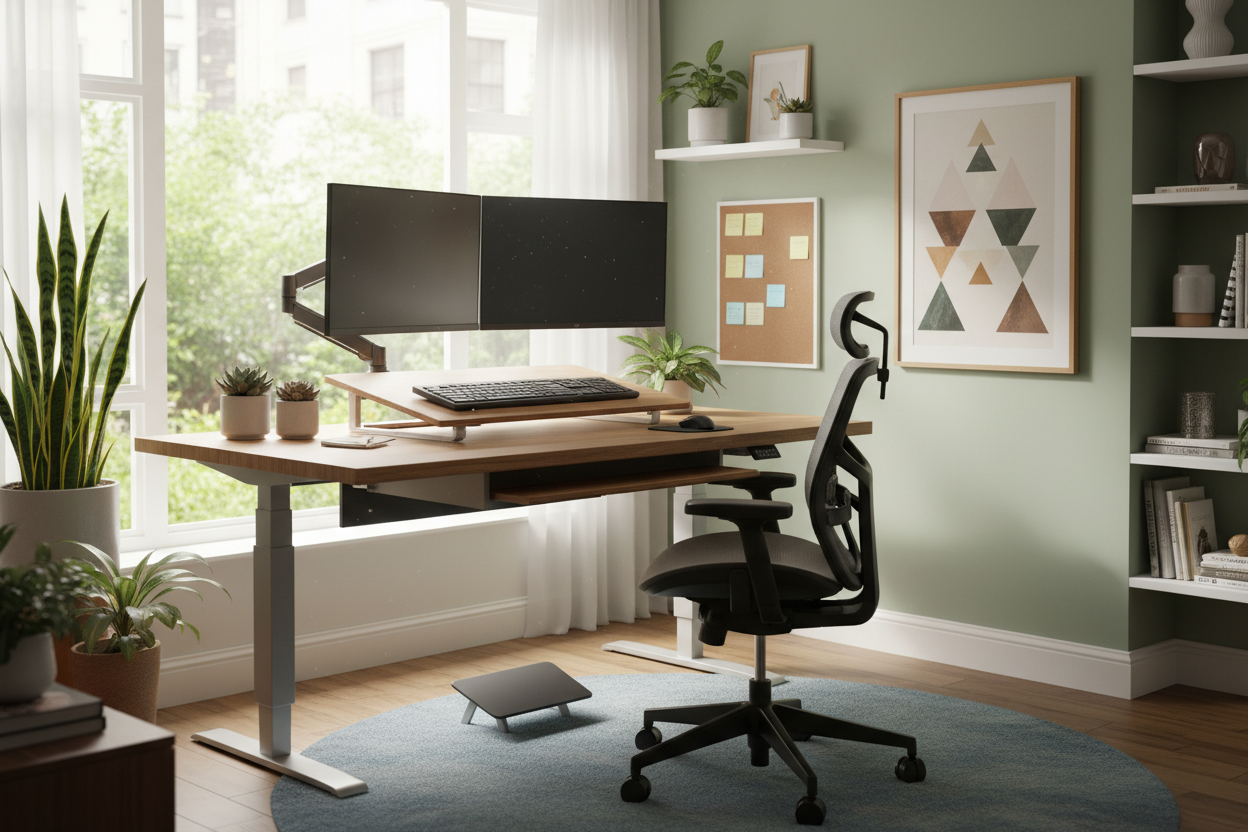
We often discuss remote work in terms of software and schedules, but as a designer, I see the conversation missing a crucial element: the physical environment. The question isn't just about saving time on a commute; it is about how could telecommuting increase worker productivity through the intentional curation of your surroundings. When you strip away the generic, fluorescent-lit cubicle, you gain the ability to tailor an environment that supports your specific cognitive workflow. This article explores how bespoke interior design choices—from ergonomic furniture to lighting plans—turn a home office into a powerhouse of efficiency.
Key Design Elements for Remote Focus
- Ergonomic Customization: Tailoring chair height and lumbar support to your specific body metrics to prevent fatigue.
- Lighting Control: Layering ambient and task lighting to reduce eye strain and maintain circadian rhythms.
- Acoustic Management: Using textiles and layout to dampen noise and create a psychological zone of concentration.
- Visual Zoning: Establishing clear boundaries between "living" and "working" spaces to trigger mental focus.
The Ergonomic Advantage: Investing in Your Body
In a corporate setting, furniture procurement is a game of averages. At home, it is a game of specifics. The primary way telecommuting boosts output is by allowing you to select pieces that fit your unique physiology. A chair isn't just a seat; it is a tool for endurance.
Choosing the Right Task Chair
Forget the aesthetics of a dining chair for a moment. For an eight-hour sit, you need a mechanism that moves with you. Look for synchronous tilt mechanisms and breathable mesh or high-grade leather. I often advise clients to look beyond the initial "cushion feel." A soft seat feels good for five minutes; a firm, supportive seat with a waterfall edge promotes circulation for five hours.
The Desk: Materiality Matters
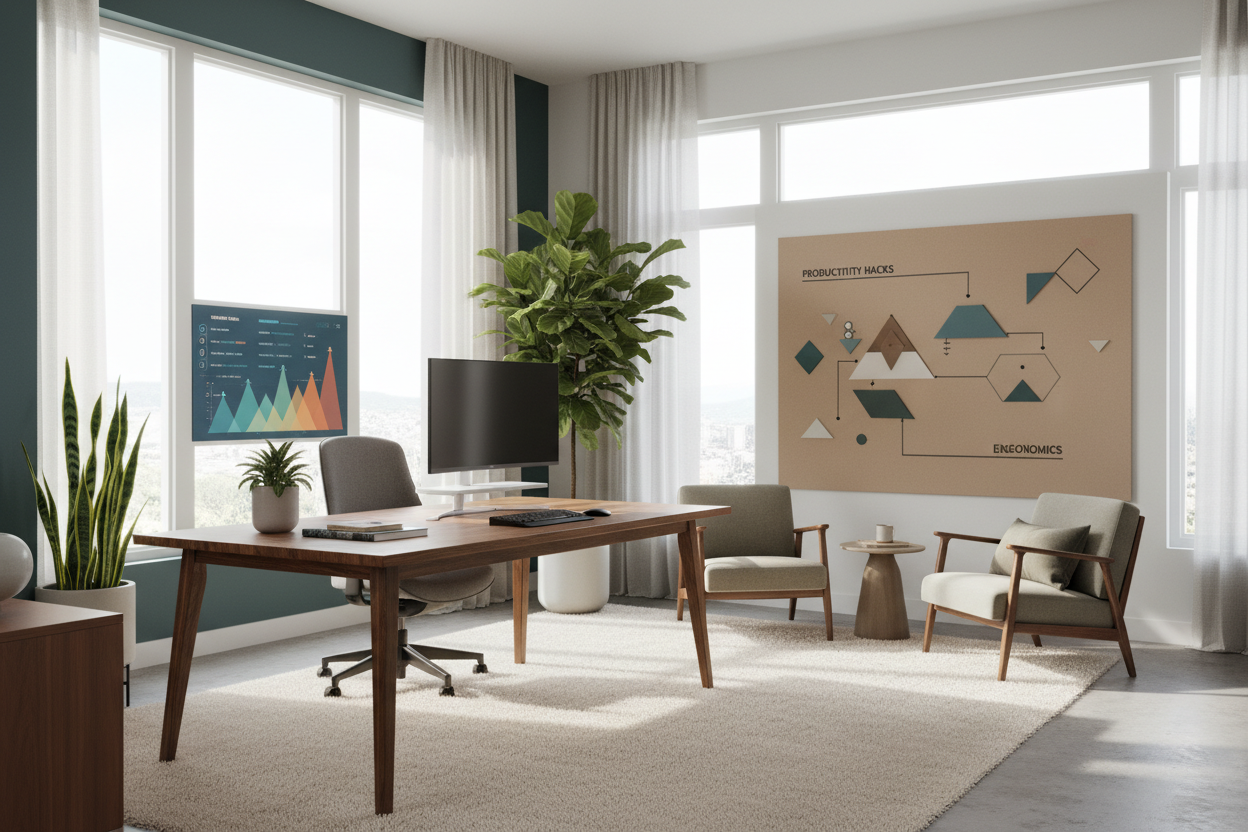
The tactile experience of your desk surface influences your mindset. While laminate is durable, solid wood—like Walnut or White Oak—offers a warmth and texture that grounds the space. Natural materials have biophilic properties that lower stress levels. When selecting a desk, consider the depth. A depth of at least 30 inches is critical for maintaining proper focal length from your monitor, reducing eye strain significantly.
Lighting: The Invisible Productivity Booster
One of the most significant answers to how does telecommuting improve productivity lies in lighting control. Corporate offices are notoriously over-lit with cool, blue-spectrum light. In your home office, you can manipulate this.
Position your desk perpendicular to a window to harvest natural daylight without the glare. Supplement this with a high-CRI (Color Rendering Index) task lamp. Being able to dim your ambient lights while keeping your work surface illuminated creates a "spotlight effect," naturally narrowing your focus to the task at hand.
Spatial Planning and Psychological Zoning
The biggest challenge in telecommuting is the bleed between domestic life and professional obligation. Design solves this through zoning. You don't necessarily need a separate room, but you do need a distinct silhouette of workspace.
Use an area rug to visually anchor the "office" area. Orient your desk to face the room or a window, never a blank wall if you can help it; the "command position" (facing the door) subconsciously lowers anxiety and heightens a sense of control. This spatial authority translates directly into executive functioning and output.
My Personal Take on how could telecommuting increase worker productivity
I learned the hard way that "aesthetic" does not always equal "efficient." A few years ago, I designed my own home studio with a stunning, reclaimed rough-hewn timber desk. It was beautiful in photos.
However, within a week, I realized my productivity was tanking. Why? My mouse wouldn't track smoothy on the uneven grain, and writing on paper was impossible without a backing board. The constant micro-frustrations broke my flow state every twenty minutes. I eventually swapped it for a smooth, satin-finished maple surface. The difference was immediate. It taught me that in a workspace, friction—literal and figurative—is the enemy of speed. Telecommuting allows you to eliminate these hidden frictions that you have no control over in a corporate office.
Frequently Asked Questions
Does the color of my home office affect productivity?
Absolutely. While white is clean, it can be sterile and fatiguing. Low-wavelength colors like sage green or calming blues are proven to improve efficiency and focus. Avoid high-saturation reds, which can induce anxiety over long periods.
How much space do I really need for a productive layout?
You need less than you think, but more depth than you expect. A 48-inch wide desk is standard, but prioritize depth (30 inches) over width to accommodate monitors and keyboards without cramping your forearms.
Is a standing desk worth the investment?
Yes, but for the movement, not just the standing. The productivity gain comes from the ability to shift posture, which re-engages your energy levels. Look for a dual-motor electric model for stability; manual cranks often wobble, which is distracting.

Leave a comment
This site is protected by hCaptcha and the hCaptcha Privacy Policy and Terms of Service apply.