










I remember the day my 75-inch TV arrived. I was so stoked for movie night, but once I actually got it on the wall, it looked like a black hole sucking the life out of my 60-inch console. It looked ridiculous—like a bodybuilder with skinny legs. That is when I realized a 75 inch tv wall unit isn't just a luxury; it is a structural necessity for your eyeballs.
- Standard consoles are usually too narrow for massive screens, creating a 'top-heavy' look.
- The 'Lollipop Effect' makes your ceiling feel lower and your room feel cluttered.
- Aim for a unit at least 15-20% wider than the TV itself to ground the space.
- Floating designs and integrated lighting prevent massive furniture from feeling like a heavy block.
The 'Lollipop Effect' Plaguing Modern Living Rooms
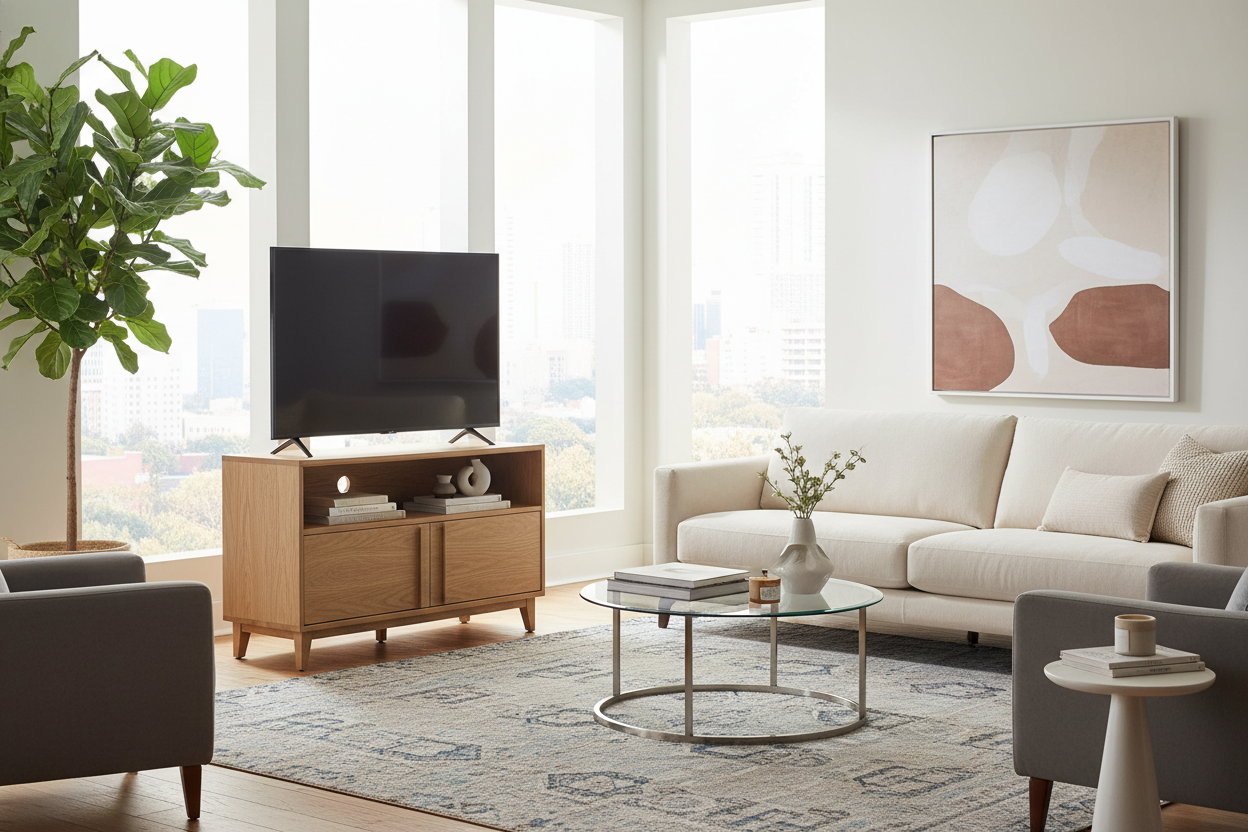
We have all seen it. A screen that costs more than a used car sitting on top of a dinky little dresser or a 'standard' media bench. It creates this awkward visual phenomenon where the screen looks like it’s about to tip over the furniture. Your 75 Inch Screen Looks Awkward Without A Tv Units Wall Setup because without vertical or horizontal framing, that giant black rectangle just floats there like a glitch in the architecture.
It is visually exhausting to look at because your brain is subconsciously waiting for the proportions to fail. When the TV is wider than the furniture beneath it, the room feels unstable. You need a piece that acts as an anchor, not just a shelf.
Why Standard Storage Fails the Proportion Test
Designers love the rule of thirds, but most people ignore it when it comes to tech. If your TV is roughly 65 inches wide (the actual width of most 75-inch screens), putting it on a 60-inch stand is a design crime. Standard Tv Stands were built for the 50-inch era. They simply do not have the visual 'heft' to ground a cinema-sized screen.
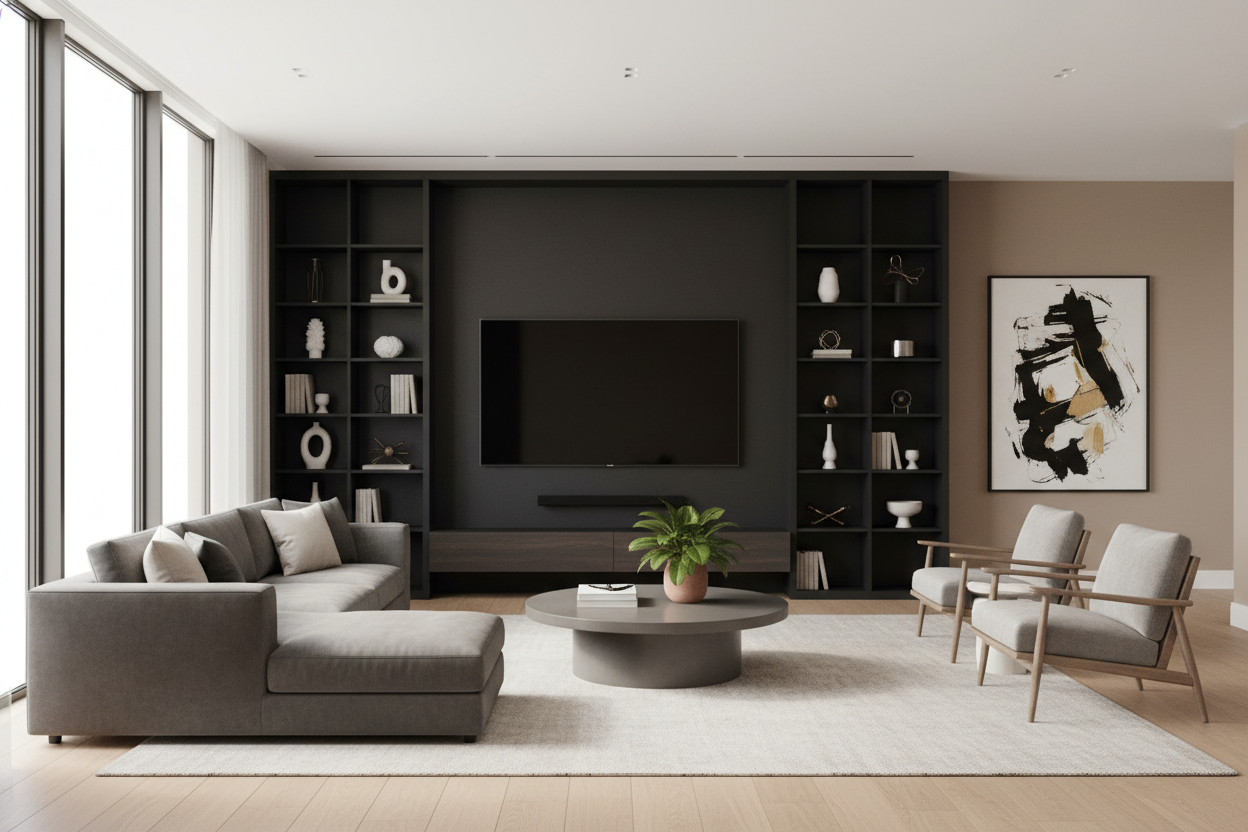
A wall unit provides the architectural backbone your living room is missing. It stretches the eye horizontally, making the wall feel wider rather than the TV feeling too big for the room. It turns a piece of technology into a deliberate design choice.
Finding the Right Dimensions: Wall Units for 75 Inch TV Setups
A 75-inch TV has a physical width of about 66 inches. To avoid looking cramped, your furniture needs to be at least 80 inches wide—ideally closer to 90 or 100. You want at least 8 to 10 inches of 'breathing room' on either side of the screen. wall units for 75 inch tv setups should always prioritize width over depth to keep the floor plan feeling open and airy.
How to Keep Massive Furniture From Feeling Bulky
I get the hesitation. Nobody wants a giant wall of dark wood that feels like a Victorian library. The trick is to go for modular or floating pieces. Using something like the 90 Wall Mounted And Freely Arranged Tv Stand With Led changes the game entirely. By lifting the unit off the floor, you see more of the rug, which tricks your brain into thinking the room is larger than it is.
Integrated LEDs also soften the edges of the furniture. It turns a massive storage piece into a light feature that glows, rather than a heavy shadow in the corner of the room. Open shelving also helps; use it for books or a few plants to break up the 'media center' vibe.
The Verdict: Ditch the Tiny Console
I once tried to 'hack' this by flanking a tiny console with two tall, skinny bookcases. Total disaster. It looked like the TV was in a cage. I ended up spending more on those three separate pieces than I would have on one solid wall unit, and the cable management was a nightmare. I had wires snaking across the floor like a nest of vipers.
If you are going big on the screen, you have to go big on the support. A tiny console makes your expensive TV look like an afterthought. A proper wall unit makes it look like a home theater. It is the difference between 'we put a TV in here' and 'this is the media room.'
How high should I mount the TV?
Eye level when seated. For most people, that is about 42 inches from the floor to the center of the screen. Do not be the person with the 'TV too high' syndrome.
Do I need a pro to install a wall unit?
If it is a floating unit going into drywall, yes, get a pro. You do not want 80 pounds of wood and a $1,500 TV falling off the wall at 2 AM because you missed a stud.
What color should I pick?
Match your wall color if you want the unit to disappear and feel like a built-in. Go for high-contrast, like black or charcoal on a white wall, if you want it to be the focal point of the room.

Leave a comment
This site is protected by hCaptcha and the hCaptcha Privacy Policy and Terms of Service apply.