










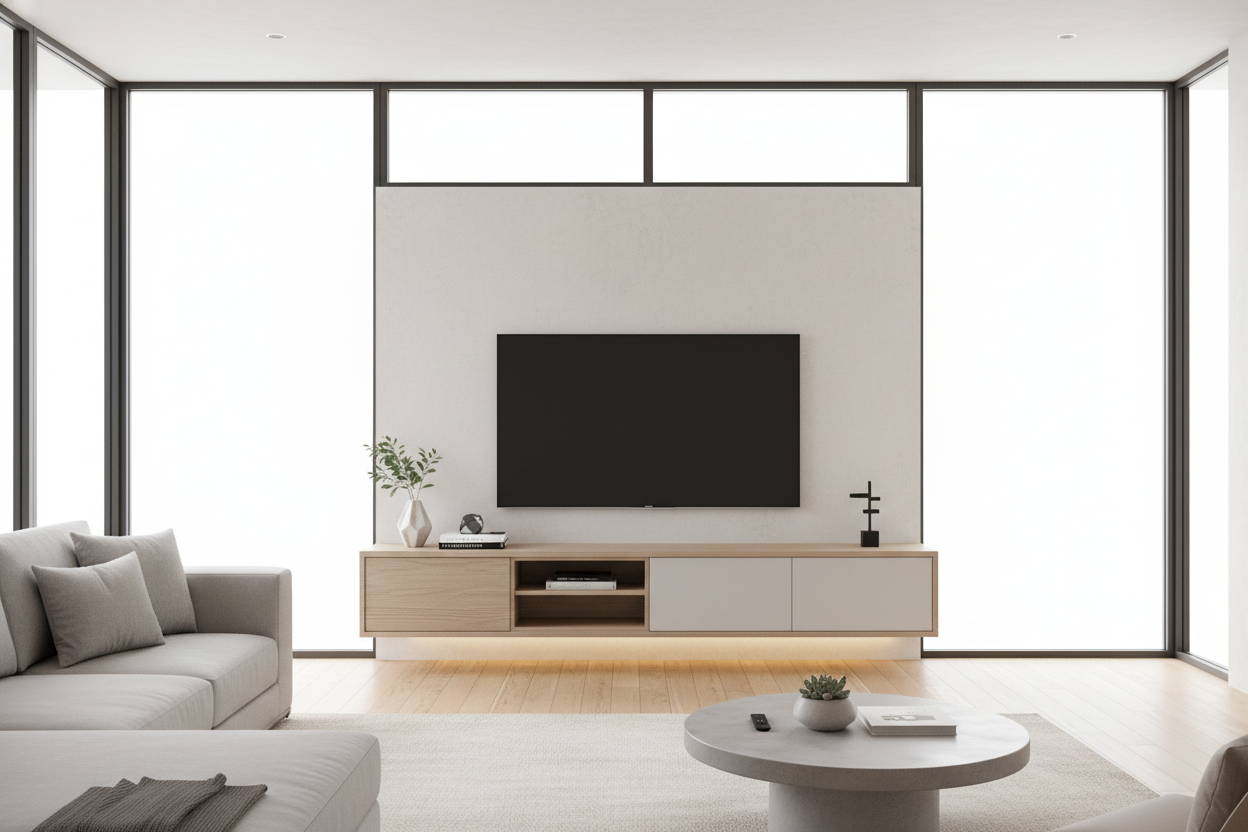
I spent twenty minutes last month untangling a nest of cords behind my TV just to find a remote I'd dropped. My old media console was twenty inches deep—a cavernous beast that held three generations of Xbox controllers, a DVD player I haven't turned on since the Obama administration, and enough dust to trigger a hazmat alert. Buying a slim entertainment center wasn't just a design choice; it was a tech intervention.
- Floor Space: You gain back 6-10 inches of walking room.
- Forced Editing: You can't hide junk in a 12-inch deep cabinet.
- Visual Lightness: Shallow units make small rooms feel double the size.
- Cable Management: Less depth means cables have nowhere to hide and tangle.
The 'Junk Drawer' Phenomenon of Deep Media Consoles
Standard consoles are built for a tech era that died years ago. Back when we had massive AV receivers and chunky VCRs, we needed that 20-inch depth to accommodate the hardware and the thick cables sticking out the back. Now, those deep cabinets just become dark caves where we shove things we're too lazy to throw away.
I realized my old unit was basically a horizontal closet for things I didn't want to deal with. It's the 'junk drawer' effect but on a massive, living-room-dominating scale. When you have that much depth, you stop being intentional about what you own. You just keep adding to the pile until the back of the unit is a fire hazard of tangled HDMI 1.0 cords.
Why I Pivoted to a Slim Entertainment Center
I swapped my bulky unit for a 12-inch deep slim tv cabinet. Suddenly, there was no room for the 'just in case' cables. The physical limitation of the furniture forced a digital decluttering I'd been putting off for years. I donated the old Wii, tossed the broken chargers, and finally felt like I could breathe.
modern entertainment units are designed for the streaming era, where a tiny Apple TV or Roku is all you actually need. Shrinking the footprint by eight inches gave me back actual floor space and cleared the mental fog of knowing a mess was hiding behind closed doors. It's amazing how much larger a room feels when the furniture isn't encroaching on the rug.
But Where Do the Router and Apple TV Go?
You have to get creative when you lose that depth. I mounted my router to the back of the TV using heavy-duty velcro strips. It’s invisible, the signal is better, and it takes up zero shelf space. For the Apple TV, I used a side-mount bracket that keeps it tucked against the wall. If you have a slim tv unit with shelves, store your gear vertically or sideways rather than trying to stack it like a 90s stereo system.
Getting the Proportions Right on Your Wall
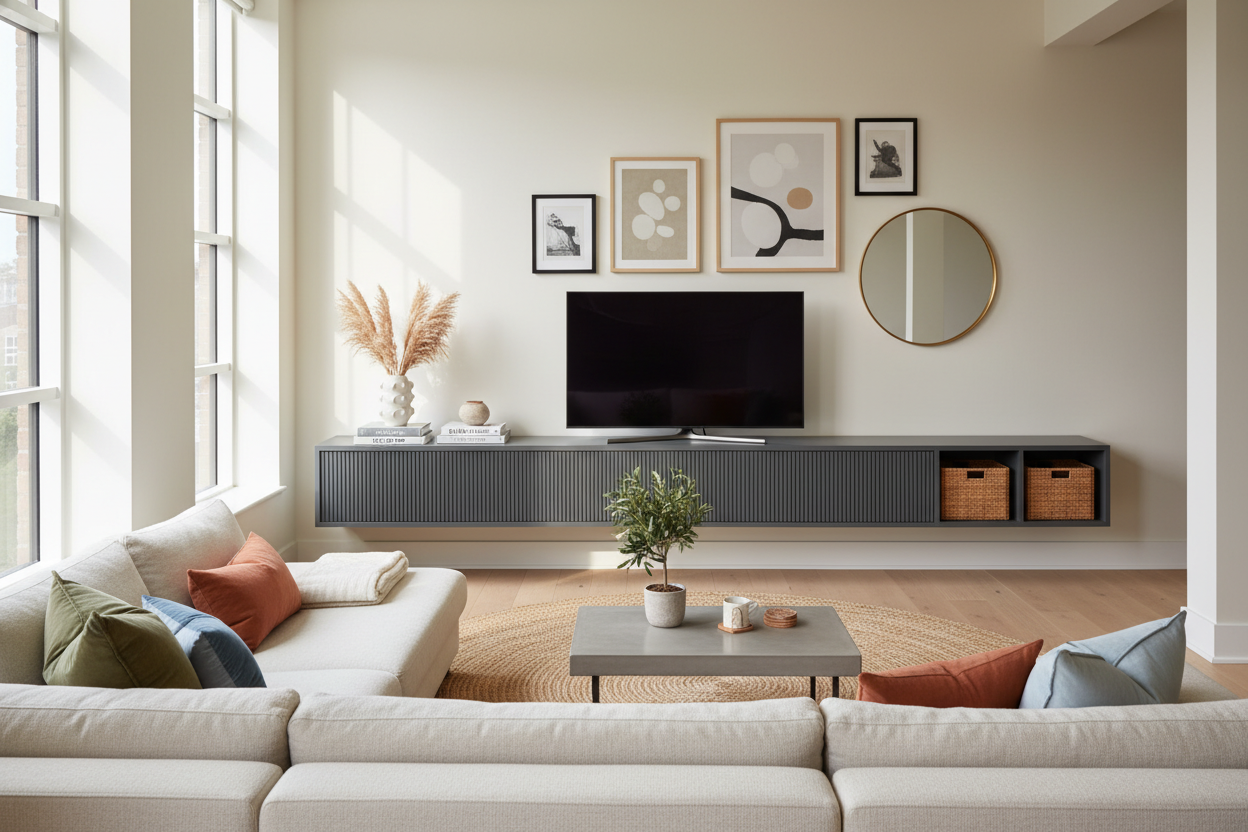
A shallow unit can look like a toothpick if it's too short. To keep the room from looking top-heavy, you need to go wide. If your TV is 65 inches, your console should be at least 75 inches to provide a proper visual anchor. I'm a big fan of an adjustable length media console because it lets you stretch the horizontal line without adding bulk to the room's walkway. It creates a gallery look that feels high-end without the footprint of a traditional credenza.
Styling the Surface When You Can't Hide Clutter
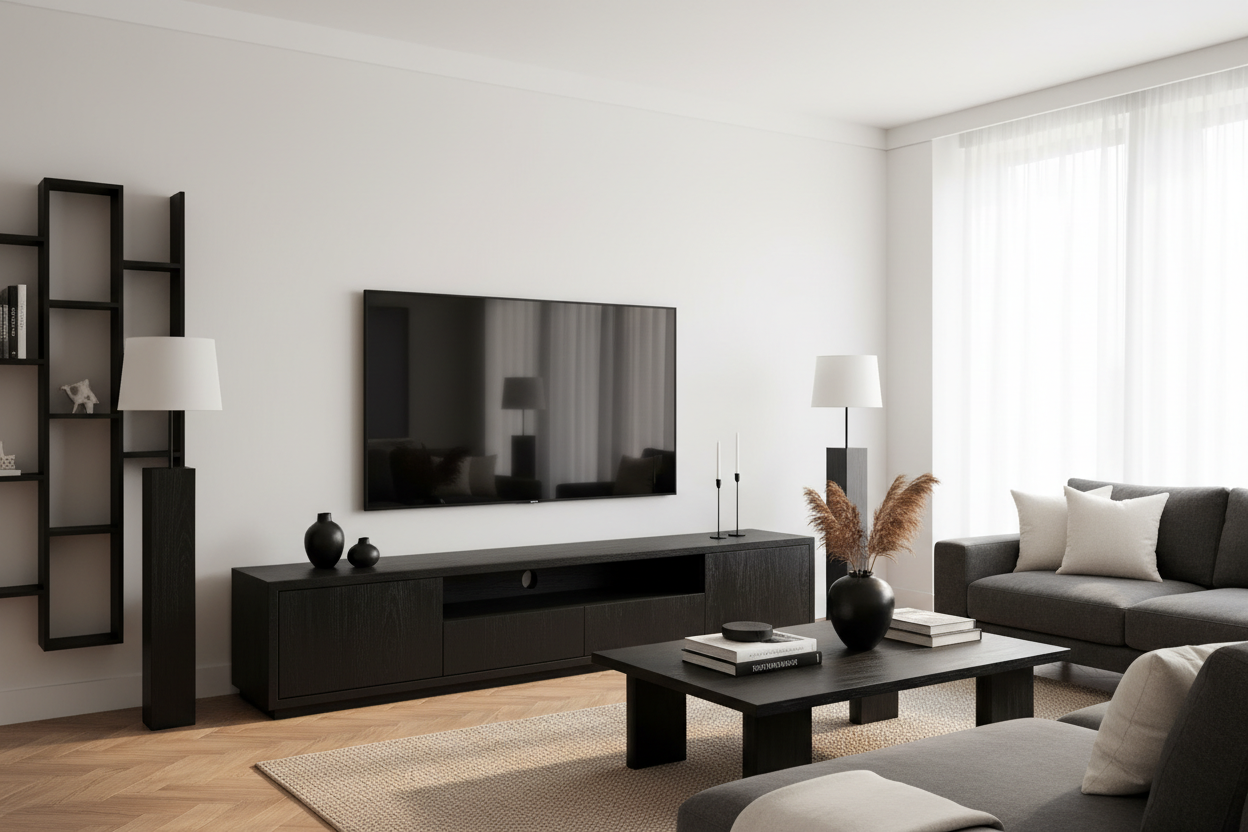
Since you can't hide a mountain of plastic clutter anymore, the top of your unit actually matters. I kept mine simple: a matte ceramic vase, two coffee table books, and a small wooden tray for remotes. Keeping the surface clear makes the whole room feel cleaner. If you still need some storage for physical media or a curated collection of objects, a black cabinet with glass doors adds a sophisticated, moody vibe that feels intentional rather than cluttered. The glass keeps things visually light while the dark frame grounds the wall.
FAQ
How deep should a slim console be?
Aim for 10 to 13 inches. Anything deeper starts creeping back into the territory where you can hide unnecessary junk. Anything shallower than 10 inches might struggle to stand on its own without being anchored to the wall.
Will my PS5 fit in a slim cabinet?
Usually, no. A PS5 is about 15.4 inches tall and quite deep. You'll likely need to stand it vertically on top of the unit or find a console specifically designed with a deeper center pocket. Most people opting for the slim look end up wall-mounting their consoles behind the TV.
Is it sturdy enough for a 75-inch TV?
Most slim units are meant for wall-mounted TVs or have weight limits around 50-70 lbs. Always check the specs before placing a heavy screen on a shallow base. If you aren't wall-mounting, look for a unit with a solid wood top rather than particle board to prevent bowing.

Dejar un comentario
Este sitio está protegido por hCaptcha y se aplican la Política de privacidad de hCaptcha y los Términos del servicio.