










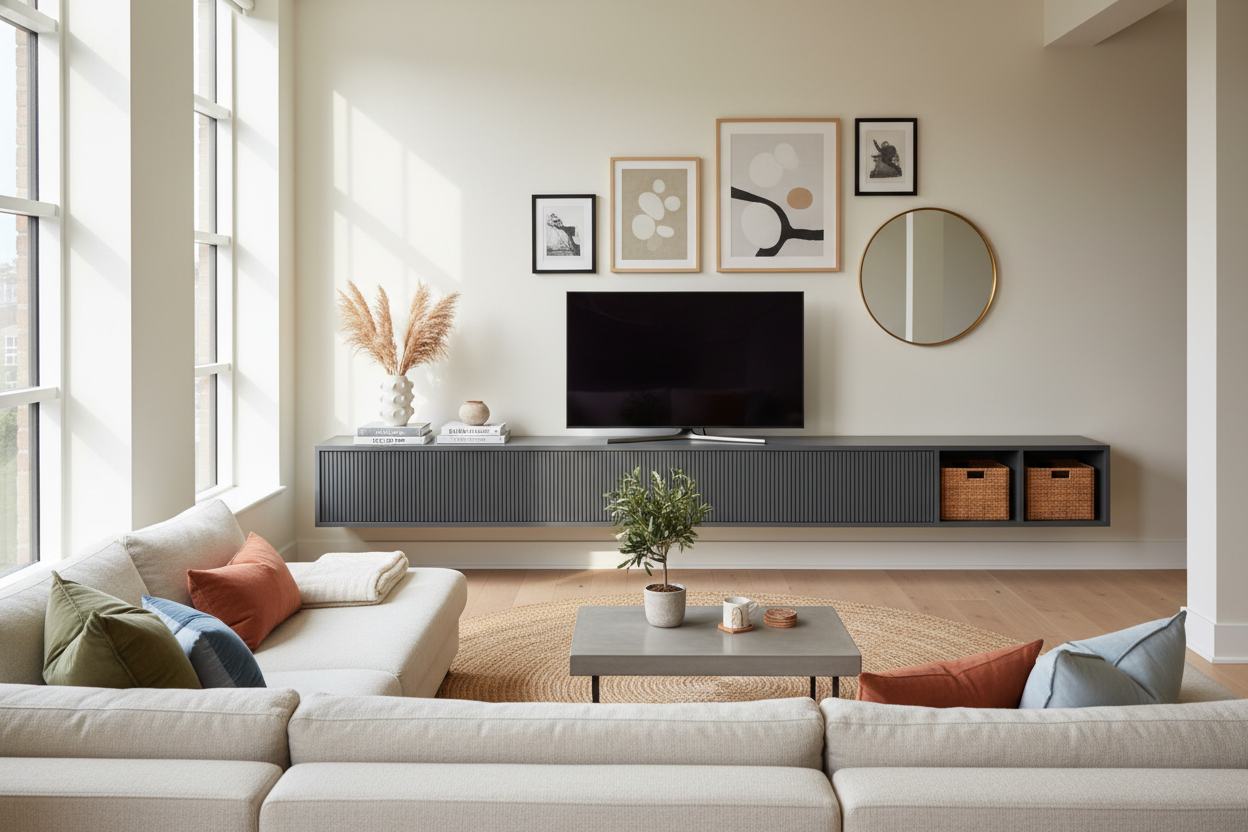
I spent six months staring at a 55-inch OLED sitting on a stack of moving blankets and a flattened U-Haul box. It was pathetic, but I couldn't pull the trigger. Every time I went to buy tv unit furniture, I felt like I was choosing between a cheap particle-board nightmare and a two-thousand-dollar heirloom that didn't even have a hole for my PS5 cables.
Quick Takeaways
- Measure your equipment depth; 18 inches is the sweet spot for most receivers.
- Prioritize airflow—enclosed cabinets without vents will cook your electronics.
- Avoid 'The Black Hole' by choosing finishes that contrast with your TV screen.
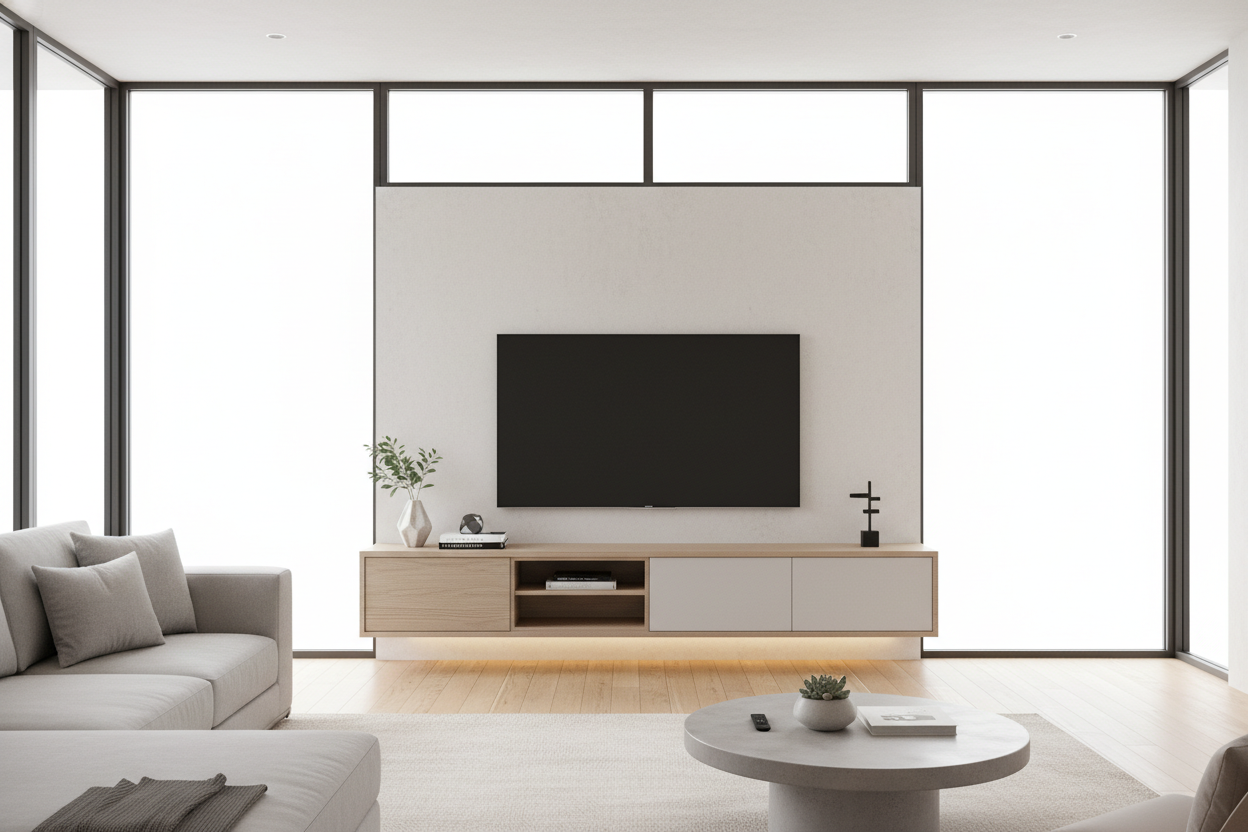
- Aim for a unit at least 6 to 10 inches wider than your television for visual balance.
The Great Media Console Standoff (Why I Waited)
Decision paralysis is real, especially when it involves the focal point of your living room. I lived with a cardboard-box TV stand for half a year because I refused to buy a 'placeholder.' Placeholders have a funny way of becoming permanent fixtures that you resent for a decade. I’ve seen it happen to the best of us.
Most media units are either too flimsy, too bulky, or designed by people who seemingly don't own a single HDMI cable. I wanted something that looked intentional, not like a generic black box I grabbed because it was on sale. I waited until I found a piece that balanced actual utility with a design that didn't make my living room look like a dorm room.
My First Non-Negotiable: Cord Management That Actually Works
Most manufacturers think a single two-inch hole in the back panel is 'cable management.' It’s not. If you have a router, a gaming console, and a soundbar, that tiny hole becomes a bottleneck of tangled heat. I learned the hard way with my last unit that poor airflow leads to fan noise and hardware failure.
I specifically looked for slatted doors for hidden ventilation because they allow heat to escape while keeping the clutter out of sight. It’s the only way to hide a chunky PlayStation or an ugly internet router without the equipment sounding like a jet engine taking off every time you watch a movie.
Avoiding the Heavy 'Black Hole' Effect
A massive black TV sitting on a dark espresso or black stand creates a visual vacuum. It sucks the light out of the room and makes the entire wall feel heavy. In my 12x14 living room, a dark unit made the space feel cramped and gloomy. I realized that the TV is already a giant black rectangle; it doesn't need a matching pedestal.
I started making the case for a white media center or a light oak finish to my partner. Lighter finishes recede into the wall, making the footprint of the furniture feel much smaller than it actually is. It changed the entire spatial dynamic of the room, turning a 'clunky' corner into something that felt airy and deliberate.
The 'Hidden Mess' Storage Rule That Finally Made Me Click Checkout
Open shelving is a lie told by people who only own three perfectly curated art books and zero remote controls. For the rest of us, 100% open units are a dusting nightmare and a visual mess. I needed a place to shove the controllers, the extra cables, and the physical media I still refuse to throw away.
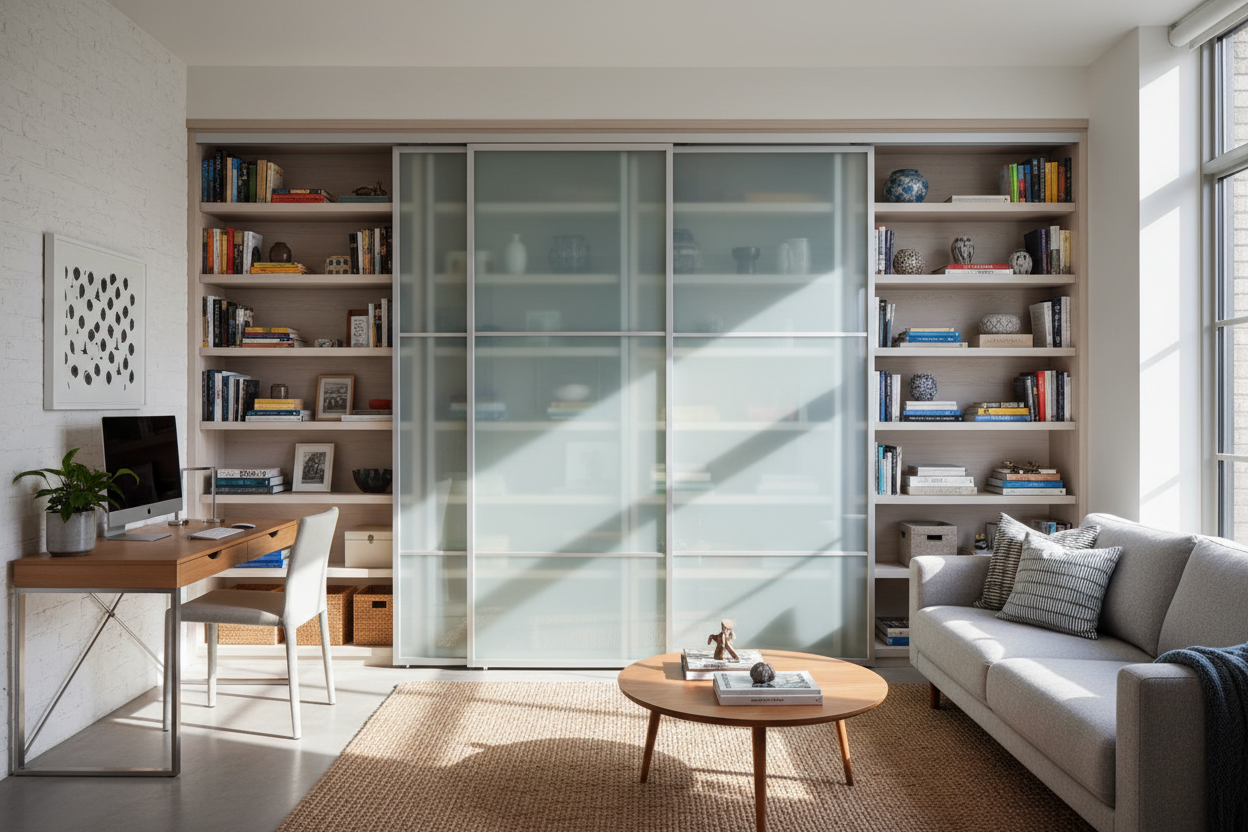
I researched what interior designers think about storage and the consensus is clear: you need a 70/30 split. Seventy percent of your junk should be behind solid doors, and thirty percent can be displayed. I ended up falling for a piece with sliding glass doors to display your books, which keeps the dust off my collection while still letting me show off some personality.
My Advice If You're Still Paralyzed by Choices
If you are currently staring at forty-seven browser tabs, stop. Ask yourself three things: Does it have enough depth for my deepest piece of tech? Is the height at eye level (usually 20-24 inches)? And does it have enough ventilation? If the answer is yes, just buy the thing. Your neck—and your living room floor—will thank you.
Don't get caught up in the 'perfect' search. Focus on the materials. Look for kiln-dried wood or high-quality veneers rather than the paper-thin laminates that peel the second you spill a drink. When you're ready to commit, browse our modern tv stands to find a piece that actually fits your lifestyle instead of just filling a gap.
How wide should my TV stand be?
Your stand should be at least 6 to 10 inches wider than the actual width of your TV screen. This prevents the 'top-heavy' look and keeps the proportions of the room feeling balanced.
Is it better to wall-mount or use a stand?
Wall mounting is great for a clean look, but a stand provides much-needed storage for peripherals. I prefer a low-profile stand even with a wall-mounted TV to anchor the room and hide the wires running down the wall.
How do I stop my consoles from overheating?
Look for units with mesh or slatted fronts, or simply leave the back panel off during assembly. If the air can't circulate, your electronics will throttle their performance to stay cool.

Dejar un comentario
Este sitio está protegido por hCaptcha y se aplican la Política de privacidad de hCaptcha y los Términos del servicio.