










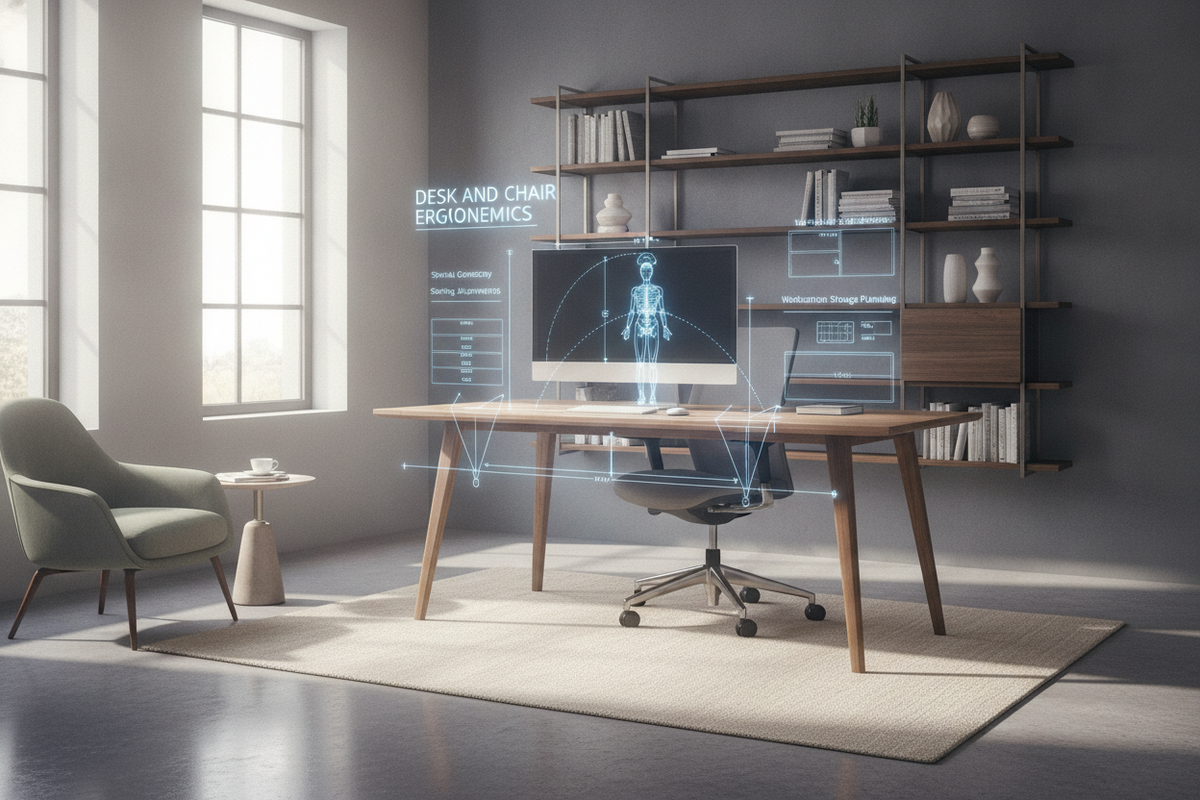
The Desk and Chair Interface: Core Principles of Ergonomic Workstations
Achieving sustained comfort during daily work requires treating the desk and chair as an integrated operational system rather than two disconnected pieces of furniture. A high-performance ergonomic chair cannot compensate for a desk surface set at an awkward elevation, just as an adjustable-height workstation loses its utility if the seating fails to provide stable lumbar and pelvic positioning. Understanding desk and chair ergonomics begins by mapping the physical contact points between the human body, the chair's support surfaces, and the primary work plane.
When evaluating furniture pairings, spatial coordination between seating mechanisms and desk frames determines long-term usability. For broader perspectives on curating complementary office pieces, exploring a chair desk guide helps establish cohesive styling alongside mechanical functionality. A balanced workspace aligns physical posture with spatial efficiency, ensuring that each adjustment to the seat pan or backrest complements the clearance and height of the adjacent desktop.
Seating Geometry and Chair Adjustment Frameworks
Proper seating geometry begins with the seat pan and lumbar contour. The seat height should allow the user's feet to rest completely flat on the floor with thighs oriented roughly parallel to the ground, distributing body weight evenly across the seat cushion without concentrating pressure behind the knees. Adequate seat depth is equally critical; leaving a slight gap between the front edge of the seat cushion and the back of the calves prevents blood flow restriction while keeping the lower back firmly engaged with the lumbar curve.
Chair backrests should support the natural curve of the spine. Adjustable lumbar supports ought to nestle directly into the inward curve of the lower back, reinforcing a neutral seated posture without forcing unnatural forward arches. In my experience, taking the time to fine-tune backrest recline tension makes a remarkable difference in sustaining energy across long working blocks, allowing subtle reclining movements without sacrificing upper-body stability.
Surface Elevation and Forearm Alignment Dynamics
Once the chair is calibrated to the user's lower body, the relationship between the seat and desk surface comes into focus. The primary objective is to maintain a relaxed shoulder line with elbows resting comfortably at open angles. Forearms should extend toward the desktop without shrugging the shoulders upward or reaching unnaturally downward, keeping wrists straight and neutral during typing and mousing tasks.
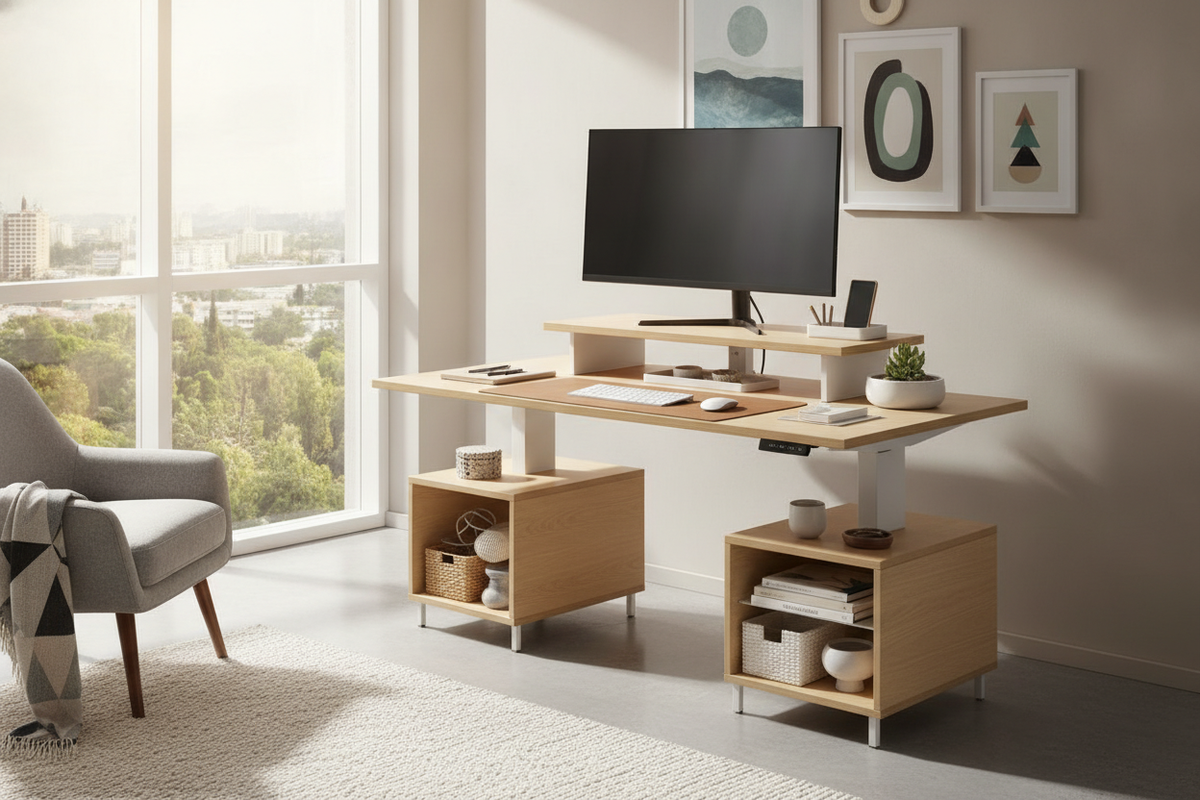
In standard fixed-height workstations, achieving this neutral alignment often requires raising the chair slightly and incorporating a dedicated footrest to support the lower limbs. Height-adjustable desks eliminate this compromise by allowing the worktop to meet the elbows at the exact resting plane. For those refining both functional height and visual balance, consulting a comprehensive desk ergonomics guide provides useful tactics for merging clean visual lines with practical posture requirements.
Under-Desk Clearances, Leg Geometry, and Foot Placement
An often overlooked aspect of ergonomics desk and chair integration is the open space beneath the primary work surface. Thick desktop aprons, center support beams, or shallow under-desk pencil drawers can obstruct the user's knees and thighs, preventing the chair from pulling close enough to the work area. When thigh clearance is restricted, users often compensate by perching on the front edge of the chair, losing all lumbar support.
To evaluate potential furniture clearances before committing to a layout, reviewing a focused desk chair guide can clarify how frame proportions and drawer profiles affect seating depth. Maintaining generous lateral legroom ensures that the user can shift leg positions throughout the day without bumping into desk legs or storage components.
Screen Focal Distances, Reach Zones, and Peripheral Equipment
Workstation surface zoning prevents repetitive strain by categorizing tools based on usage frequency:
- Primary Reach Zone: Items used constantly—such as the keyboard, mouse, and immediate writing pads—should reside directly within the sweep of the forearms when elbows remain close to the torso.
- Secondary Reach Zone: Frequently accessed tools, including task lighting controls, notepads, and desk phones, should sit within arm's reach without requiring the torso to bend forward.
- Tertiary Zone: Reference materials, monitor risers, and decorative elements belong along the outer perimeter, accessible by rotating the chair rather than overextending the upper body.
Monitors should sit directly in front of the seating position, positioned at an arm's length distance. The top border of the display glass should align roughly at or slightly below eye level, allowing the neck muscles to rest in a neutral posture while scanning the screen from top to bottom.
Storage Architectures that Protect Ergonomic Integrity
Dedicated storage units, such as mobile pedestals, lateral file cabinets, and credenzas, play a decisive role in sustaining a functional workstation. When placed carelessly, storage units encroach on the user's knee-well or force asymmetric sitting angles. Mobile file cabinets should be positioned either entirely outside the primary knee clearance zone or offset to the non-dominant side of the desk where leg movement is minimal.
Vertical storage solutions, such as wall-mounted open shelving or side hutches, keep secondary documents within easy grasp while leaving the desk surface clear for active tasks. Ensuring that storage drawers glide smoothly on quality drawer runners prevents awkward twisting motions when retrieving items during focused work sessions.
Room Spatial Planning and Chair Swivel Clearances
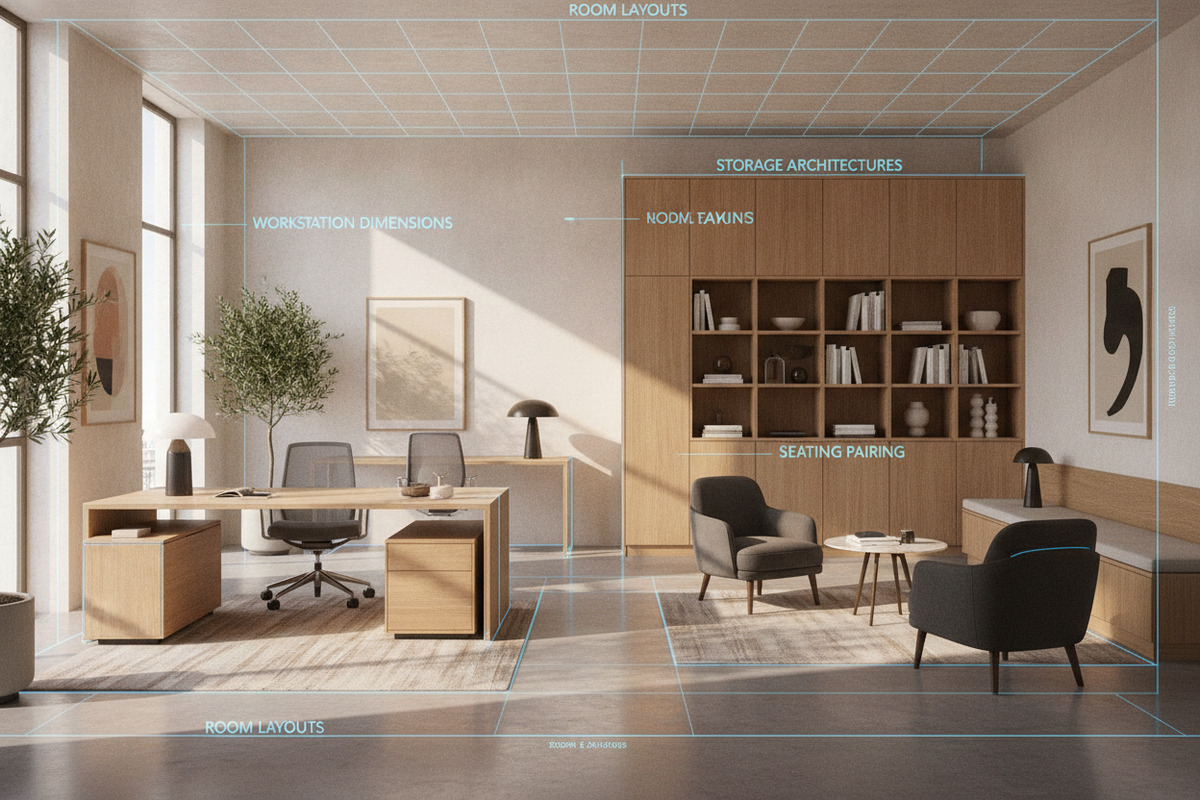
Ergonomics extends beyond the perimeter of the desk surface into the surrounding room layout. An ergonomic setup requires sufficient clearance behind the desk to accommodate smooth chair roll-out, full rotation, and easy egress. Placing a desk too close to a back wall or credenza restricts the chair's travel path, forcing awkward, pinched movements when standing up or sitting down.
Floor surfaces also influence seating dynamics. Caster wheels should match the specific flooring type: softer polyurethane casters roll smoothly across hard surfaces without skidding, while firmer wheels or protective chair mats facilitate fluid movement across dense carpets. Smooth mobility prevents users from using sudden, jarring leg thrusts to reposition themselves at the work surface.
Maintenance, Calibration Routines, and Daily Movement Cycles
Even the most meticulously designed desk and chair ergonomics setup requires regular calibration and dynamic movement habits to remain effective over time. Mechanical components experience natural wear and subtle shifts:
- Hardware Checks: Periodically inspect and tighten mounting bolts on monitor arms, chair armrests, and desk leg assemblies to eliminate micro-wobbles that cause subconscious muscular tension.
- Pneumatic Cylinder Care: Monitor chair gas cylinders for subtle height drift, ensuring the seat pan remains at its calibrated height throughout the working week.
- Active Posture Variation: Shift between upright engagement, slight reclining pauses, and standing intervals if using a sit-stand desk, avoiding prolonged static postures in any single orientation.
By establishing a well-proportioned interface between your chair, desk plane, and supporting storage units, your home office transforms into an efficient, posture-supportive environment optimized for enduring focus and long-term utility.

Dejar un comentario
Este sitio está protegido por hCaptcha y se aplican la Política de privacidad de hCaptcha y los Términos del servicio.