










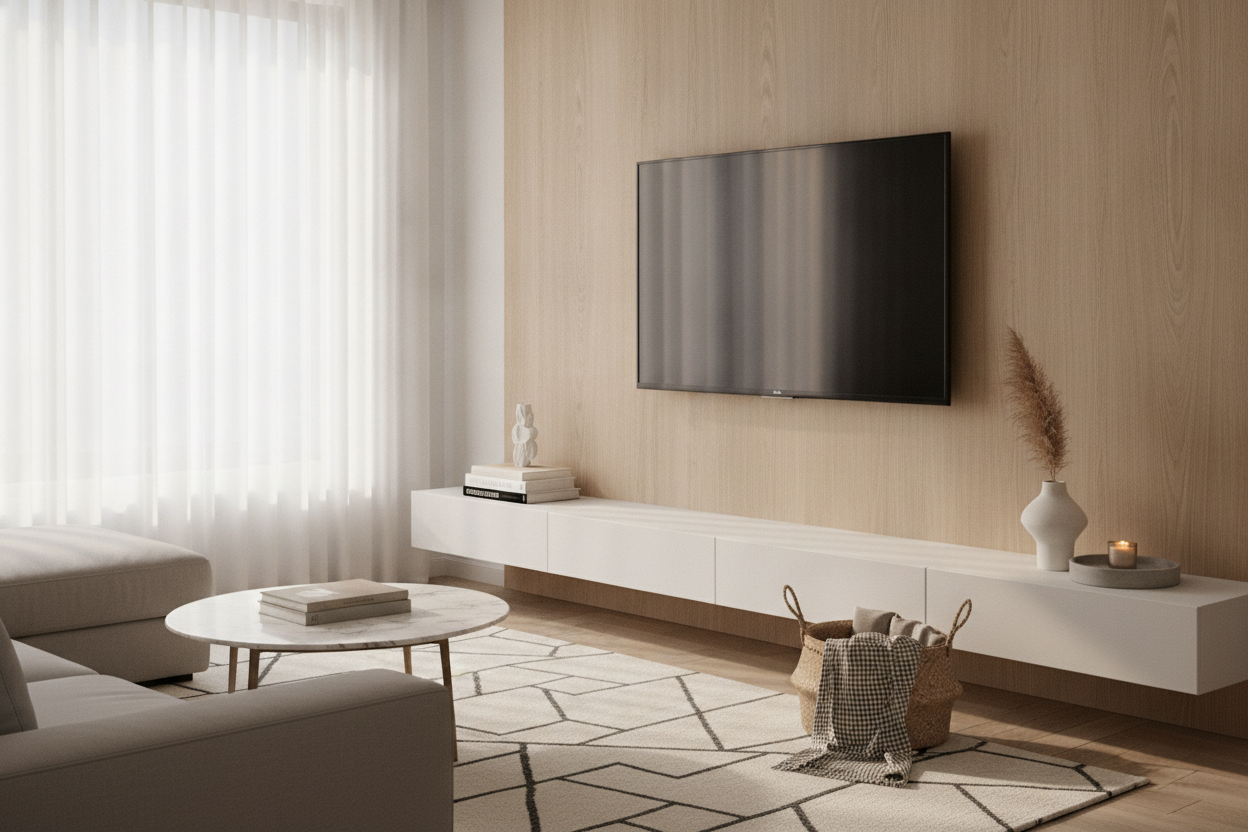
I remember staring at my 65-inch OLED for three days after I finally got it mounted. The wall looked naked, almost clinical. I felt this frantic itch to buy some shelves below tv just to make the room feel 'finished.' It’s a common reflex—we see a blank vertical space and our brains demand we fill it with something, anything, to anchor the screen.
But before you break out the stud finder and drill more holes into your drywall, let's have a heart-to-heart. Most people buy shelves for under tv because they think they have to, not because they actually have anything worth displaying. If you aren't careful, that sleek ledge becomes a graveyard for dead AA batteries and dusty remotes.
Quick Takeaways
- If you stream everything and have no soundbar, a blank wall often looks cleaner.
- Floating shelves require expert cable management or they look like a wire waterfall.
- Use a shelf only if you need to house specific tech like a PS5 or a center-channel speaker.
- Grounded furniture is better for hiding bulky power bricks and routers.
The Automatic Urge to Fill the Void
We have a psychological allergy to negative space. In a small living room, a wall-mounted TV can look like it's drifting away into the ether. This is why we reflexively hunt for furniture to stick underneath it. We want to 'ground' the electronics so the room feels balanced.
The problem is that we live in a post-physical media world. Unless you're a hardcore 4K Blu-ray collector, you probably don't have a stack of discs to store. If you buy a shelf just to put three decorative vases on it, you’re just creating more surfaces to swiffer. Ask yourself: am I solving a storage problem, or just an aesthetic insecurity?
When Shelves for Under TV Actually Make Sense
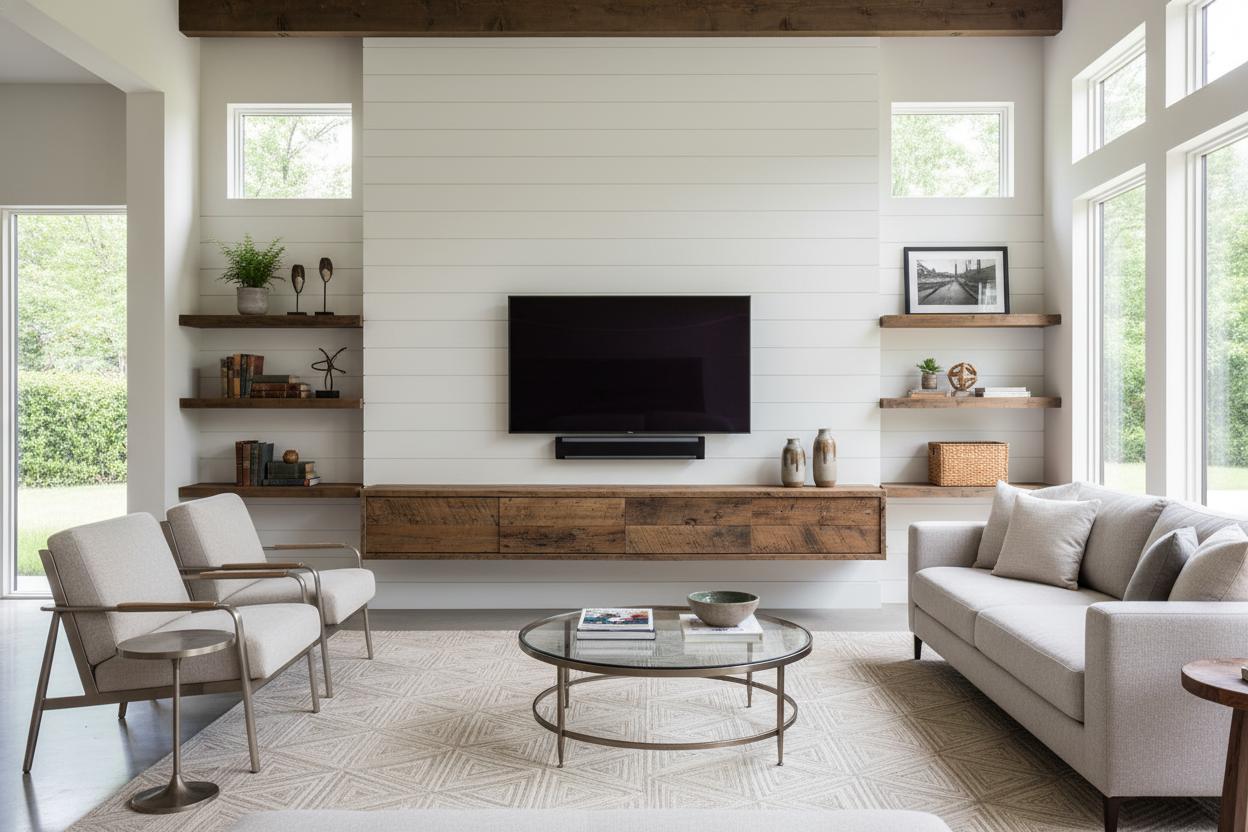
There are absolutely times when a ledge is a lifesaver. If you’ve invested in a high-end soundbar, it needs a flat surface to project audio correctly. Mounting a soundbar directly to the wall can sometimes muffle the upward-firing drivers. A shelf gives it room to breathe.
Gaming consoles are the other big factor. A Series X or a PS5 is a chunky piece of industrial design that doesn't exactly disappear. A sturdy shelf keeps them off the floor and away from pet hair. Just be honest with yourself about the visual noise; your floating shelves under tv look cluttered the second you start piling up controllers and tangled charging cables. If you can't keep it tidy, the shelf is your enemy.
The Case for Leaving the Wall Completely Blank
I’m going to advocate for true minimalism for a second. If you can run your cables through the wall using a recessed power kit, skipping the shelf entirely is a power move. It makes a standard 12x14 living room feel twice as large because the floor-to-wall transition is uninterrupted.
When the wall is blank, the TV looks like a piece of art (especially if you’re rocking something like the Samsung Frame). It forces you to be disciplined. No shelf means no place to 'temporarily' put the mail or your half-empty coffee mug. It’s a high-effort look that requires perfect cable management, but the payoff is a room that feels incredibly light and intentional.
What to Do If You Just Hate the Floating Look
If you’ve tried the 'floating' look and it just feels too cold or like a hospital waiting room, you might not want a shelf at all. You might want a piece of furniture with some actual visual weight. Floating shelves are great, but they can't hide a bulky router or a messy surge protector very well.
Instead of a thin ledge, look at traditional TV stands that sit firmly on the floor. They provide a 'base' for the visual weight of the TV. Personally, I’m a fan of a mid century modern TV stand with slatted doors. The slats are the secret weapon—they allow IR signals from your remote to pass through and keep your electronics ventilated while hiding the ugly plastic boxes and blinking LEDs from view.
The Compromise: All-in-One Mounts
If you're a renter and the thought of drilling four massive toggle bolts into your wall for a floating shelf gives you hives, there’s a middle ground. Hybrid mounts are essentially floor stands that have a mounting bracket attached. They give you that 'floating' height without the permanent wall damage.
I actually swapped my console for a TV stand with mount and shelves in my last apartment because the landlord was a stickler for drywall patches. It gave me two small glass tiers for my Apple TV and a controller, but I could move the whole unit whenever I wanted to rearrange the room. It’s the best solution for people who want the utility of a shelf without the commitment of a construction project.
Personal Experience: My Ledge Disaster
I once installed a beautiful 5-foot reclaimed wood ledge under my TV. I spent two hours leveling it. It looked magazine-ready for exactly one week. Then I realized I had nowhere to put the massive power brick for my internet gateway. I ended up duct-taping the brick to the underside of the shelf. Every time I sat on the sofa, I could see the silver tape peeling off. It was a mess. If you don't have a plan for every single wire, a floating shelf will eventually betray you.
FAQ
How far below the TV should a shelf be?
Aim for 4 to 6 inches. Any closer and it looks cramped; any further and the shelf looks like it belongs to a different wall setup entirely.
Can a floating shelf hold a gaming console?
Only if you anchor it into at least one stud. Drywall anchors are rated for weight, but the vibration and heat from a console can loosen them over time. Always hit a stud if you're putting tech on there.
What depth should the shelf be?
10 inches is usually the 'Goldilocks' zone. It's deep enough for a soundbar or a console but shallow enough that it doesn't feel like a diving board sticking out into your walking path.

Dejar un comentario
Este sitio está protegido por hCaptcha y se aplican la Política de privacidad de hCaptcha y los Términos del servicio.