










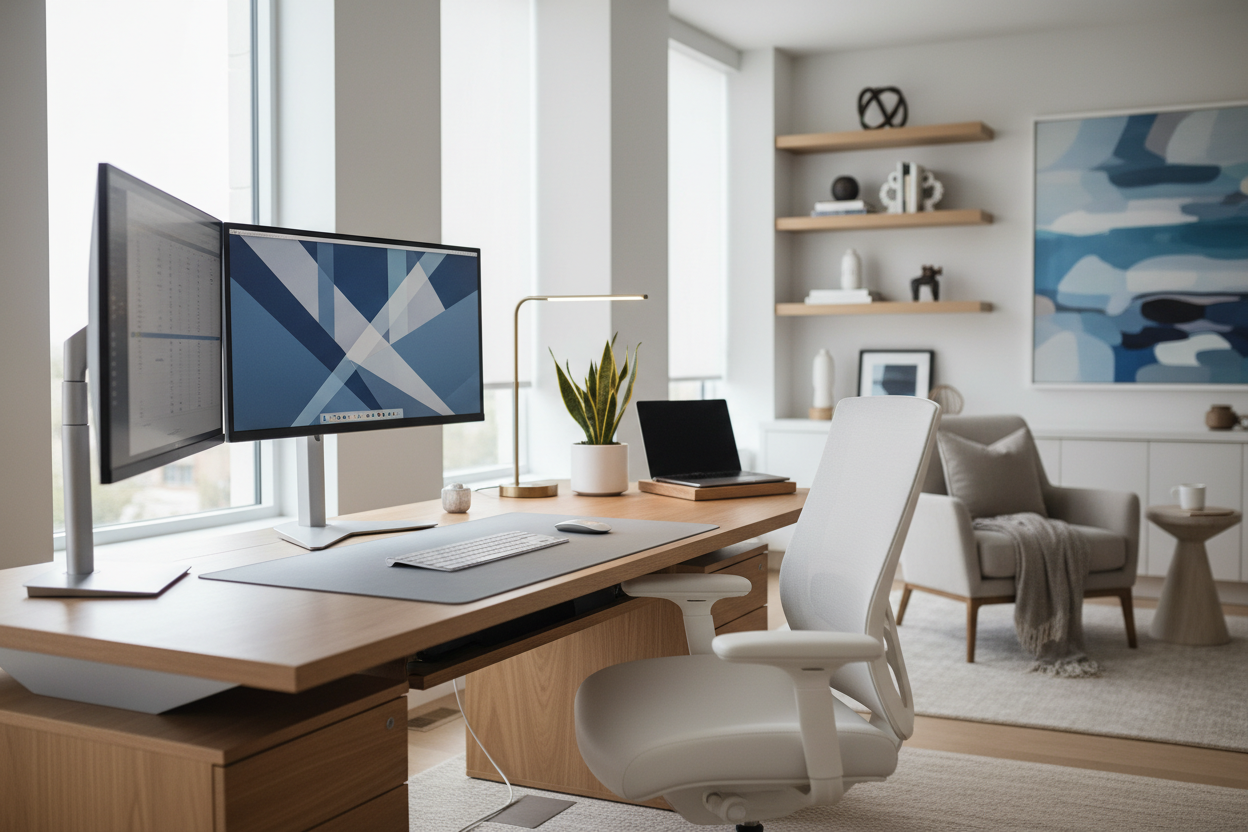
There is a specific tension I see in almost every home office renovation project. We spend weeks selecting the perfect walnut desk, curating lighting with the right color temperature, and choosing an ergonomic chair that doubles as a sculptural element. Then, the technology arrives. Often, bulky, unattractive towers and tangled wires disrupt the visual harmony we worked so hard to create. Choosing work from home computers is no longer just about processor speeds and RAM; it is an interior design decision that dictates the flow and feel of your workspace.
Quick Decision Guide: Key Features for Design-Conscious Buyers
If you are balancing high-performance needs with a refined aesthetic, consider these four pillars before purchasing:
- Form Factor & Footprint: Does the chassis fit your desk depth? All-in-One (AIO) units reduce clutter, while towers require dedicated floor or shelf space.
- Cable Management Potential: Look for a computer for work from home that offers wireless connectivity or integrated cable routing to maintain visual calm.
- Acoustic Profile: In a home environment, fan noise matters. A good computer for work from home should be seen and not heard.
- Material Finish: Match the casing (matte black, brushed aluminum, white plastic) to your existing hardware and room palette.
The Silhouette: All-in-One vs. The Traditional Tower
When selecting the best work from home computer, you are essentially choosing between two distinct design silhouettes. As a designer, I often lean toward All-in-One (AIO) desktops for clients with limited square footage or open-plan living areas. These units house the pc for working from home directly behind the monitor.
From a styling perspective, AIOs offer a minimalist profile that allows the desk itself to remain the focal point. However, if your profession requires immense processing power—think video editing or 3D rendering—a work from home desktop computer with a separate tower is often necessary. In these cases, we must plan for "negative space" under the desk or integrated joinery to house the unit, ensuring proper ventilation while keeping the visual weight off the work surface.
Laptop Integration for Flexible Spaces
Not every home office is static. For clients who migrate from the study to the kitchen island, a high-performance laptop for working remotely is the logical choice. However, the design challenge here is docking. To prevent the "temporary" look, I recommend a dedicated monitor setup where the laptop can be closed and tucked vertically into a stand. This transforms a portable device into a grounded desktop computer for work from home experience without sacrificing the clean lines of the room.
Visual Ergonomics and Screen Real Estate
Scale is critical in interior design, and it applies to your tech as well. A common mistake is buying a desktop for work from home with a monitor that overwhelms the desk. If your desk is less than 24 inches deep, a massive 32-inch curved monitor will feel oppressive and crowd your workspace.
Conversely, a tiny screen on a grand executive desk looks disproportionate. Finding the best desktop computer for remote work involves balancing technical screen requirements with the physical proportions of your furniture. For a cohesive look, consider mounting monitors on articulating arms. This not only clears desk space but also allows you to adjust the screen to eye level, merging the best pc for working from home with superior ergonomic principles.
Aesthetics of the Peripherals
The best work from home desktop setup is often ruined by the accessories. When sourcing a computer for working at home, consider the tactile elements. Wireless keyboards and mice are non-negotiable for a luxury look. I advise clients to look for peripherals that complement the work from home desktop materials—soft-touch greys for modern spaces or mechanical keyboards with wood accents for mid-century modern rooms. These small details prevent the "corporate cubicle" vibe from entering your sanctuary.
My Personal Take on Work From Home Computers
I learned a hard lesson about the intersection of tech and design during a project for a client in a high-rise apartment. We selected a high-end, industrial-style glass desk that looked stunning against the skyline. The client then purchased a massive, gaming-style pc for remote work with flashing RGB lights and a loud cooling fan.
Because the desk was glass, there was nowhere to hide the cabling or the tower. The flashing lights reflected off the glass at night, ruining the ambient lighting scheme we had designed. It taught me that the working from home pc must be treated like an appliance—it needs a dedicated "garage" or housing. Now, when I design for glass desks, I insist on Mac Minis or ultra-slim clients that can be mounted to the underside of the frame, completely out of sight. It’s a small detail, but it preserves the architectural integrity of the furniture.
Conclusion
Ultimately, good work from home computers are those that serve your professional needs without disrupting your domestic peace. By considering the silhouette, material finish, and scale of the device, you can ensure your technology enhances your home’s design rather than detracting from it. Treat your computer purchase with the same consideration you would give to a piece of fine furniture.
Frequently Asked Questions
What is the best computer for working from home in a small apartment?
For tight spaces, an All-in-One desktop or a high-powered laptop with a vertical dock is ideal. These options minimize physical footprint and reduce cable clutter, making the space feel larger and more organized.
Is a gaming PC a good option for a work from home setup?
While powerful, gaming PCs often feature aggressive aesthetics (lights, bulky cases) that clash with residential decor. If you need the power of a gaming rig, look for "sleeper" cases—minimalist towers that house high-end components without the visual noise.
How do I hide cables for a clean desktop look?
Choose a computer to work from home that supports Bluetooth peripherals. For power cables, use cable sleeves that match your wall or desk color, and route them along the legs of the desk using velcro ties or clips to keep them invisible.


Dejar un comentario
Este sitio está protegido por hCaptcha y se aplican la Política de privacidad de hCaptcha y los Términos del servicio.