










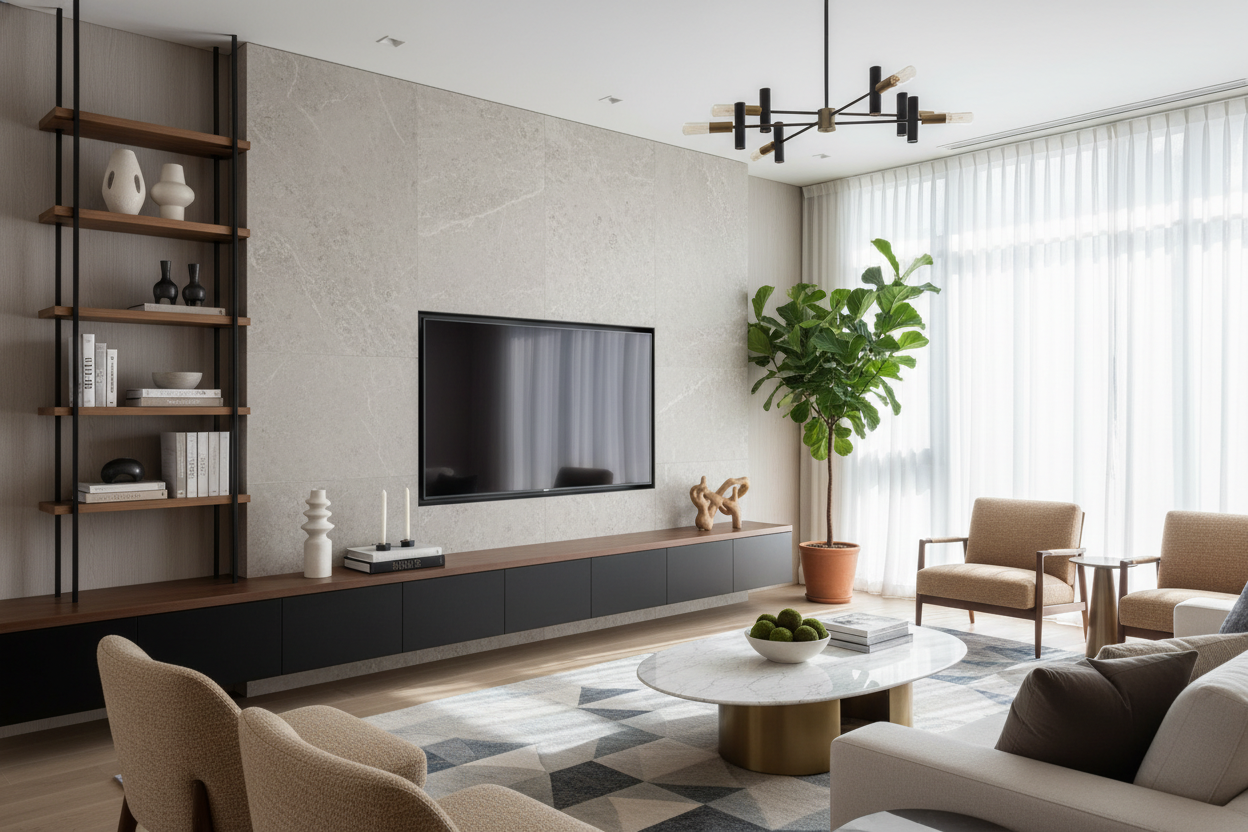
My partner and I have a recurring argument that usually happens in the middle of a Best Buy. He wants the 'cinematic experience,' which to him means a screen so large it requires a permit. I want a living room that doesn't look like a suburban sports bar. When the box for our new screen arrived, it was so massive it barely fit through the front door. I spent the next three days staring at a giant piece of cardboard, realizing my current furniture was woefully unprepared for a tv entertainment center for 75 inch tv of this magnitude.
- Go Wide: Your console must be at least 15-20% wider than the screen to avoid the 'top-heavy' look.
- Low Profile: Large screens need lower stands to keep the viewing angle at eye level.
- Closed Storage: Hide the cables, consoles, and clutter to keep the focus on the design, not the tech.
- Visual Gravity: Choose heavier materials like solid wood or dark metal to anchor the massive black rectangle of the screen.
The Compromise: Embracing the Giant Screen
Let's be honest: nobody buys a 75-inch TV because it 'complements the wallpaper.' You buy it because you want to see every blade of grass during a football game or every pore on an actor's face in 4K. But in a standard-sized living room, that much tech can easily swallow the space. I spent years perfecting my gallery wall, only to have it threatened by a 66-inch wide slab of black glass. The struggle is real—you want the tech, but you don't want the tech to be the only thing people see when they walk in.
The key to winning this design battle isn't fighting the TV; it's framing it. I had to stop thinking of the TV as an appliance and start thinking of it as a piece of architecture. If you treat it like a focal point—the same way you would a fireplace—you can build around it. My mistake was trying to 'hide' it on a small, dainty table I already owned. It looked ridiculous. It looked like a lollipop waiting to tip over. Once I accepted that the screen was here to stay, I realized I needed a piece of furniture that could actually hold its own against that much visual volume.
The Golden Ratio of Screen-to-Console Width
Here is where most people mess up. They see a 'large' console at a big-box store and assume it will work. But a 75-inch TV isn't 75 inches wide; it's about 66 inches wide. If you put a 66-inch TV on a 65-inch stand, the edges of the TV will hang over the sides. Not only is this a recipe for a knocked-over screen if a dog or child runs by, but it also looks visually 'pinched.' You need breathing room. When you start looking at TV stands, you should be looking for something at least 80 inches wide, though 84 or even 90 inches is better.
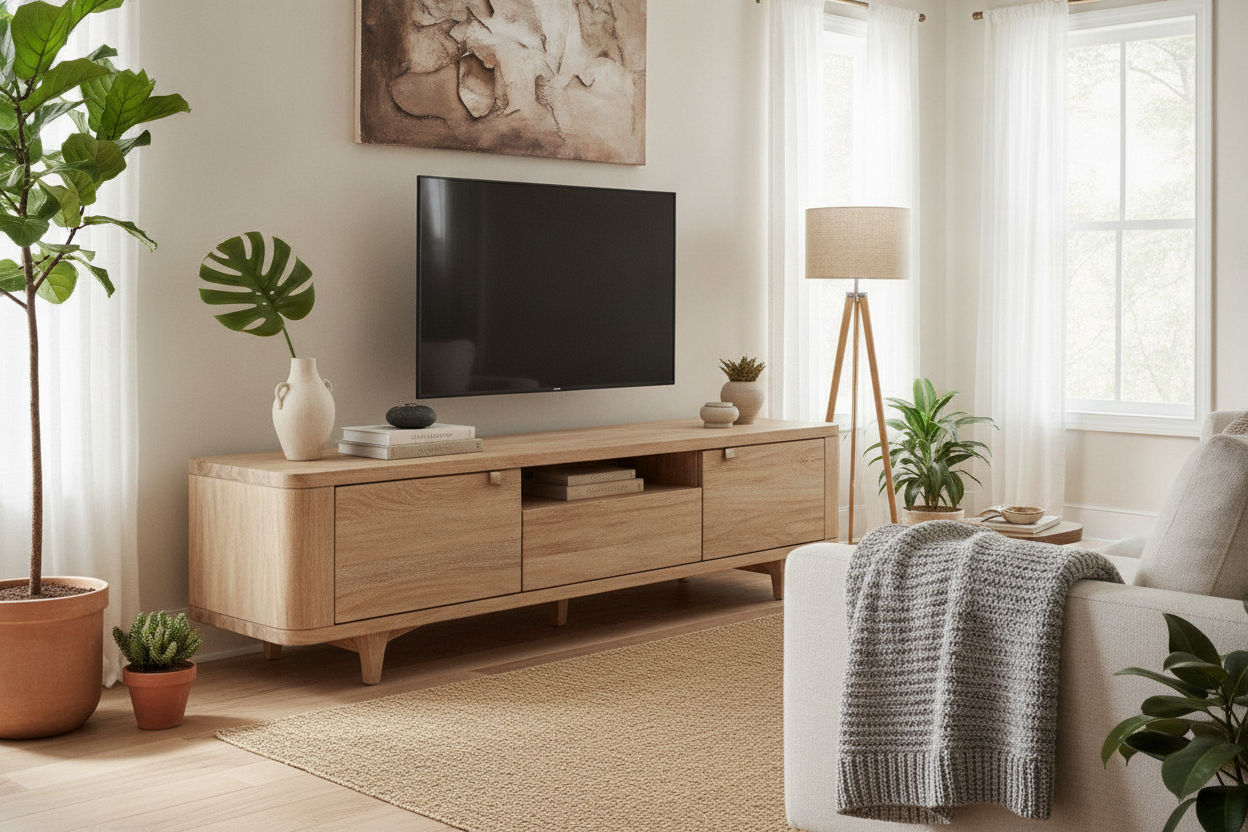
I personally went with an 82-inch unit, and the difference was immediate. Having those extra 8 inches on either side of the screen allows you to place a small lamp, a ceramic vase, or a stack of books to 'soften' the transition from the tech to the room. It creates a horizontal line that grounds the entire wall. If you go too short, the TV looks like it's crushing the furniture. If you go wide, the furniture looks like it's supporting the TV. It’s a subtle psychological shift that makes the room feel expensive rather than cluttered. Also, consider the height. Most 75-inch TVs sit quite high on their legs. If your console is 30 inches tall, you’ll be craning your neck like you’re in the front row of a movie theater. Aim for a height between 18 and 24 inches.
Visual Weight is Just as Important as Width
A 75-inch screen has a lot of 'visual weight.' It’s a giant, dark void when it’s turned off. If you pair that with a spindly, mid-century modern stand with thin tapered legs, the whole setup feels unstable. I’ve seen beautiful kiln-dried hardwood frames sag under the weight of older, heavier screens, but even with modern LED sets, the look is just... off. You need a piece with some 'heft.' This doesn't mean it has to be a chunky rustic farmhouse piece, but it needs a solid base or a thick frame to balance the screen's presence.
I ended up choosing a stylish black tv stand for my setup. Why black? Because the TV is black. When the screen is off, the stand and the TV blend into one cohesive vertical element rather than a floating black rectangle hovering over a wood-toned box. It makes the screen feel like a deliberate design choice rather than an intrusion. If you prefer wood, go for something with a thick plinth base rather than legs. You want the furniture to feel like it’s rooted to the floor. I once tried a metal-frame unit with glass shelves, and it was a disaster—the reflections from the screen and the visible wires made the room feel like a warehouse. Stick to dense materials like solid oak, walnut, or high-quality MDF with a matte finish.
Hiding the Clutter: Closed Storage is Mandatory
Minimalism is your best friend when you’re dealing with a screen this large. The 75-inch TV already provides enough visual stimulation; you don't need to see your router, your PlayStation 5, and your collection of 4K Blu-rays right underneath it. Open shelving is a trap. I spent six months trying to 'style' open shelves under my TV, and it always looked messy. Every cable was visible, and every dust bunny was highlighted by the glow of the screen. I finally switched to a unit with solid doors, and the visual 'noise' in the room dropped by half.
When your storage is open, the eye doesn't know where to land. It bounces from the screen to the messy wires to the colorful game cases. It's the same reason an entertainment center for 85 inch tv looks unbalanced—the scale of the furniture just can't compete with the chaos of the items stored inside it. By using closed cabinetry, you create a clean, quiet zone beneath the screen. This allows the 'media center for 75 inch tv' to act as a pedestal for the screen rather than a junk drawer. If you’re worried about remote signals, look for units with IR-friendly glass or mesh panels, but for the love of design, hide those plastic power strips.
What If You Mount the TV on the Wall?
A common mistake I see is people mounting their 75-inch TV on the wall and then thinking they don't need a console at all. Unless you want your living room to look like a waiting room at a dental office, you still need a piece of furniture underneath. Without it, the TV becomes a 'floating black void' that feels disconnected from the rest of the furniture. A console underneath provides a necessary visual anchor and a place to hide the wires that inevitably have to run down the wall (unless you’re handy enough to run them through the drywall).
For those who want a more integrated look, a full wall unit for 75 inch tv is the ultimate solution. It frames the screen on all sides, making it look like a built-in feature of the house. I’ve seen people use floating consoles for a more modern, airy feel, which works great as long as the console is long enough. A 60-inch floating shelf under a 66-inch TV looks like a mistake. If you go the floating route, make sure the piece is at least 80 inches long to maintain that golden ratio. My personal preference is still a floor-based unit because it hides the floor-level outlets and gives you more room for substantial storage, but a well-executed wall unit can truly turn a 'tech problem' into a 'design feature.'
FAQ
How wide should a TV stand be for a 75-inch TV?
Your stand should be at least 80 inches wide. Since a 75-inch TV is roughly 66 inches wide, an 80-inch stand gives you about 7 inches of space on either side, which is the minimum needed to keep the setup from looking top-heavy.
What is the best height for a 75-inch TV console?
Look for a height between 18 and 24 inches. Because the screen itself is so large, a taller stand will put the center of the TV above eye level, leading to neck strain and a 'looming' feeling in the room.
Can I use a 60-inch console for a 75-inch TV?
Technically, if the TV's legs are narrow enough, it might stay on. Visually, it will look terrible. The overhang makes the TV look precarious and makes the console look like it's struggling to hold the weight. Always go wider than the screen.


Dejar un comentario
Este sitio está protegido por hCaptcha y se aplican la Política de privacidad de hCaptcha y los Términos del servicio.