










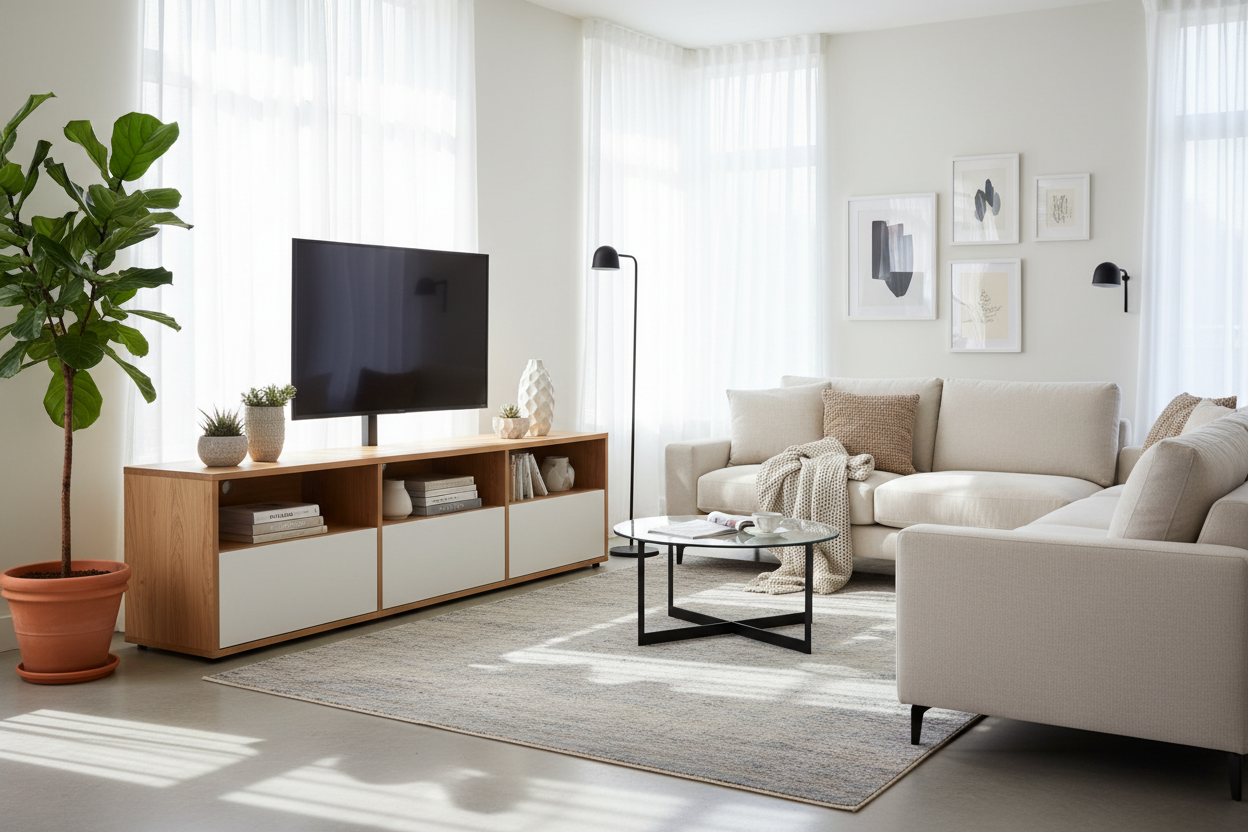
I have a problem. Every six months, I convince myself that my living room would feel 'fresher' if the sofa was on the opposite wall. Usually, this ends with me staring at a cluster of ugly drywall anchors and four-year-old paint patches where the TV used to be. I’ve spent way too many Sundays with a bucket of spackle and a sanding block because I can't commit to a furniture layout for more than a season.
The solution wasn't therapy; it was a cabinet with tv mount. I used to think these were just for offices or hospital waiting rooms, but the modern versions actually look like high-end furniture. They solve the biggest headache for people like me: the floating screen look without the permanent commitment to a single stud location.
- No Drywall Damage: Move your entire entertainment center without touching a drill.
- Built-in Cable Management: Cords vanish into the mounting spine automatically.
- Adjustable Height: You can actually set the TV at eye level, not 'above the fireplace' neck-strain level.
- Renter Friendly: Keep your security deposit intact while still having a mounted screen.
The Wall-Mount Commitment Phobia
There is something deeply stressful about drilling a 3-inch lag bolt into a wall. You have to be 100% sure that is where you want your TV to live for the next five years. If you’re off by an inch, or if you buy a bigger TV later, you’re back to drilling new holes. For someone like me who treats furniture layout like a game of Tetris, that kind of permanence is a nightmare.
It’s not just about indecision, though. If you live in an apartment, My Landlord Banned Drilling, So I Bought a Cabinet With TV Mount because the thought of patching 'Swiss cheese' walls at move-out was enough to keep my TV sitting on its clunky plastic legs for years. This hybrid setup gives you that clean, minimalist aesthetic without the structural anxiety.
Enter the Cabinet With TV Mount (My Living Room Savior)
So, what exactly are we talking about? It isn't just a TV stand. It’s a piece of heavy-duty furniture with an integrated steel mounting bracket that rises from the back. The TV 'floats' above the surface of the cabinet, leaving the entire top of the console free for speakers, books, or decor. I currently have mine styled with a few oversized art books and a ceramic lamp that would never have fit if the TV were sitting on its own stand.
I went with a solid wood unit because you need that weight at the bottom. If you buy a flimsy particle-board version, the whole thing feels top-heavy. My current setup uses a 65-inch OLED, and because the cabinet itself weighs about 120 pounds, it feels as solid as a rock. It mimics the high-end look of a custom built-in without the four-figure contractor bill.
Why This Setup Completely Beats Drilling into Studs
Beyond the lack of holes in my wall, the sheer practicality of this design surprised me. When you wall-mount, you often realize the studs aren't perfectly centered on the wall where you want the TV to be. You end up buying expensive articulating mounts just to shift the screen four inches to the left. With a cabinet mount, you just slide the furniture over.
Absolute Layout Freedom
Last winter, I decided I wanted the TV in the corner to make room for a massive Christmas tree. If that TV had been wall-mounted, I would have been out of luck. Instead, I just unplugged two cords, grabbed a friend, and we slid the whole unit three feet to the right. It took five minutes.
I’ve even pivoted the screen for parties so people in the kitchen could see the game, then pivoted it back for movie night. You get 360-degree flexibility that a standard wall bracket rarely offers unless you spend a fortune on a high-end cantilever arm.
Instant, Stress-Free Cord Concealment
Cable management is usually the part of the 'floating TV' dream that turns into a nightmare. You either have to cut holes in your drywall to fish wires—which is a fire hazard if you don't use the right in-wall rated cables—or you use those plastic cord hider strips that never quite match your paint color.
The cabinet with tv mount has a hollow spine. You run your HDMI and power cables through the back of the mount and directly into the cabinet below. Everything is hidden instantly. No fishing tape, no drywall saws, and no messy 'octopus' of wires hanging down. My Apple TV and PS5 sit inside the cabinet, and the only wire visible is the one going to the wall outlet behind the furniture.
How to Shop for a Sturdy TV Mount Cabinet
When you're browsing for a tv mount cabinet, don't just look at the style. You need to check the VESA compatibility—that’s the distance between the mounting holes on the back of your TV. Most mounts handle 200x200mm up to 600x400mm, which covers almost everything from a 43-inch to a 75-inch screen.
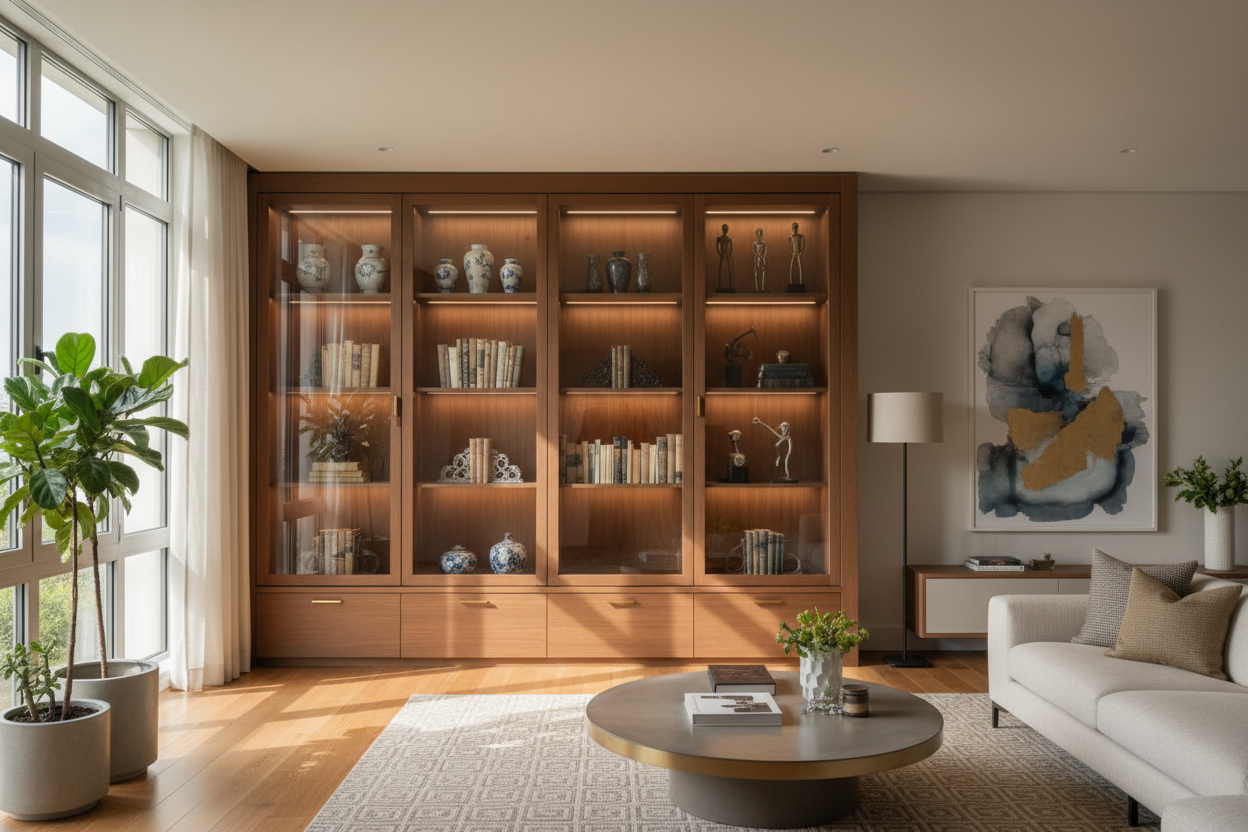
Stability is the biggest factor. You want a base with some serious footprint. A Modern Tv Console Cabinet Media Console Adjustable Length With Drawers And Legs is a great example of a base that offers enough width and weight to counterbalance a large screen. If you're going for a specific look, pairing the mount with something like a Black Cabinet With Glass Doors can make the whole setup look like a curated media gallery rather than just a place to put the TV.
Will It Tip Over? (And Other Valid Worries)
I’ll be honest: the first time I hung my expensive TV on a piece of furniture, I was terrified. I kept waiting for it to do a slow-motion faceplant onto the hardwood. But physics is on your side here. These units are designed with a center of gravity that sits low and back.
That said, don't skip the anti-tip hardware. Even though you aren't mounting the TV to the wall, you should still anchor the cabinet itself to a stud if you have kids or pets. It’s one small hole that’s hidden behind the furniture—much better than four massive holes at eye level. My only regret? Not buying one of these three apartments ago.
FAQ
Can I use my existing TV mount on a cabinet?
Usually, no. These cabinets come with a proprietary mounting system integrated into the frame. You can't just bolt a standard wall mount onto a random dresser and expect it to hold.
How much weight can these cabinets actually hold?
Most are rated for 100 to 135 pounds on the mount itself. Always check the specs, especially if you have an older, heavier plasma screen or a massive 85-inch LED.
Is it hard to assemble the mounting column?
It’s the heaviest part of the assembly. You’ll definitely want a second pair of hands to hold the TV while you line up the bolts, but the actual furniture assembly is usually standard cam-lock and screw work.


Dejar un comentario
Este sitio está protegido por hCaptcha y se aplican la Política de privacidad de hCaptcha y los Términos del servicio.